Click Image To Zoom


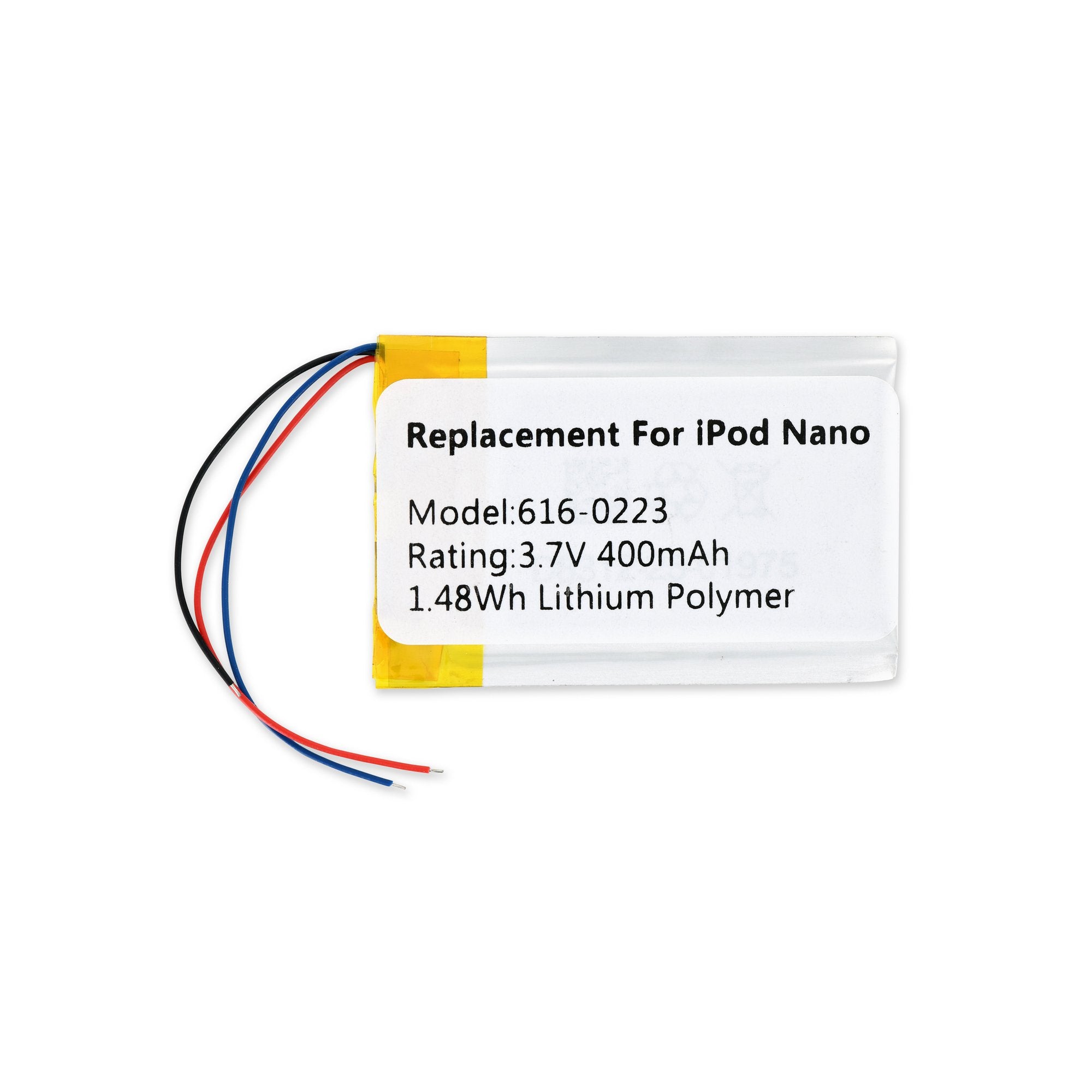
iPod Nano Gen 1 Replacement Battery

$14.95

Product code: IF197-015-1

Product Overview

Installation requires soldering of battery to logic board. Includes free set of iPod opening tools.

Compatibility

Identify your iPod

  • All 1st Generation iPod Nanos

Product Details

  • Model #: 616-0224
  • Capacity: 400 mAh

  $14.95


Condition:

New

Warranty:

6 month warranty

Add to Cart »

3 Available

Quantity:


Compatibility

iPod Nano 1st Generation
1 GB
2 GB
4 GB
 

Stories

My Problem

First generation iPod nano was lasting less than two hours on the original battery.

My Fix

Repair went smoothly. Took about three hours from start to finish.

My Advice

Take your time.

My Problem

I bought a used iPod nano on ebay and the battery didn't work (they didn't tell me about that part)so I decided to try and fix it.

My Fix

I have used a soldering iron before so, I thought how hard can this be. Watched the video acouple of times. It was very straight forward. My iron might have gotten too hot, but I soldered the wires and put the back on and shazam it turned on and I could listen to several songs in a row and the battery is still charged. One glitch, there is a black line on my screen now. But I can still see everything and best of all I can listen to my music.

My Advice

Make sure your iron dosen't get to hot. There is a thing that controls the heat, but I didn't use it and can't remember what it is called.

My Problem

The battery in the Nano I found was dead. I guess that's why it was thrown out.

My Fix

The repair was relatively easy and straightforward. Getting the case open is tricky, especially as the plastic tool provided doesn't hold up too well against the Nano's metal backing. But the instructions were easy to follow, so things went well.

My Advice

Watch out for those ribbon cables--they're easy to disconnect by accident when reassembling the case. I got everything back together the first time only to find that I had no LCD display (but I knew the Nano was active when I synced). Also, watch out not to solder the battery leads too close--they're just the right length to stretch from the battery opening to the power connection.

My Problem

After 5 years of operation my Daughters little iPod nano (G1) gave up the ghost due to a faulty battery. The battery actually expanded and "popped" the case open. My daughter was distraught that she could not listen to here "Phineas & Ferb".

My Fix

Repair was easy. The case was already open due to the bloated battery. The hardest part was disconnecting the two tiny ribbon cables. The little black flaps are so small. Best advice was the paper clip to clear the pin holes. I used a push pin, but the result was the same. Just make sure you have a steady hand for the soldering.

My Advice

The battery fix is very simple, and everything worked out just fine. Don't chuck the iPod just because of an old battery.