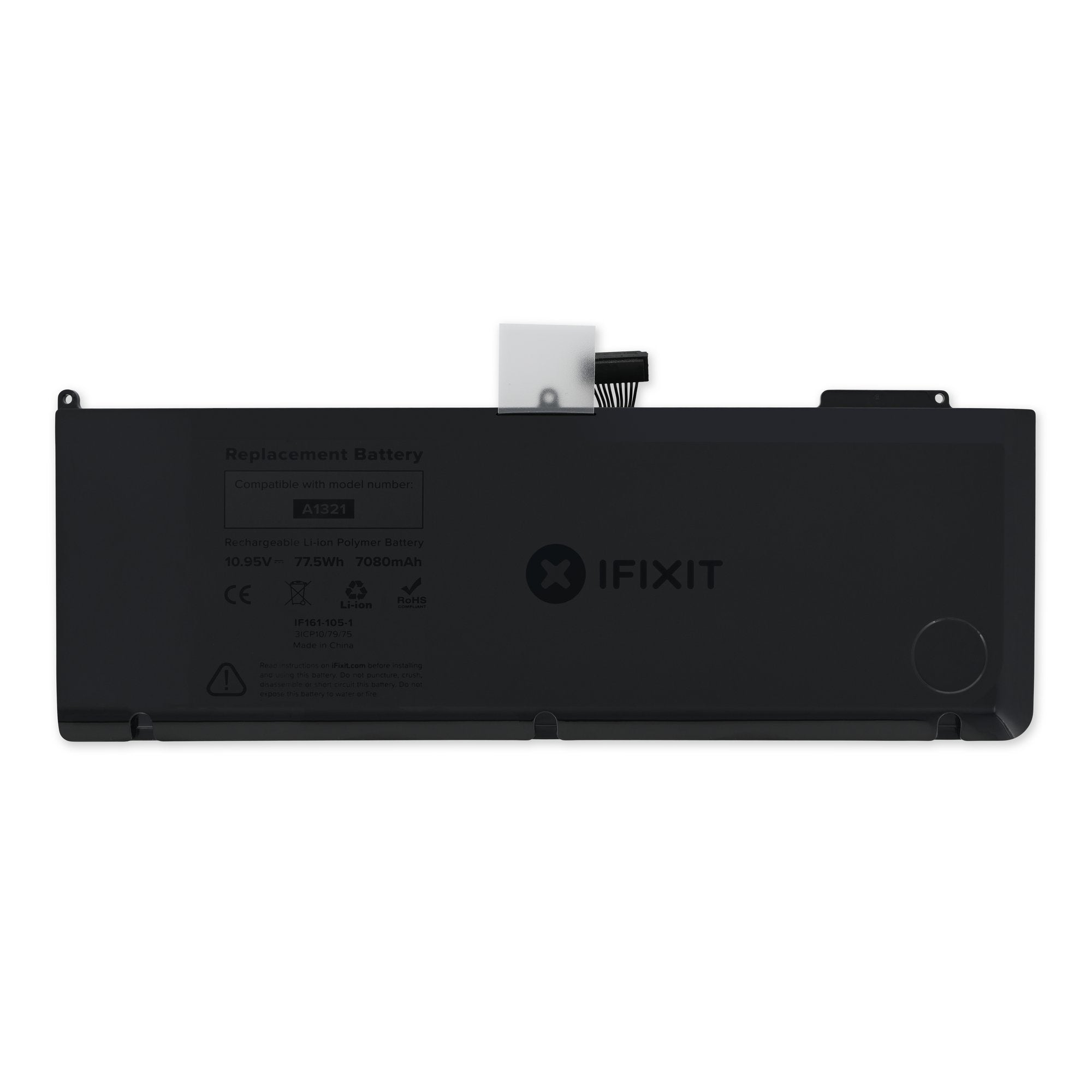
Click Image To Zoom
Installation Guide
MacBook Pro 15" Unibody Mid 2009
Difficulty: Moderate
Required Tools
Add All Tools to Cart »Share this Product
Compatibility
| MacBook Pro 15" Unibody 2.53 GHz Mid 2009 |
| |||
| MacBook Pro 15" Unibody Mid 2009 |
|
Stories
My Problem
My battery wouldn't hold a charge.
My Fix
Took about 10 minutes to do. Very simple, just read through the process first and make sure you have the proper screwdrivers.
My Advice
Just be careful not to strip the torx screws if you don't have the special torx 5.
My Problem
My MacBook Pro 18 months old and the battery died completely. It's supposed to last for ~1000 charge cycles (for several years) and it died at 128 cycles. I had to make an appointment a week out at a Genius Bar at an Apple Store nowhere near where I live and they told me that there was nothing they could do and that they didn't even have the battery in stock, that they'd hold onto my laptop for a week just to replace the battery– and charge me upwards of $200 to do it (when the battery itself is less than $120). So I went through this whole ordeal of trying to find the right battery only to find out that they don't even sell the battery through retail outlets– Apple will only replace the battery themselves, and charge a ridiculous $60 fee to replace it and keep the computer for days just to do something that takes 5 minutes and zero skill whatsoever.
My Fix
I ordered the battery and the proprietary screwdriver <gives Apple the middle finger> through iFixit. The order shipped an hour after I placed it. Impressive. It took less than 4 minutes to replace my battery, and most of that was spent just unscrewing the bottom. It was ridiculously simple. To put that into perspective, it took 20 minutes after my appointment time at an Apple Store just to get someone to tell me my battery crapped out and they couldn't do anything about it.
My Advice
I don't usually like to gripe and publicly complain about things. There's a lot that I love about Apple and their products, but this whole experience, albeit unfortunate, was completely unnecessary for something that should be so simple to fix. I already referred to iFixit for guides on how to repair my computers, but I will be relying on them for my future repairs and upgrades as well and saving myself time and money.
My Problem
I am a college student and I use my Mid-2009 MacBook Pro on battery almost every day I have class. It usually lasts me all the whole school day but the charge capacity has gotten lower and lower in the past few months and after looking, I had gone through 600+ cycles. I also got a "replace now" warning on my battery icon in OS X. So, I figured it was about time to replace.
My Fix
Easiest time I've every had replacing an internal component. Just take out the access panel screws. 3 screws to take out the battery, unplug it, plug in the new one, 3 screws back in, and back goes the access panel. Clean and easy!
My Advice
Apple says the battery on my model of MacBook Pro it not user replaceable. So, if you replace the battery yourself while your MacBook Pro is in warranty you may void it.
But for me, my MacBook is years out of warranty and it was an absolute breeze to replace. I think just about anyone can do it. I also recommend you get the battery removal tool here on ifix. if you try to use something else you may strip it like I almost did.
Also, you can drop off your old battery at any Apple Store and they will recycle it for free!
My Problem
My battery in my MBP was barely holding a charge and had several hundred cycles under its belt.
My Fix
Perfect. I was a bit concerned about losing some of those infinitely miniature screws, but I was fortunate to have them all in place when the job was complete.
My Advice
Get the necessary tools. You will need tham.
My Problem
Installing MacBook Pro 15" Unibody Mid 2009 Battery
My Fix
Everything fine !!
Thank you
My Advice
Everything fine !!
Thank you
My Problem
I had an ongoing problem with my 2009 MacBook Pro's battery. I kept getting the "Service Battery" warning on an intermittent basis over a few months.
My Fix
The repair was extremely easy! I'm not a home handyman type, but this was very simple and the guides provided by iFixit were excellent!
My Advice
Don't be afraid to give this a try. iFixit was a real help and the parts were reasonable considering the alternative to getting this fixed by Apple (and by being without a computer for a week or more)!
My Problem
Service battery message appeared
My Fix
Excellent - 5 minutes. Screws that hold on the back plate are difficult to remove.
My Advice
Buy the tools because they definitely help!