
 2
2  2
2 Why does it freeze on battery power?
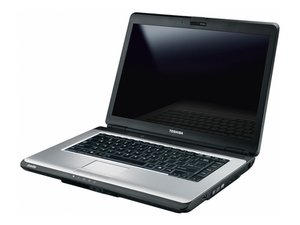
i have this toshiba system (satellite A305), that hangs each time the power adapter is connected to it, while running on battery it stay stable.
Also if on battery power (AC Input), it runs safe mode perfectly. But each time the power adapter is connected either on stand-up or when the system is working on battery, the system system will suddenly become unstable by getting freezed/ hang and the screen (monitor) become blurred.
Kindly tell me what I can do to resolve this issue. Pls offer me an expert advise , I do not intend to either change the OS or re-install the OS
Thanks
Kabir Akolade
Is this a good question?
Score
0

 2.3k
2.3k 


1 Comment
Ouch. So let me understand this.
Everything works fine in safe mode, but once you are in a normal windows environment it stops working?
What Windows version are you running (Vista, Windows 7?)
Also what the history of this laptop? Have you recently installed any new programs? Have you replaced anything? Was it dropped or was something spilled on it or in it? When did this start happening? Did you buy it new or used?
Sounds like you may have to run a recovery to resolve the issue (which recovers your registry and yet doesn't lose your data), and I would strongly recommend you back up any data and programs you have no matter what.
by Nate