Free Shipping on Domestic Orders $75+
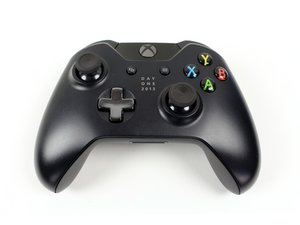
Causes
If your batteries are low, the controller may not vibrate in an effort to save battery life. Replace the batteries or charge your controller.
Parts: AA Batteries for Xbox One, Xbox One Controller Charging Cable
Tools required: None

$4.99
5
1 reviews
If you have tried everything above and your controller still refuses to vibrate, there may be something wrong with the vibration motor. Get ready to grab a screw driver, you're going to need it for the Trigger Rumble Motor Replacement Guide. This guide requires soldering.
Part: Xbox One controller trigger vibration motor
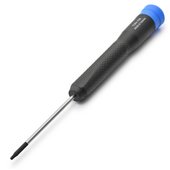
Tools required: T6 Torx, TR8 Torx, Spudger, soldering station tweezers (recommended)

- 15 - 20 minutesDifficult
$5.99
4.9
107 reviews

$5.99
4.9
163 reviews


You're seeing solutions for Xbox Wireless Controller. Select your model to find parts for your device.
Related Problems


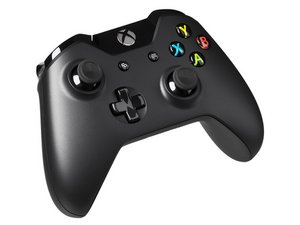
7 common problems
View allDescribe your problem in your own words
