Shop the Holiday Gift Guide
Free Shipping on Domestic Orders $75+
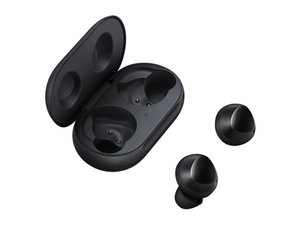
Samsung Galaxy Earbuds Appearing as Two Separate Devices

angel and 1 contributor
Last updated on Causes
Depending on the model of your earbuds, there will be different ways to "factory reset" your earbuds. Reference your earbud's manual to find the necessary steps to reset your earbuds.
For the Samsung Galaxy Buds, you can use the Samsung Galaxy Buds app to factory reset the earbuds.
- Place the earbuds back in their case
- Open the lid and home them near your device
- Open the Samsung Galaxy Buds app
- Tap the "Reset" option and confirm your choice.
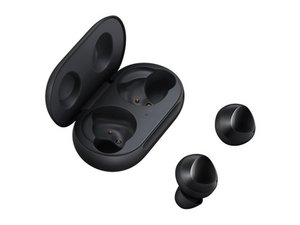
Samsung Galaxy Buds
1 problem · View all
Describe your problem in your own words
View statistics:
Past 24 Hours:3
Past 7 Days:28
Past 30 Days:131
All Time:9,353
