Introduction
This is a repair guide for how to replace the battery on the new TI-84 Plus CE Python Calculator. This is a relatively easy process, and getting new batteries for these type of calculators isn't too hard to find. Check this guide out if you want to replace the battery on this calculator just in case you lost the charger, or your old battery doesn't work anymore.
What you need
-
-
-
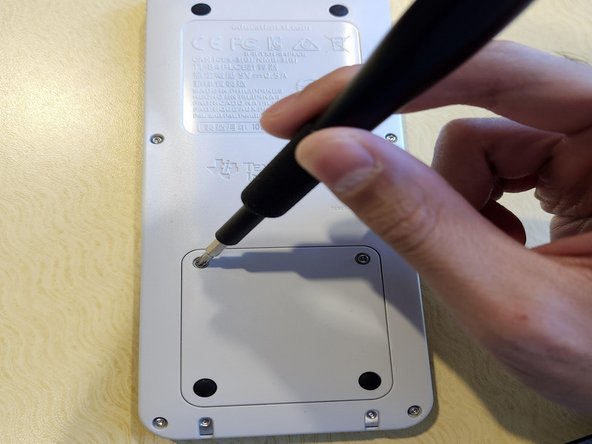
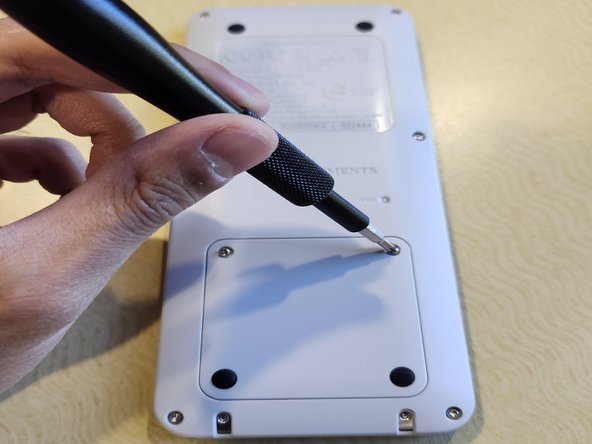
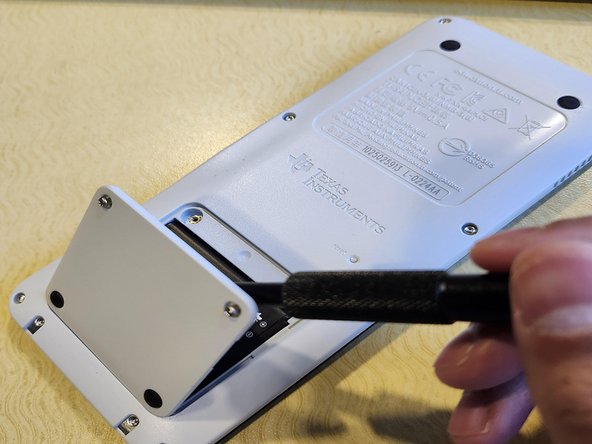
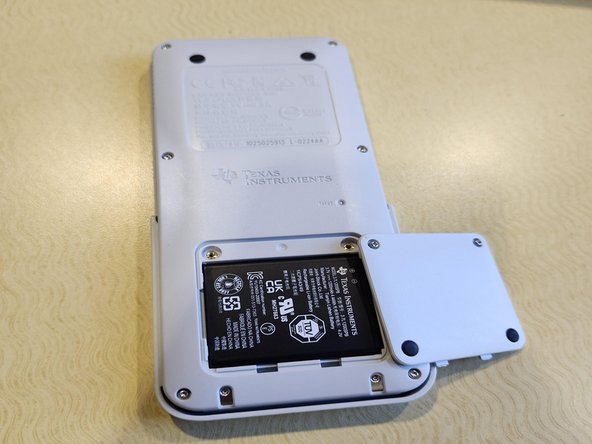
Use a Phillips #1 screwdriver to remove the two screws that secure the battery compartment cover.
 Ask FixBot
-
-
-
-
Replace the battery compartment cover and reinstall the Phillips #1 screws that secure it.
-
-
-
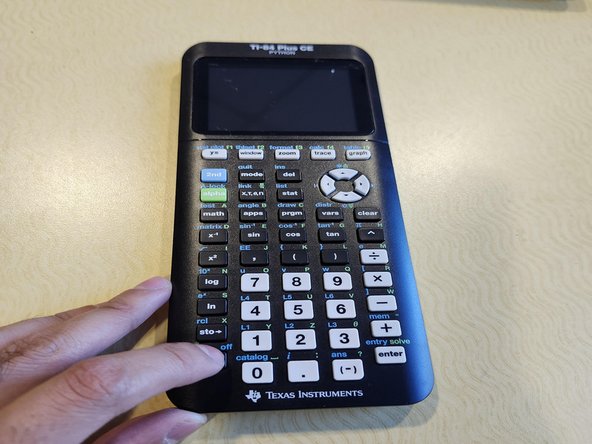
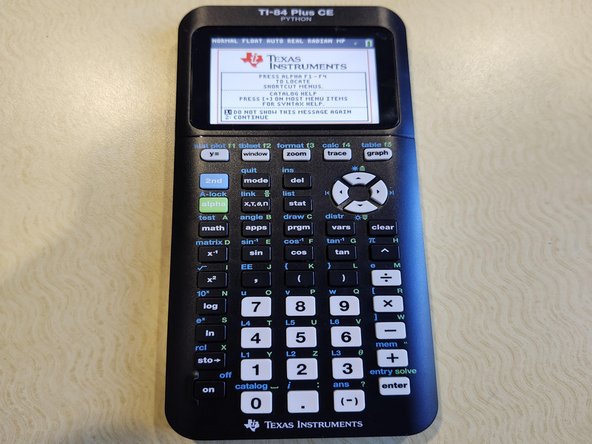
Turn on the TI-84 Plus CE Python to test the new battery. If it turns on, the repair is complete.
-
-




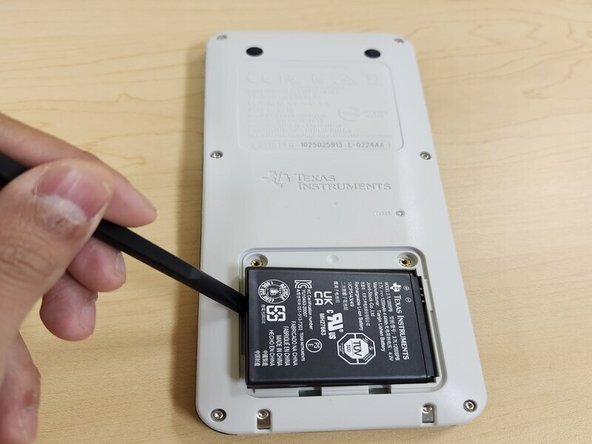
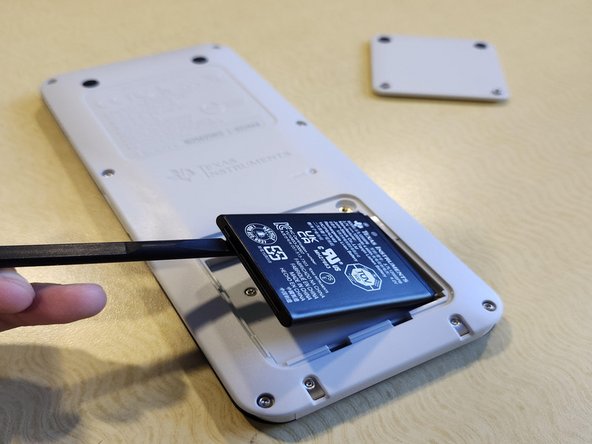
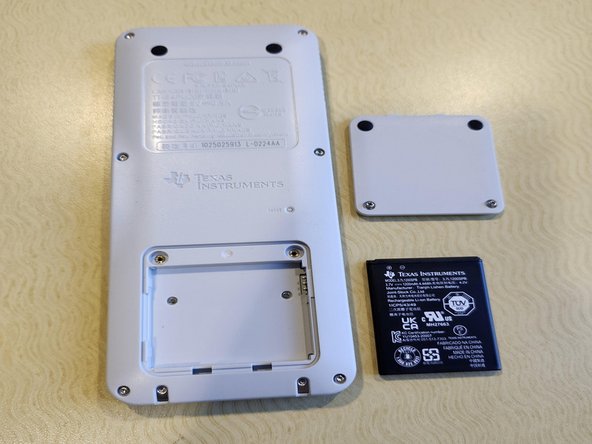


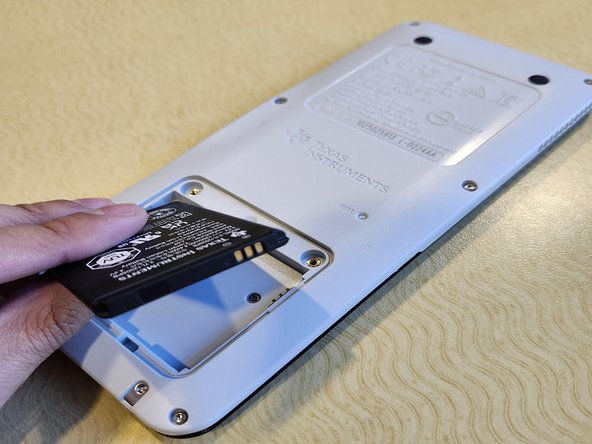
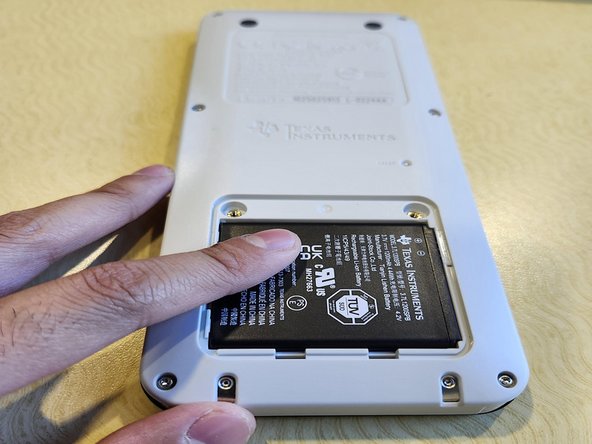


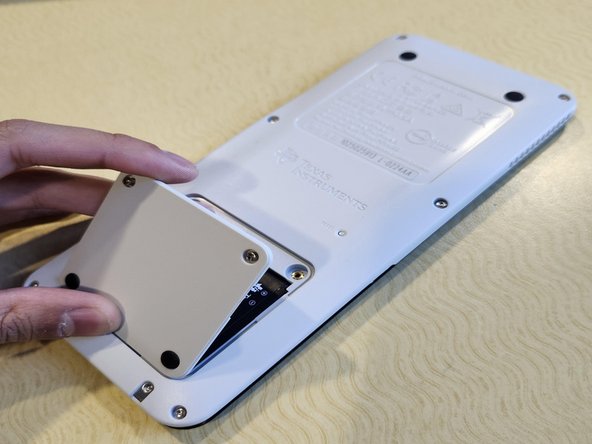
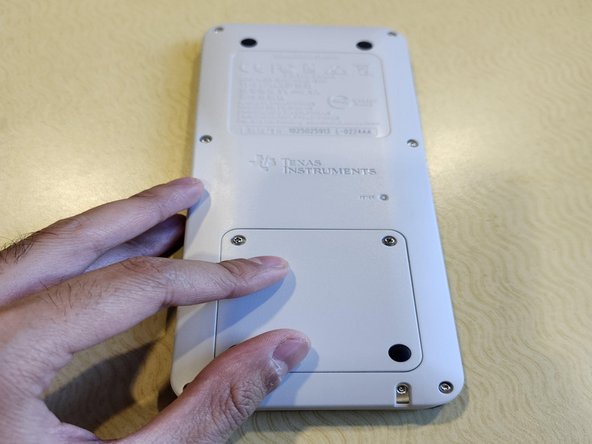
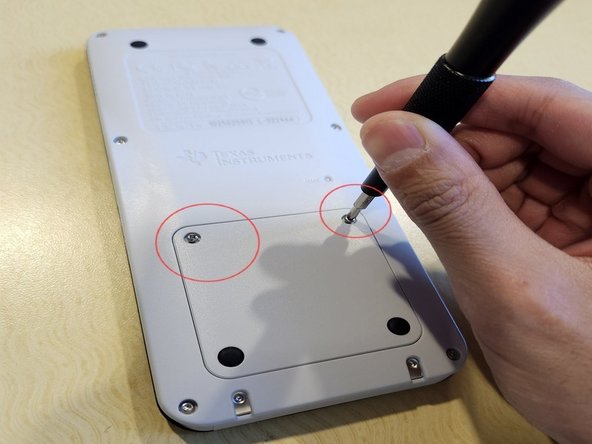




To reassemble your device, follow the above steps in reverse order.
For optimal performance, after completing this guide, calibrate your newly installed battery.
Take your e-waste to an R2 or e-Stewards certified recycler.
Repair didn’t go as planned? Try some basic troubleshooting or ask our Answers community for help.
Cancel: I did not complete this guide.
One other person completed this guide.

Team

CSU Sacramento, Team 1-18, Laflen Fall 2024 Member of CSU Sacramento, Team 1-18, Laflen Fall 2024
CSUSAC-LAFLEN-F24S1G18
1 Member
12 Guides authored
