
Pocophone F1 Battery Disconnect

Dominik Schnabelrauch and one other contributor
Last updated on May 7, 2024
Views: 298
View statistics:
- Past 24 Hours:
- 1
- Past 7 Days:
- 6
- Past 30 Days:
- 21
- All Time:
- 298
Comments: 5
5 comments on steps.
Completed: 1 2
1 person has marked this guide "completed." Will you be next?
2 people have marked this guide "completed." Including you — great job!
Favorites: 0 1
No one has favorited (and subscribed to) this guide. Will you be the first?
1 person has favorited (and subscribed to) this guide — and that's you!
Introduction
Go to step 1 ↓Prerequisite only! Use this guide to disconnect the battery in your Xiaomi Pocophone F1.
What you need
Tools
-
-
-
Spudger4.9
-


-
-
-
Before you begin, switch off your phone.
-
Insert a SIM eject tool or a paperclip into the small hole on the SIM card tray on the left edge of the phone.
-
Press firmly to eject the tray.
-
Remove the SIM card tray.
 Ask FixBot
-
-
-
-
-
Remove the two 2.7 mm-long Torx T3 screws from the bottom edge of your phone.
-
-
-
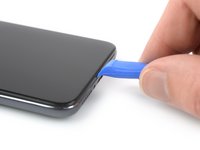
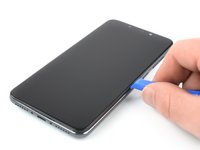
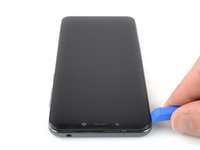
Insert an opening tool between the screen and the back cover at the bottom edge of the screen.
-
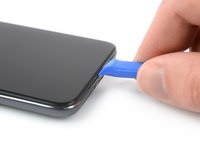
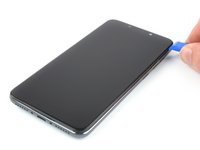
Slide the opening tool to the bottom right corner to release the plastic clips holding the back cover in place.
-
-
-
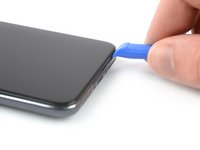
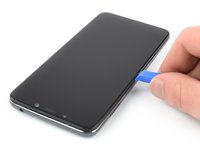
Slide the opening tool around the bottom right corner.
-
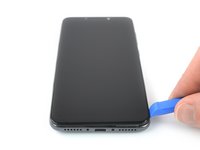
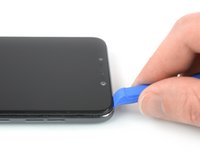
Slide the opening tool along the right edge of the Pocophone F1 to release the plastic clips.
-
-
-
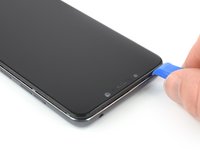
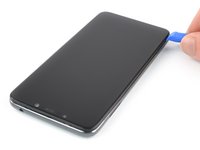
Slide the opening tool along the top edge of the phone to release the plastic clips holding the back cover in place.
-
-
-
Slide the opening tool along the left edge of the phone to release the remaining plastic clips.
-
-
-
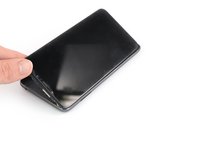
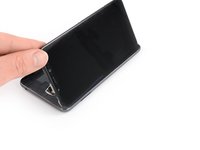
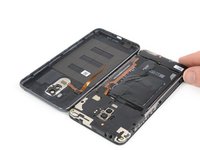
Carefully fold the phone assembly to the left side of the back cover like you'd open a book page.
-
-
-
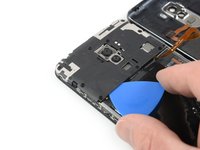
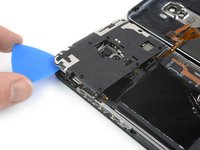
Slide an opening pick under the bottom left corner of the motherboard cover.
-
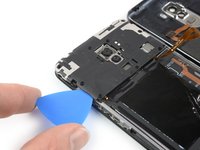
Slide the opening pick around the corner and along the left edge of the motherboard cover to release the plastic clips holding it in place.
-
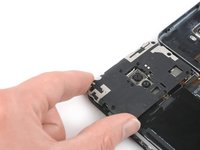
Use the opening pick to pry up the motherboard cover.
-
-
-
-
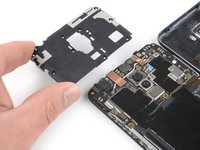
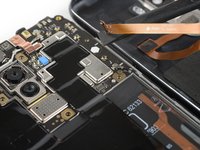
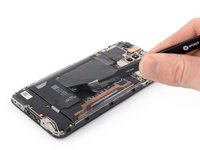
Use the flat end of a spudger to pry up and disconnect the fingerprint flex connector.
-
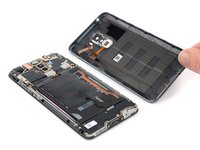
Remove the back cover.
-
-
-
-
Tool used on this step:Tweezers$4.99
-
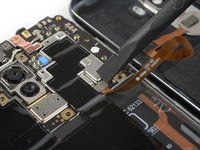
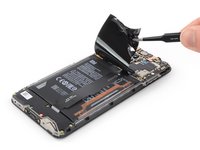
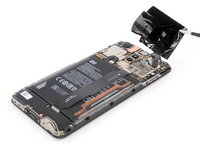
Use a pair of tweezers to peel the black protective foil off the battery and logic board and remove it.
-
-
-
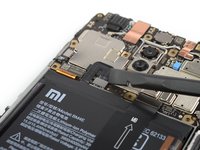
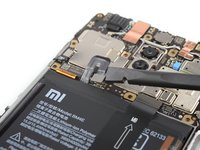
Use the flat end of a spudger to pry up and disconnect the battery connector.
-
-




















To reassemble your device, follow these instructions in reverse order.
Cancel: I did not complete this guide.
One other person completed this guide.


