Philips Somneo Motherboard Replacement

What you need

  1. Philips Somneo Motherboard Replacement, Antenna: step 1, image 1 of 1
    • Remove the four silicone feet on the bottom plate.

    • Remove the following Phillips screws from the bottom plate:

    • Two 9 mm screws

    • Two 13 mm screws

  2. Philips Somneo Motherboard Replacement: step 2, image 1 of 2 Philips Somneo Motherboard Replacement: step 2, image 2 of 2
    • Remove the bottom plate from the device.

  3. Philips Somneo Motherboard Replacement: step 3, image 1 of 2 Philips Somneo Motherboard Replacement: step 3, image 2 of 2
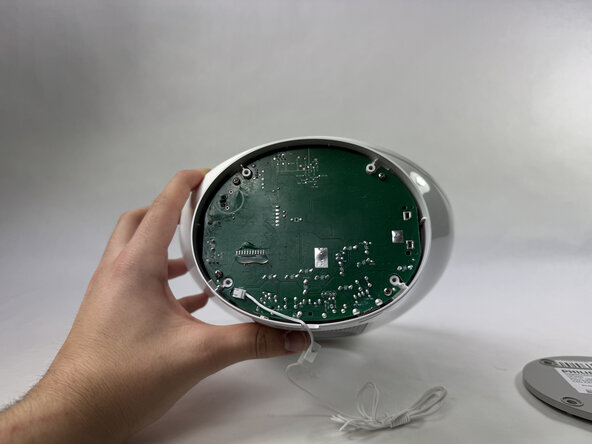
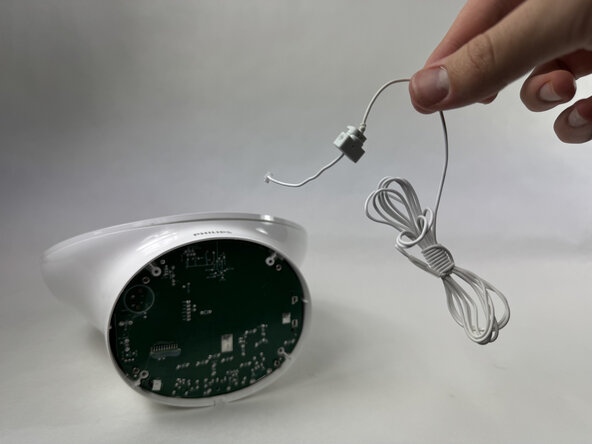
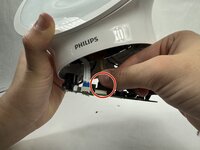
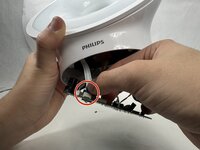
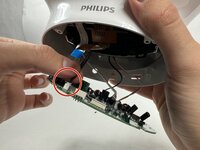
    • Disconnect the antenna connector by pulling it directly out of its port.

    • Remove the antenna.

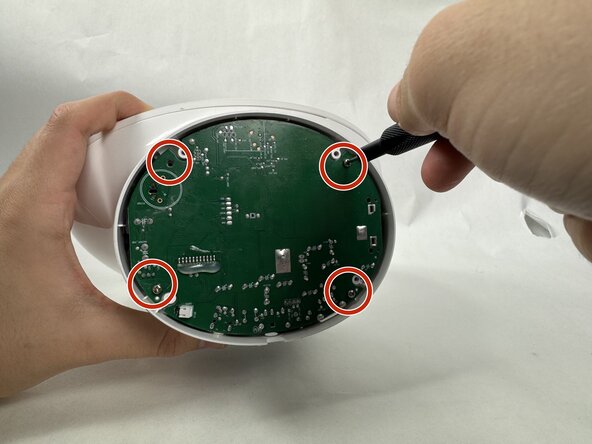
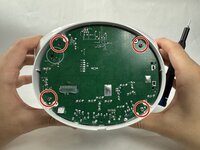
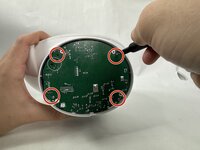
  4. Philips Somneo Motherboard Replacement, Motherboard: step 4, image 1 of 2 Philips Somneo Motherboard Replacement, Motherboard: step 4, image 2 of 2
    • Remove the four 9 mm Phillips screws securing the motherboard.

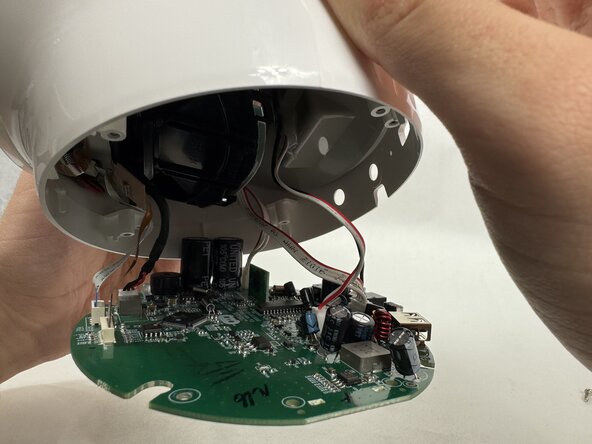
  5. Philips Somneo Motherboard Replacement: step 5, image 1 of 2 Philips Somneo Motherboard Replacement: step 5, image 2 of 2
    • Gently pull the motherboard down until the cables are visible.

    • Take care not to strain the connected cables.

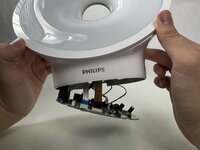
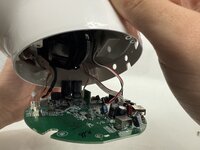
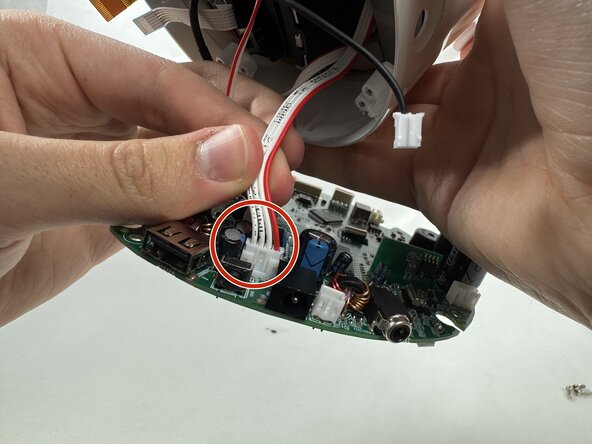
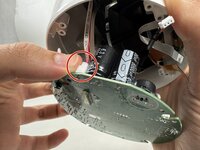
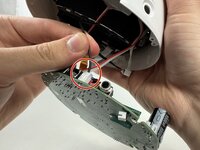
  6. Philips Somneo Motherboard Replacement: step 6, image 1 of 3 Philips Somneo Motherboard Replacement: step 6, image 2 of 3 Philips Somneo Motherboard Replacement: step 6, image 3 of 3
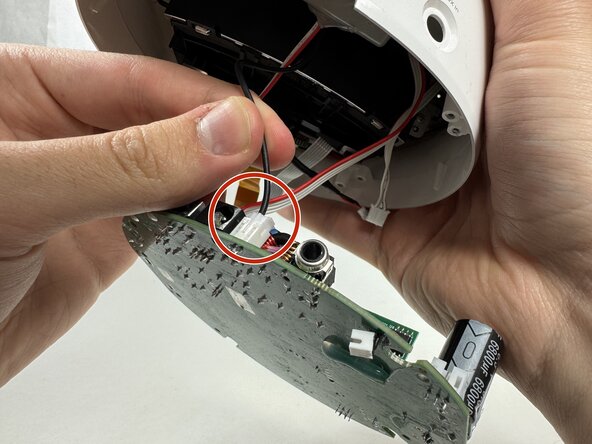
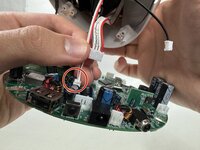
    • Remove each cord by gently disconnecting each connector with your hand.

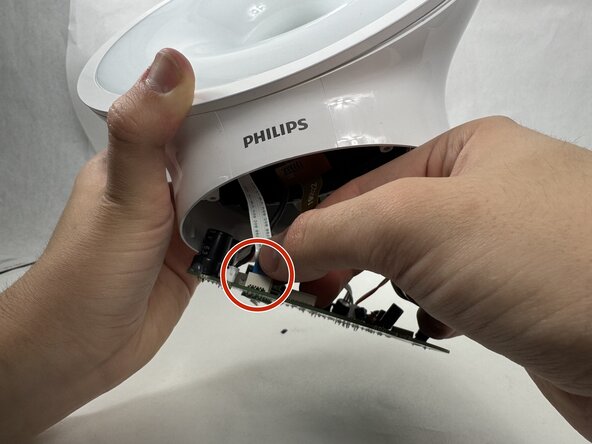
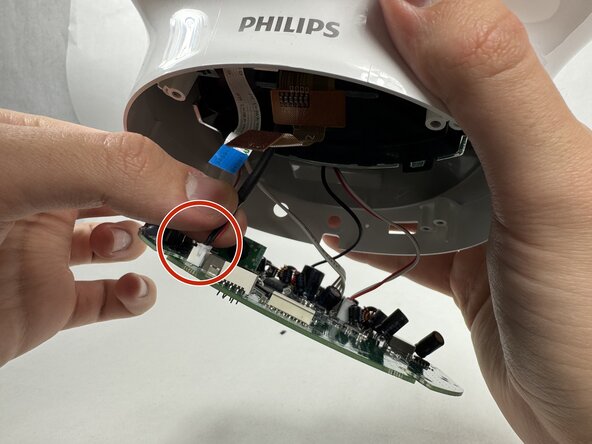
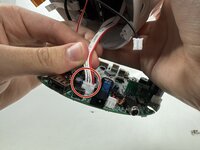
  7. Philips Somneo Motherboard Replacement: step 7, image 1 of 3 Philips Somneo Motherboard Replacement: step 7, image 2 of 3 Philips Somneo Motherboard Replacement: step 7, image 3 of 3
    • Continue gently removing each cord with you hand.

  8. Philips Somneo Motherboard Replacement: step 8, image 1 of 2 Philips Somneo Motherboard Replacement: step 8, image 2 of 2
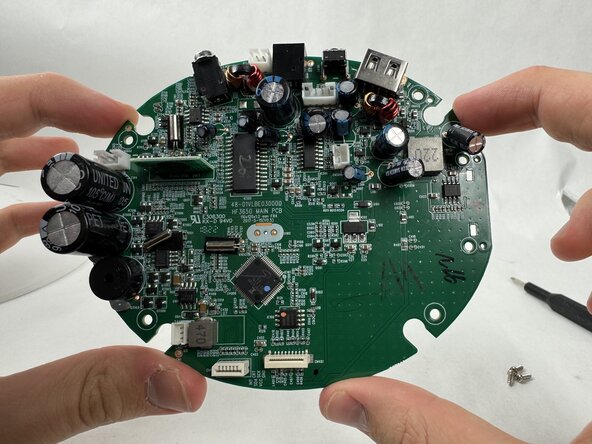
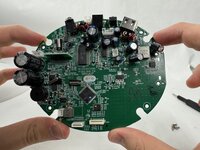
    • Finish gently removing the final cord attached to the motherboard to successfully remove the motherboard.

Conclusion

To reassemble your device, follow the above steps in reverse order.
Take your e-waste to an R2 or e-Stewards certified recycler.
Repair didn’t go as planned? Try some basic troubleshooting or ask our Answers community for help.

Isaiah

Member since: 03/21/25

332 Reputation

2 Guides authored

Team

0 Guide Comments

Add Comment

View Statistics:

Past 24 Hours: 0

Past 7 Days: 1

Past 30 Days: 7

All Time: 110