Pentax ZX-5n Shutter Speed Dial Replacement

What you need

  1. Pentax ZX-5n Shutter Speed Dial Replacement, Remove back cover: step 1, image 1 of 1
    • Push down on the screw to depress the spring loaded hinge and release the door.

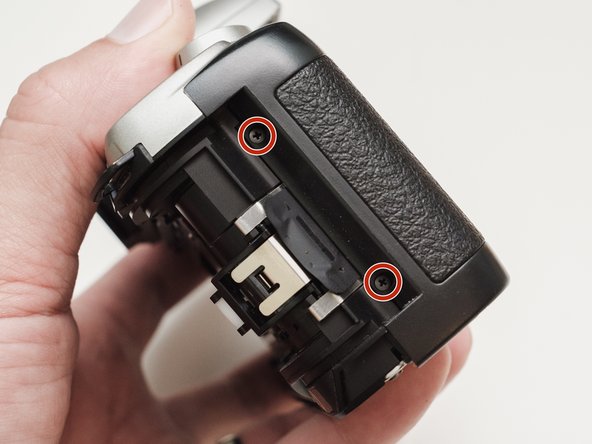
  2. Pentax ZX-5n Shutter Speed Dial Replacement, Remove bottom cover: step 2, image 1 of 1
    • Remove six 5.3 mm #00 screws.

    • Remove one 3.4 mm #00 screw.

    • The short screw has a machine thread and screws into the plate underneath. The rest screw into the plastic body.

  3. Pentax ZX-5n Shutter Speed Dial Replacement, Remove left front cover: step 3, image 1 of 1
    • Remove three 5.3 mm #00 screws (the bottom-most screw is not always present).

    • Remove one 7.3 mm #00 screw.

    • Remove the remote trigger cover.

  4. Pentax ZX-5n Shutter Speed Dial Replacement, Remove front cover: step 4, image 1 of 2 Pentax ZX-5n Shutter Speed Dial Replacement, Remove front cover: step 4, image 2 of 2
    • Remove one 3.4 mm #00 screw.

    • Remove two 5.3 mm #00 screw.

    • Gently lift up on the flash housing to help remove the cover if necessary.

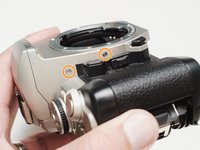
  5. Pentax ZX-5n Shutter Speed Dial Replacement, Remove right front cover: step 5, image 1 of 1
    • Remove two 3.9 mm #00 screws.

  6. Pentax ZX-5n Shutter Speed Dial Replacement, Remove eye cup: step 6, image 1 of 1
    • Slide the eye cup up and off to access the screws underneath.

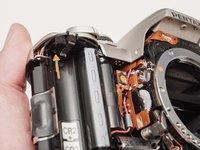
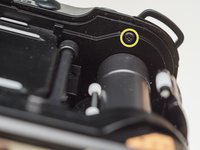
  7. Pentax ZX-5n Shutter Speed Dial Replacement, Unscrew top cover: step 7, image 1 of 3 Pentax ZX-5n Shutter Speed Dial Replacement, Unscrew top cover: step 7, image 2 of 3 Pentax ZX-5n Shutter Speed Dial Replacement, Unscrew top cover: step 7, image 3 of 3
    • Remove two 5.3 mm #00 screws by the eyepiece.

    • Remove one 6.8 mm #00 screw in the battery compartment.

    • Remove one 7.0 mm #00 screw near the take up spool.

  8. Pentax ZX-5n Shutter Speed Dial Replacement, Lift top cover: step 8, image 1 of 1
    • Lift the cover so it is just free of the body. It is still attached by several wires.

  9. Pentax ZX-5n Shutter Speed Dial Replacement, Discharge flash capacitors: step 9, image 1 of 1
    • Use a 1kΩ-10kΩ resistor to discharge the capacitor. Place the resistor between the blue wire, exposed in the previous step, and ground.

    • The flash capacitors store energy at a very high voltage. Failing to discharge the capacitors properly could result in personal injury and/or damage to the camera.

  10. Pentax ZX-5n Shutter Speed Dial Replacement, Unsolder flash connections: step 10, image 1 of 1
    • Unsolder one green wire.

    • Unsolder one blue wire.

    • Unsolder one brown wire.

    • Unsolder one black wire.

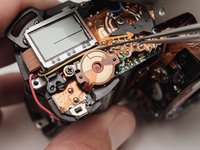
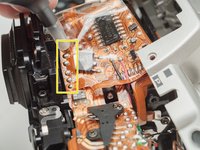
  11. Pentax ZX-5n Shutter Speed Dial Replacement, Unsolder remaining connections: step 11, image 1 of 3 Pentax ZX-5n Shutter Speed Dial Replacement, Unsolder remaining connections: step 11, image 2 of 3 Pentax ZX-5n Shutter Speed Dial Replacement, Unsolder remaining connections: step 11, image 3 of 3
    • Unsolder one black wire.

    • Pull black wire out from its routed location.

    • Unsolder flex connector

    • Be careful not to overheat the flex circuit. Work in short durations. Allow for cool downs in between if necessary.

    • Some repairs can be performed with the top cover still connected but the flex connection is fragile and easily damaged.

  12. Pentax ZX-5n Shutter Speed Dial Replacement, Set shutter speed dial: step 12, image 1 of 1
    • Set the shutter speed dial to 'A'

  13. Pentax ZX-5n Shutter Speed Dial Replacement, Remove screw: step 13, image 1 of 1
    • Remove one 4.3 mm #00 screw.

    • Be careful not to damage the feeler contacts for the metering switch throughout the repair. There are delicate and easily bent.

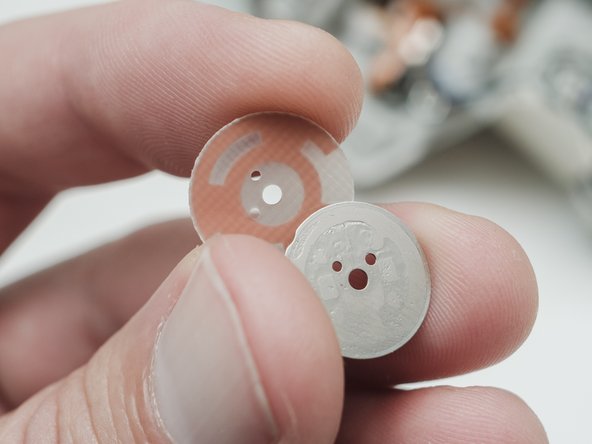
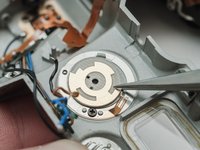
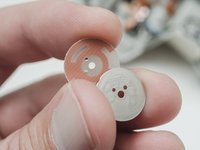
  14. Pentax ZX-5n Shutter Speed Dial Replacement, Remove contact PCB: step 14, image 1 of 2 Pentax ZX-5n Shutter Speed Dial Replacement, Remove contact PCB: step 14, image 2 of 2
    • Remove the contact PCB.

    • There is a metal plate underneath that may stick to the PCB.

  15. Pentax ZX-5n Shutter Speed Dial Replacement, Remove dial: step 15, image 1 of 1
    • Slide the exposure compensation dial out of the top cover.

    • If the dial was not set to 'A' in Step 10, the knob will not slide out. Turning the knob at this stage could damage the detent spring.

  16. Pentax ZX-5n Shutter Speed Dial Replacement, Remove detent components: step 16, image 1 of 2 Pentax ZX-5n Shutter Speed Dial Replacement, Remove detent components: step 16, image 2 of 2
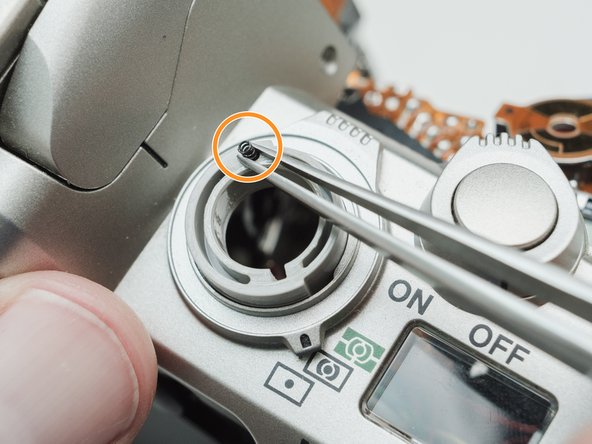
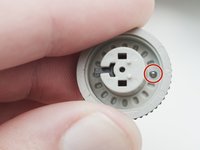
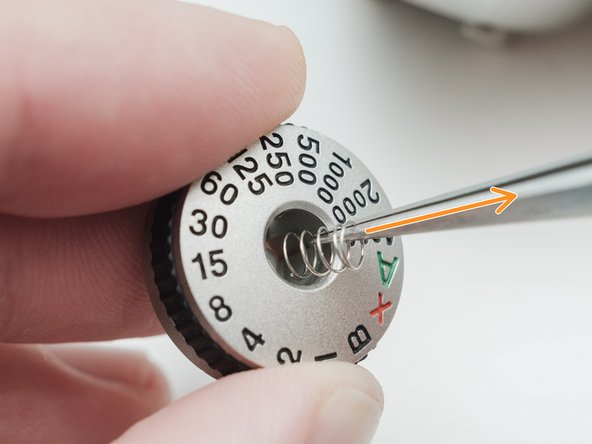
    • Remove the ball bearing from the inside of the dial.

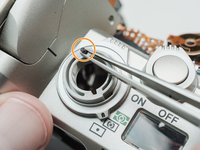
    • Remove the detent spring from the top cover.

  17. Pentax ZX-5n Shutter Speed Dial Replacement, Remove lock button: step 17, image 1 of 2 Pentax ZX-5n Shutter Speed Dial Replacement, Remove lock button: step 17, image 2 of 2
    Tool used on this step:
    Tweezers
    $4.99
    Buy
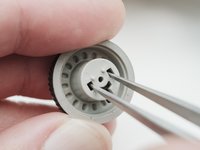
    • Use tweezers to release the snaps on the lock button.

    • Remove the lock button from the top of the dial.

  18. Pentax ZX-5n Shutter Speed Dial Replacement, Remove inner components: step 18, image 1 of 2 Pentax ZX-5n Shutter Speed Dial Replacement, Remove inner components: step 18, image 2 of 2
    • Remove lock actuator.

    • Remove lock spring.

  19. Pentax ZX-5n Shutter Speed Dial Replacement, Reassembly notes: step 19, image 1 of 1
    • Use tape to hold components in place when installing the dial.

Conclusion

To reassemble your device, follow these instructions in reverse order.

2 other people completed this guide.

Sam Gustafson

Member since: 09/01/22

10,278 Reputation

57 Guides authored

0 Guide Comments

Add Comment

View Statistics:

Past 24 Hours: 1

Past 7 Days: 6

Past 30 Days: 12

All Time: 297