Introduction
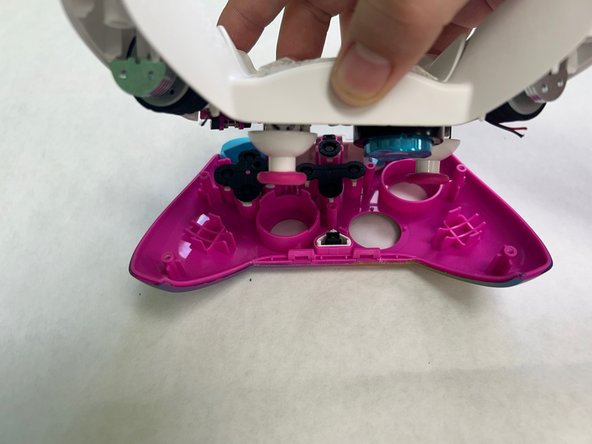
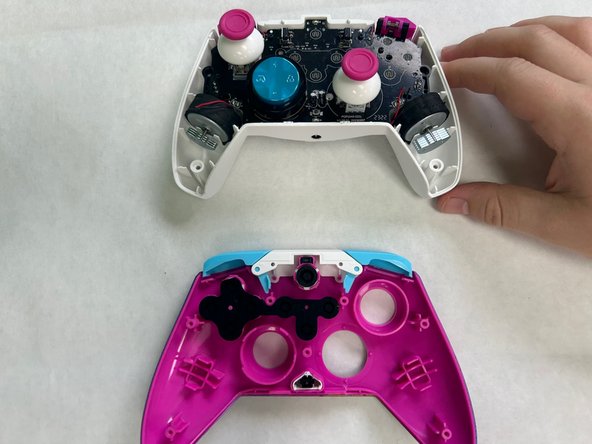
The PDP Rematch's vibration motors should be replaced if they are damaged and stopped working. To access the vibration motors, separate the front housing shell and the back shell of the controller.
What you need
-
-
-
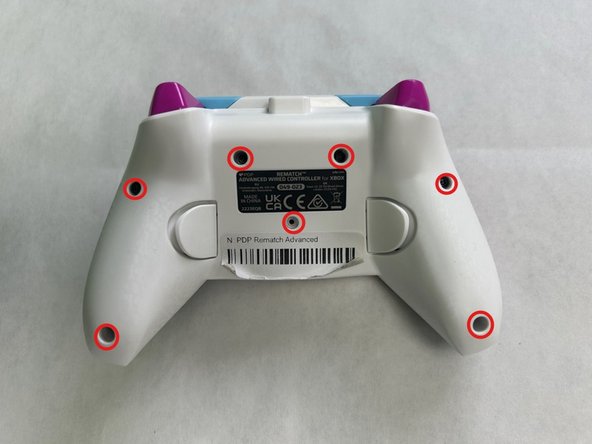
Orient the controller so the back side is facing up.
-
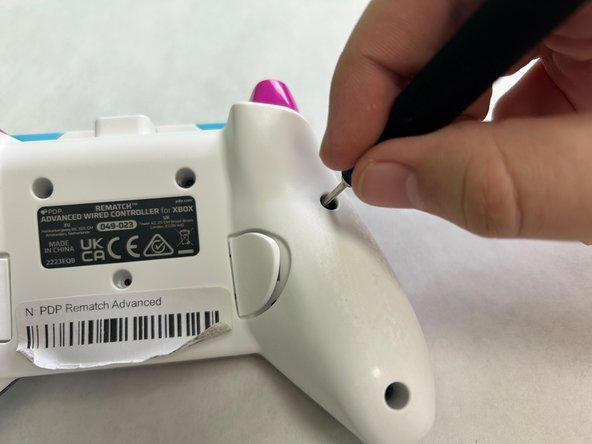
Use a Phillips #000 screwdriver to remove the seven 9 mm screws that secure the back shell.
 Ask FixBot
-
-
-
-
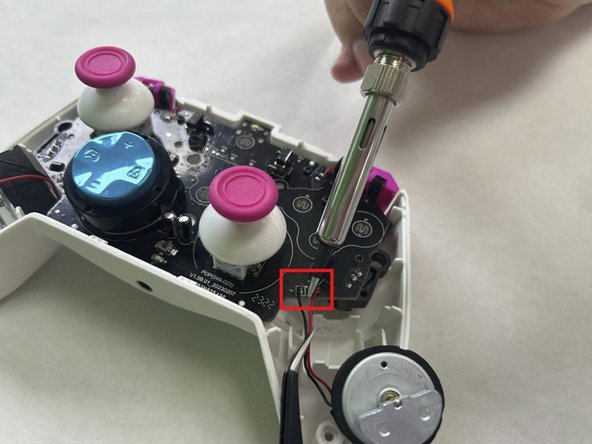
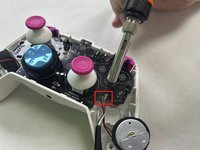
Use a soldering iron to desolder the two wires connecting the vibration motor to the motherboard.
-
-
-
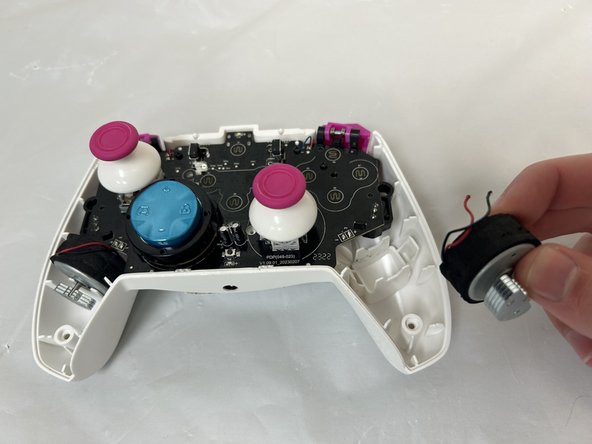
Grab the motor and pull away from the back shell to remove the vibration motor.
-
-






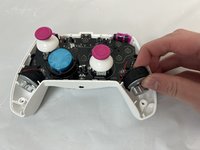
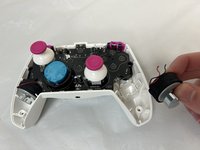
To reassemble your device, follow the above steps in reverse order.
Take your e-waste to an R2 or e-Stewards certified recycler.
Repair didn’t go as planned? Try some basic troubleshooting or ask our Answers community for help.
Cancel: I did not complete this guide.
One other person completed this guide.

Team

University of North Texas, Team 3-3, Coppersmith Fall 2024 Member of University of North Texas, Team 3-3, Coppersmith Fall 2024
UNT-COPPERSMITH-F24S3G3
3 Members
36 Guides authored
