Introduction
The motherboard in the Acer Chromebook CB315-4H-P8FZ may need to be replaced if the device won’t power on, shows a blank screen, or has been physically damaged. Issues like power failure, display problems, or damage from drops or spills often point to a faulty motherboard. In these cases, replacing the motherboard is usually the only way to fix the Chromebook.
What you need
-
-
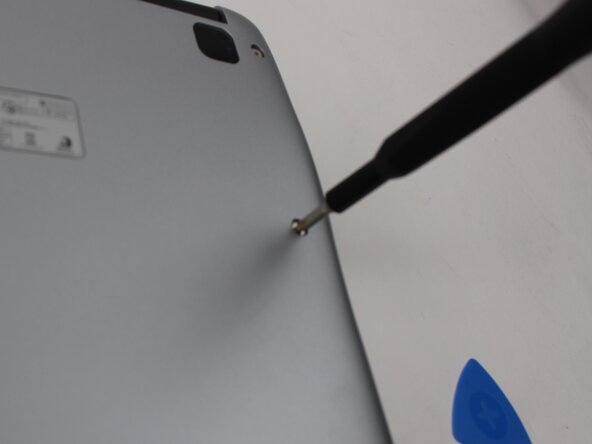
Remove the ten 6 mm Phillips screws that secure the lower case.
-
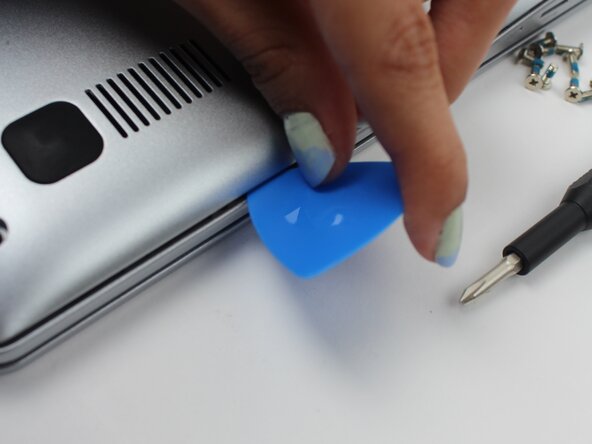
Insert an opening pick in the seam between the lower case and chassis.
-
Slide the opening pick around the perimeter of the device, prying every couple of centimeters, until the lower case fully releases.
-
Remove the lower case.
-
-
-
-
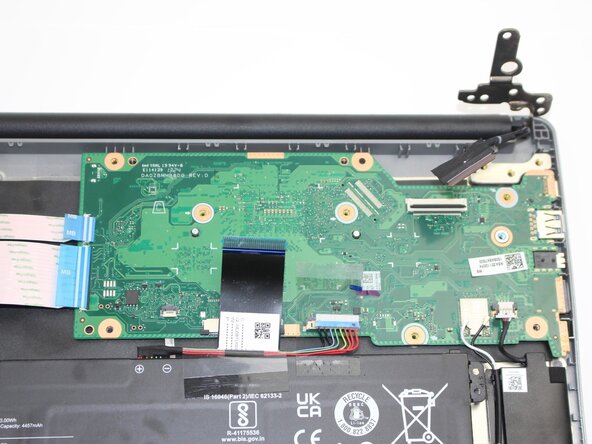
Peel back the black tape over the battery connector. Use your fingernails to disconnect the battery connector from its motherboard socket.
-
Peel back the black tape over the ribbon cable to the left of the battery connector. Release the black locking tabs that secure the ribbon cable. Disconnect the ribbon cable.
-
Flip up the two black ZIF locking flaps that secure the two I/O board's motherboard ribbon cable connectors. Disconnect the two ribbon cables.
-
Flip up the black ZIF locking flap that secures the touchpad ribbon cable. Disconnect the touchpad ribbon cable.
-
Use the pointed edge of a spudger to lift and disconnect the two wireless card coaxial connectors.
-
Use your fingernails to disconnect the white speaker connector from its motherboard socket.
-
Flip up the black ZIF locking flap that secures the display cable. Disconnect the display cable.
-




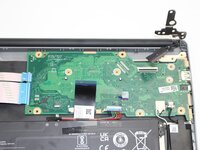

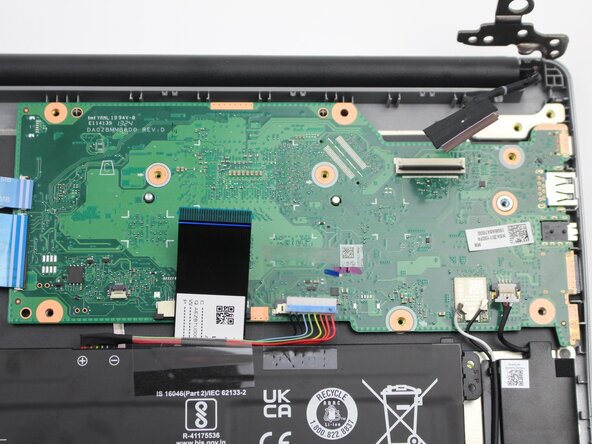
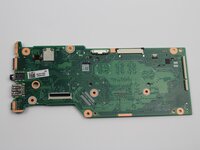
To reassemble your device, follow the above steps in reverse order.
Take your e-waste to an R2 or e-Stewards certified recycler.
Repair didn’t go as planned? Try some basic troubleshooting or ask our Answers community for help.



Team

Sam Houston State, Team 17-4, Thornton Spring 2025 Member of Sam Houston State, Team 17-4, Thornton Spring 2025
SHSU-THORNTON-S25S17G4
2 Members
4 Guides authored
