Free Shipping on Domestic Orders $75+

This guide has more recent changes. Switch to the latest unverified version.

Main Board Removal

Prerequisite Only
This is a prerequisite-only guide! This guide is part of another procedure and isn’t meant to be used alone.

What you need

  1. Main Board Removal, Prepare your PlayStation for disassembly: step 1, image 1 of 3 Main Board Removal, Prepare your PlayStation for disassembly: step 1, image 2 of 3 Main Board Removal, Prepare your PlayStation for disassembly: step 1, image 3 of 3
    • Before starting your repair:

    • Shut down your console and unplug all cables and accessories.

    • Remove any stands supporting your device and lay it down.

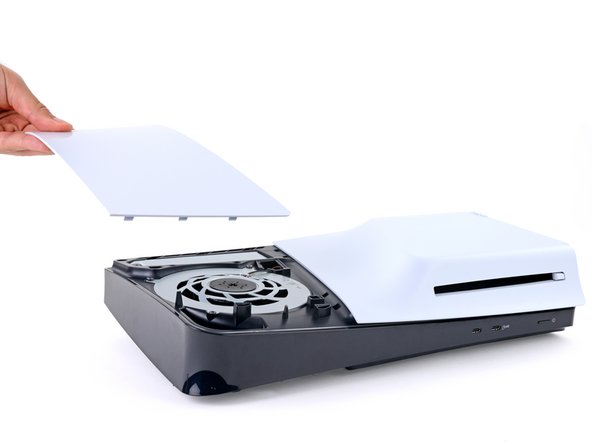
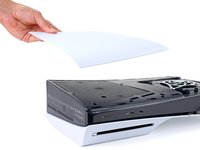
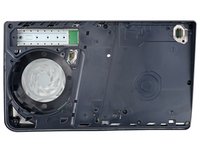
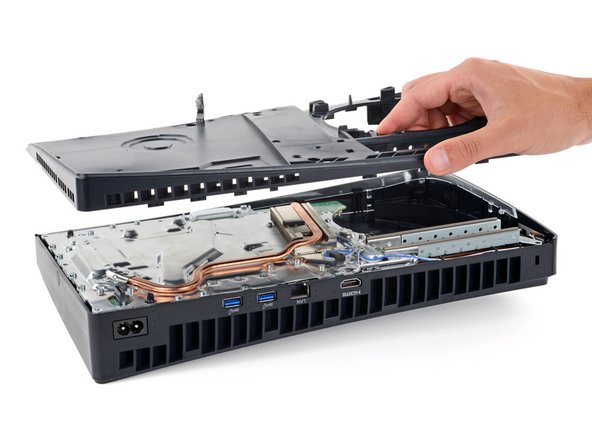
  2. Main Board Removal, Remove the console covers: step 2, image 1 of 3 Main Board Removal, Remove the console covers: step 2, image 2 of 3 Main Board Removal, Remove the console covers: step 2, image 3 of 3
    • Each console cover is secured with hooks along the rear edge and clips along the front edge.

    • To remove a cover, firmly pull up the front edge to release the clips.

    • You'll hear distinct "pops" as the clips release.

    • Remove the cover.

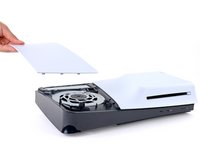
  3. Main Board Removal: step 3, image 1 of 3 Main Board Removal: step 3, image 2 of 3 Main Board Removal: step 3, image 3 of 3
    • Use the same process to remove the three remaining covers.

    • To reinstall a cover, place the hooks into their cutouts along the rear edge and firmly press the front edge of the cover into place to re‑engage the clips.

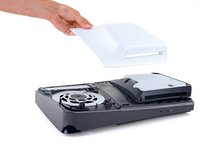
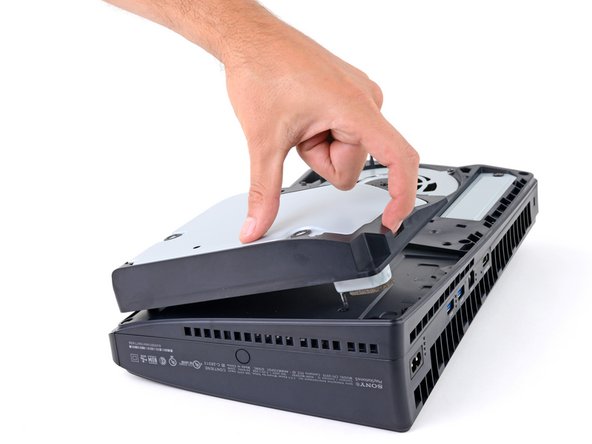
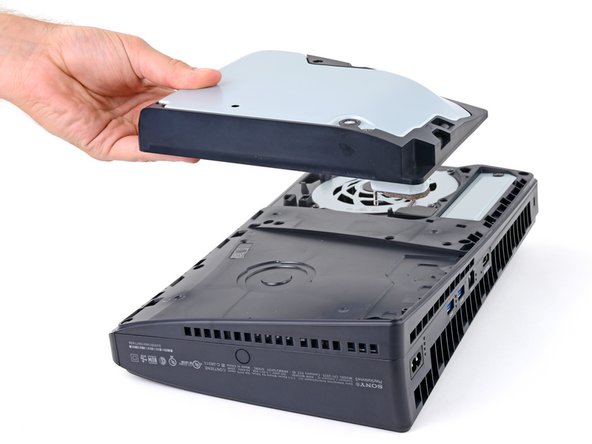
  4. Main Board Removal, Remove the disc drive: step 4, image 1 of 3 Main Board Removal, Remove the disc drive: step 4, image 2 of 3 Main Board Removal, Remove the disc drive: step 4, image 3 of 3
    • If your PlayStation doesn't have a disc drive, skip this step.

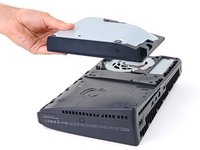
    • Use the cutout on the bottom right corner of the disc drive to lift its right edge and disconnect it.

    • Remove the disc drive.

    • During reassembly, place the hooks on the left edge of the drive into their cutouts and firmly press the drive into place so the connector on the bottom right corner goes into its socket.

  5. Main Board Removal, Remove the expansion slot cover screws: step 5, image 1 of 2 Main Board Removal, Remove the expansion slot cover screws: step 5, image 2 of 2
    Tool used on this step:
    FixMat
    $36.95
    Buy
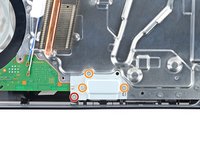
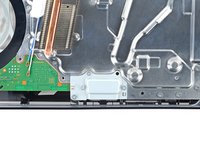
    • Throughout this repair, keep track of each screw and make sure it goes back exactly where it came from.

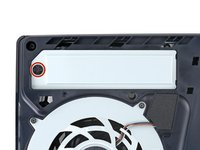
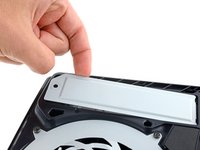
    • Use a Phillips screwdriver to remove the 17.1 mm‑long screw securing the expansion slot cover.

  6. Main Board Removal, Remove the expansion slot cover: step 6, image 1 of 3 Main Board Removal, Remove the expansion slot cover: step 6, image 2 of 3 Main Board Removal, Remove the expansion slot cover: step 6, image 3 of 3
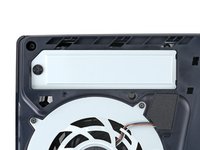
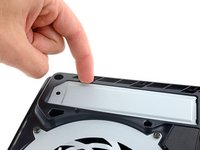
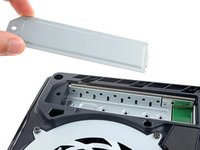
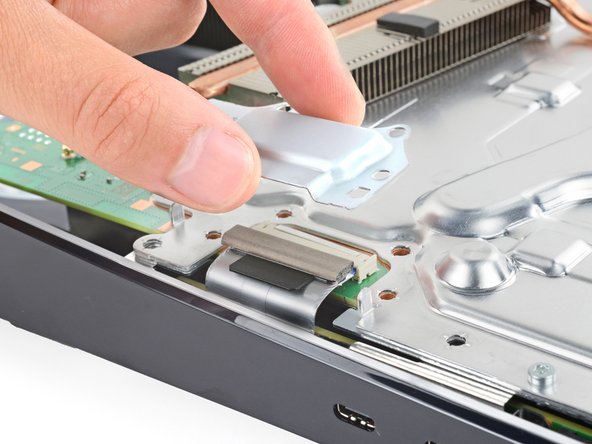
    • Use your fingers to lift the expansion slot cover near the notch by the screw hole and remove it.

  7. Main Board Removal, Remove the fan cables cover: step 7, image 1 of 3 Main Board Removal, Remove the fan cables cover: step 7, image 2 of 3 Main Board Removal, Remove the fan cables cover: step 7, image 3 of 3
    Tool used on this step:
    Tesa 61395 Tape
    $8.95
    Buy
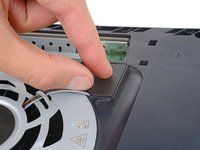
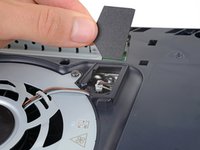
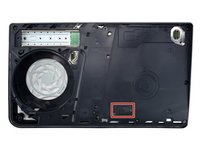
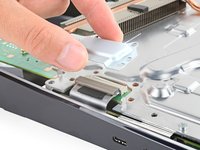
    • Use your fingers to remove the plastic cover hiding the fan cables connector.

    • The cover is secured with light adhesive.

    • During reassembly, press the piece of plastic back into place to secure it with the leftover adhesive. If it isn't sticking, use strips of double-sided tape to secure it.

  8. Main Board Removal, Free the fan cables: step 8, image 1 of 2 Main Board Removal, Free the fan cables: step 8, image 2 of 2
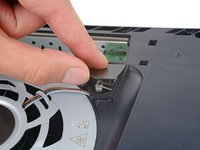
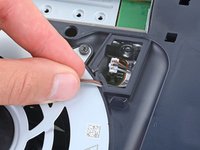
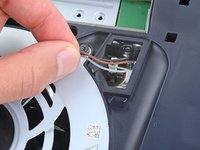
    • Gently pull the fan cables out from under their plastic clip on the frame.

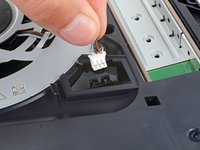
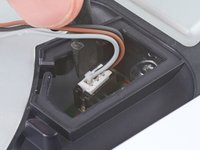
  9. Main Board Removal, Disconnect the fan: step 9, image 1 of 3 Main Board Removal, Disconnect the fan: step 9, image 2 of 3 Main Board Removal, Disconnect the fan: step 9, image 3 of 3
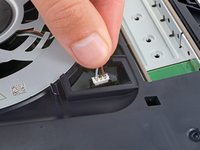
    • Firmly grip the fan cables white connector head and pull it straight up and out of its socket.

    • If you're having trouble, grip the cables just above the connector head, and gently pull.

    • During reassembly, align the connector over its socket and push down on the edges with the flat end of a spudger until it slides fully into its socket.

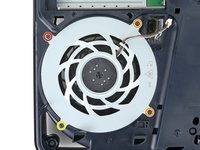
  10. Main Board Removal, Remove the fan screws: step 10, image 1 of 2 Main Board Removal, Remove the fan screws: step 10, image 2 of 2
    • Use a T8 Torx Security screwdriver to remove the four screws securing the fan:

    • One 31.2 mm‑long screw

    • Two 21.3 mm‑long screws

    • One 11.6 mm‑long screw

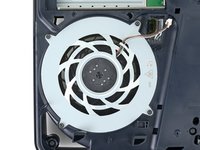
  11. Main Board Removal, Remove the fan: step 11, image 1 of 2 Main Board Removal, Remove the fan: step 11, image 2 of 2
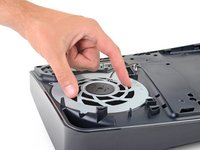
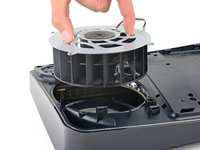
    • Use your fingers to grab the fan by its vents, and lift it straight up to remove it.

    • During reassembly:

    • This is a good point to clean the fan. Use a clean cloth and some compressed air to remove any dust or dirt.

    • Insert the fan so its cables are near their connector.

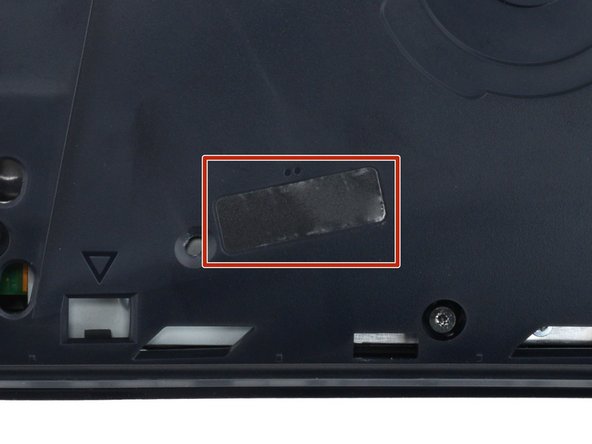
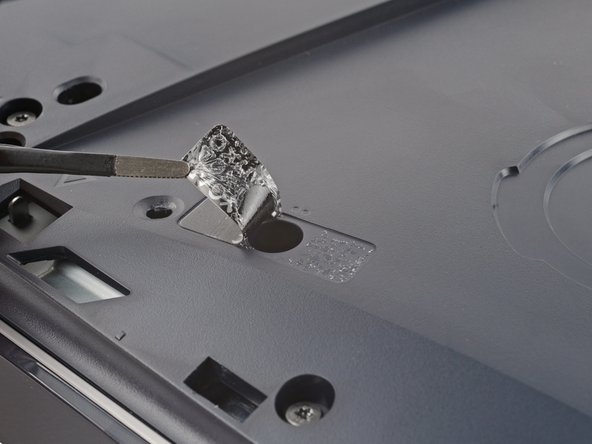
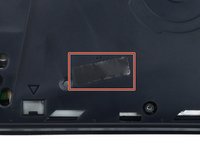
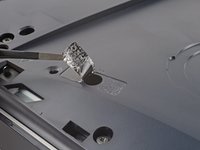
  12. Main Board Removal, Peel up the tamper evident sticker: step 12, image 1 of 3 Main Board Removal, Peel up the tamper evident sticker: step 12, image 2 of 3 Main Board Removal, Peel up the tamper evident sticker: step 12, image 3 of 3
    Tool used on this step:
    Tweezers
    $4.99
    Buy
  13. Main Board Removal, Remove the main board cover screws: step 13, image 1 of 2 Main Board Removal, Remove the main board cover screws: step 13, image 2 of 2
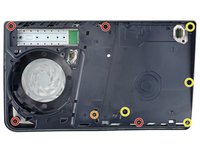
    • Use a T8 Torx Security screwdriver to remove the nine screws securing the main board cover:

    • Four 18.9 mm‑long screws

    • One 21.3 mm‑long screw

    • Four 31.2 mm‑long screws

  14. Main Board Removal, Remove the main board cover: step 14, image 1 of 2 Main Board Removal, Remove the main board cover: step 14, image 2 of 2
    • Lift the main board cover straight up and remove it.

  15. Main Board Removal, Remove the interconnect cable cover screws: step 15, image 1 of 2 Main Board Removal, Remove the interconnect cable cover screws: step 15, image 2 of 2
    • Use a T8 Torx Security screwdriver to remove the four screws securing the interconnect cable cover:

    • One 28.7 mm‑long screw

    • Three 7.5 mm‑long screws

  16. Main Board Removal, Remove the interconnect cable cover: step 16, image 1 of 2 Main Board Removal, Remove the interconnect cable cover: step 16, image 2 of 2
    • Remove the interconnect cable cover.

  17. Main Board Removal, Disconnect the interconnect cable: step 17, image 1 of 3 Main Board Removal, Disconnect the interconnect cable: step 17, image 2 of 3 Main Board Removal, Disconnect the interconnect cable: step 17, image 3 of 3
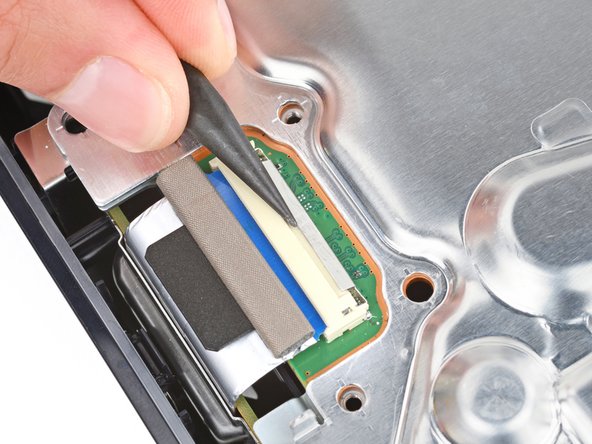
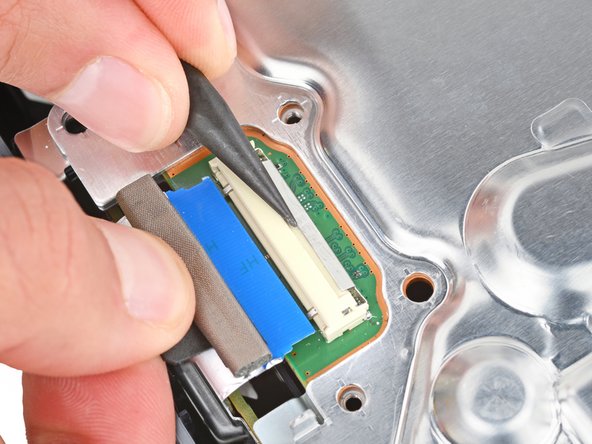
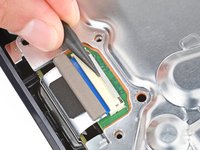
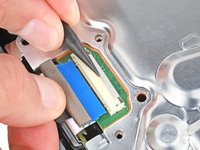
    • Use the point of a spudger to push the interconnect cable's metal latch down and away from the connector to unlock it.

    • Keep the latch in its unlocked position and carefully pull the interconnect cable straight out of its socket.

    • During reassembly, push the latch into its unlocked position and insert the cable into its socket. Then, push the latch back in place to lock the cable.

  18. Main Board Removal, Disconnect the antenna cables: step 18, image 1 of 3 Main Board Removal, Disconnect the antenna cables: step 18, image 2 of 3 Main Board Removal, Disconnect the antenna cables: step 18, image 3 of 3
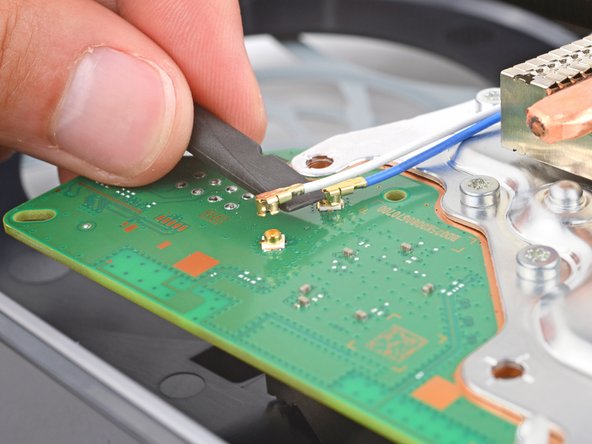
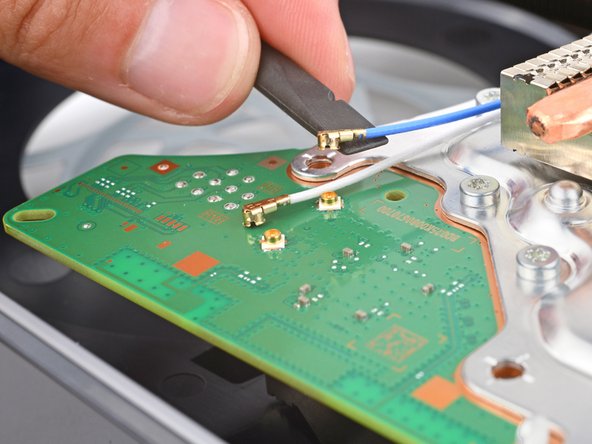
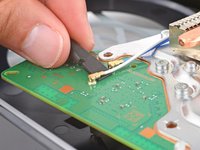
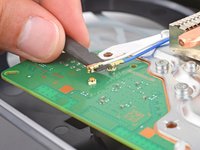
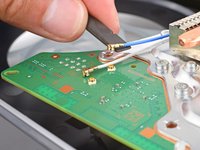
    • Insert the flat end of a spudger under the metal neck of one of the antenna cable's coaxial connectors and lift straight up to disconnect it.

    • Repeat the process to disconnect the other antenna cable.

    • To reconnect a cable, hold the metal connector head over its socket and press down with the flat end of a spudger until the connector snaps into place. Don't try to force the connector into place. If you're having trouble, reposition the connector and try again.

  19. Main Board Removal, Peel up the antenna cable tape: step 19, image 1 of 2 Main Board Removal, Peel up the antenna cable tape: step 19, image 2 of 2
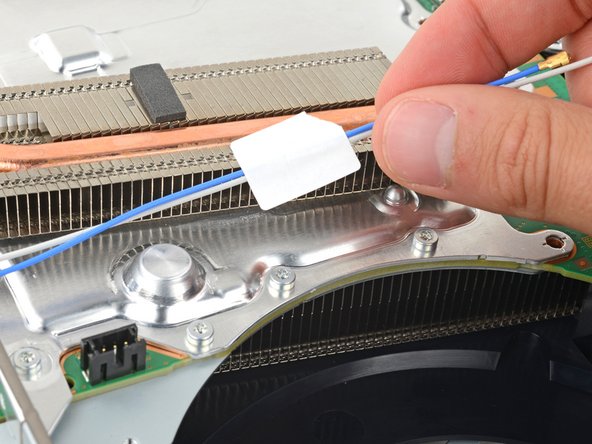
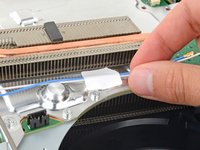
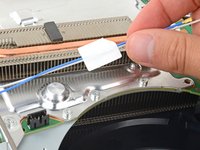
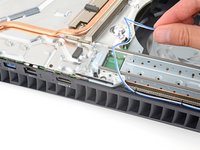
    • A piece of tape and a block of foam secure the antenna cables to the heatsink shield.

    • Gently lift both antenna cables to separate the tape from the heatsink shield.

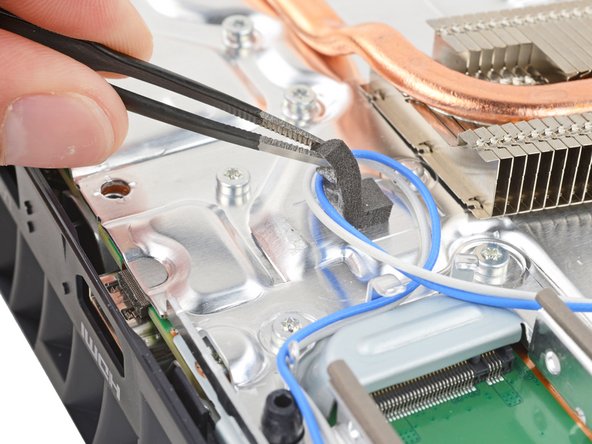
  20. Main Board Removal, Peel up the antenna cable foam: step 20, image 1 of 2 Main Board Removal, Peel up the antenna cable foam: step 20, image 2 of 2
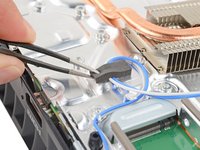
    • Light adhesive secures the foam block to the heatsink shield.

    • Use tweezers to gently peel up the foam block.

    • If you're having trouble, heat an iOpener and apply it to the foam for one minute to soften the adhesive. If you don't have an iOpener, you can use a hair dryer instead.

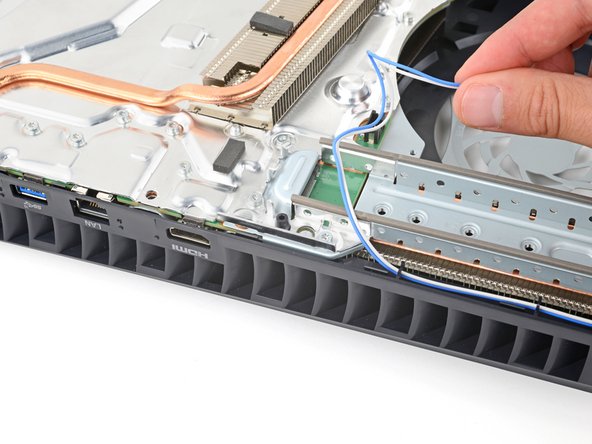
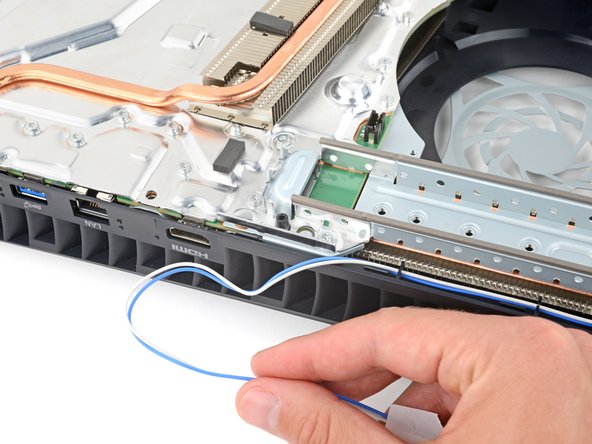
  21. Main Board Removal, Reposition the antenna cables: step 21, image 1 of 3 Main Board Removal, Reposition the antenna cables: step 21, image 2 of 3 Main Board Removal, Reposition the antenna cables: step 21, image 3 of 3
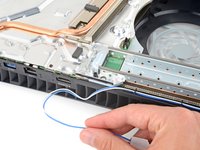
    • Move the antenna cables over the side of your PlayStation so they're out of the way.

    • During reassembly, use this photo as a reference to put the antenna cables back in their original position.

  22. Main Board Removal, Remove the top shield plate screws: step 22, image 1 of 2 Main Board Removal, Remove the top shield plate screws: step 22, image 2 of 2
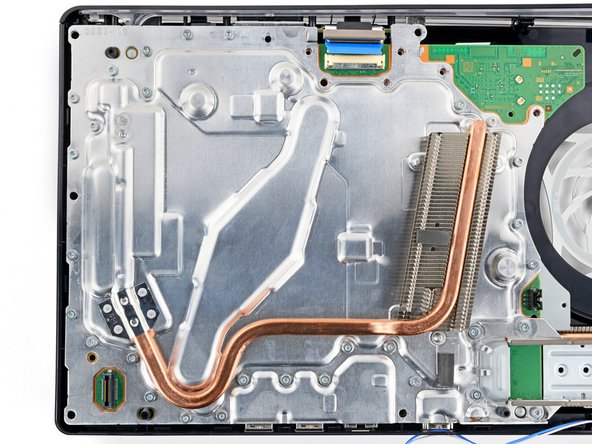
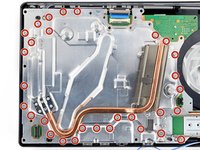
    • Use a T8 Torx Security screwdriver to remove the thirty 7.5 mm‑long screws securing the top shield plate.

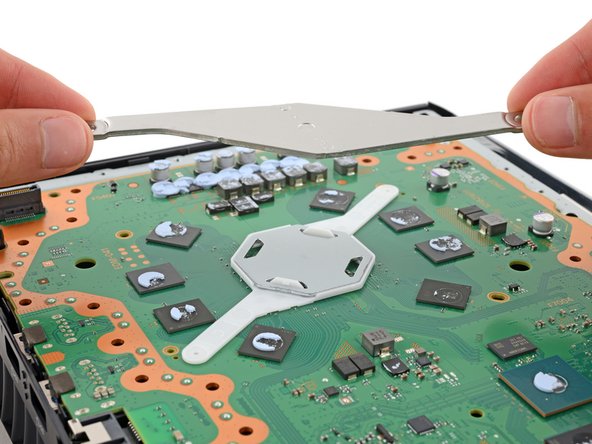
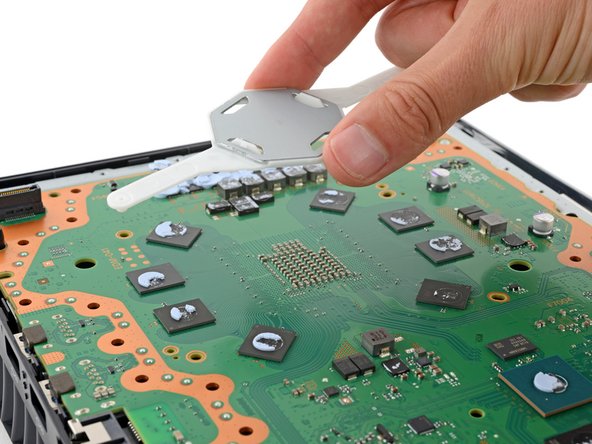
  23. Main Board Removal, Separate the top shield plate: step 23, image 1 of 3 Main Board Removal, Separate the top shield plate: step 23, image 2 of 3 Main Board Removal, Separate the top shield plate: step 23, image 3 of 3
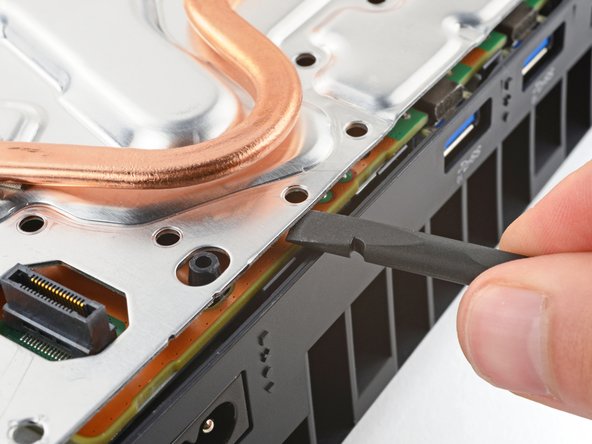
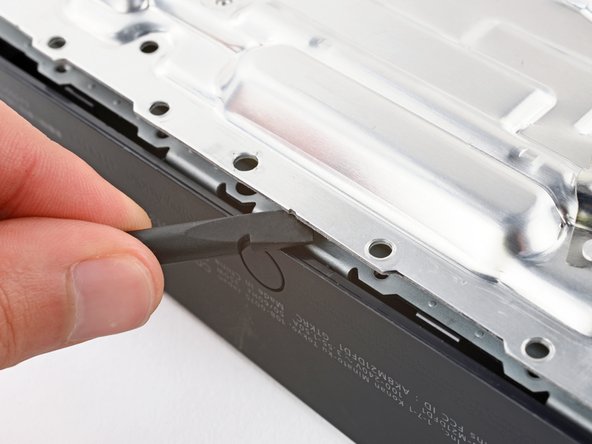
    • Thermal pads bond the top shield plate to the main board. Depending on the age of your device and conditions of the pads, it may take significant force to separate the plate.

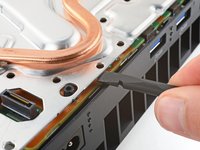
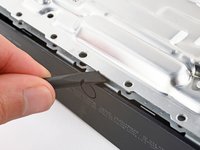
    • Insert the flat end of a spudger between the top shield plate and the main board and pry up to release the plate. Work your way around the perimeter until it separates completely.

  24. Main Board Removal, Remove the top shield plate: step 24, image 1 of 2 Main Board Removal, Remove the top shield plate: step 24, image 2 of 2
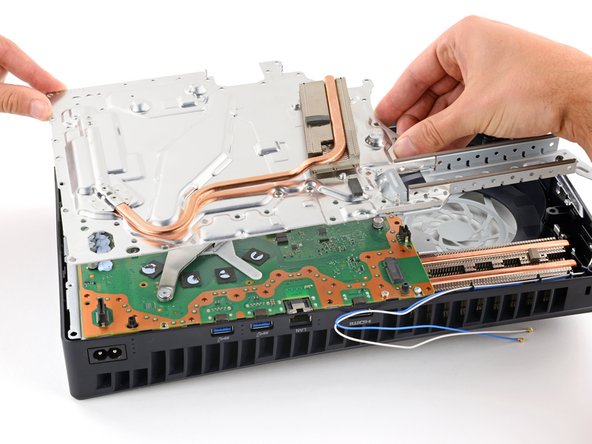
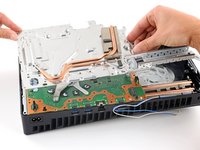
    • Lift and remove the top shield plate.

    • During reassembly, this is a good point to replace any thermal pads on the top of the main board, if necessary. The pads may be stuck to both the top shield plate and the main board.

    • It's important that the replacement pads are the same thickness as the originals, otherwise the foam around the APU may not seal properly.

  25. Main Board Removal, Remove the main board screws: step 25, image 1 of 2 Main Board Removal, Remove the main board screws: step 25, image 2 of 2
    • Use a T8 Torx Security screwdriver to remove the four remaining screws securing the main board:

    • Two 7.5 mm‑long main board screws

    • Two 16.3 mm‑long screws securing the APU tension bracket

    • Don't remove or install one screw at a time, or you may damage the APU. During disassembly and reassembly, alternate between the two screws a 1/2 turn at a time to maintain even pressure on the bracket.

  26. Main Board Removal, Remove the APU brackets: step 26, image 1 of 3 Main Board Removal, Remove the APU brackets: step 26, image 2 of 3 Main Board Removal, Remove the APU brackets: step 26, image 3 of 3
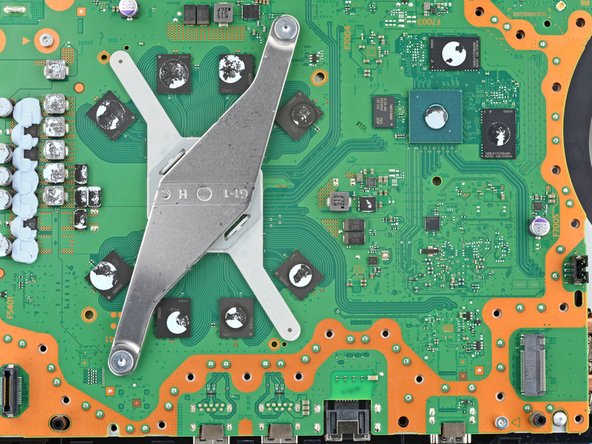
    • Lift and remove both APU brackets from the board.

    • During reassembly:

    • Put the bracket with plastic arms on first so the pegs go into their cutouts.

    • Then, put the metal bracket onto the plastic one so they're perpendicular and the screw holes line up.

  27. Main Board Removal, Detach the main board: step 27, image 1 of 3 Main Board Removal, Detach the main board: step 27, image 2 of 3 Main Board Removal, Detach the main board: step 27, image 3 of 3
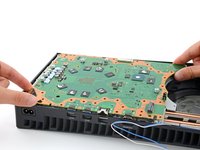
    • Don't try to fully remove the motherboard during this step—the corner near the power button is still secured by metal prongs, which will be disconnected in the next step.

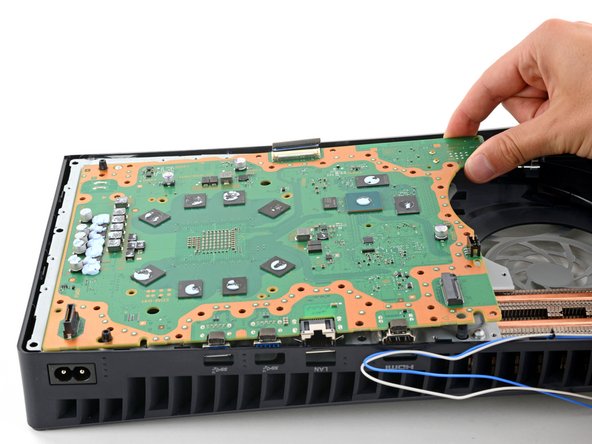
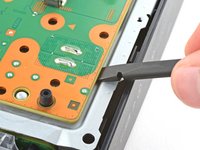
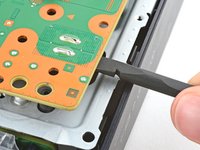
    • Gently lift the edge of the motherboard with the large cutout to partially separate it from the bottom shield plate.

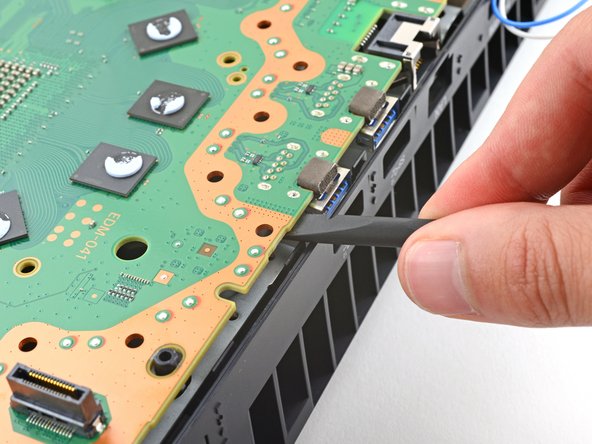
    • With the board lifted, insert the flat end of a spudger between the board and the bottom shield plate and gently twist to separate them. Work your way around the perimeter of the board.

    • Many small thermal pads bond the main board to the metal shield plate underneath. Depending on the age of your PlayStation and the condition of the pads, it may take significant force to separate the board.

  28. Main Board Removal: step 28, image 1 of 3 Main Board Removal: step 28, image 2 of 3 Main Board Removal: step 28, image 3 of 3
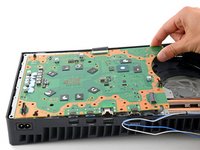
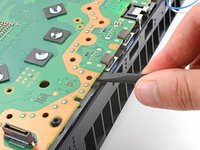
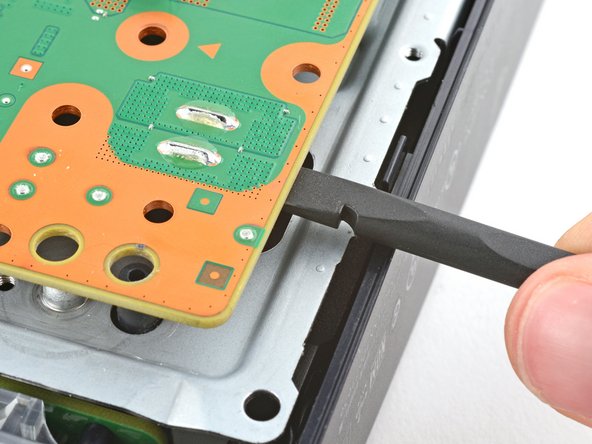
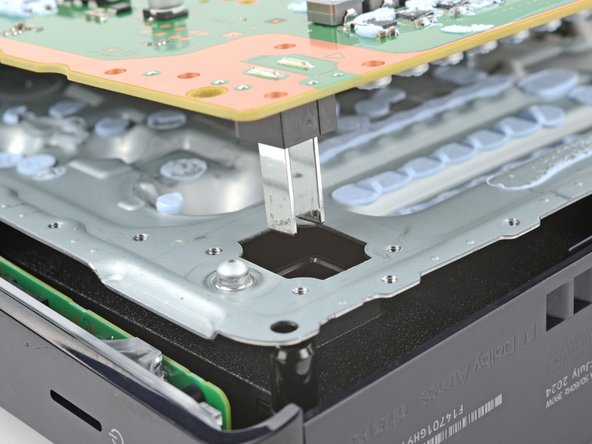
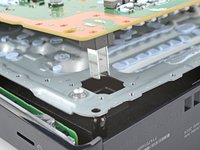
    • The power supply is connected to the bottom of the main board assembly by metal prongs that plug into the bottom left corner.

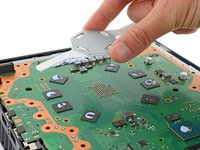
    • Insert the flat end of a spudger between the board and the lower shield plate, by the two parallel solder joints near the corner with the power button.

    • Use your spudger to pry up the board until the two prongs come completely out of their socket.

    • You should feel the prongs slide out.

    • During reassembly, press down on the corner of the board to fully seat the prongs in the power supply—you should feel them slide into place.

  29. Main Board Removal, Remove the main board: step 29, image 1 of 2 Main Board Removal, Remove the main board: step 29, image 2 of 2
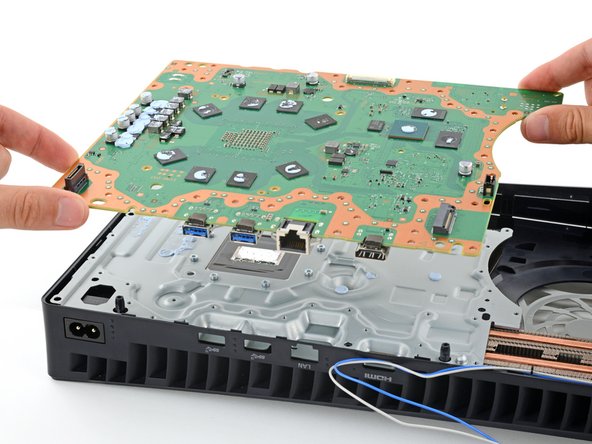
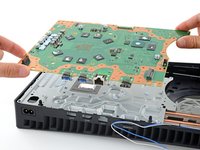
    • Remove the main board, flip it over, and carefully lay it on a clean work surface, so the APU is facing up.

    • Don't press the board against your work surface, or you may damage fragile components.

    • During reassembly:

    • Make sure all cables that connect to the board are out of the way so they don't get trapped underneath.

    • Carefully flip the board over so the APU is on the bottom, making sure no liquid metal spills.

    • Keep the board level and lower it into place.

Conclusion

To reassemble your device, follow these instructions in reverse order.

Spencer Day

Member since: 09/14/22

160,009 Reputation

1,045 Guides authored

Team

iFixit Member of iFixit

Staff

123 Members

23,991 Guides authored

0 Guide Comments

Add Comment

View Statistics:

Past 24 Hours: 1

Past 7 Days: 3

Past 30 Days: 10

All Time: 87