Free Shipping on Domestic Orders $75+

Macintosh IIsi Hard Drive Replacement

Views: 4.6K

View statistics:

Past 24 Hours:
3
Past 7 Days:
27
Past 30 Days:
96
All Time:
4,625
Comments: 3

1 comment on steps, 2 guide comments.

Go to guide comments
Completed: 4

4 people have marked this guide "completed." Will you be next?

Favorites: 3

3 people have favorited (and subscribed to) this guide. Will you be next?

Time Required: 5 - 15 minutes
Difficulty: Moderate
Macintosh IIsi Hard Drive Replacement

Introduction

Go to step 1 ↓

The Macintosh IIsi Uses a 50-Pin SCSI Drive, that doesn't need to be terminated while in single configuration.

What you need

Tools

    1. Macintosh IIsi Hard Drive Replacement, Top Case: step 1, image 1 of 2 Macintosh IIsi Hard Drive Replacement, Top Case: step 1, image 2 of 2
      • Start by turning the computer around, and remove this #0 Phillips Screw.

      • There may or may not be a Phillips #0 screw here, depending on whether or not the computer has ever been serviced.

      Ask FixBot

      Add Comment

    2. Macintosh IIsi Hard Drive Replacement: step 2, image 1 of 3 Macintosh IIsi Hard Drive Replacement: step 2, image 2 of 3 Macintosh IIsi Hard Drive Replacement: step 2, image 3 of 3
      • Now lift these two clips, and slowly pivot the case up.

      • You can now seperate the top of the computer from the rest of the machine.

      Ask FixBot

      Add Comment

    1. Macintosh IIsi Hard Drive Replacement, Hard Drive: step 3, image 1 of 3 Macintosh IIsi Hard Drive Replacement, Hard Drive: step 3, image 2 of 3 Macintosh IIsi Hard Drive Replacement, Hard Drive: step 3, image 3 of 3
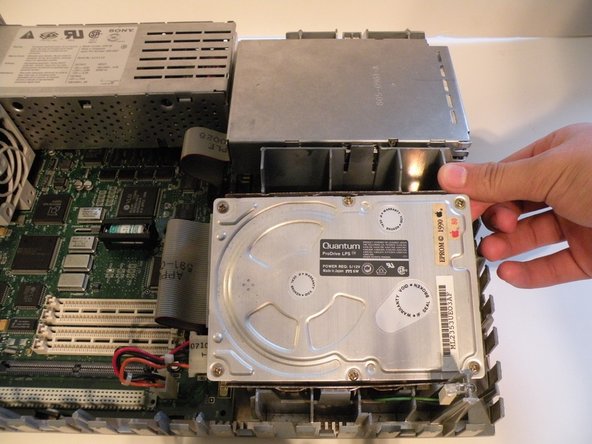
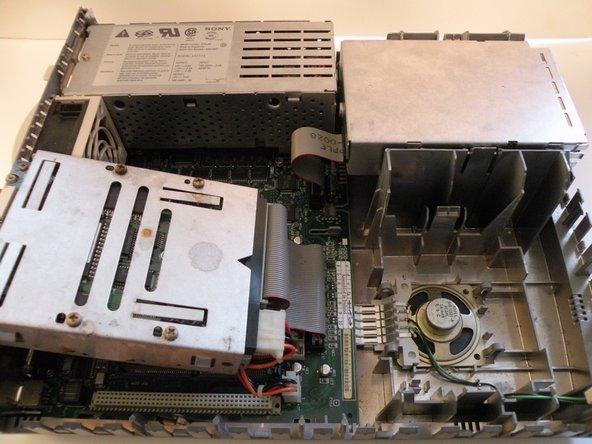
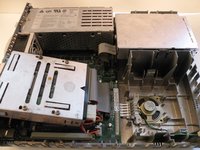
      • The Macintosh IIsi's hard drive is located ajacent to the ram and floppy drive.

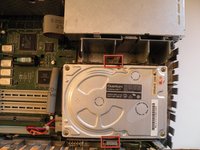
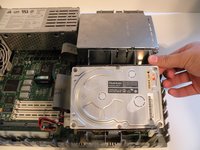
      • Start by pushing these two tabs out, and lifting the drive up.

      • Then, flip the drive over, and remove the connection cables.

      Ask FixBot

      Add Comment

    2. Macintosh IIsi Hard Drive Replacement: step 4, image 1 of 3 Macintosh IIsi Hard Drive Replacement: step 4, image 2 of 3 Macintosh IIsi Hard Drive Replacement: step 4, image 3 of 3
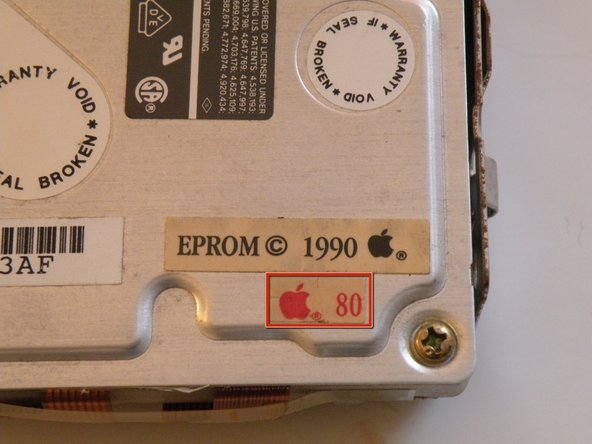
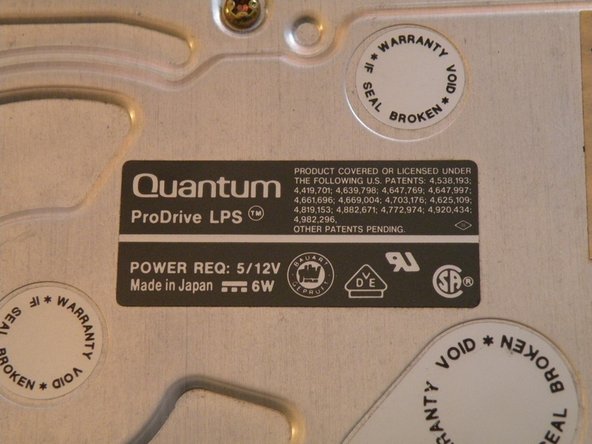
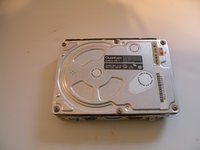
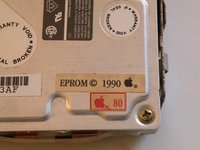
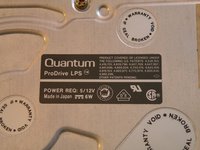
      • The hard drive: A Quantum ProDrive LPS, made in 1990, and surprisingly, it still works!

      • This drive has an 80MB capacity, not very large by today's standards, but not bad way back then...

      • Believe it or not, hard drive construction hasn't changed much in the last 20 years. Other than a few new interfaces, the form factor, 3.5" width and 4-Pin 12V/5V power connector has stayed the same.

      Ask FixBot

      Add Comment

Conclusion

To reassemble your device, follow these instructions in reverse order.

Cancel: I did not complete this guide.

4 other people completed this guide.

Chris Green

Member since: 10/11/09

38,466 Reputation

49 Guides authored

Team

Master Techs Member of Master Techs

Community

336 Members

8,282 Guides authored

2 Guide Comments

Hello cano you please tell me how is the jumpering setting for a Quantum Prodrive LT 700MB

Juan - Reply Share

Is there a way to read the HDD on a PC?

Charles - Reply Share

Add Comment

View Statistics:

Past 24 Hours: 3

Past 7 Days: 27

Past 30 Days: 96

All Time: 4,625