
Lower Feet Removal

Last updated on Nov 5, 2025
Views: 168
View statistics:
- Past 24 Hours:
- 0
- Past 7 Days:
- 5
- Past 30 Days:
- 21
- All Time:
- 168
Comments: 0
No one has left comments on this guide. Will you be first?
Go to guide commentsCompleted: 1 2
1 person has marked this guide "completed." Will you be next?
2 people have marked this guide "completed." Including you — great job!
Favorites: 0 1
No one has favorited (and subscribed to) this guide. Will you be the first?
1 person has favorited (and subscribed to) this guide — and that's you!
Prerequisite Only
This is a prerequisite-only guide! This guide is part of another procedure and isn’t meant to be used alone.
Introduction
Go to step 1 ↓This guide shows how to remove the three lower feet on your Logitech K540 wireless keyboard. If you're opening the keyboard up, you only need to remove these feet.
What you need
Tools
-
Spudger4.9
-
-


-
-
-
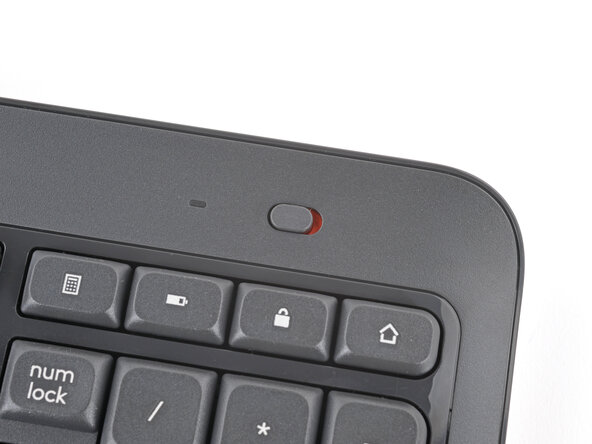
Slide the power switch on the top right corner to the OFF position.
-
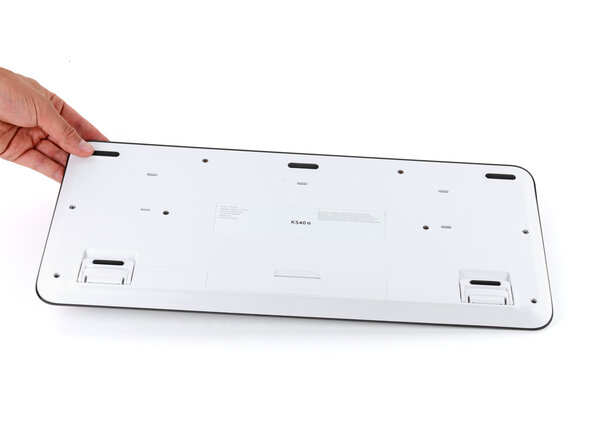
Flip your keyboard over and lay it down so the edge with the two tilt legs is closest to you.
 Ask FixBot
-
-
-
-
-
-
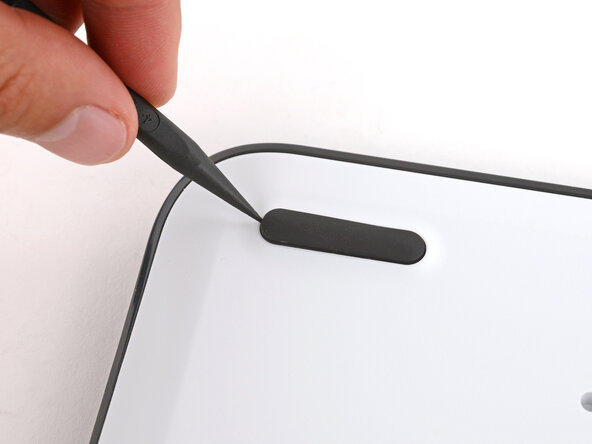
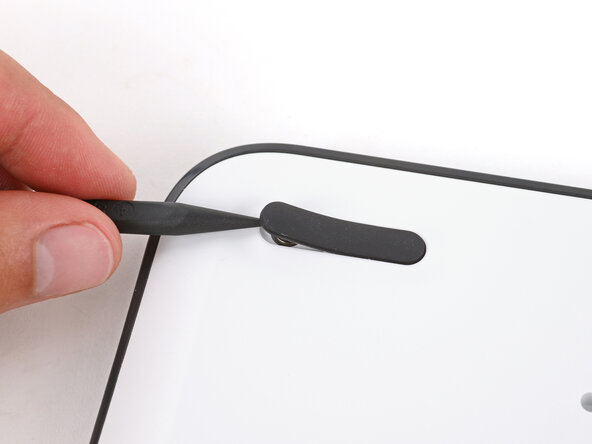
Insert the point of a spudger under an end of the foot.
-
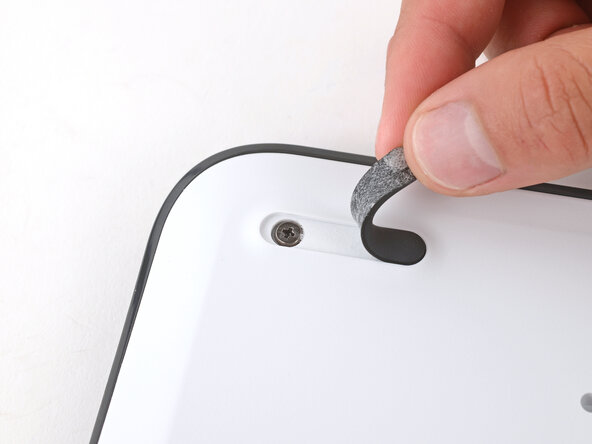
Push the spudger underneath the foot and lift until you can grip it with your fingers.
-
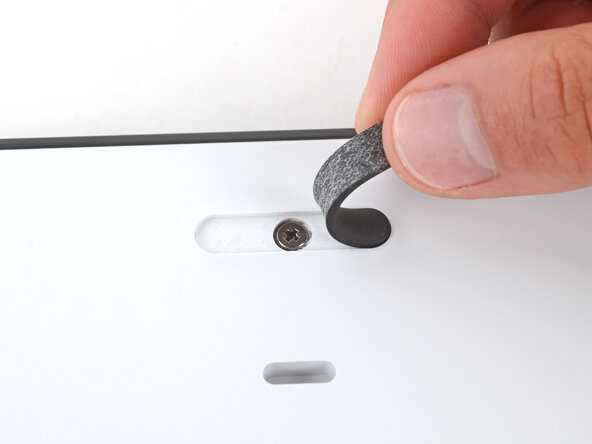
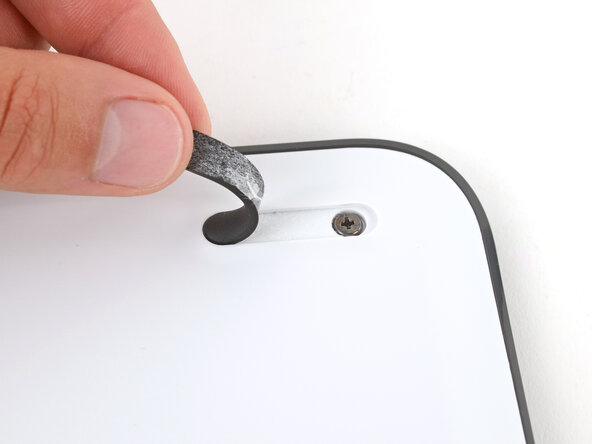
Peel the foot up and remove it.
-
-





Cancel: I did not complete this guide.
One other person completed this guide.

