Free Shipping on Domestic Orders $75+

Logitech M275 Scroll Wheel Replacement

What you need

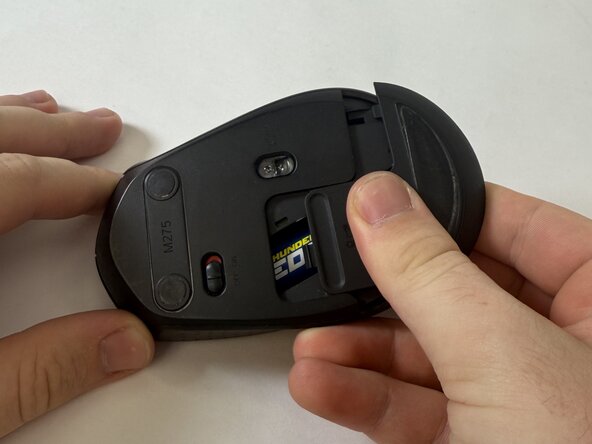
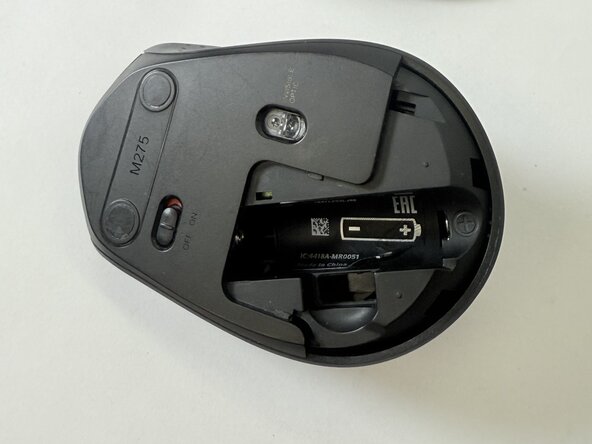
  1. Logitech M275 Scroll Wheel Replacement, Scroll Wheel: step 1, image 1 of 3 Logitech M275 Scroll Wheel Replacement, Scroll Wheel: step 1, image 2 of 3 Logitech M275 Scroll Wheel Replacement, Scroll Wheel: step 1, image 3 of 3
    • Flip the mouse over.

    • With your fingers, gently press down and remove the battery cover.

    • Remove the battery and the USB receiver from the mouse.

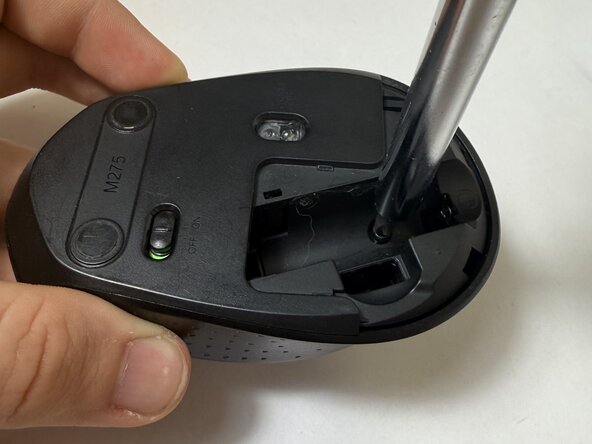
  2. Logitech M275 Scroll Wheel Replacement: step 2, image 1 of 2 Logitech M275 Scroll Wheel Replacement: step 2, image 2 of 2
    • Remove the sticker at the bottom of the battery compartment.

    • Use a Phillips screwdriver to remove the single screws at the bottom of the battery compartment.

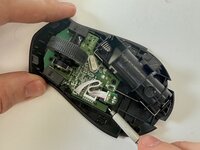
  3. Logitech M275 Scroll Wheel Replacement: step 3, image 1 of 1
    • Carefully remove the top half of the mouse cover.

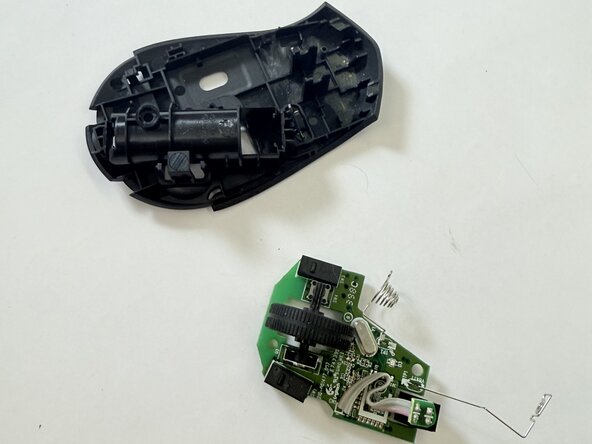
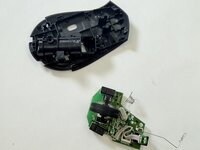
  4. Logitech M275 Scroll Wheel Replacement: step 4, image 1 of 2 Logitech M275 Scroll Wheel Replacement: step 4, image 2 of 2
    • Use a spudger or screwdriver to carefully apply upward pressure around each side of the circuit board until the whole piece slides out of the bottom.

  5. Logitech M275 Scroll Wheel Replacement: step 5, image 1 of 1
    • Using a soft cloth, gently remove dust and small debris.

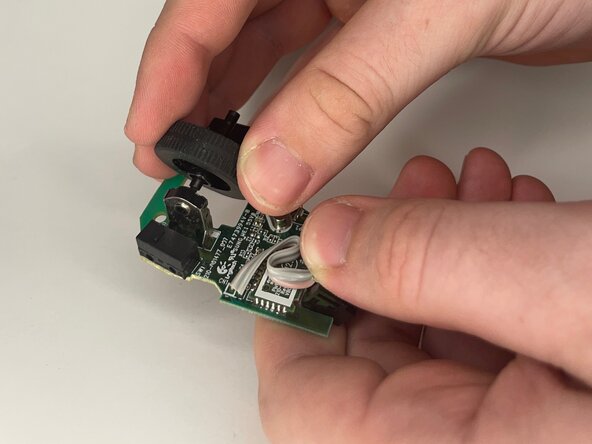
  6. Logitech M275 Scroll Wheel Replacement: step 6, image 1 of 3 Logitech M275 Scroll Wheel Replacement: step 6, image 2 of 3 Logitech M275 Scroll Wheel Replacement: step 6, image 3 of 3
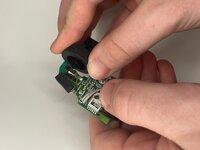
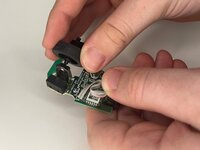
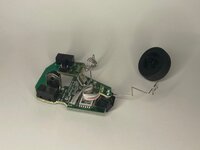
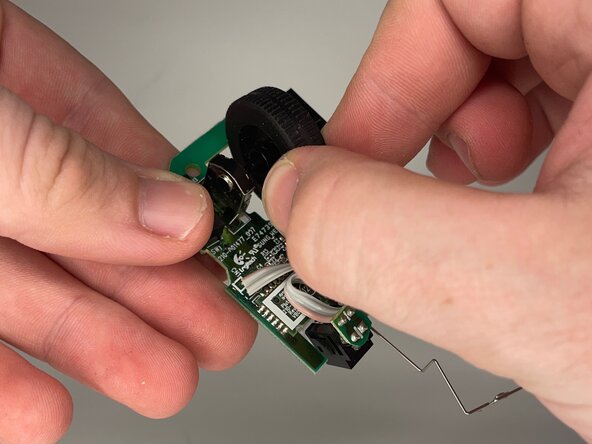
    • Carefully remove the wheel from its axis and replace it with the new wheel.

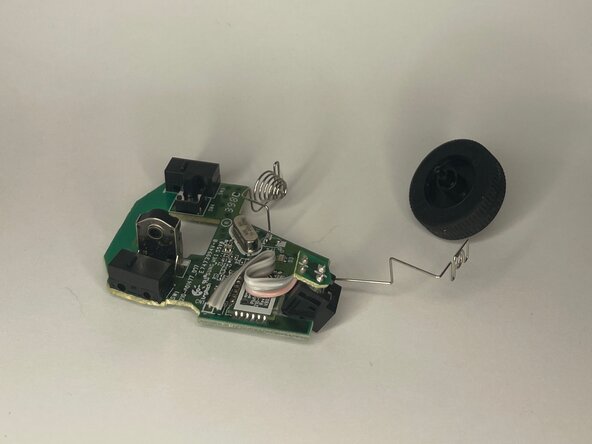
  7. Logitech M275 Scroll Wheel Replacement: step 7, image 1 of 3 Logitech M275 Scroll Wheel Replacement: step 7, image 2 of 3 Logitech M275 Scroll Wheel Replacement: step 7, image 3 of 3
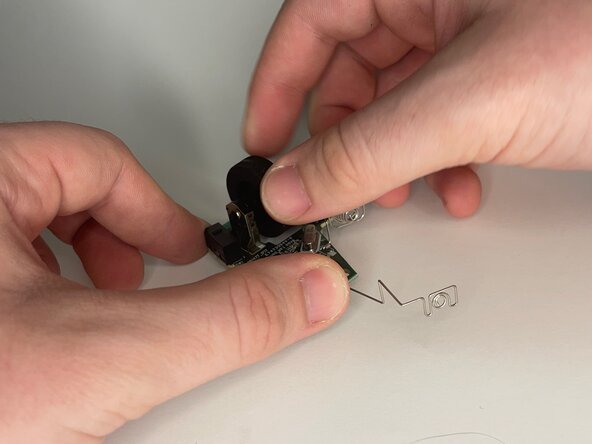
    • Ensure that the new scroll wheel is aligned with the encoder.

    • Make sure that the new scroll wheel spins and clicks into place.

Conclusion

To reassemble your device, follow the above steps in reverse order.
Take your e-waste to an R2 or e-Stewards certified recycler.
Repair didn’t go as planned? Try some basic troubleshooting or ask our Answers community for help.

Adrianna Doan

Member since: 05/12/25

145 Reputation

1 Guide authored

Team

UC Davis, Team 2-4, Whithaus Spring 2025 Member of UC Davis, Team 2-4, Whithaus Spring 2025

UCD-WHITHAUS-S25S2G4

3 Members

1 Guide authored

0 Guide Comments

Add Comment

View Statistics:

Past 24 Hours: 5

Past 7 Days: 22

Past 30 Days: 76

All Time: 601