Free Shipping on Domestic Orders $75+

Logic Board Shield Removal

Prerequisite Only
This is a prerequisite-only guide! This guide is part of another procedure and isn’t meant to be used alone.

What you need

    1. Logic Board Shield Removal, Unfasten the logic board shield: step 1, image 1 of 2 Logic Board Shield Removal, Unfasten the logic board shield: step 1, image 2 of 2
      • Use a Phillips PH00 screwdriver to remove the eight screws securing the shield to the logic board:

      • Five 2 mm screws

      • Three 1.2 mm screws

      Ask FixBot

      Add Comment

    2. Logic Board Shield Removal, Heat the logic board shield: step 2, image 1 of 1
      • Apply a heated iOpener to the top of the logic board for two minutes.

      Ask FixBot

      Add Comment

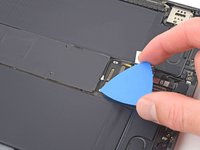
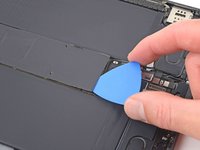
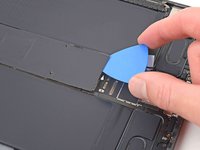
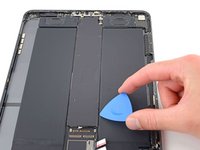
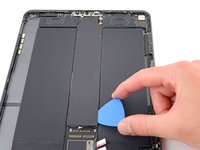
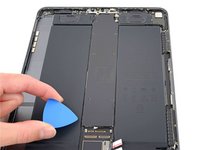
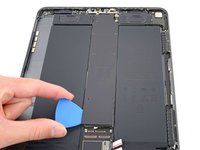
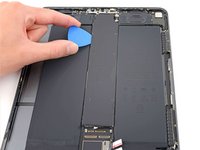
    3. Logic Board Shield Removal, Separate the bottom edge shield adhesive: step 3, image 1 of 3 Logic Board Shield Removal, Separate the bottom edge shield adhesive: step 3, image 2 of 3 Logic Board Shield Removal, Separate the bottom edge shield adhesive: step 3, image 3 of 3
      • Insert an opening pick between the shield and the shielding gasket on the bottom edge of the logic board.

      • Slide the pick along the bottom edge to separate the adhesive.

      Ask FixBot

      Add Comment

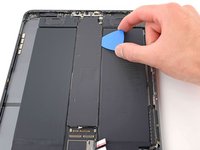
    4. Logic Board Shield Removal, Separate the right edge shield adhesive: step 4, image 1 of 3 Logic Board Shield Removal, Separate the right edge shield adhesive: step 4, image 2 of 3 Logic Board Shield Removal, Separate the right edge shield adhesive: step 4, image 3 of 3
      • Repeat the previous step for the right edge of the logic board shield.

      Ask FixBot

      Add Comment

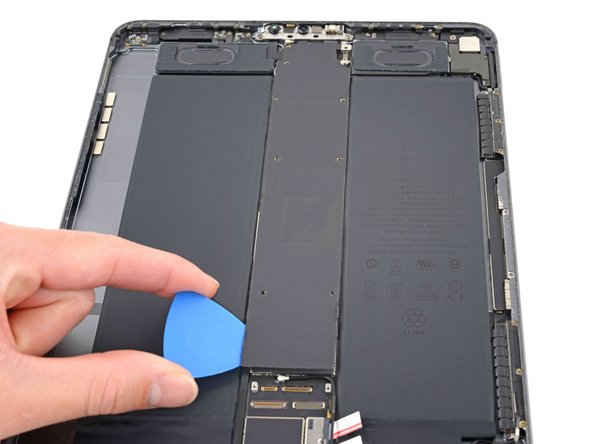
    5. Logic Board Shield Removal, Separate the left edge shield adhesive: step 5, image 1 of 3 Logic Board Shield Removal, Separate the left edge shield adhesive: step 5, image 2 of 3 Logic Board Shield Removal, Separate the left edge shield adhesive: step 5, image 3 of 3
      • Repeat the previous step for the left edge of the logic board shield.

      Ask FixBot

      Add Comment

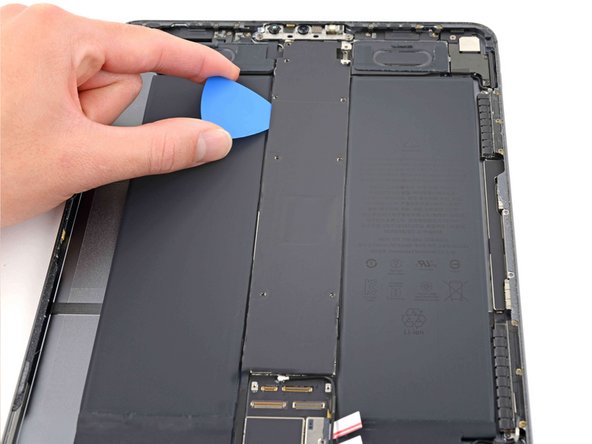
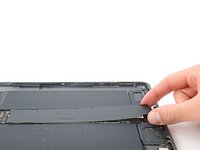
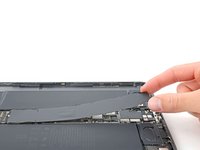
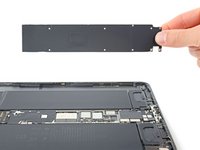
    6. Logic Board Shield Removal, Remove the logic board shield: step 6, image 1 of 3 Logic Board Shield Removal, Remove the logic board shield: step 6, image 2 of 3 Logic Board Shield Removal, Remove the logic board shield: step 6, image 3 of 3
      • Grip the logic board shield at the top and lift it up.

      • Stop lifting if the shield is stuck or begins to bend—a bent shield will reduce thermal transfer from the logic board. Use an opening pick to separate any remaining adhesive.

      Ask FixBot

      Add Comment

Conclusion

To reassemble your device, follow these instructions in reverse order.

Cancel: I did not complete this guide.

Chayton Ritter

Member since: 08/21/20

27,635 Reputation

105 Guides authored

Team

Guide Team Member of Guide Team

Staff

10 Members

61,630 Guides authored

0 Guide Comments

Add Comment

View Statistics:

Past 24 Hours: 0

Past 7 Days: 2

Past 30 Days: 14

All Time: 212