Jabra Evolve2 65 Microphone Replacement

What you need

  1. Jabra Evolve2 65 Microphone Replacement, Ear Pads: step 1, image 1 of 1
    • Lay your headphones down on a flat, solid surface.

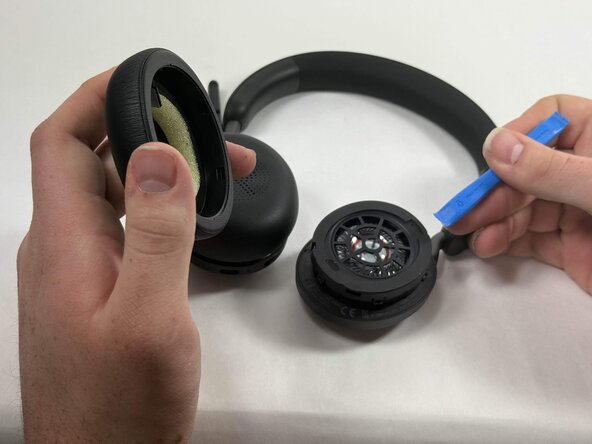
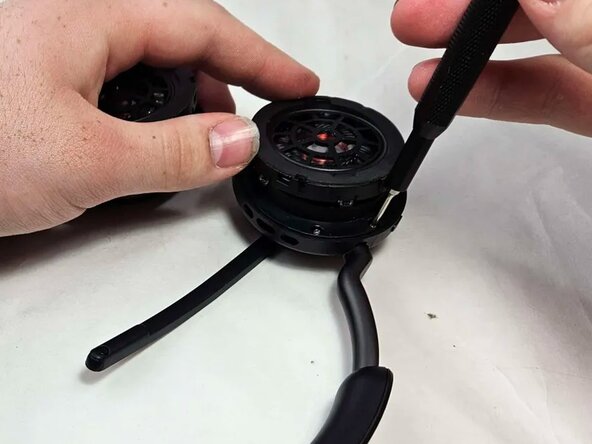
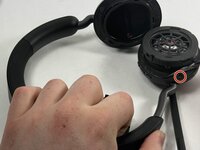
  2. Jabra Evolve2 65 Microphone Replacement: step 2, image 1 of 2 Jabra Evolve2 65 Microphone Replacement: step 2, image 2 of 2
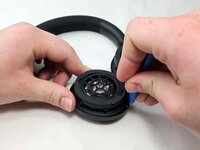
    • Insert an opening tool into the seam between the ear pad and driver housing, near the hinge.

    • Gently pry the ear pad away from the driver housing until it releases.

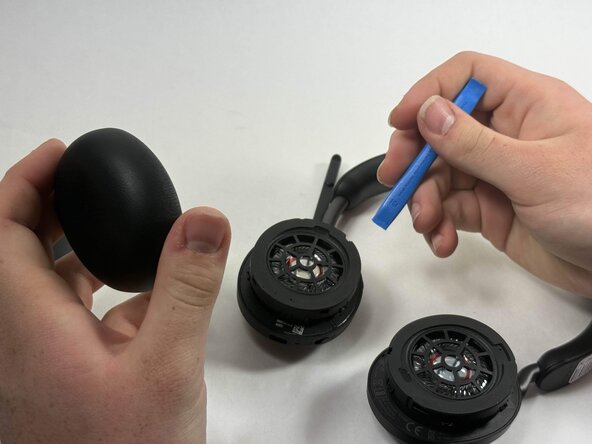
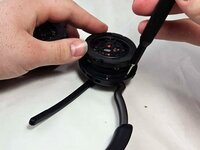
  3. Jabra Evolve2 65 Microphone Replacement: step 3, image 1 of 2 Jabra Evolve2 65 Microphone Replacement: step 3, image 2 of 2
    • Pry off the other ear pad in the same manner.

  4. Jabra Evolve2 65 Microphone Replacement, Motherboard: step 4, image 1 of 2 Jabra Evolve2 65 Microphone Replacement, Motherboard: step 4, image 2 of 2
    • Peel back the tape where the microphone's base connects to the headband.

    • Use a T6 Torx screwdriver to remove the single 2 mm screw.

  5. Jabra Evolve2 65 Microphone Replacement: step 5, image 1 of 1
    • Go about a third of the way around the first screw and peel back the tape to locate the second screw.

    • Use T6 Torx screwdriver to remove the single 2 mm screw.

  6. Jabra Evolve2 65 Microphone Replacement: step 6, image 1 of 1
    • Locate the third screw after peeling the tape off entirely after removing the second screw.

    • Use a T6 Torx screwdriver to remove the final 2 mm screw.

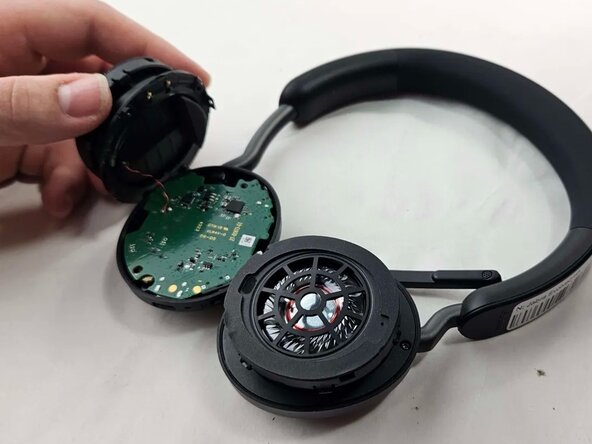
  7. Jabra Evolve2 65 Microphone Replacement: step 7, image 1 of 3 Jabra Evolve2 65 Microphone Replacement: step 7, image 2 of 3 Jabra Evolve2 65 Microphone Replacement: step 7, image 3 of 3
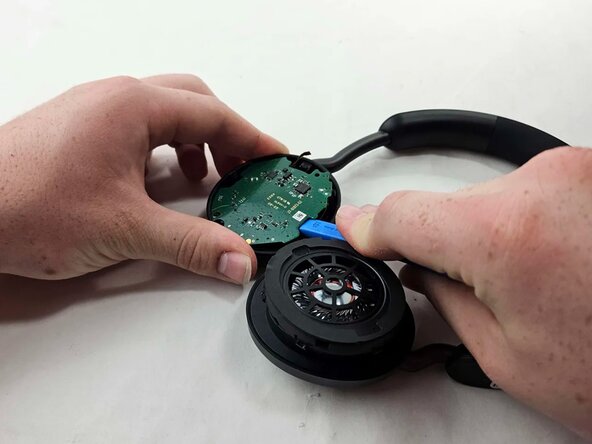
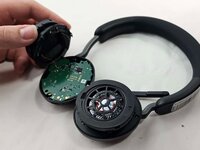
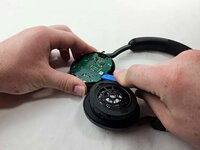
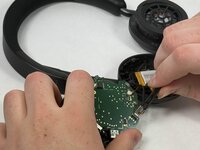
    • Use an opening tool to pry up and set aside the driver housing.

    • Gently remove the motherboard from the housing..

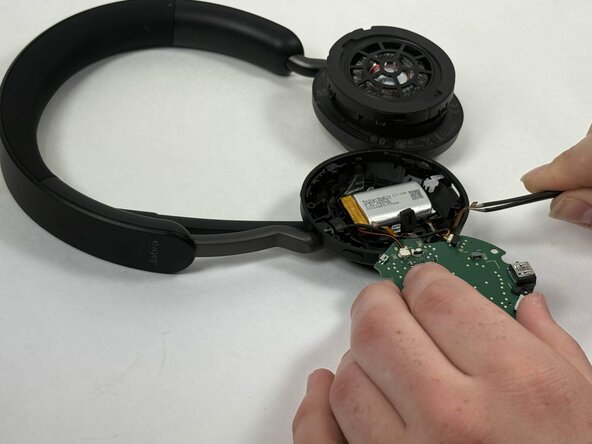
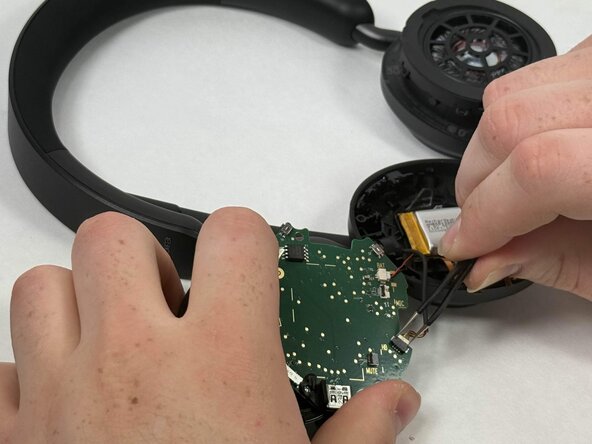
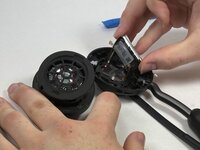
  8. Jabra Evolve2 65 Microphone Replacement: step 8, image 1 of 3 Jabra Evolve2 65 Microphone Replacement: step 8, image 2 of 3 Jabra Evolve2 65 Microphone Replacement: step 8, image 3 of 3
    • After locating the battery underneath, use a pair of tweezers to disconnect all connected cables.

    • Using tweezers, gently wiggle out the connector that joins the battery to the motherboard. The correct connector will be labeled on the motherboard and is the one that contains 2 wires, one black and one red.

  9. Jabra Evolve2 65 Microphone Replacement: step 9, image 1 of 1
    • Using a soldering iron, desolder the driver connections from the motherboard.

    • When reinstalling the driver to the motherboard, make sure you solder the driver connections to the correct terminals. The red wire goes to the "P" and the black wire goes to the "N."

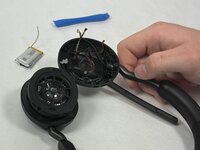
  10. Jabra Evolve2 65 Microphone Replacement, Battery: step 10, image 1 of 3 Jabra Evolve2 65 Microphone Replacement, Battery: step 10, image 2 of 3 Jabra Evolve2 65 Microphone Replacement, Battery: step 10, image 3 of 3
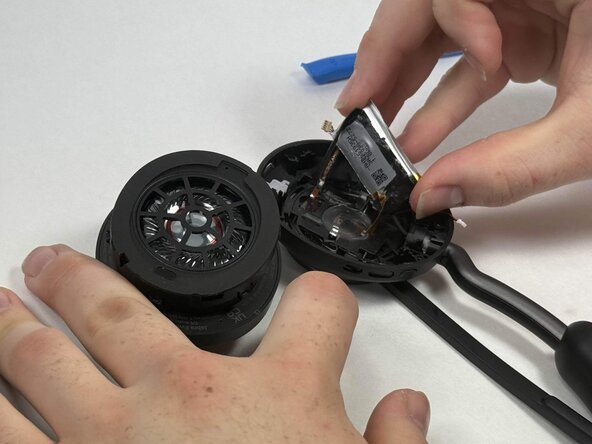
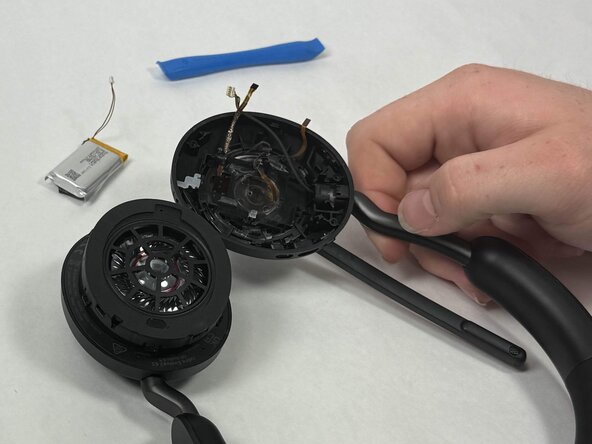
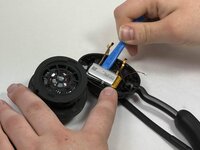
    • Using an opening tool, gently pry out the battery.

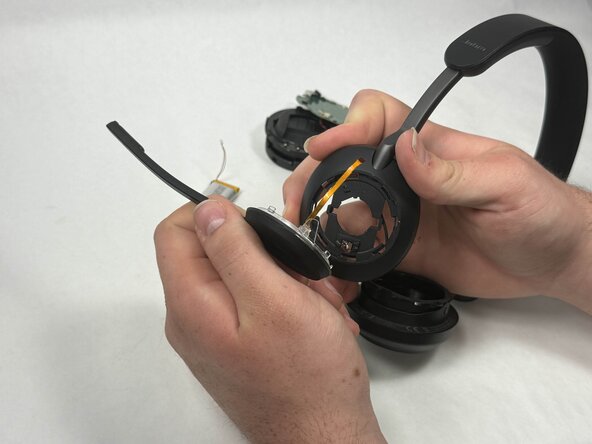
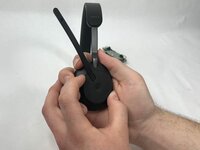
  11. Jabra Evolve2 65 Microphone Replacement, Microphone: step 11, image 1 of 2 Jabra Evolve2 65 Microphone Replacement, Microphone: step 11, image 2 of 2
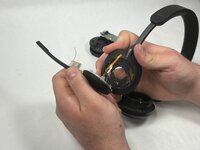
    • Hold the microphone arm in place tightly.

    • Twist the arm downwards and pull gently, but firmly until it comes off.

    • If microphone does not disconnect right away, wiggle the microphone arm slightly up and down until it pops out of place.

Conclusion

To reassemble your device, follow the above steps in reverse order.
Take your e-waste to an R2 or e-Stewards certified recycler.
Repair didn’t go as planned? Try some basic troubleshooting or ask our Answers community for help.

Lance Fernandes

Member since: 03/19/25

126 Reputation

1 Guide authored

Team

0 Guide Comments

Add Comment

View Statistics:

Past 24 Hours: 5

Past 7 Days: 44

Past 30 Days: 163

All Time: 807