Introduction
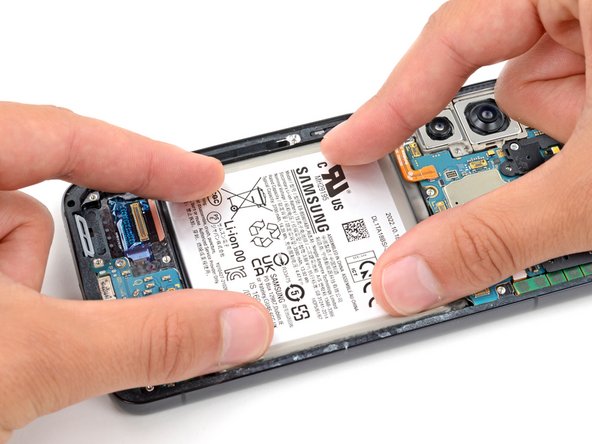
Use this guide to install a new battery in your Samsung Galaxy S22 or S22+.
This guide only shows the steps to install a new battery once you've removed the old one. If you haven't already, follow these guides to remove the battery:
What you need
-
-
Use your fingers or tweezers to peel up and remove any large pieces of adhesive from the frame.
-
Apply a few drops of highly-concentrated isopropyl alcohol (greater than 90%) to the remaining adhesive.
-
Use the flat end of a spudger to scrape off all remaining adhesive.
-
-
-
Apply a few more drops of highly-concentrated isopropyl alcohol (greater than 90%) to any adhesive residue on the frame and wipe it away with a microfiber or lint-free cloth.
-
-
-
-
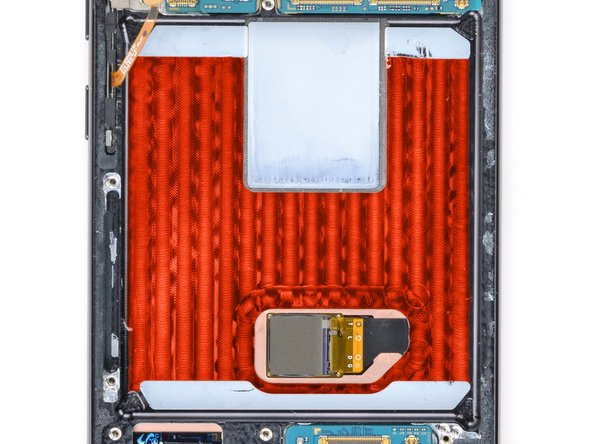
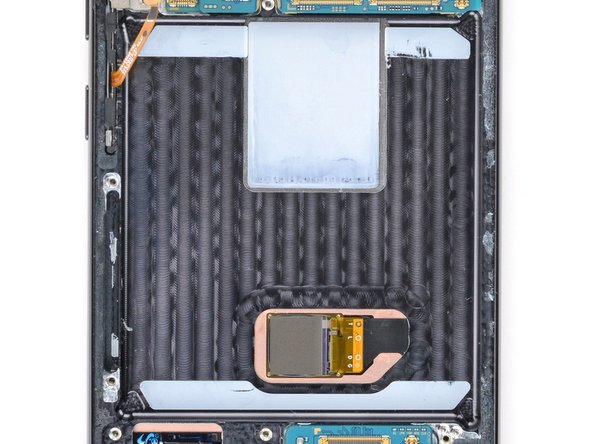
Measure and cut strips of strong double-sided tape so they'll fit on the exposed metal frame in the battery recess.
-
-
-
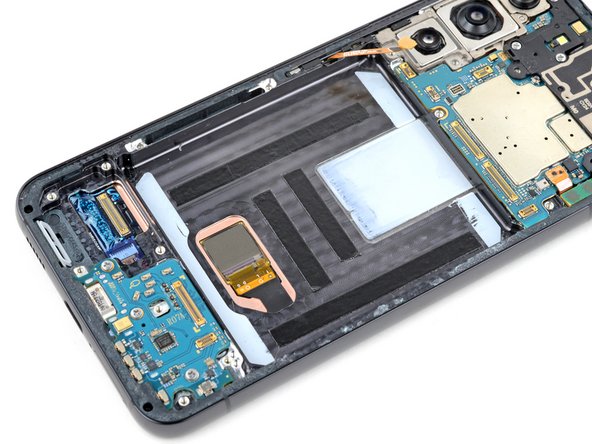
Lay a strip of tape onto the frame.
-
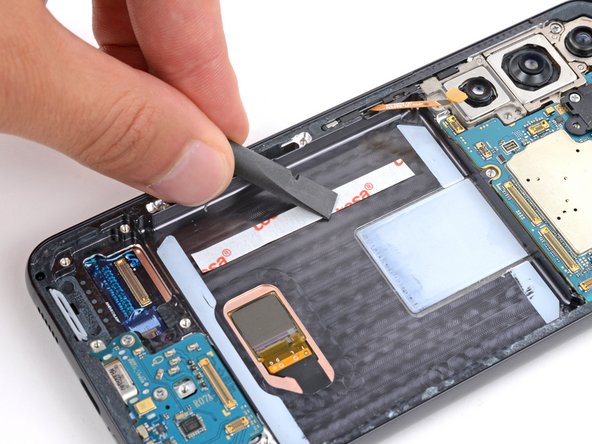
Use the flat end of your spudger to press down firmly along the whole strip to secure it.
-
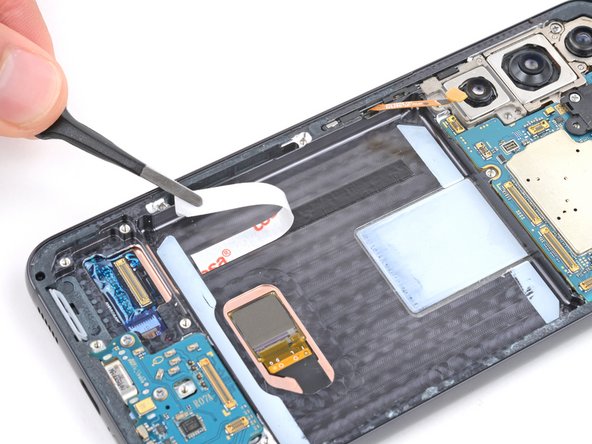
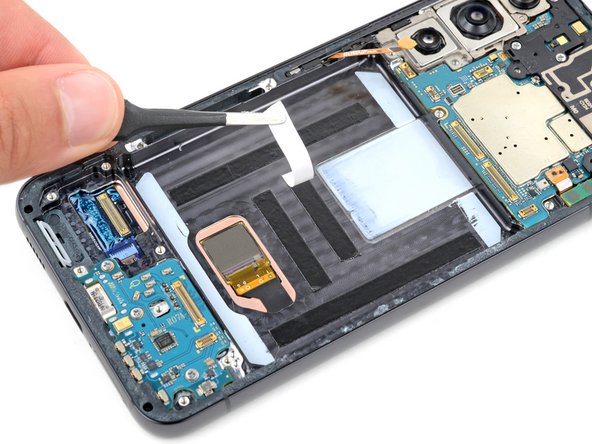
Use tweezers to remove the liner from the strip of tape.
-
-






For optimal performance, calibrate your newly installed battery after completing your repair.
Take your e-waste to an R2 or e-Stewards certified recycler.
Repair didn’t go as planned? Try some basic troubleshooting, or ask our Answers community for help.
For optimal performance, calibrate your newly installed battery after completing your repair.
Take your e-waste to an R2 or e-Stewards certified recycler.
Repair didn’t go as planned? Try some basic troubleshooting, or ask our Answers community for help.



