Hover-1 All Star Mainboard Replacement

What you need

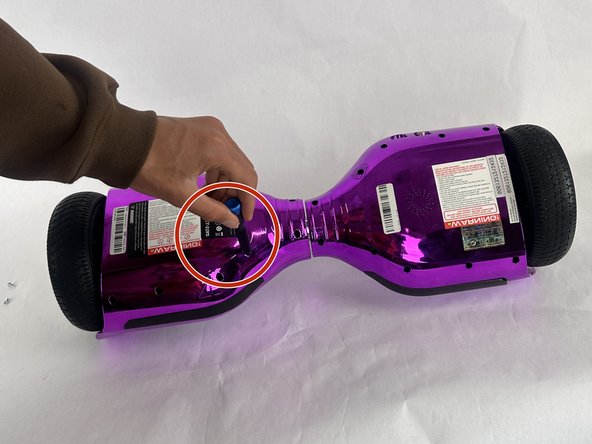
  1. Hover-1 All Star Mainboard Replacement, Outer Casing: step 1, image 1 of 2 Hover-1 All Star Mainboard Replacement, Outer Casing: step 1, image 2 of 2
    • Turn the hoverboard upside down and remove the twenty Phillips #1 screws that secure the casing.

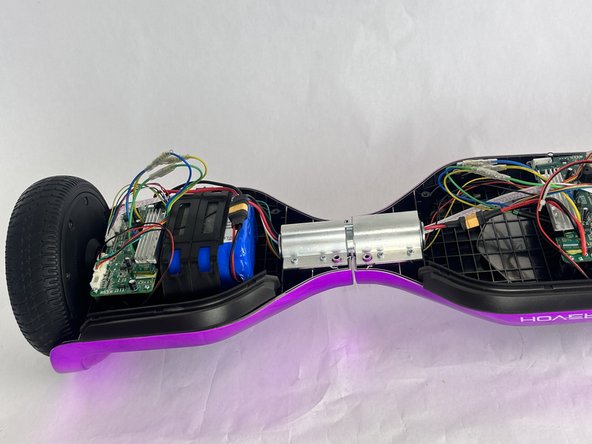
  2. Hover-1 All Star Mainboard Replacement: step 2, image 1 of 2 Hover-1 All Star Mainboard Replacement: step 2, image 2 of 2
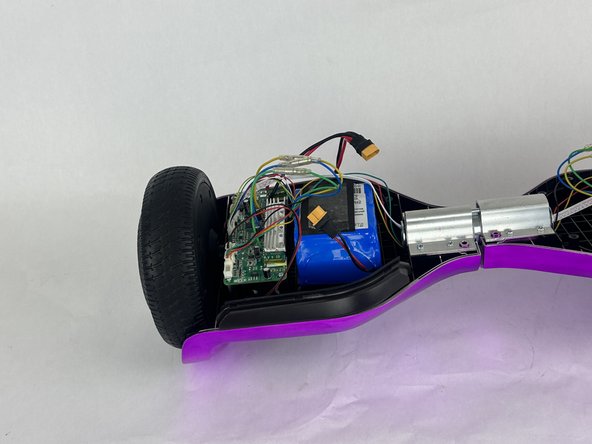
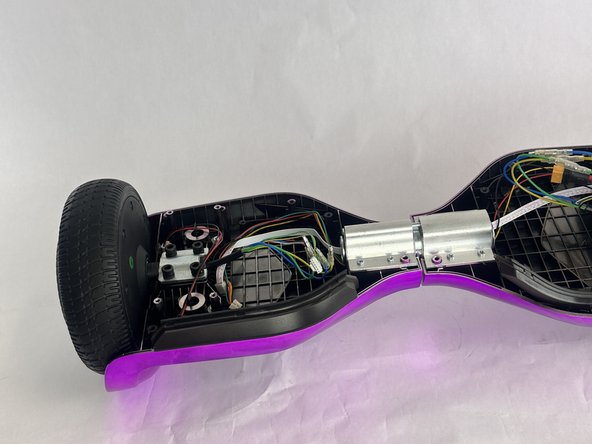
    • After all the screws are removed simply pull off the bottom part of the casing in two pieces (Right and Left).

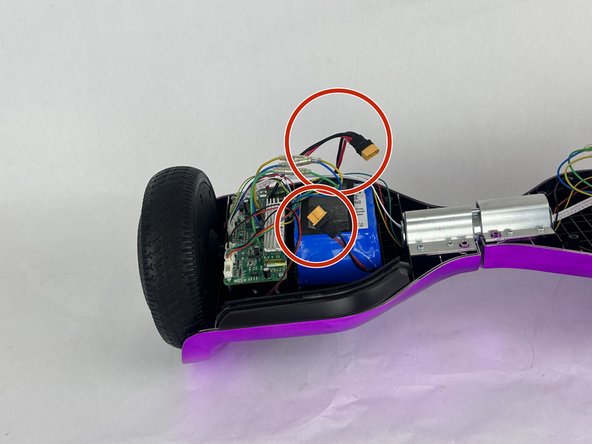
  3. Hover-1 All Star Mainboard Replacement, Battery: step 3, image 1 of 2 Hover-1 All Star Mainboard Replacement, Battery: step 3, image 2 of 2
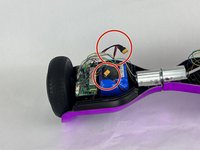
    • Disconnect the battery from the circuit board via the orange connector.

  4. Hover-1 All Star Mainboard Replacement: step 4, image 1 of 2 Hover-1 All Star Mainboard Replacement: step 4, image 2 of 2
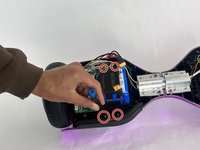
    • Remove the four small screws that secures the plastic battery bracket with a Phillips #1 screwdriver.

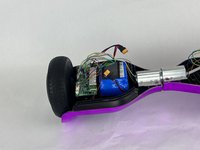
    • Remove the plastic bracket.

    • Once the plastic restraint is removed the battery will have nothing else holding it in but a piece of double sided tape on the bottom.

  5. Hover-1 All Star Mainboard Replacement: step 5, image 1 of 1
    • Remove the battery.

    • This step will likely require you to use the plastic prying tool because the tape is very strong.

  6. Hover-1 All Star Mainboard Replacement, Mainboard: step 6, image 1 of 1
    • Remove the four Phillips #1 screws that secure the mainboard.

  7. Hover-1 All Star Mainboard Replacement: step 7, image 1 of 1
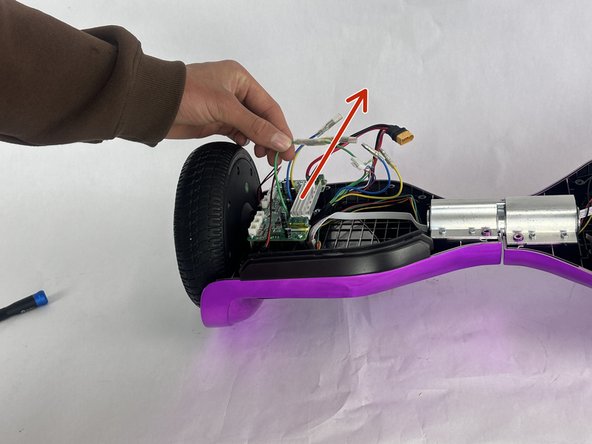
    • Disconnect all cables connected to the mainboard.

    • Also disconnect the three colored cables by pulling them apart.

  8. Hover-1 All Star Mainboard Replacement: step 8, image 1 of 2 Hover-1 All Star Mainboard Replacement: step 8, image 2 of 2
    • Lift the mainboard up and out.

Conclusion

To reassemble your device, follow the above steps in reverse order.
Take your e-waste to an R2 or e-Stewards certified recycler.
Repair didn’t go as planned? Try some basic troubleshooting or ask our Answers community for help.

Nathan Meyer

Member since: 10/28/24

629 Reputation

6 Guides authored

Team

Cuesta, Team 10-2, Krynen Fall 2024 Member of Cuesta, Team 10-2, Krynen Fall 2024

CUESTA-KRYNEN-F24S10G2

3 Members

6 Guides authored

0 Guide Comments

Add Comment

View Statistics:

Past 24 Hours: 0

Past 7 Days: 2

Past 30 Days: 13

All Time: 197