Introduction
This repair guide was authored by the iFixit staff and hasn’t been endorsed by Google. Learn more about our repair guides here.
Use this guide to replace the back cover in your Google Pixel 9 Pro Fold.
What you need
-
-
-
Unplug all cables from your phone and completely power it down.
 Ask FixBot
-
-
-
-
-
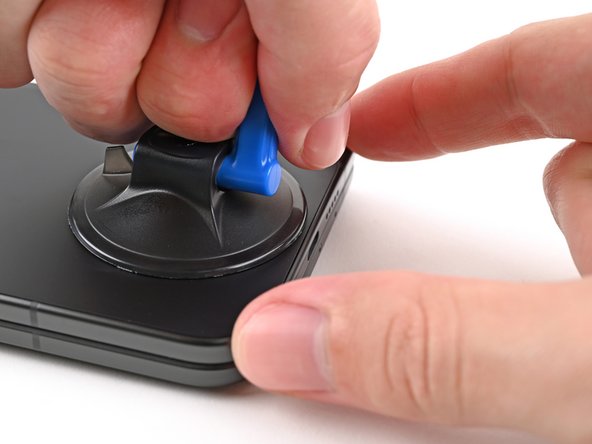
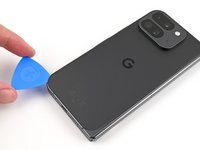
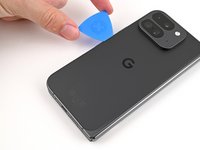
Apply a suction cup to the back cover, as close to the center of the bottom edge as possible.
-
While securing the phone with one hand, pull up on the suction cup with strong, steady force to create a gap between the back cover and the frame.
-
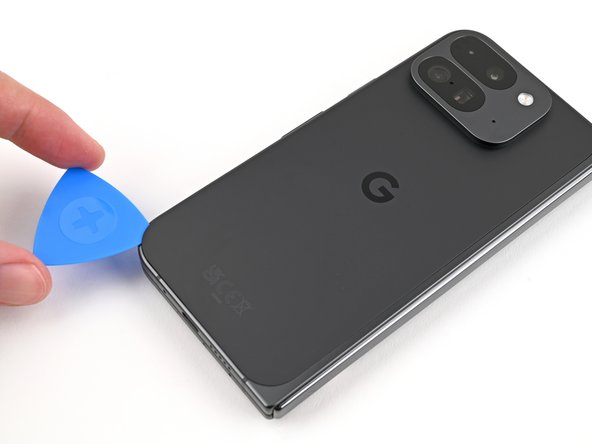
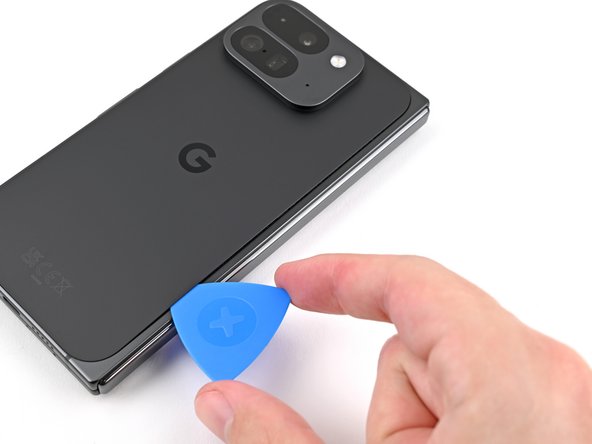
Insert an opening pick into the gap.
-
-
-
Remove the suction handle from the back cover.
-
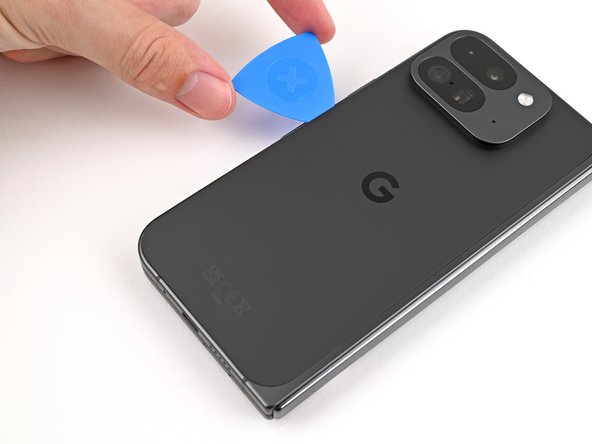
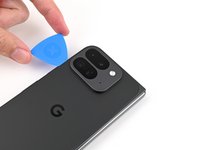
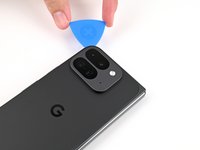
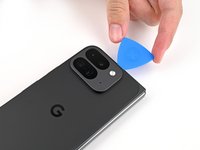
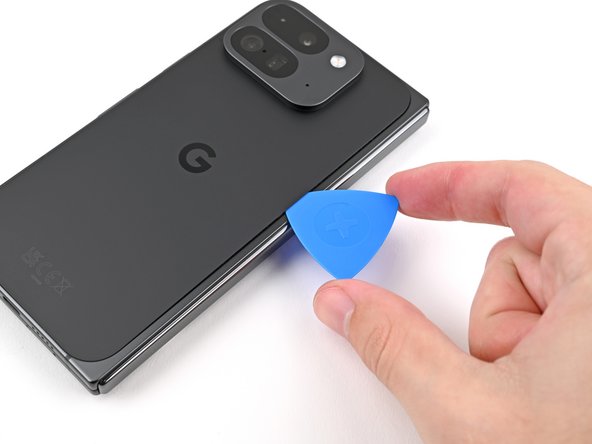
Slide the opening pick around the bottom left corner and up the left edge of the back cover to separate the adhesive.
-
-
-
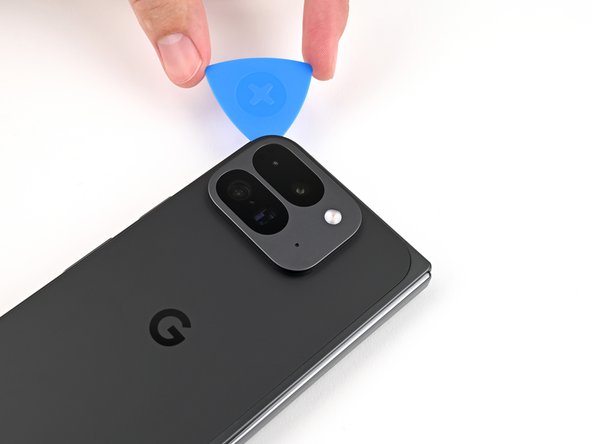
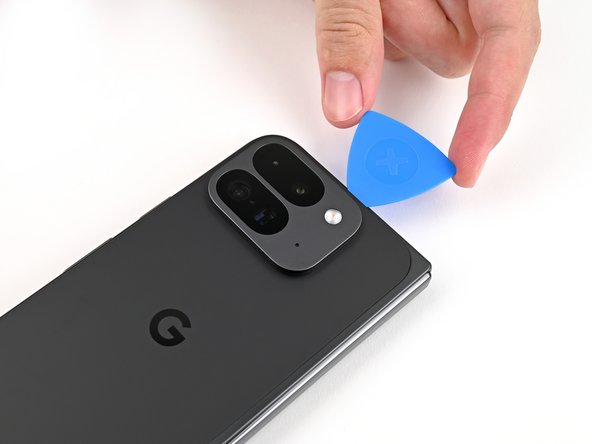
Continue sliding the pick around the top left corner and across the top edge of the back cover.
-
-
-
-
Slide your pick down the right edge and around the bottom right corner to separate the remaining adhesive.
-
-
-
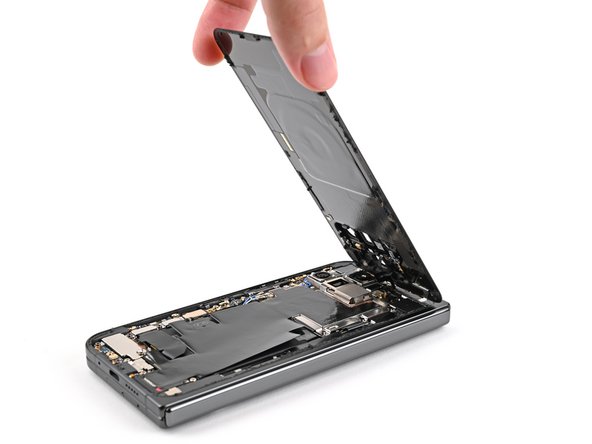
Lift the bottom edge of the back cover and swing it over the top edge of the phone.
-
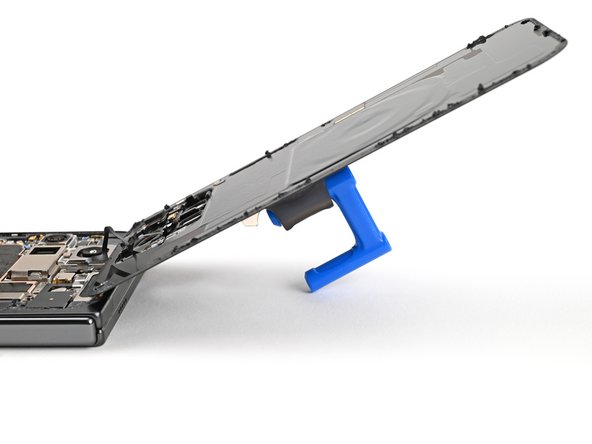
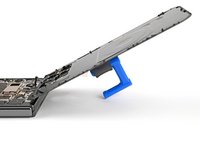
Prop up the back cover with your suction handle or a clean, sturdy object—making sure that the cable isn't strained.
-
-
Tool used on this step:FixMat$36.95
-
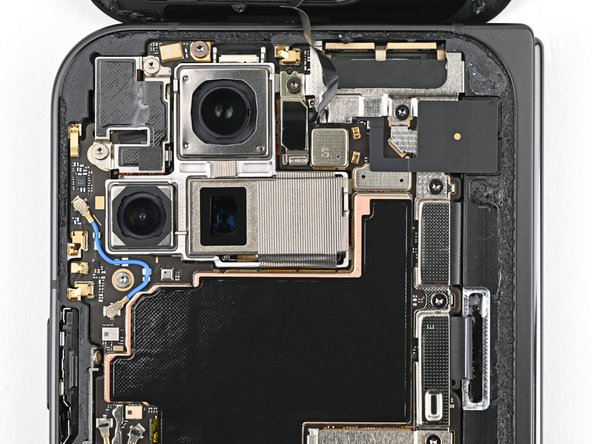
Use a Torx Plus 3IP driver to remove the 3.0 mm‑long screw securing the top bracket.
-
-
-
Use tweezers, or your fingers, to pull the top bracket towards the top of the phone to release it from its clip.
-
Remove the top bracket.
-
-
-
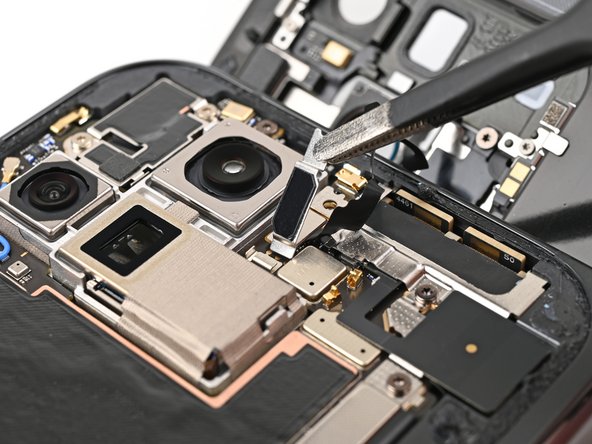
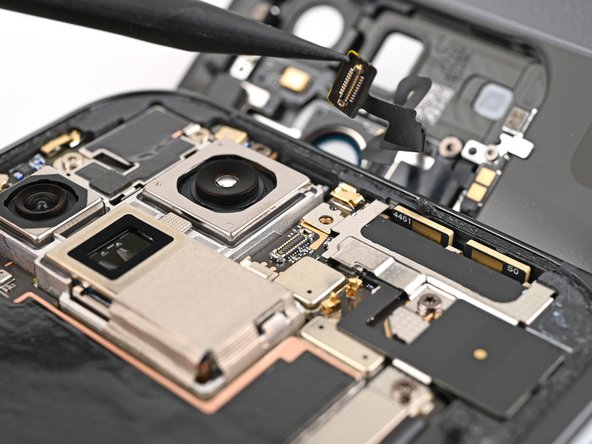
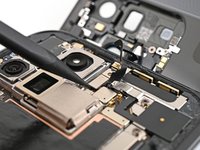
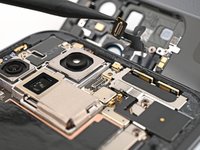
Insert the tip of your spudger under the bottom edge of the back cover cable press connector.
-
Pry up and disconnect the back cover cable.
-
-











Take your e-waste to an R2 or e-Stewards certified recycler.
Compare your new replacement part to the original part—you may need to transfer remaining components or remove adhesive backings from the new part before you install it.
To reassemble your device, follow these instructions in reverse order.
Repair didn’t go as planned? Try some basic troubleshooting, or ask our Google Pixel 9 Pro Fold Answers Community for help.


