
Google Pixel 9 Back Glass Replacement

Carsten Frauenheim and 3 other contributors
Last updated on Sep 13, 2024
Views: 10K
View statistics:
- Past 24 Hours:
- 19
- Past 7 Days:
- 105
- Past 30 Days:
- 464
- All Time:
- 9,960
Comments: 2
2 guide comments.
Go to guide commentsCompleted: 3 4
3 people have marked this guide "completed." Will you be next?
4 people have marked this guide "completed." Including you — great job!
Favorites: 0 1
No one has favorited (and subscribed to) this guide. Will you be the first?
1 person has favorited (and subscribed to) this guide — and that's you!
Introduction
Go to step 1 ↓This repair guide was authored by the iFixit staff and hasn’t been endorsed by Google. Learn more about our repair guides here.
Follow this guide to replace a cracked or broken glass back cover on your Google Pixel 9.
You'll need replacement back glass adhesive to complete this repair.
Note: Any repair can compromise the water resistance of your phone. Retaining water resistance after the repair will depend on how well you reapply the rear cover adhesive.
What you need


-
-
-
Unplug all cables from your phone.
-
Completely power off your phone.
 Ask FixBot
-
-
-
-
-
Adhesive secures the perimeter of the back glass to the frame.
-
Lay overlapping strips of packing tape over the glass to protect yourself and make disassembly easier. Ensure there's a smooth area near the bottom edge that's large and smooth enough for a suction cup to stick to.
-
-
-
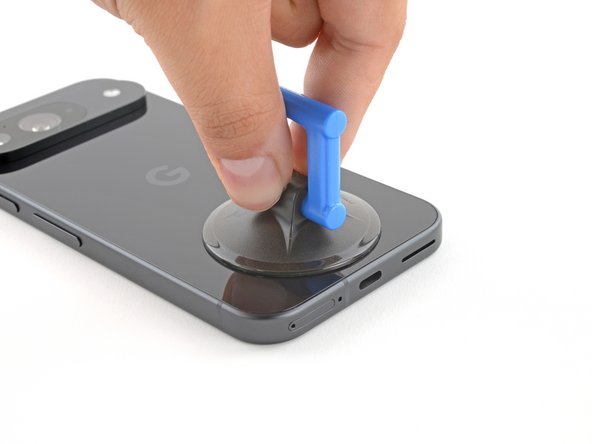
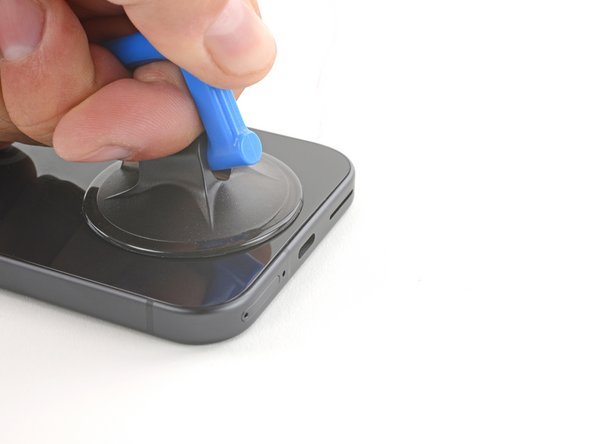
Place a suction handle at the bottom edge of the back glass, as close to the edge as possible.
-
Push down to attach the suction cup.
-
-
-
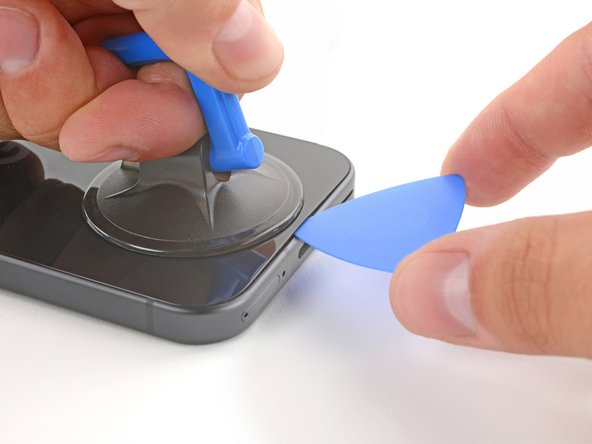
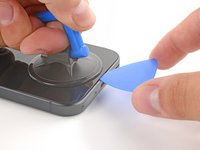
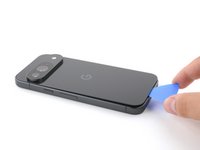
Pull up on the suction handle with strong, steady force to create a small gap under the back glass.
-
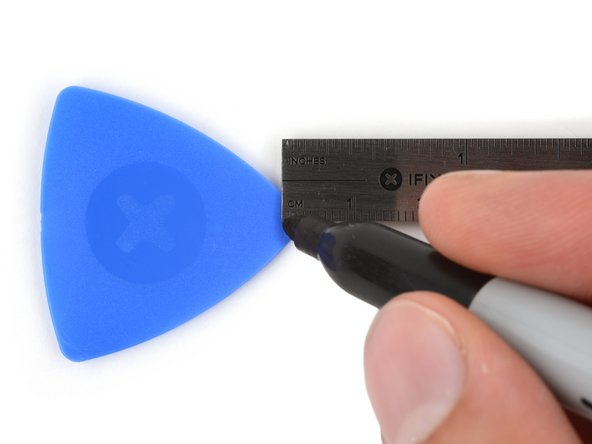
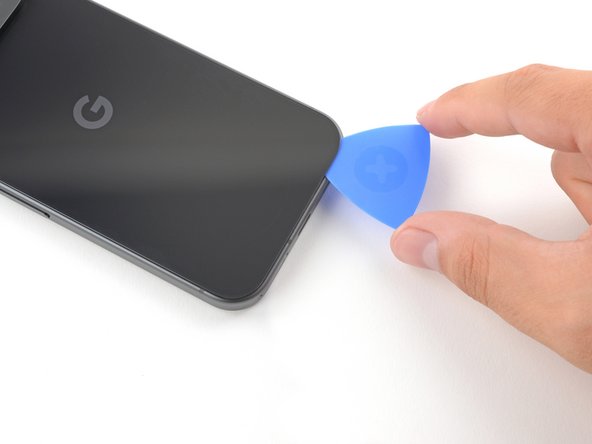
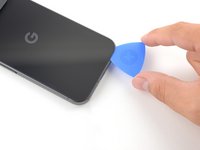
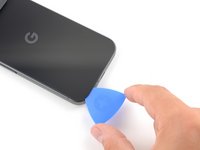
Insert the tip of an opening pick into the gap.
-
-
-
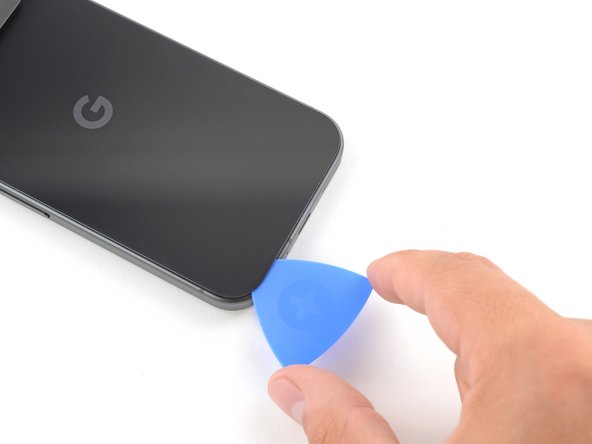
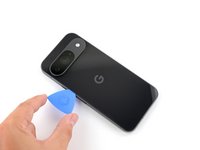
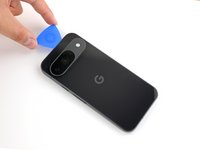
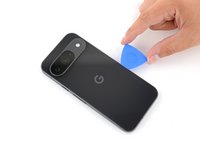
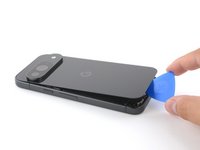
Slide the opening pick back and forth along the bottom edge to separate the adhesive securing it.
-
-
-
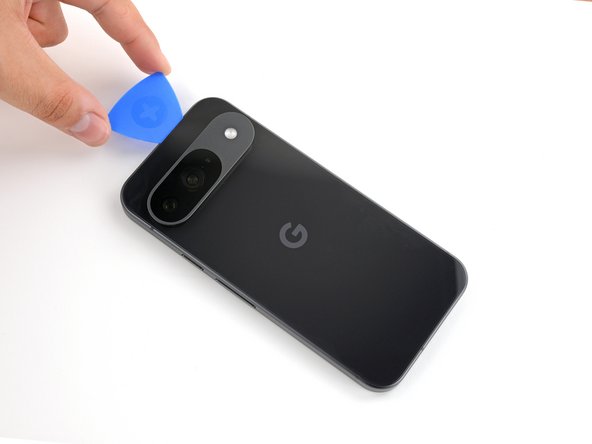
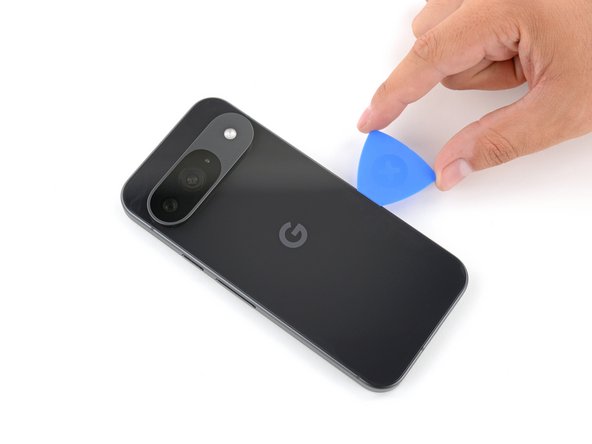
Slide the opening pick around the perimeter of the phone, slicing the rest of the adhesive.
-
-
-
-
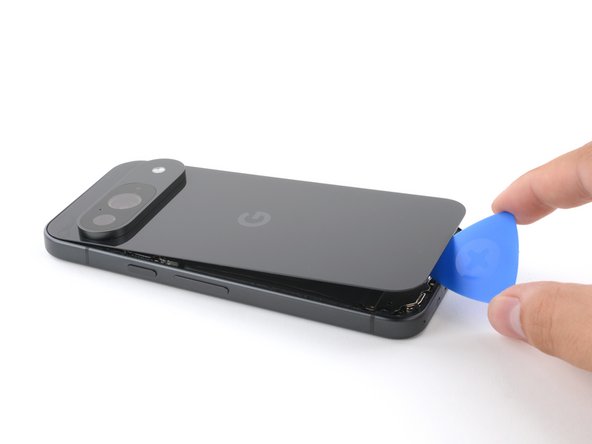
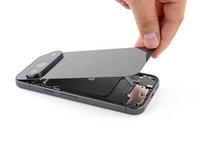
With most of the adhesive separated, lightly twist the opening pick at the bottom edge to lift the back glass up until you can grip it with your fingers.
-
Use the opening pick to separate any remaining sections of adhesive securing the back glass.
-
-
-
Remove the back glass.
-
Now is a good time to test your phone before sealing it up. Power it on and check that it works. Power it back down before you continue reassembly.
-
Follow this guide to apply new adhesive and install your back glass.
-
-










To reassemble your device, follow this guide.
To run a diagnostics test with the built-in Pixel Diagnostic tool, click here.
Take your e-waste to an R2 or e-Stewards certified recycler.
Repair didn’t go as planned? Try some basic troubleshooting, or ask our Pixel 9 Answers Community for help.
Cancel: I did not complete this guide.
3 other people completed this guide.


2 Guide Comments
Thank god for this guide, I just got my new phone and during the process of putting it in the protective case, it slipped out of my hand and the bottom right corner cracked and created a slight dent on the exterior metal band which shouldn't be too hard to make that straight again. Not too concerned about the phone being water tight since the case will cover that, but I'm not in an environment where the phone would come into contact with water anyways. I wish the rear glass and adhesive was sold on this website, would prefer to get all the parts from one source whenever possible.
hey i have purchansed Goggle pixel 8 in December, 2024 and my back side glass is broken , what to do, what is the costing for replacement ?
