GameSir X2 Type-C Right Joystick Replacement

What you need
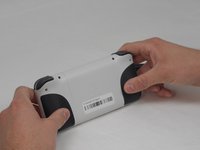
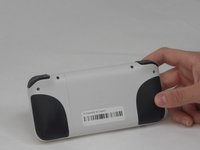
  1. GameSir X2 Type-C Right Joystick Replacement, Back Cover: step 1, image 1 of 2 GameSir X2 Type-C Right Joystick Replacement, Back Cover: step 1, image 2 of 2
    • Turn the device so the back faces you.

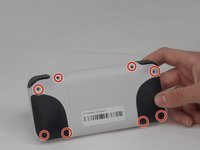
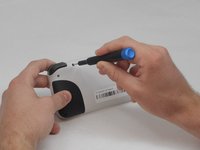
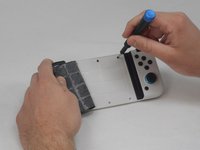
  2. GameSir X2 Type-C Right Joystick Replacement: step 2, image 1 of 2 GameSir X2 Type-C Right Joystick Replacement: step 2, image 2 of 2
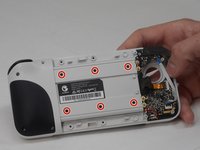
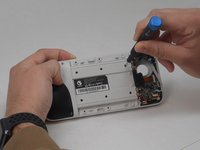
    • Remove the eight 6 mm T6 Torx screws.

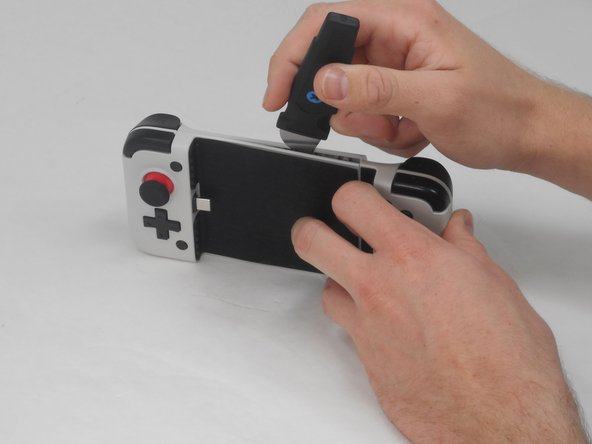
  3. GameSir X2 Type-C Right Joystick Replacement: step 3, image 1 of 1
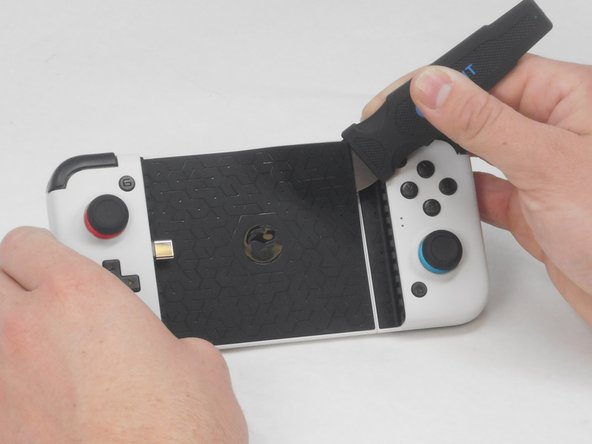
    • Use a straight edge to remove the rubber pad on the front of the device.

  4. GameSir X2 Type-C Right Joystick Replacement: step 4, image 1 of 2 GameSir X2 Type-C Right Joystick Replacement: step 4, image 2 of 2
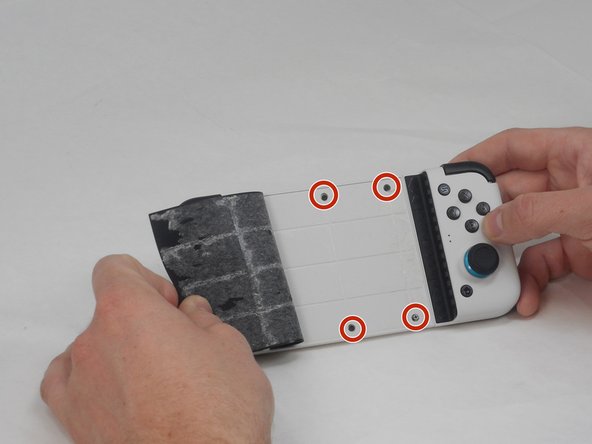
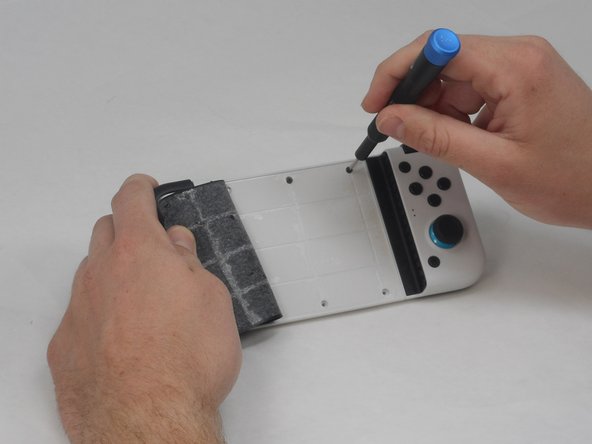
    • Remove the four 4.5 mm screws with a Phillips #000 screwdriver.

  5. GameSir X2 Type-C Right Joystick Replacement: step 5, image 1 of 2 GameSir X2 Type-C Right Joystick Replacement: step 5, image 2 of 2
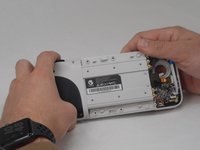
    • Use a straight edge to pry open the controller, following the seam on the controller.

    • Some force is necessary, but be careful not to damage any of the clips holding the controller together.

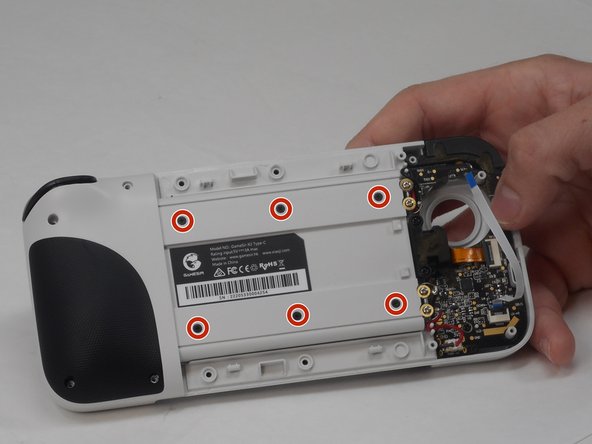
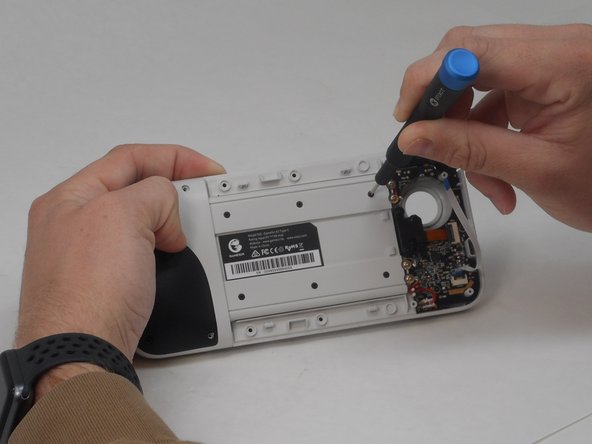
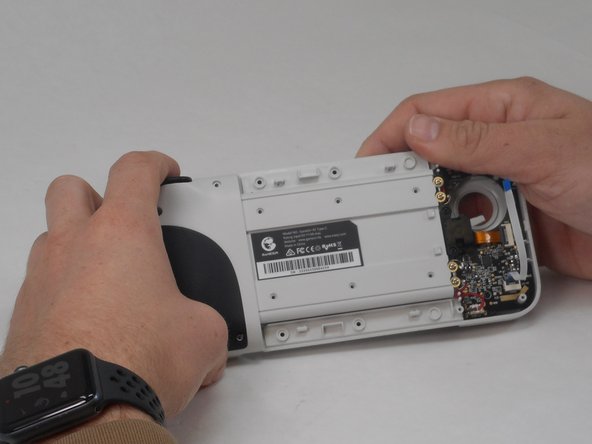
  6. GameSir X2 Type-C Right Joystick Replacement, Right Joystick: step 6, image 1 of 3 GameSir X2 Type-C Right Joystick Replacement, Right Joystick: step 6, image 2 of 3 GameSir X2 Type-C Right Joystick Replacement, Right Joystick: step 6, image 3 of 3
    • Remove six 4.5 mm screws using the Phillips #000 screwdriver.

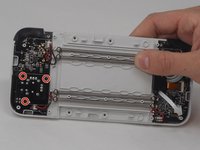
  7. GameSir X2 Type-C Right Joystick Replacement: step 7, image 1 of 2 GameSir X2 Type-C Right Joystick Replacement: step 7, image 2 of 2
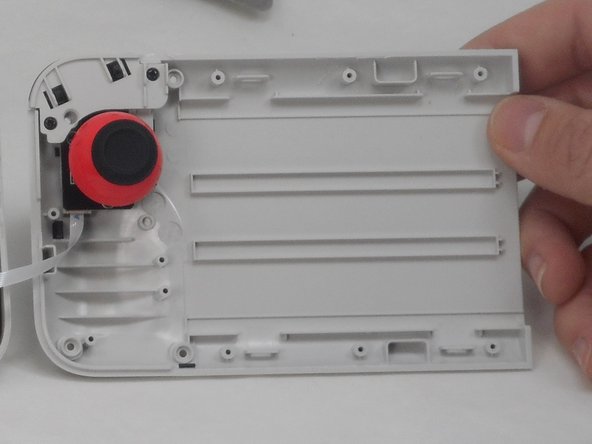
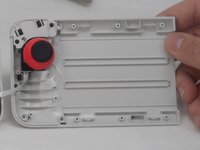
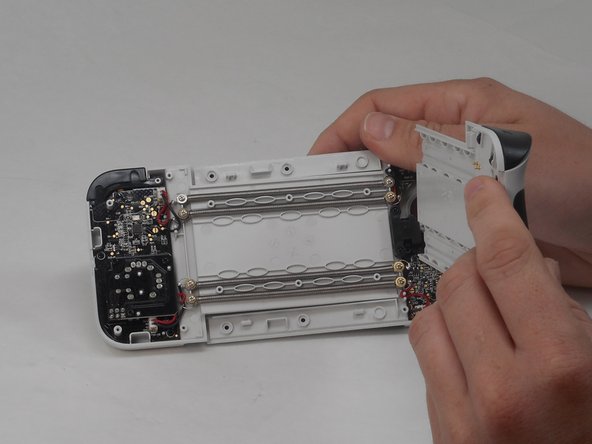
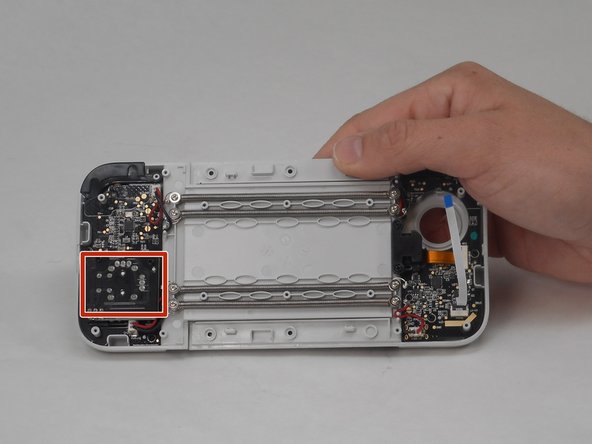
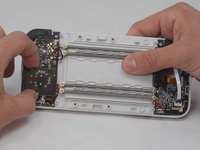
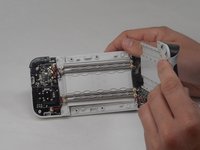
    • Remove the left panel of the back cover to expose the joystick.

    • The joystick is attached to the black board.

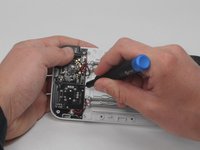
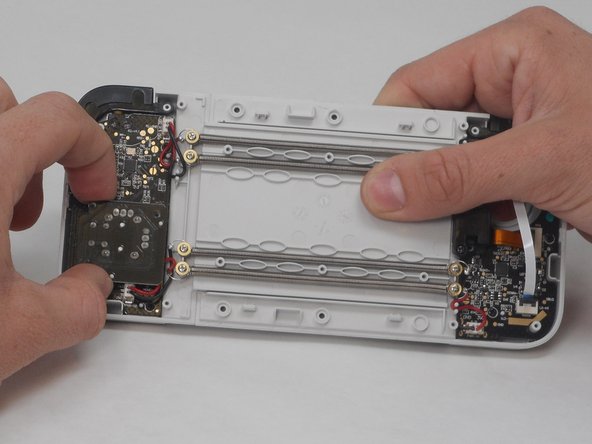
  8. GameSir X2 Type-C Right Joystick Replacement: step 8, image 1 of 2 GameSir X2 Type-C Right Joystick Replacement: step 8, image 2 of 2
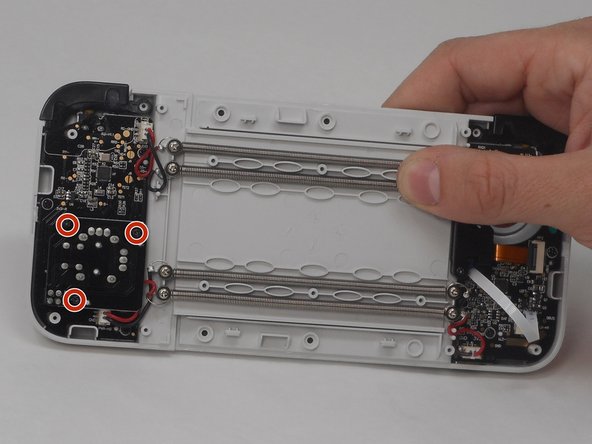
    • Remove three 6 mm screws using a Phillips #00 screwdriver.

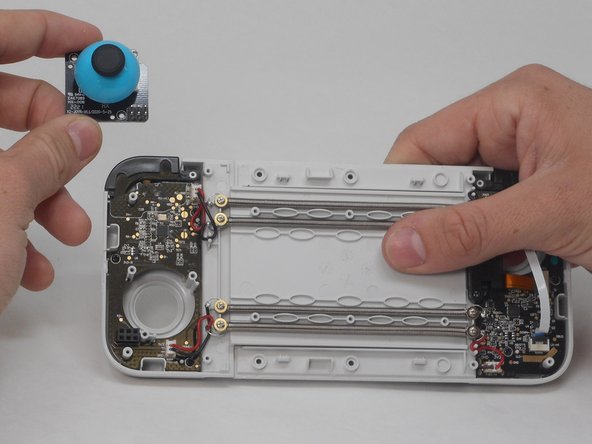
  9. GameSir X2 Type-C Right Joystick Replacement: step 9, image 1 of 2 GameSir X2 Type-C Right Joystick Replacement: step 9, image 2 of 2
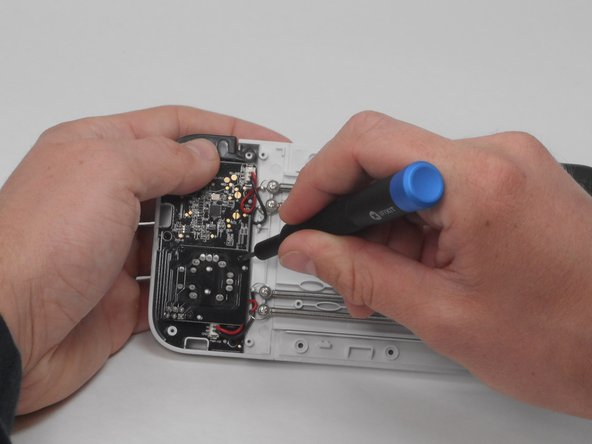
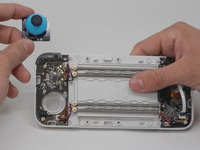
    • Pull the joystick assembly out.

Conclusion

To reassemble your device, follow these instructions in reverse order.

One other person completed this guide.

0 Guide Comments

Add Comment

View Statistics:

Past 24 Hours: 1

Past 7 Days: 8

Past 30 Days: 25

All Time: 621