Free Shipping on Domestic Orders $75+

Game Boy Advance Batteries Replacement

What you need

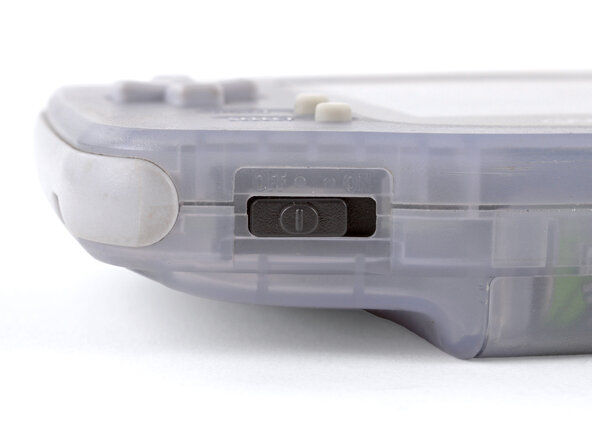
  1. Game Boy Advance Batteries Replacement, Power down your Game Boy: step 1, image 1 of 1
    • Turn your Game Boy OFF.

    Ask FixBot
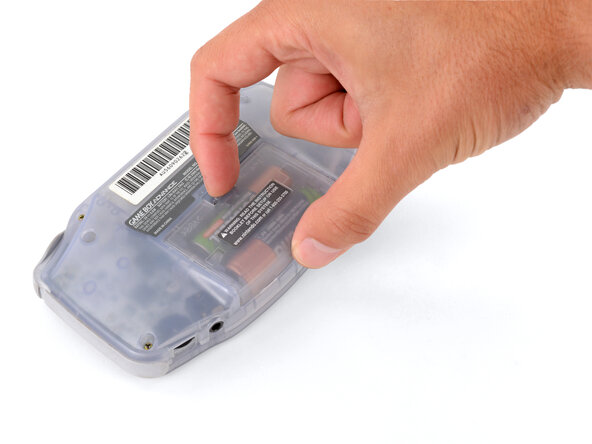
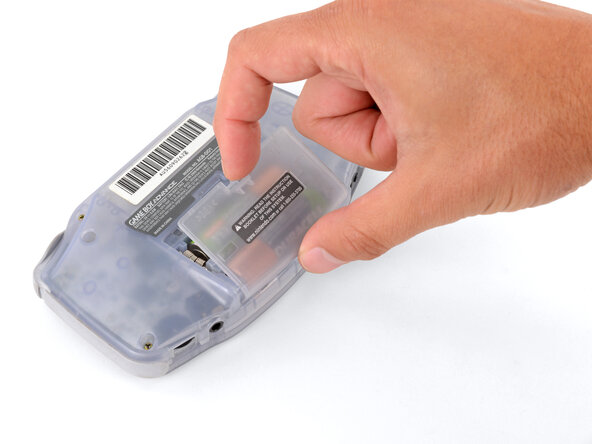
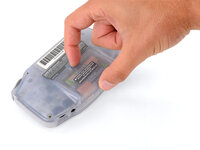
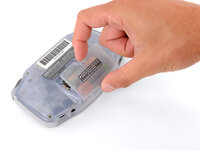
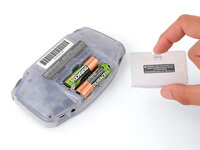
  2. Game Boy Advance Batteries Replacement, Remove the battery cover: step 2, image 1 of 3 Game Boy Advance Batteries Replacement, Remove the battery cover: step 2, image 2 of 3 Game Boy Advance Batteries Replacement, Remove the battery cover: step 2, image 3 of 3
    • Release the battery cover tab with your finger and swing the cover away from your Game Boy to remove it.

    • During reassembly, insert the tabs on the bottom edge of the cover into their cutouts and press the cover into place.

    Ask FixBot
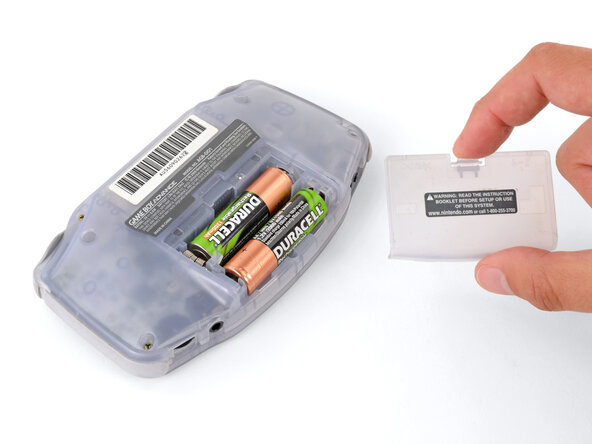
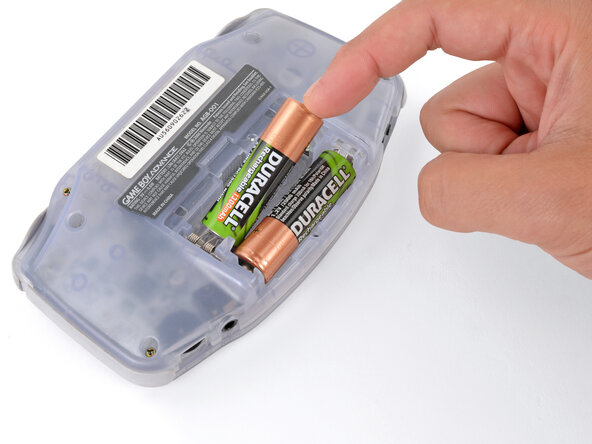
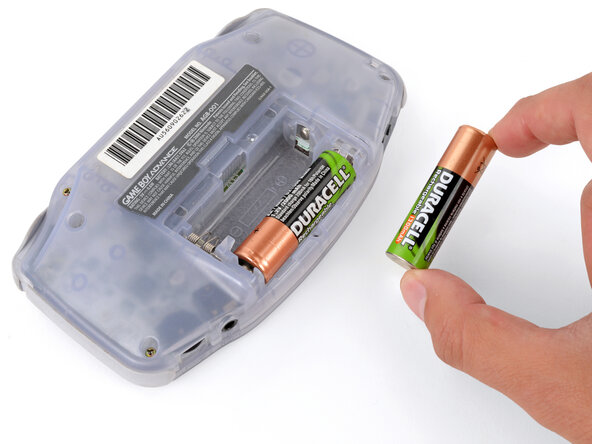
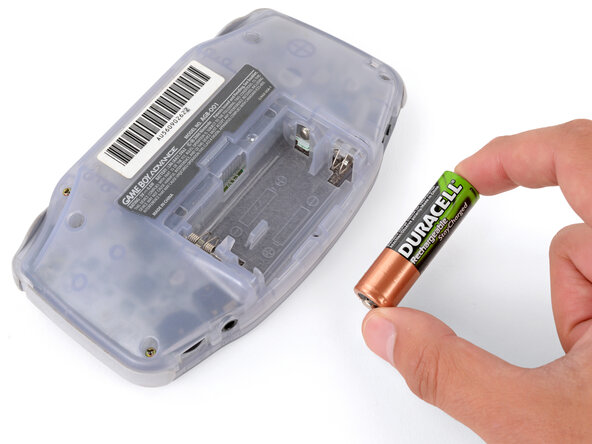
  3. Game Boy Advance Batteries Replacement, Remove the batteries: step 3, image 1 of 3 Game Boy Advance Batteries Replacement, Remove the batteries: step 3, image 2 of 3 Game Boy Advance Batteries Replacement, Remove the batteries: step 3, image 3 of 3
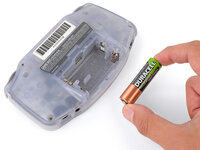
    • Remove the two AA batteries.

    • If the metal terminals are corroded, follow this guide to clean them.

    • When installing batteries, use the diagram in the battery well to properly orient them.

    Ask FixBot
Conclusion

To reassemble your device, follow these instructions in reverse order.

Take your e-waste to an R2 or e-Stewards certified recycler.

Repair didn’t go as planned? Try some basic troubleshooting, or ask our Answers Community for troubleshooting help.

12 other people completed this guide.

Spencer Day

Member since: 09/14/22

187,948 Reputation

1,187 Guides authored

2 Guide Comments

how could you take rust off the battery hinges?

Sinai Garcia - Reply Share

If the battery terminals are corroded ''''(which may appear like rust), follow this guide to remove it.

Spencer Day - Reply Share

Add Comment

View Statistics:

Past 24 Hours: 7

Past 7 Days: 34

Past 30 Days: 250

All Time: 20,848