
Framework Laptop 16" Touchpad Installation

Last updated on Feb 3, 2026
Views: 81
View statistics:
- Past 24 Hours:
- 0
- Past 7 Days:
- 2
- Past 30 Days:
- 8
- All Time:
- 81
Comments: 0
No one has left comments on this guide. Will you be first?
Go to guide commentsCompleted: 0 1
No one has marked this guide "completed." Will you be the first?
1 person has marked this guide "completed." It's you — great job!
Favorites: 0 1
No one has favorited (and subscribed to) this guide. Will you be the first?
1 person has favorited (and subscribed to) this guide — and that's you!
Prerequisite Only
This is a prerequisite-only guide! This guide is part of another procedure and isn’t meant to be used alone.
-
-
-
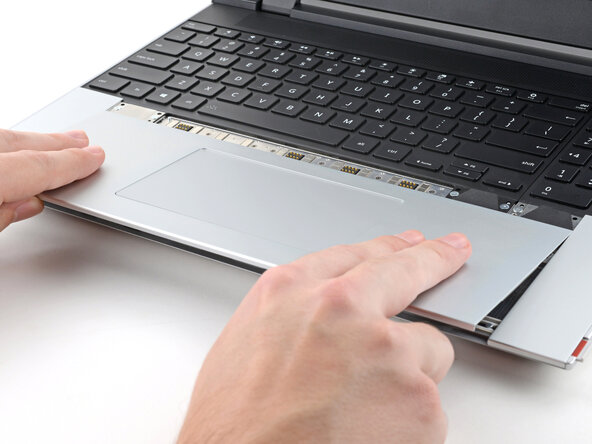
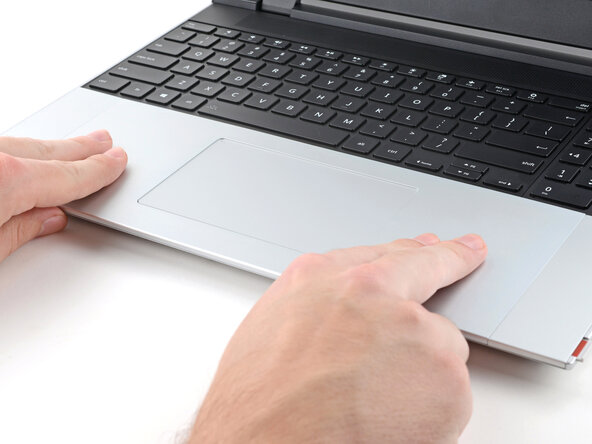
Place the Touchpad Module flat on its cutout so its clips are properly aligned.
-
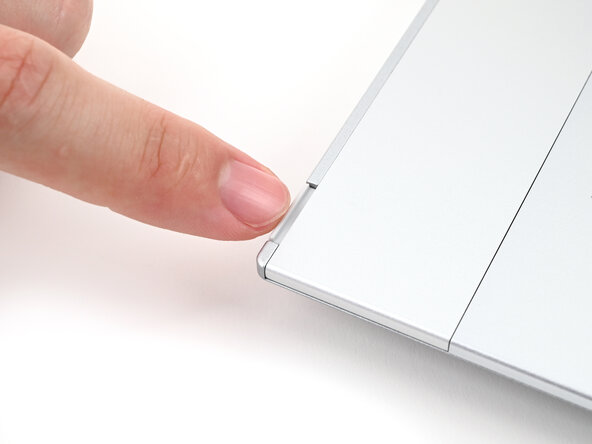
Press the Touchpad Module down and slide it into place so it lines up evenly with the bottom edge of the laptop.
 Ask FixBot
-
-
-
-
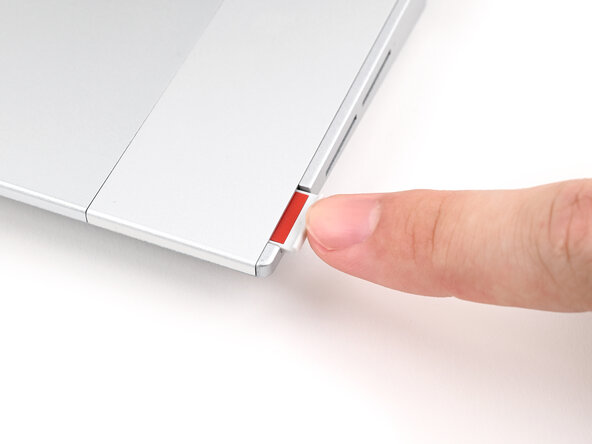
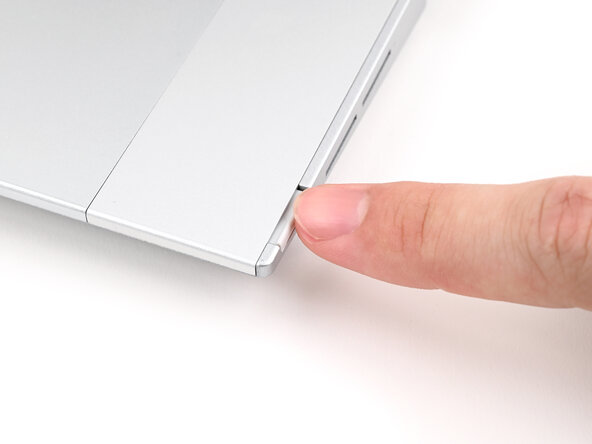
Push the Input Module latches back into place to lock them.
-
-




To reassemble your device, follow these instructions in reverse order.
Take your e-waste to an R2 or e-Stewards certified recycler.
Repair didn’t go as planned? Try some basic troubleshooting, or ask our Answers Community for help.

