What you need
-
-
-
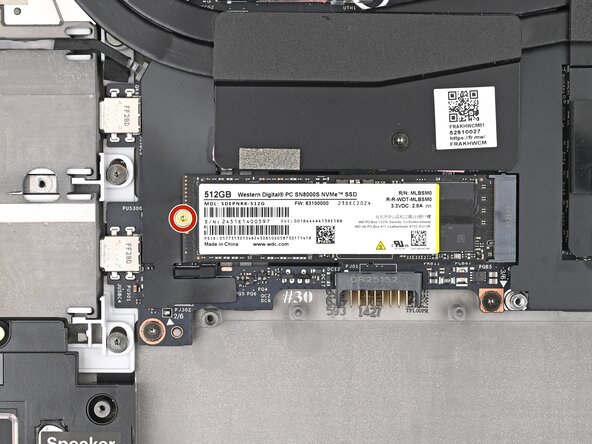
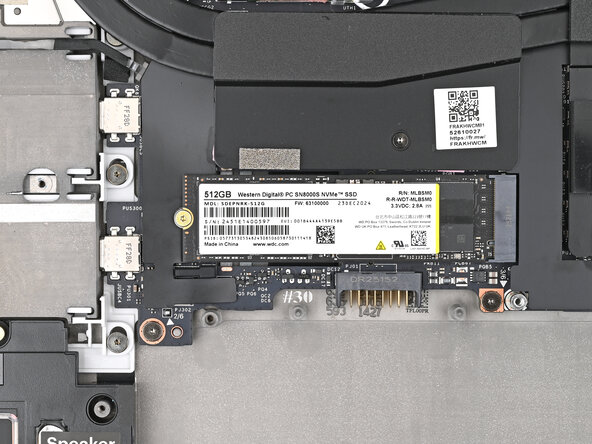
Use your Framework Screwdriver to remove the 2 mm‑long T5 Torx screw securing the SSD.
 Ask FixBot
-
-
-
-
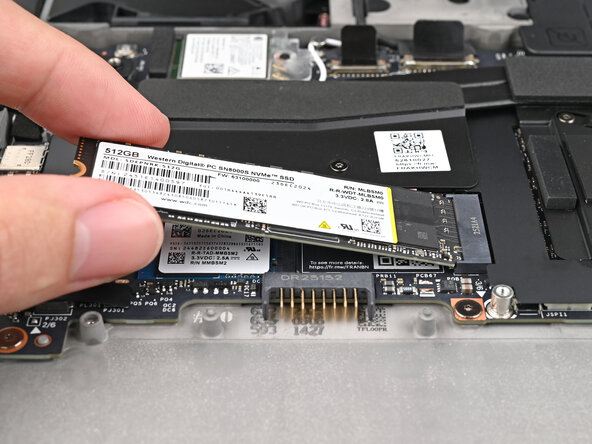
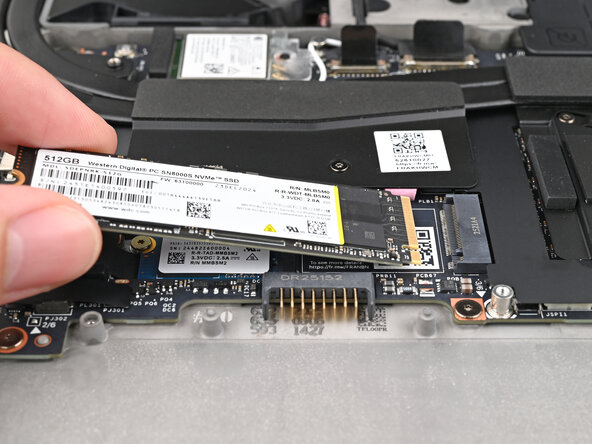
Grip the end of the SSD with the screw hole and slide it out of its socket.
-
Remove the SSD.
-
-




Conclusion
To reassemble your device, follow these instructions in reverse order.
Take your e-waste to an R2 or e-Stewards certified recycler.
Repair didn’t go as planned? Try some basic troubleshooting, or ask our Answers Community for help.

