Introduction
Use this guide to replace the RAM, or the memory, in your Framework 16" laptop.
The Framework 16" laptop uses DDR5-5600, supports two slots, and can install up to 64 GB.
Note: the laptop used in this guide is a generic setup of one US keyboard, one numpad module, and two touchpad spacers. Your setup might vary, but the procedure should remain the same.
What you need
-
-
-
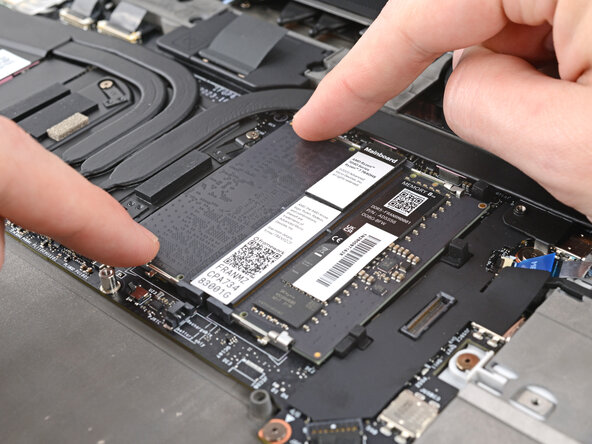
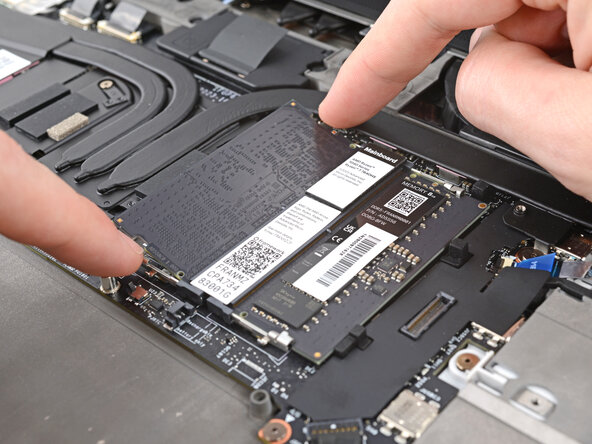
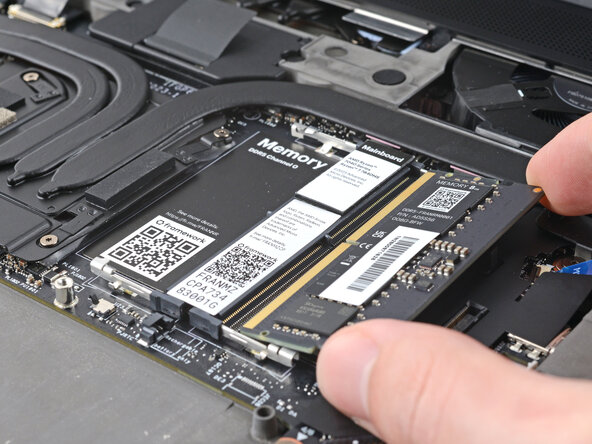
Push the two metal arms on each side of the RAM stick outward until they disengage and the stick pops up at a shallow angle.
-
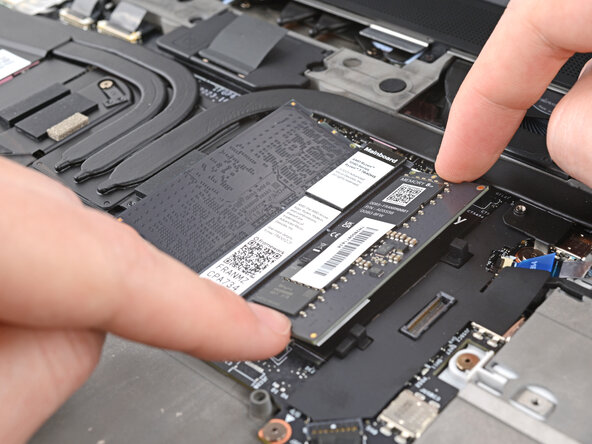
Repeat for the other RAM stick.
 Ask FixBot
-
-
-
-
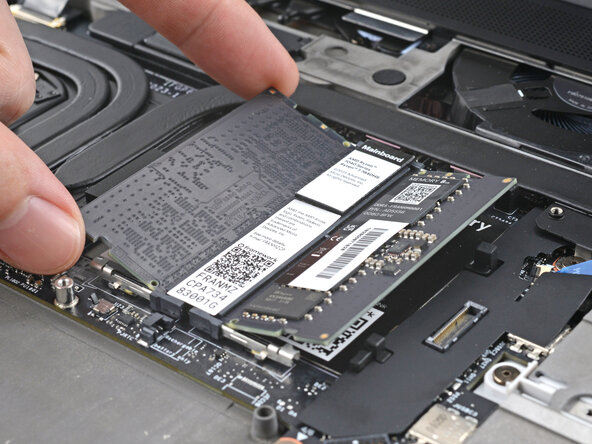
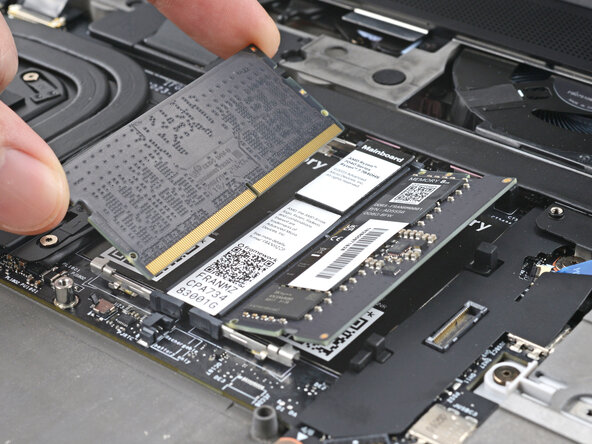
Slide the RAM stick out of its socket and remove it.
-
Repeat for the other RAM stick.
-
-




To reassemble your device, follow these instructions in reverse order.
Take your e-waste to an R2 or e-Stewards certified recycler.
Repair didn’t go as planned? Try some basic troubleshooting, or ask our Answers Community for help.

