Introduction
Use this guide to replace the Battery in your Framework Laptop 13 Pro.
What you need
-
-
-
Unplug all cables and fully shut down your laptop from the OS.
 Ask FixBot
-
-
-
-
-
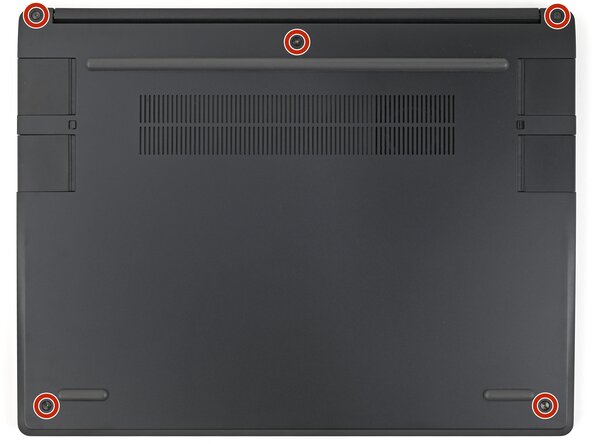
Use your Framework Screwdriver to loosen the five captive T5 Torx screws securing the Input Cover.
-
-
-
Flip over your laptop and open it.
-
Use your fingers to lift the Input Cover up and release it from its magnets.
-
-
-
Flip the top of the Input Cover so the Keyboard is facing down.
-
Rest the Input Cover over the Battery, making sure the Touchpad Cable isn't being strained.
-
-
-
Insert your finger into the Touchpad Cable press connector loop.
-
Lift up to disconnect the Touchpad Cable from the Mainboard.
-
-
-
-
-
Use your fingers to grip the edges of the Battery connector and slide it straight out of its socket to disconnect the Battery.
-
-
-
-
Use your Framework Screwdriver to loosen the three captive T5 Torx screws securing the Battery.
-
-
-
Lift the Battery towards the top edge of the laptop to slide its plastic tabs out of the Bottom Cover.
-
Remove the Battery.
-
-
-
-
-
Congratulations on completing disassembly! The remaining steps will show how to reassemble your Framework Laptop.
-
-
-
-
-
Insert the Battery into its cutout, making sure its plastic tabs are slotted into the Bottom Cover.
-
-
-
Use your Framework Screwdriver to tighten the three captive T5 Torx screws securing the Battery.
-
-
-
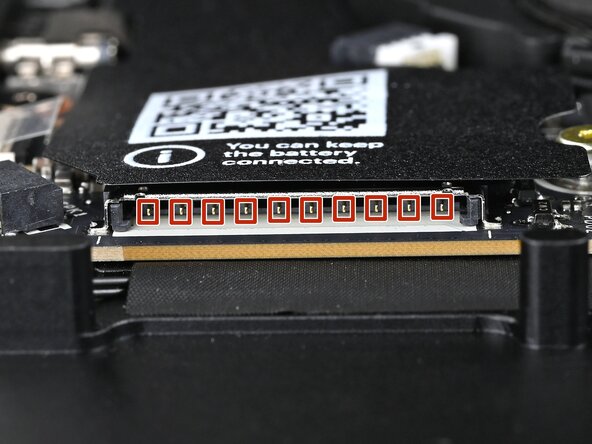
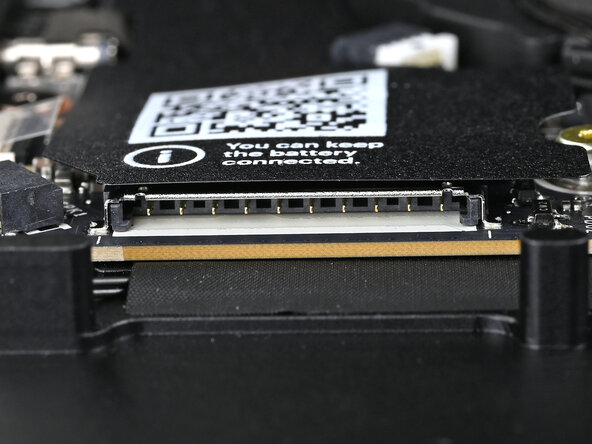
Before continuing, check the pins on the Battery socket and make sure they aren't bent.
-
-
-
Use your fingers to align the Battery connector with its socket and slide it straight in to reconnect the Battery.
-
-
-
-
-
Position the Input Cover, Keyboard down, on top of the laptop so it just covers the Battery.
-
-
-
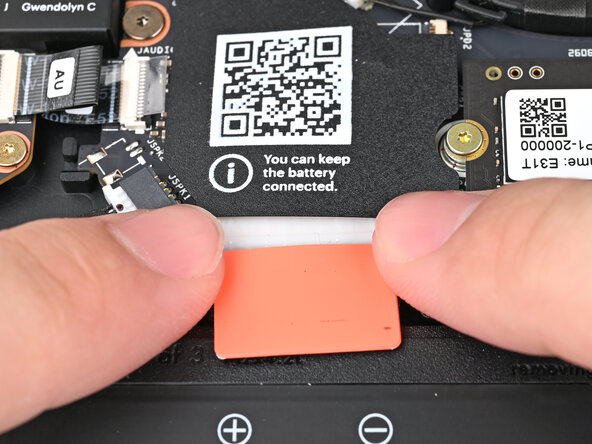
Insert your finger into the Touchpad Cable press connector loop.
-
Align the press connector over its socket and press down with your finger.
-
-
-
Flip the Input Cover over the laptop and align the bottom edges.
-
-
-
Use your Framework Screwdriver to tighten the five captive T5 Torx screws securing the Input Cover.
-
-

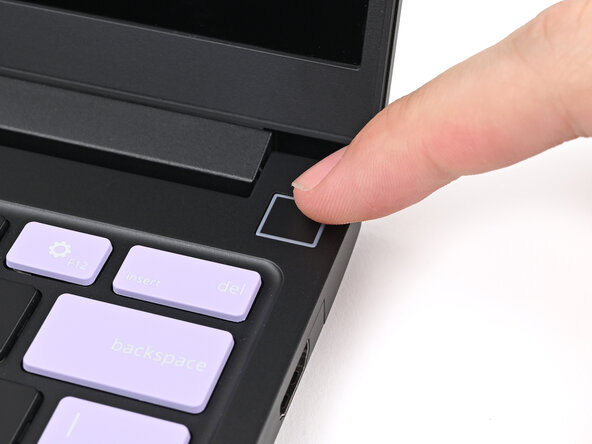


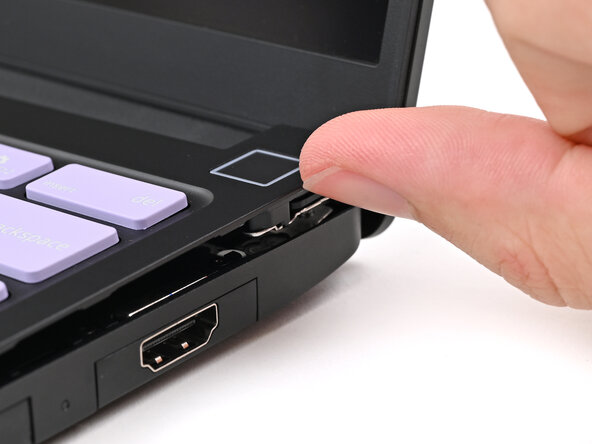


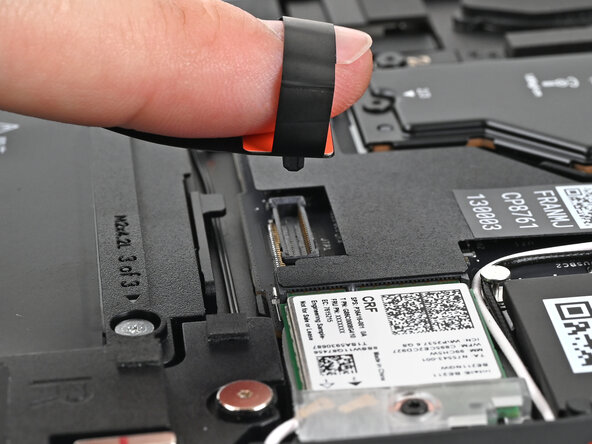


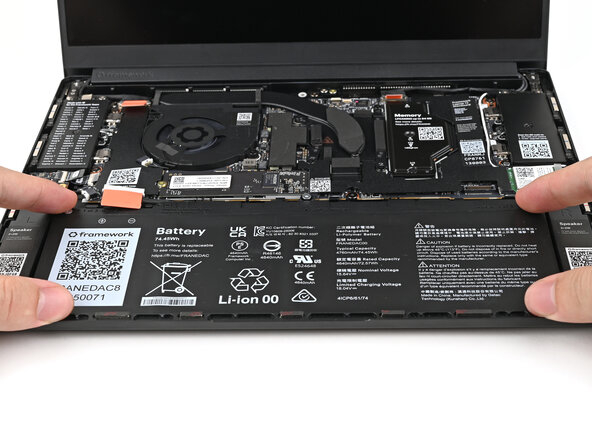






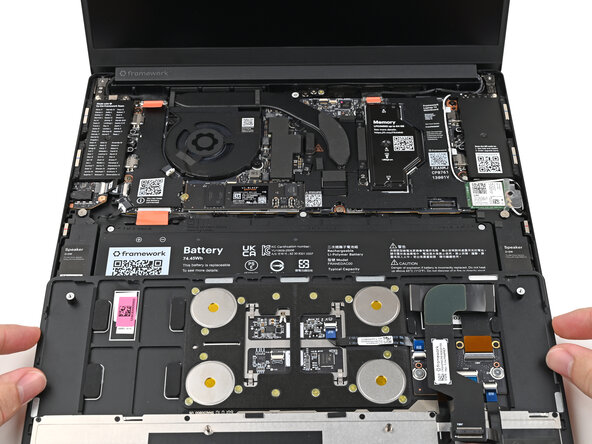




You finished fixing your Framework Laptop! The first boot will take longer and start with a “Memory Training in Progress” screen. If you run into any errors during Memory Training, please see this page.
Take your e-waste to an R2 or e-Stewards certified recycler.
If you need help, contact Framework support.

