Introduction
Follow this guide to remove and replace a broken or worn-out tip on your Framework Laptop 12 Stylus.
Note: The Stylus comes packaged with spare tips.
What you need
-
-
-
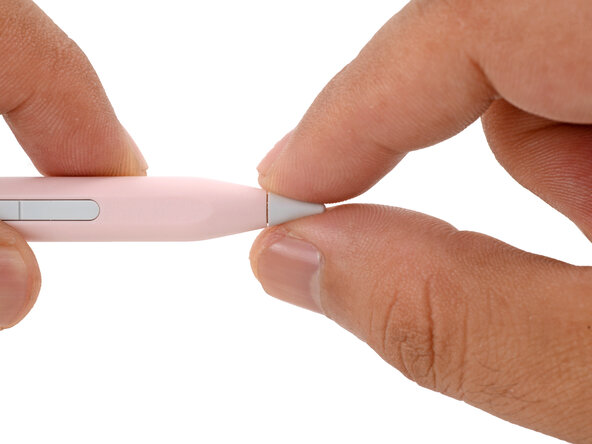
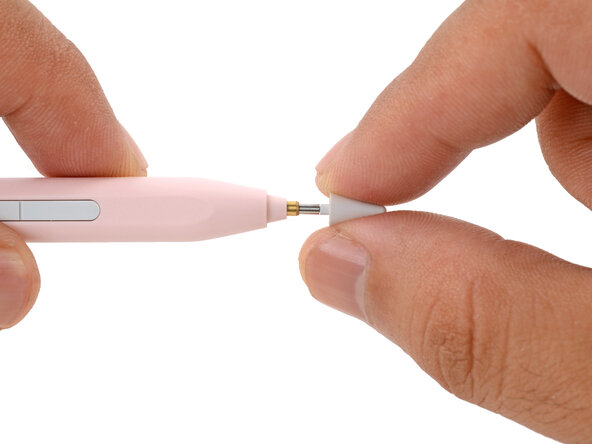
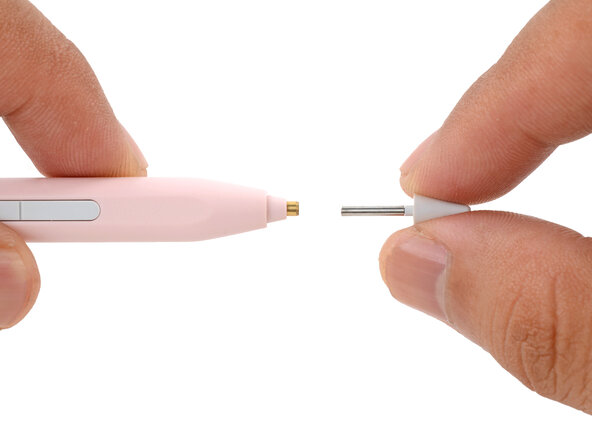
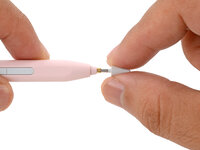
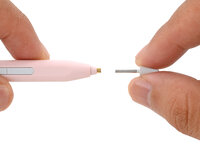
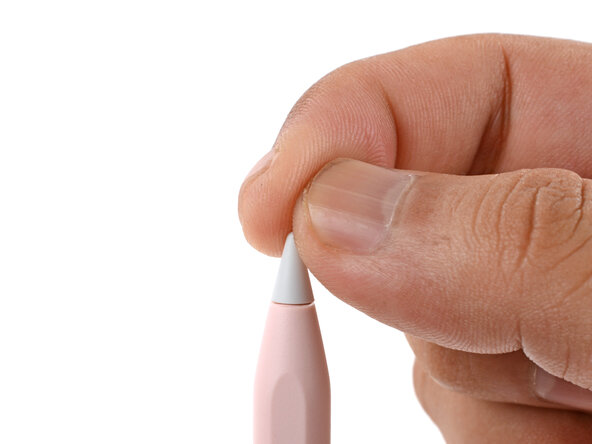
Use your fingers to grab the Stylus tip and pull it straight out of the Stylus.
-
Wrap some tape around the tip to give you more grip.
-
Insert thread or dental floss into the seam between the tip and the Stylus barrel and pull gently.
 Ask FixBot
-
-
-
-
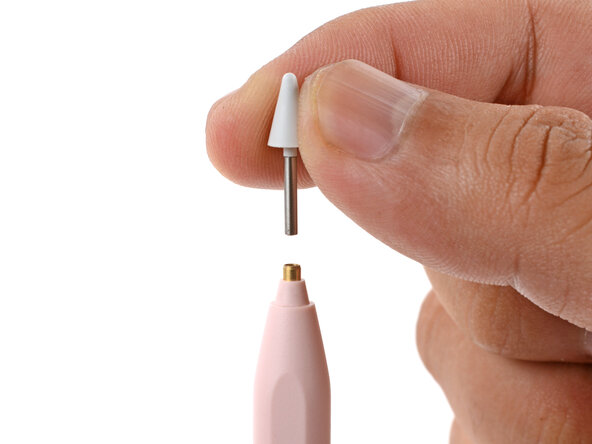
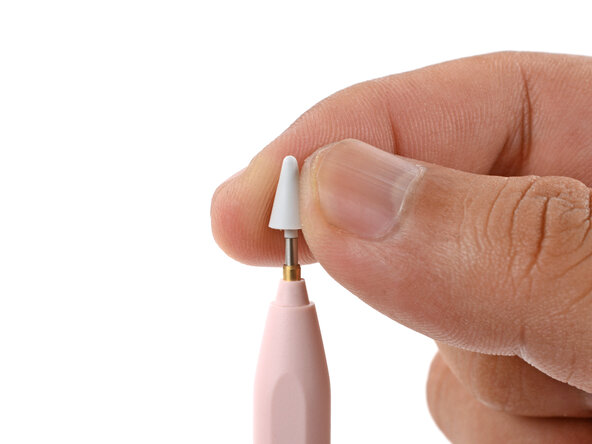
Use your fingers to slide the new tip into the Stylus.
-
Push the tip in until it bottoms out. It should be able to spin but not fall out.
-
-
Conclusion
If you need help, contact Framework support.

