Free Shipping on Domestic Orders $75+

Framework Laptop 12 Hinge (Both) Installation

Prerequisite Only
This is a prerequisite-only guide! This guide is part of another procedure and isn’t meant to be used alone.
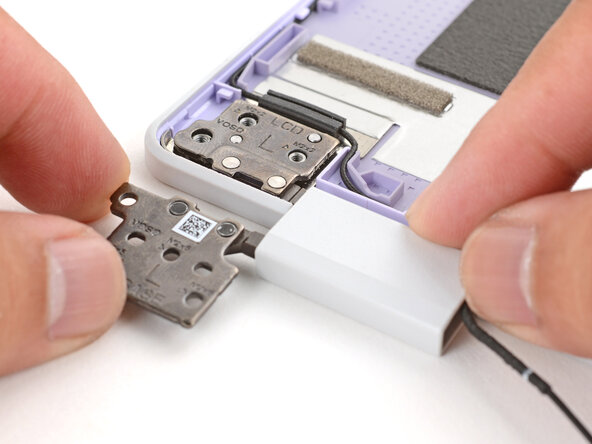
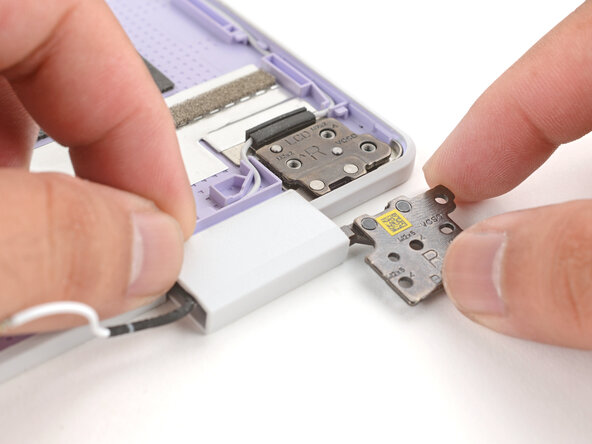
    1. Framework Laptop 12 Hinge (Both) Installation, Install the hinges: step 1, image 1 of 3 Framework Laptop 12 Hinge (Both) Installation, Install the hinges: step 1, image 2 of 3 Framework Laptop 12 Hinge (Both) Installation, Install the hinges: step 1, image 3 of 3
      • Lay both hinges in place in the Top Cover.

      • Use the alignment pins to help position each hinge in place.

      Ask FixBot

      Add Comment

    2. Framework Laptop 12 Hinge (Both) Installation: step 2, image 1 of 2 Framework Laptop 12 Hinge (Both) Installation: step 2, image 2 of 2
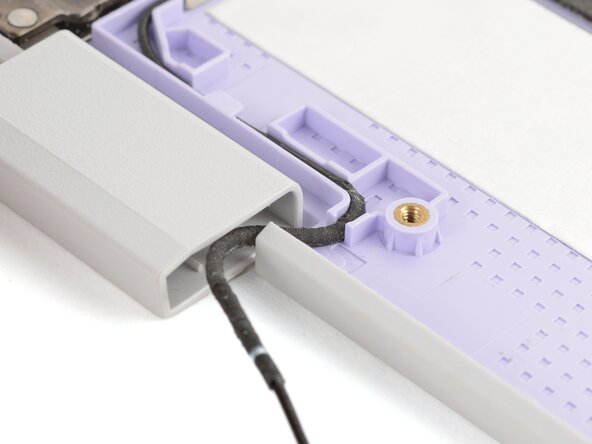
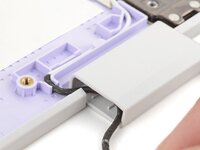
      • Make sure both antenna cables are properly routed in the Top Cover and tucked into the hinges, as shown in the images.

      Ask FixBot

      Add Comment

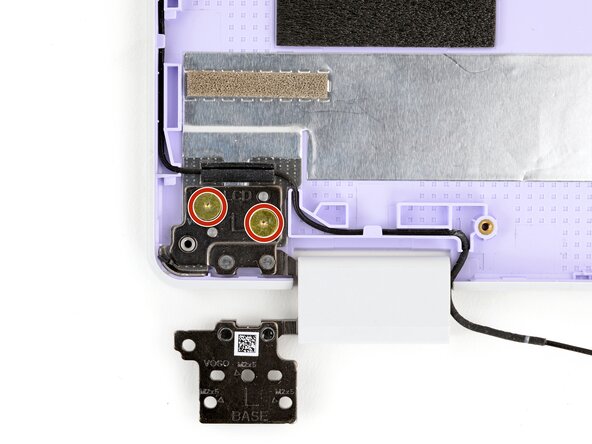
    3. Framework Laptop 12 Hinge (Both) Installation: step 3, image 1 of 2 Framework Laptop 12 Hinge (Both) Installation: step 3, image 2 of 2
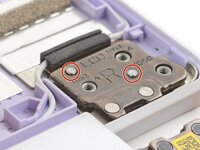
      • Use your Framework Screwdriver to install the four 2.5 mm‑long T5 Torx screws to secure the two hinges to the Top Cover.

      • Make sure to install these screws in the marked locations. There are additional screw holes on the hinges that are not for these screws.

      • Make sure you don't accidentally install the silver lower hinge screws here. These screws should be gold colored.

      Ask FixBot

      Add Comment

Finish Line

Cancel: I did not complete this guide.

Arthur Shi

Member since: 01/03/18

350,744 Reputation

938 Guides authored

0 Guide Comments

Add Comment

View Statistics:

Past 24 Hours: 0

Past 7 Days: 1

Past 30 Days: 7

All Time: 128