Introduction
Follow this guide to remove and replace the Fingerprint Reader in your Framework Laptop 12.
Check that you're using the latest Driver Bundle on Windows, or libfprint v1.94.100 or newer on Linux. Check out this page for Linux distro recommendations.
You'll encounter some component terms in this guide:
- The Input Cover is the part that contains the keyboard and trackpad.
What you need
-
-
-
Before you begin repairs, unplug your laptop and shut it down from the operating system. This ensures that the laptop isn't in standby/suspend mode.
-
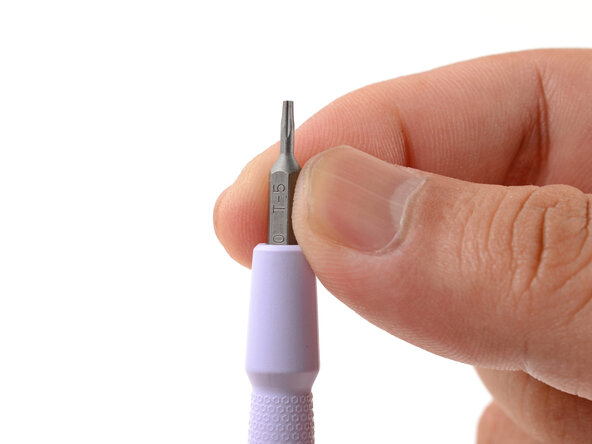
Make sure your Framework Screwdriver has the T5 Torx bit (labeled as T-5) facing outwards. If it's not, pull the bit out and flip it.
 Ask FixBot
-
-
-
-
-
Set your Framework Laptop face-down on a clean work surface.
-
-
-
Use your Framework Screwdriver to fully loosen the eight captive T5 Torx screws on the bottom of your laptop.
-
-
-
Flip your laptop over so it's face-up on your work surface.
-
-
-
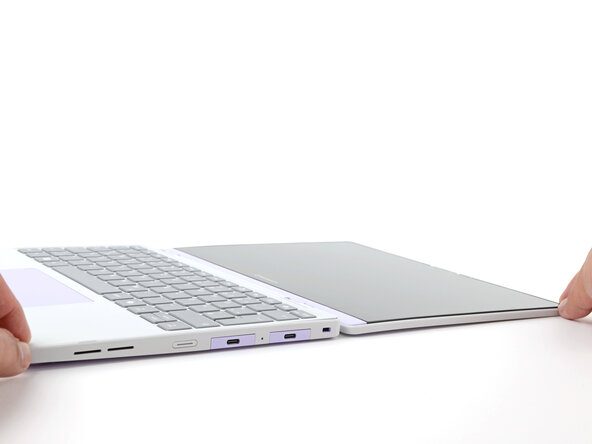
Open the laptop lid so that both the screen and the base lie flat on your work surface.
-
-
-
-
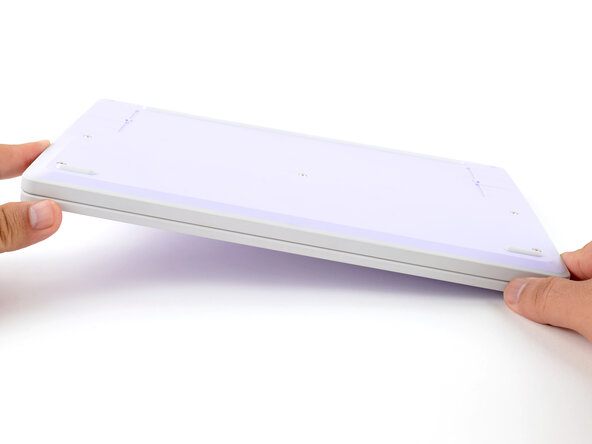
Use your fingers to grip the Input Cover in the hinge cutouts.
-
Lift upwards to swing the Input Cover up from the base of the laptop.
-
Remove the Input Cover.
-
-
-
-
-
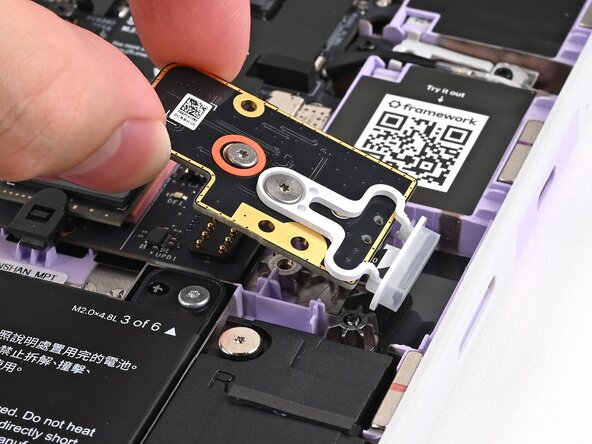
Use your Framework Screwdriver to loosen the captive T5 Torx screw securing the Fingerprint Reader.
-
-
-
Use your fingers to lift and remove the Fingerprint Reader.
-
-
-
-
-
-
Use your fingers to lay the Fingerprint Reader in place.
-
Use the two plastic pins on the laptop to align the Fingerprint Reader.
-
-
-
Use your Framework Screwdriver to tighten the captive T5 Torx screw to secure the Fingerprint Reader.
-
-
-
-
-
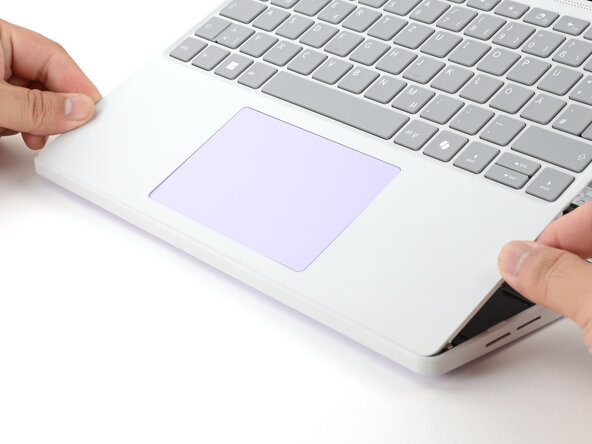
Angle the bottom edge of the Input Cover towards the base of the laptop.
-
Align and insert the bottom edge of the Input Cover into the base of the laptop.
-
Lower the Input Cover's top edge onto the laptop until the magnets snap it in place.
-
-
-
Close the laptop lid.
-
Flip your laptop face-down on a clean work surface.
-
-
-
Use your Framework Screwdriver to tighten the eight captive T5 Torx screws on the bottom of your laptop.
-
-














You finished fixing your Framework Laptop!
To ensure the Fingerprint Reader functions properly, make sure you're using the latest Driver Bundle on Windows, or at least libfprint v1.94.100 on Linux.
Take your e-waste to an R2 or e-Stewards certified recycler.
If you need help, contact Framework support.

