Introduction
Use this guide to replace the front camera in your Fairphone 4.
What you need
-
-
-
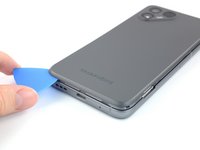
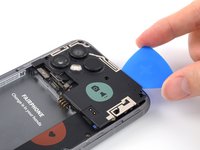
Insert your thumbnail, or a prying tool like a spudger, into the notch at the bottom right of the back cover.
-
Pry the back cover up to start separating its plastic clips.
 Ask FixBot
-
-
-
Using your thumbnail or an opening pick, slide along the right side of the phone to loosen the plastic clips.
-
-
-
Slide along the left side of the phone to loosen the plastic clips.
-
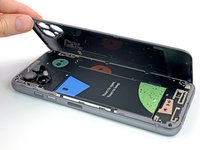
Lift the back cover to release the rest of the plastic clips and remove it.
-
-
-
-
-
Use a fingernail or a prying tool at the marked notch to lever the battery out of its recess.
-
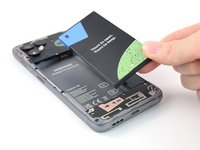
Lift the battery out of its recess and remove it.
-
Remove the battery.
-
-
-
-
-
-
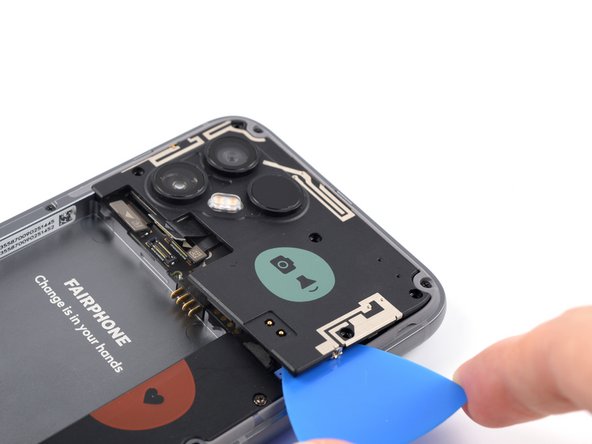
Insert an opening pick beneath the cover near the triangular mark.
-
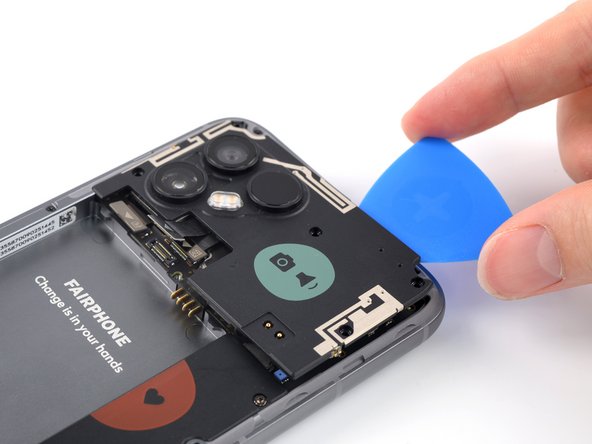
Twist the opening pick to pry the cover up.
-
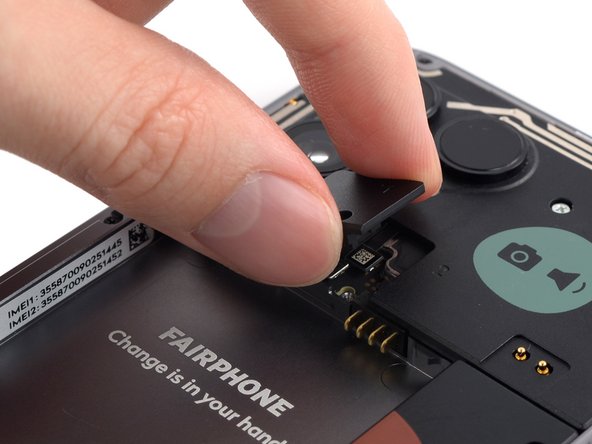
Remove the cover.
-
-
-
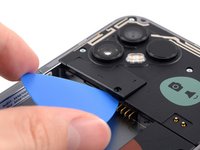
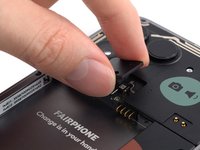
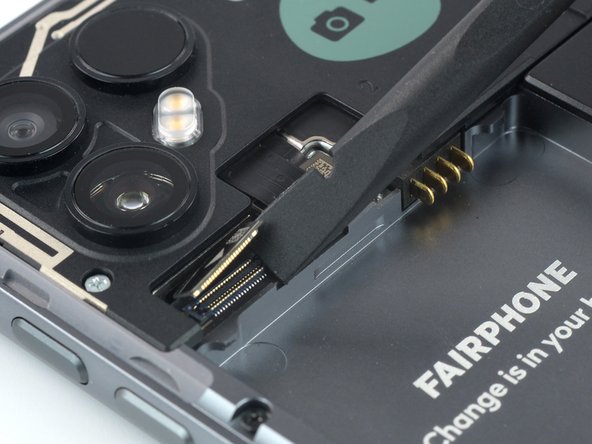
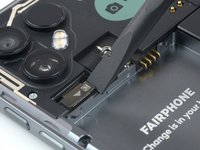
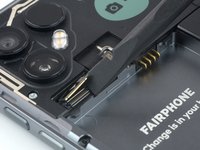
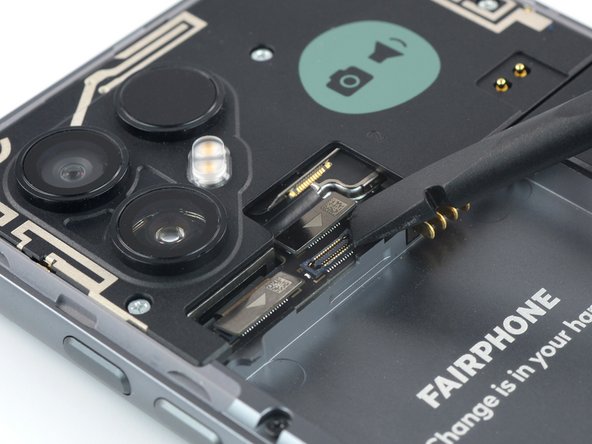
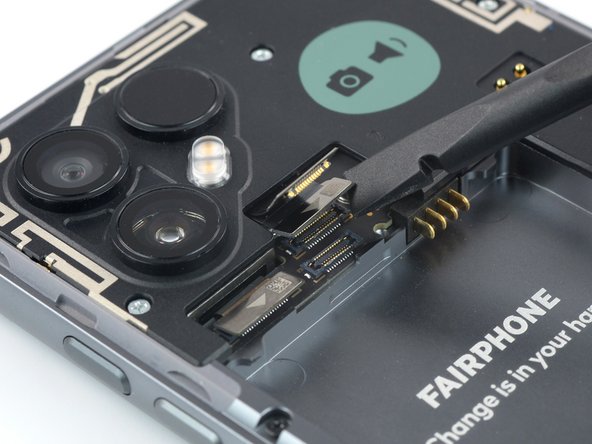
Use a spudger or an opening pick to pry up and disconnect the two camera connection cables.
-
-
-
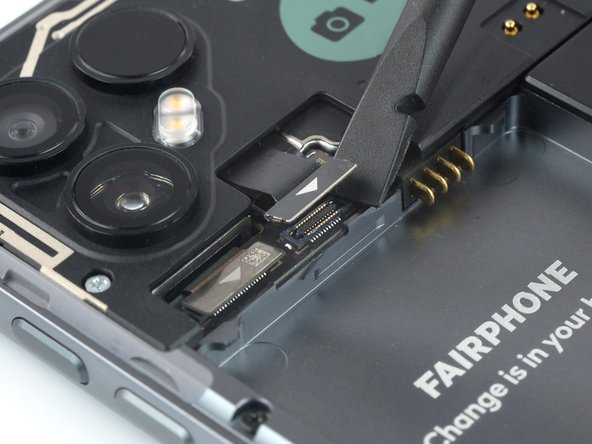
Lift up the right connector to reveal the additional connector beneath it.
-
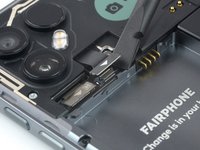
Use a spudger or an opening pick to pry up and disconnect the third camera connection cable.
-
-
-
Use an opening pick to slide underneath the rear camera module.
-
Slide the opening pick along the rear camera module to release the clips that hold it in place.
-
-
-
-
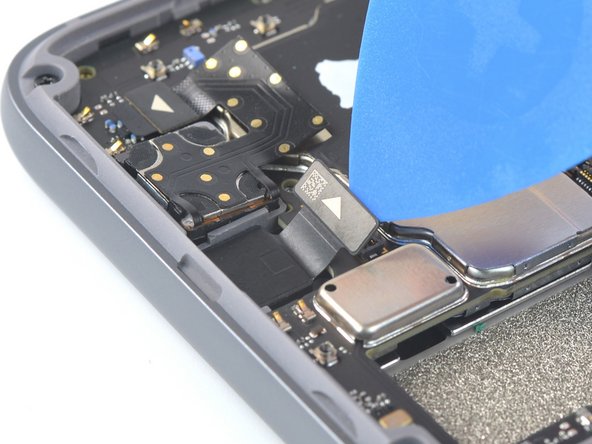
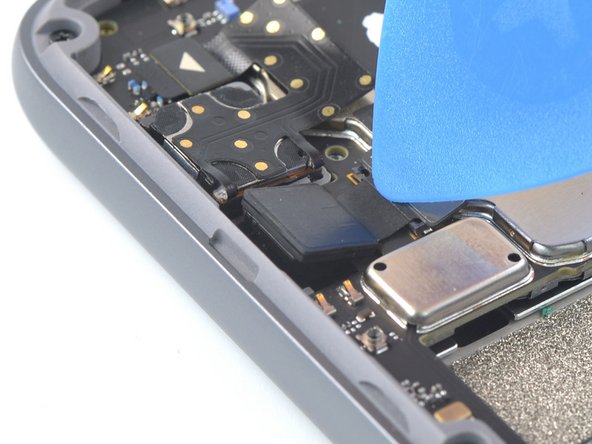
Use an opening pick to pry up and disconnect the front camera cable.
-
-
-
Use an opening pick to lift out the front camera by carefully pulling it away from the frame so it pops out of its recess.
-
-

























To reassemble your device, follow these instructions in reverse order.
Take your e-waste to an R2 or e-Stewards certified recycler.
Repair didn’t go as planned? Try some basic troubleshooting, or ask our Answers community for help.


