Introduction
This guide is for the Euhomy IM-06D icemaker. This guides purpose is to replace the fan. This part helps get rid of the heat generated by the machine during the cooling process. Symptoms that mean this part may need to be replaced can be the fan not spinning or making unusual noises when spinning. Please make sure to unplug the device before starting all guides.
What you need
-
-
Rotate the device so that the screws on the bottom are visible.
-
Remove the two 15 mm Phillips screws.
-
Remove the two 10 mm Phillips screws.
-
-


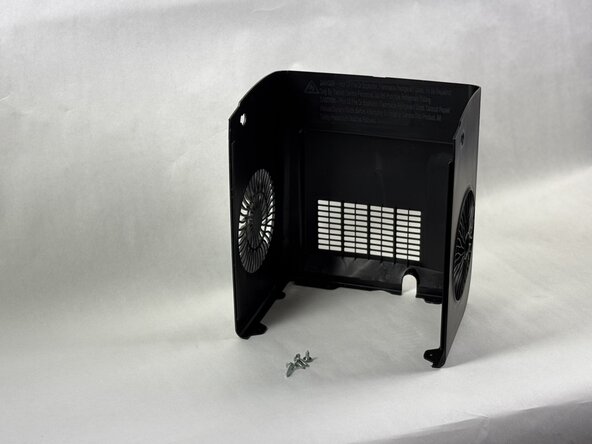


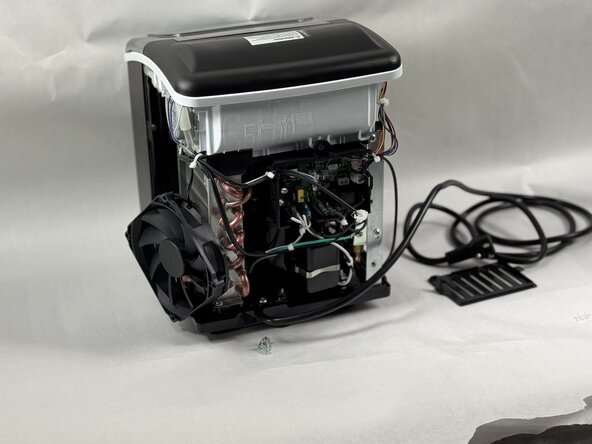
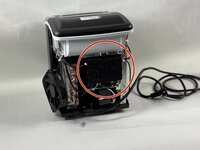
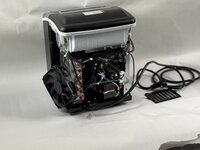

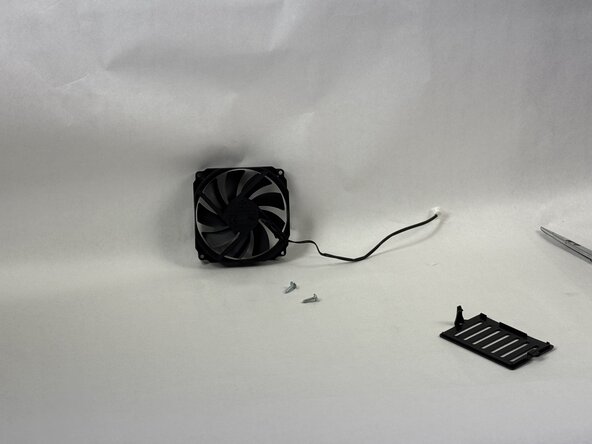
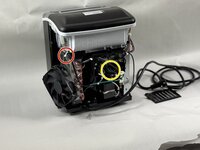
To reassemble your device, follow the above steps in reverse order.
Take your e-waste to an R2 or e-Stewards certified recycler.
Repair didn’t go as planned? Try some basic troubleshooting or ask our Answers community for help.
Cancel: I did not complete this guide.
One other person completed this guide.

Team

UMass Dartmouth, Team 2-5, Botvin Spring 2025 Member of UMass Dartmouth, Team 2-5, Botvin Spring 2025
UMASSD-BOTVIN-S25S2G5
3 Members
5 Guides authored
