
Euhomy IM-06D Compressor Relay Replacement

Brady C and 3 other contributors
Last updated on Jun 24, 2025
Views: 703
View statistics:
- Past 24 Hours:
- 7
- Past 7 Days:
- 28
- Past 30 Days:
- 111
- All Time:
- 703
Comments: 0
No one has left comments on this guide. Will you be first?
Go to guide commentsCompleted: 2 3
2 people have marked this guide "completed." Will you be next?
3 people have marked this guide "completed." Including you — great job!
Favorites: 0 1
No one has favorited (and subscribed to) this guide. Will you be the first?
1 person has favorited (and subscribed to) this guide — and that's you!
Needs More Images
A few more images would make this guide's procedures crystal clear.
Introduction
Go to step 1 ↓This guide is for the Euhomy IM-06D icemaker. This guides purpose is to replace the compressor relay. This part helps create the ice along with the compressor itself. Some symptoms that mean this part may need to be replaced are if the machine is not making ice and is otherwise working as intended. If this is the case, then the compressor relay may need to be replaced. Please make sure to unplug the device before starting all guides.
What you need
Tools


-
-
-
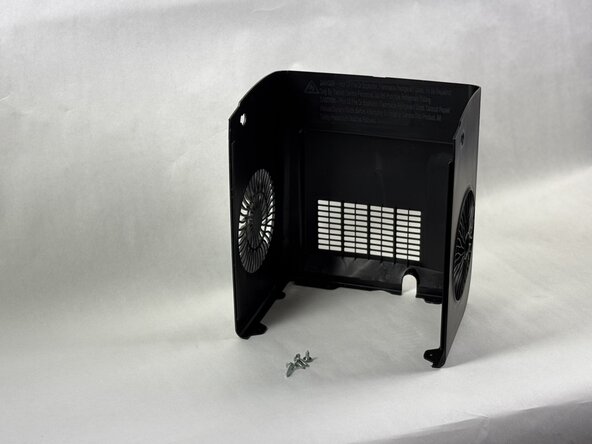
Rotate the device so that the screws on the bottom are visible.
-
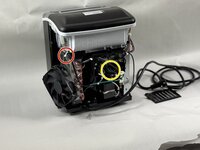
Remove the two 15 mm Phillips screws.
-
Remove the two 10 mm Phillips screws.
 Ask FixBot
-
-
-
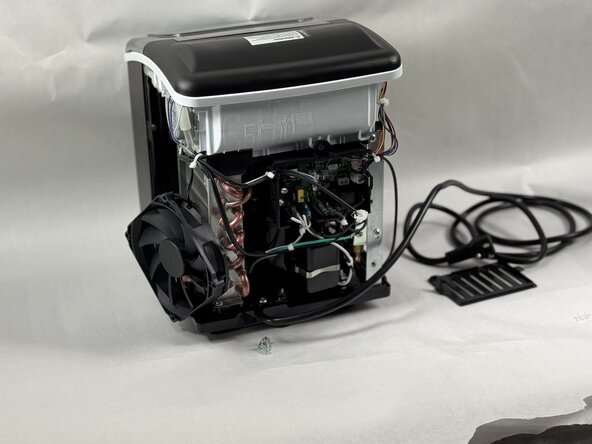
Snip the zip tie holding the wires together.
-
Unplug the wire from the board.
-
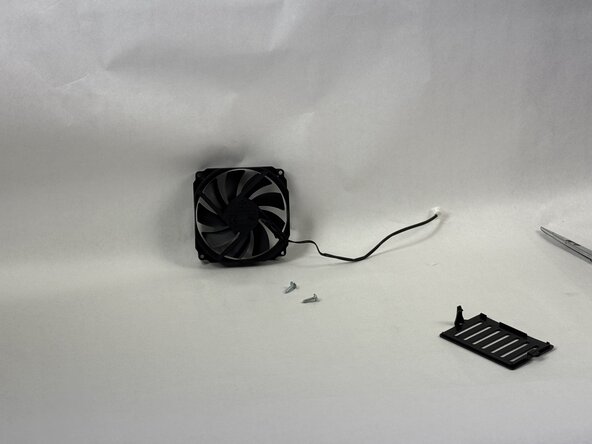
Remove the fan from the device.
-
-
-
-
-
-
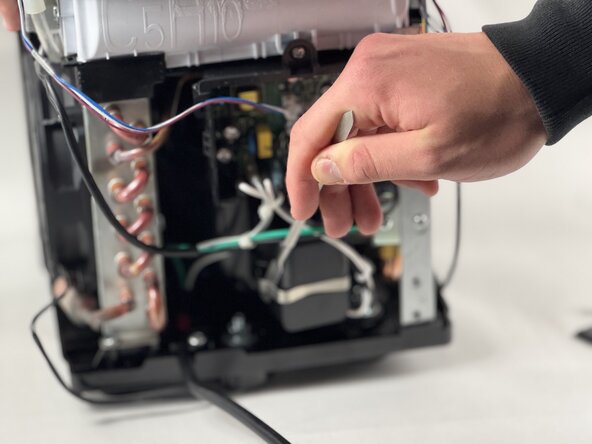
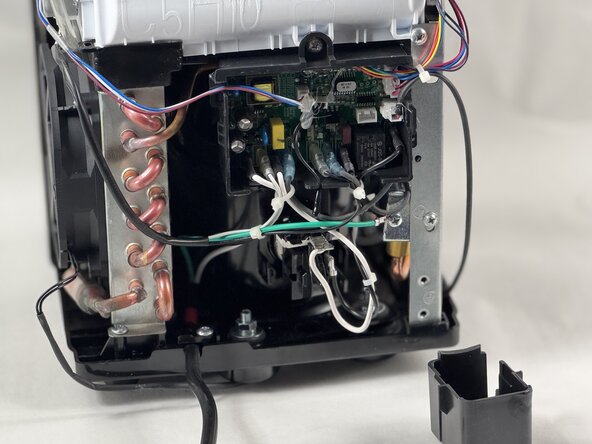
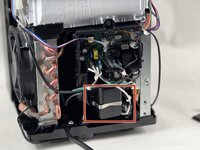
Locate the black box under the green ground cable and find the silver clip running across the back of it.
-
Use a pry tool remove the clip.
-
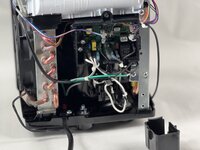
Remove the box.
-
-
-
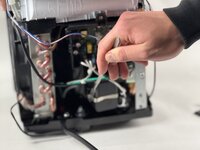
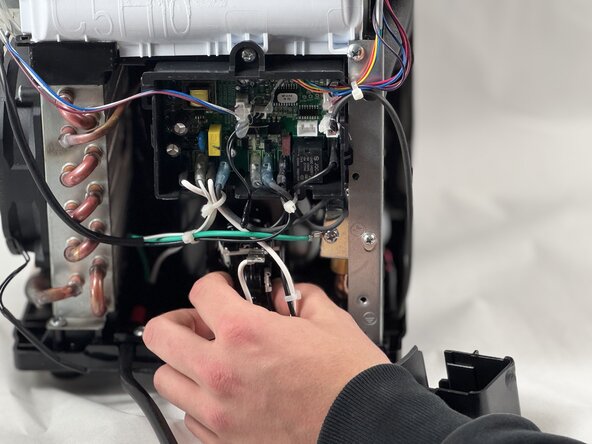
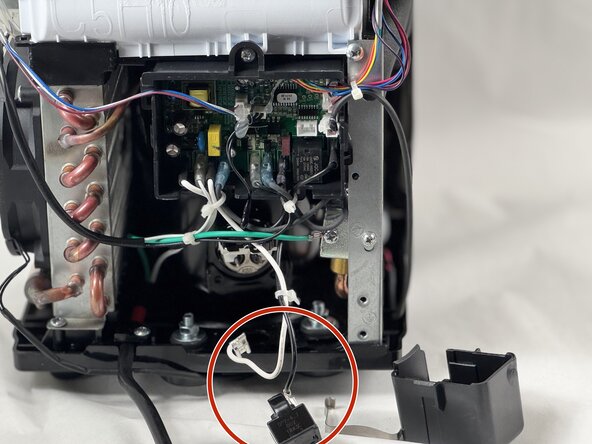
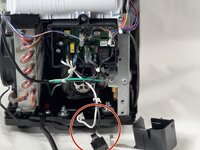
Locate the white wire and black relay.
-
Using your hands pull the wire and relay out of the compressor.
-
Once the relay and white wire have been removed you're ready to replace it with your new part.
-
-







To reassemble your device, follow the above steps in reverse order.
Take your e-waste to an R2 or e-Stewards certified recycler.
Repair didn’t go as planned? Try some basic troubleshooting or ask our Answers community for help.
Cancel: I did not complete this guide.
2 other people completed this guide.

Team

UMass Dartmouth, Team 2-5, Botvin Spring 2025 Member of UMass Dartmouth, Team 2-5, Botvin Spring 2025
UMASSD-BOTVIN-S25S2G5
3 Members
60 Guides authored
