Introduction
This repair guide was authored by the iFixit staff and hasn’t been endorsed by Google. Learn more about our repair guides here.
Use this guide to replace the outer screen in your Google Pixel 9 Pro Fold.
What you need
-
-
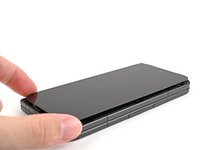
Unplug all cables from your phone and completely power it down.
-
-
-
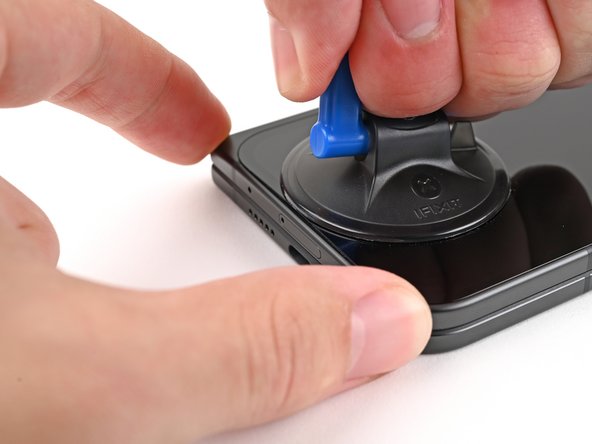
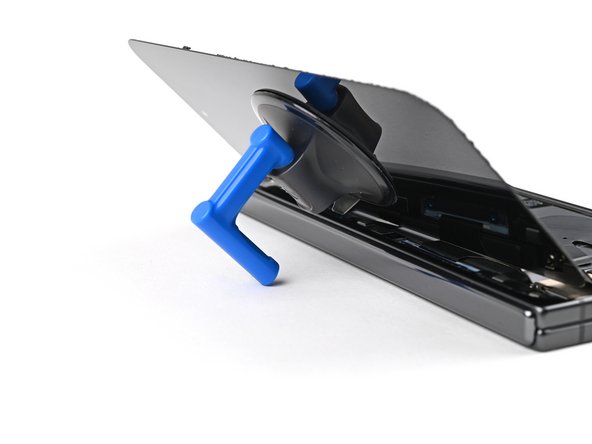
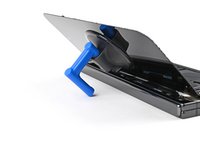
Apply a suction cup to the screen, as close to the center of the bottom edge as possible.
-
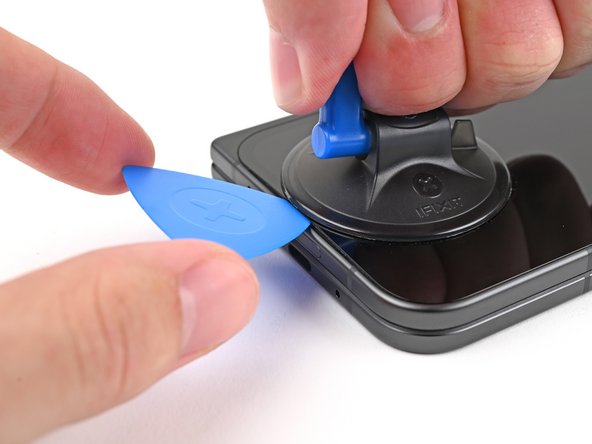
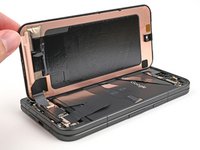
Pull up on the suction cup with strong, steady force to create a gap between the screen and the frame.
-
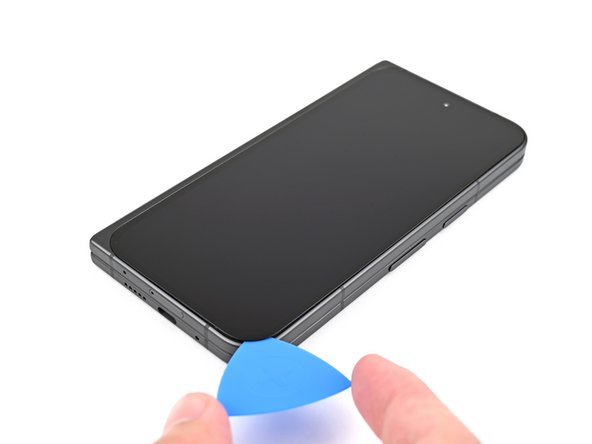
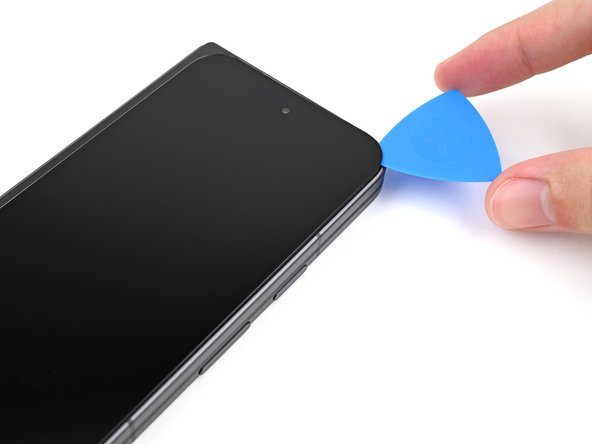
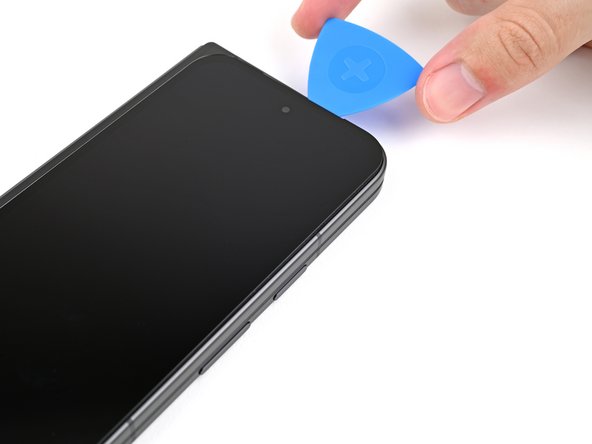
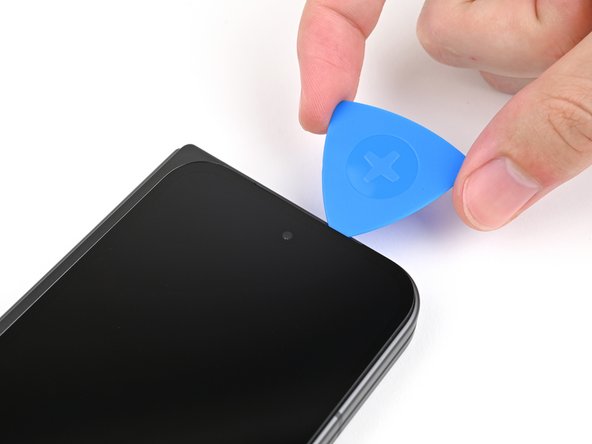
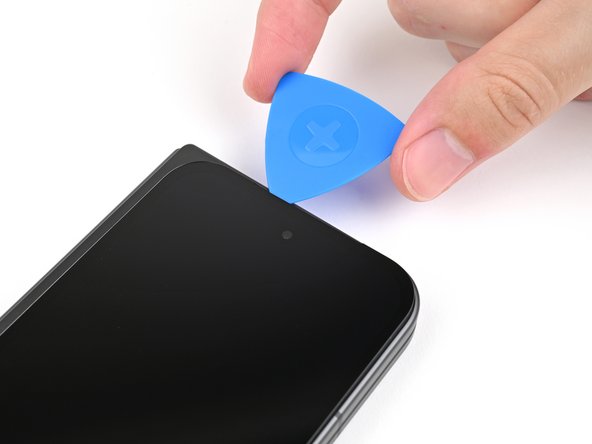
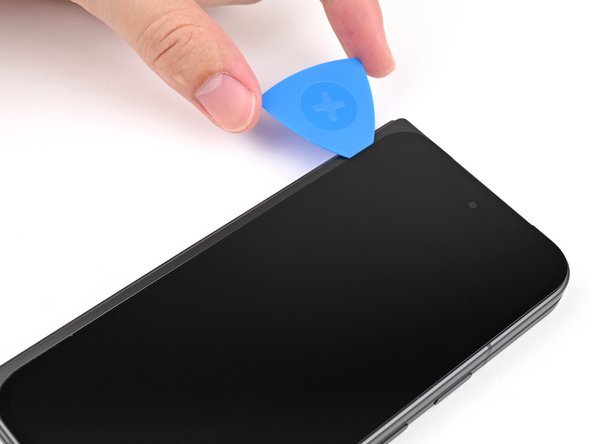
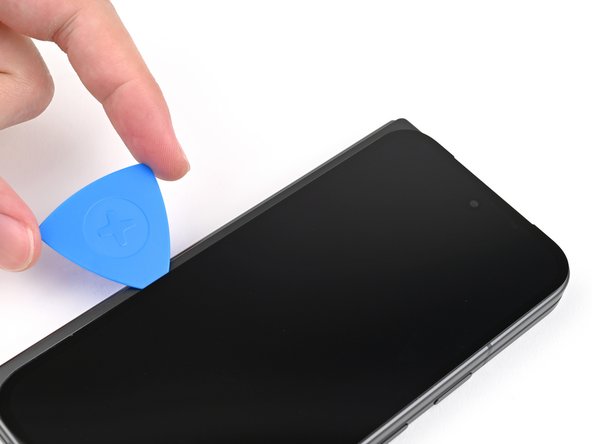
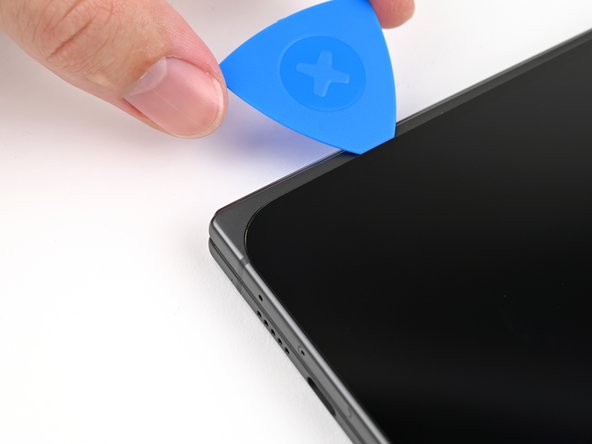
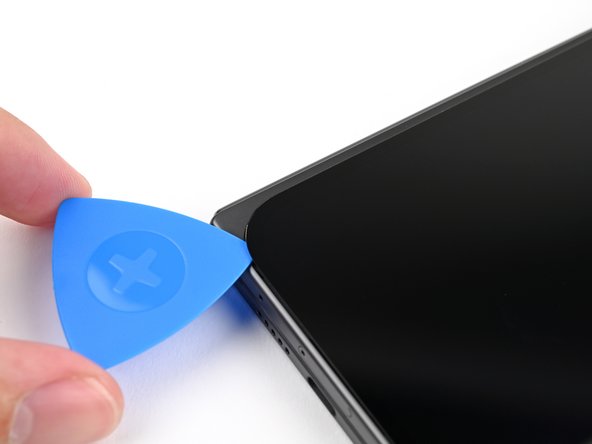
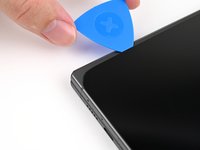
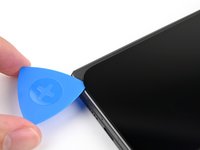
Insert an opening pick into the gap.
-
-
-
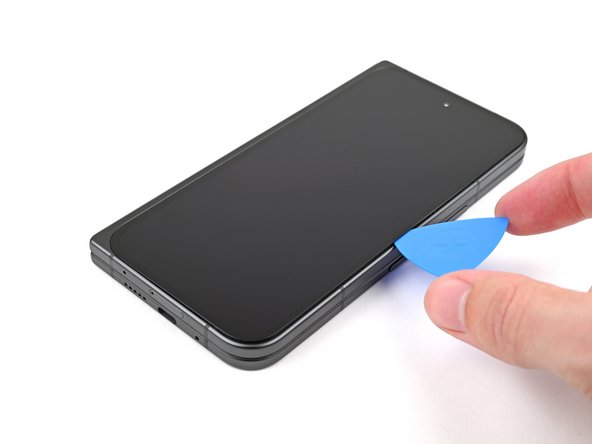
Slide the opening pick around the bottom right corner and up the right edge of the screen to separate the adhesive.
-
-
-
Tool used on this step:FixMat$36.95
-
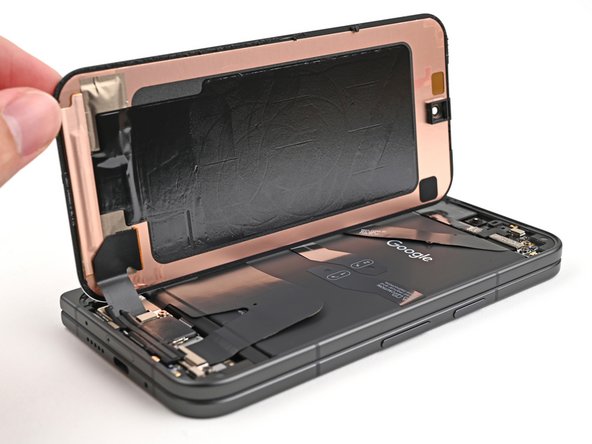
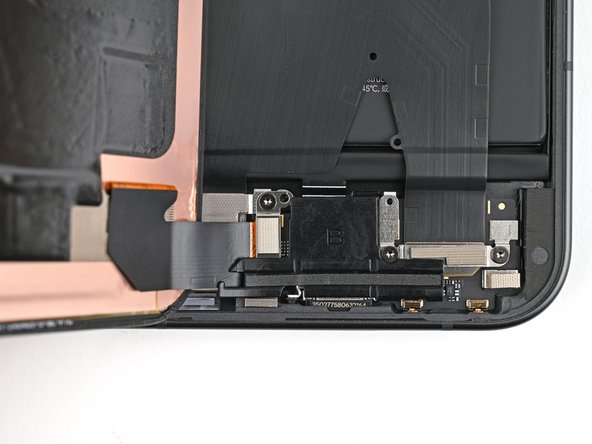
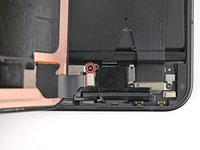
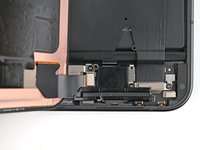
Use a Torx Plus 3IP driver to remove the 2.2 mm‑long screw securing the display cable bracket.
-
-
-
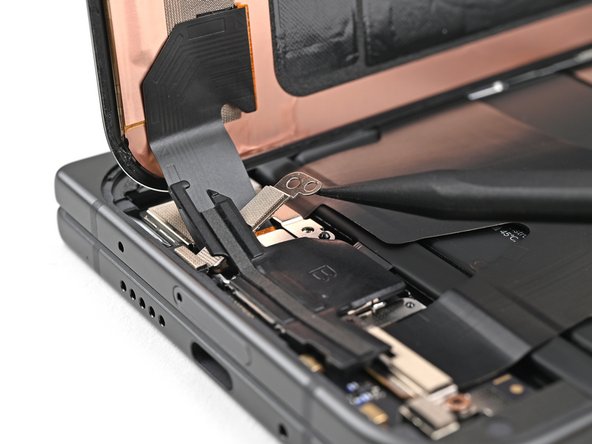
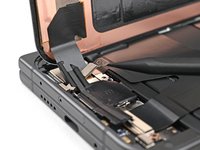
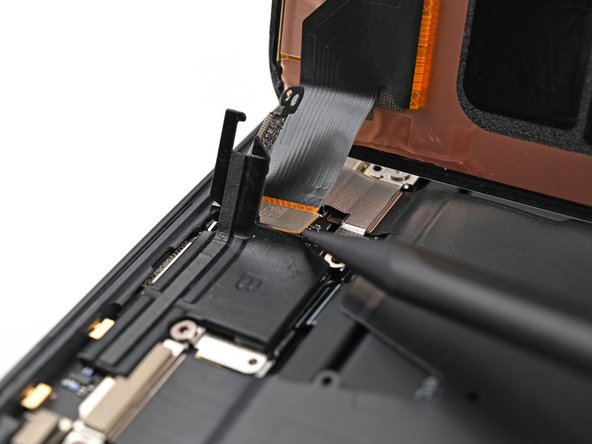
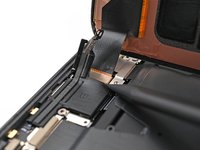
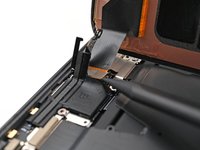
Use the point of a spudger to pry up and disconnect the display cable press connector.
-














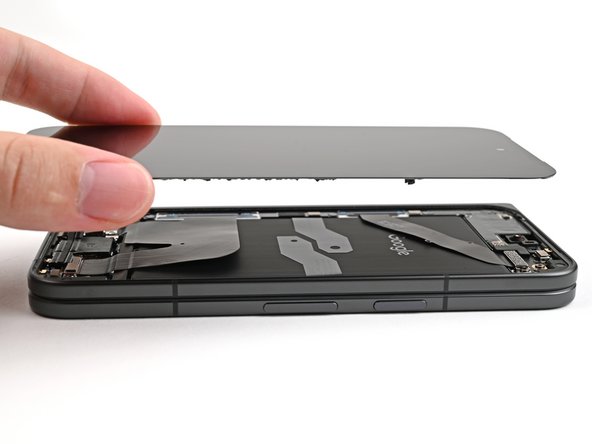
Take your e-waste to an R2 or e-Stewards certified recycler.
Compare your new replacement part to the original part—you may need to transfer remaining components or remove adhesive backings from the new part before you install it.
To reassemble your device, follow these instructions in reverse order.
Repair didn’t go as planned? Try some basic troubleshooting, or ask our Google Pixel 9 Pro Fold Answers Community for help.



