Introduction
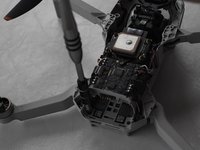
This guide will show you how to successfully replace an arm on the DJI Mini 2 drone, this will allow a drone with body damage to be repaired and fly again. This guide shows a front arm replacement, but the procedure is similar for the rear arms.
The drone arm stores the wires that connect the motors attached to the propellers and motors themselves. Damage to the drone arms can cause the drone have an unstable flight or ground the drone.
This guide requires the use of ESD-safe tools and a Soldering Kit. If you are new to soldering here is a guide to help you with this process.
What you need
-
-
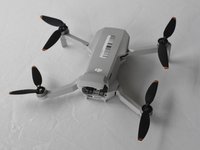
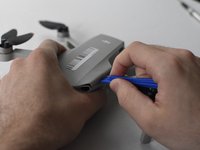
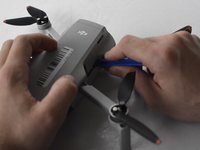
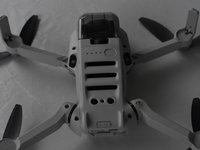
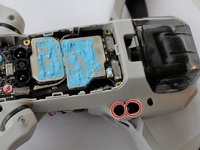
Face the DJI Mini 2 away from you so that you are looking at the charging ports.
-
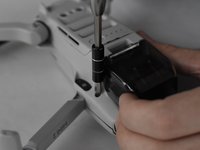
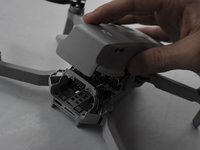
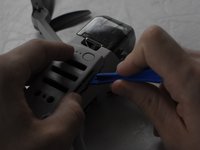
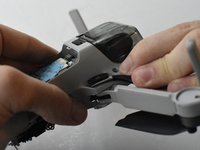
Use your finger to open up the back panel.
-
-
-
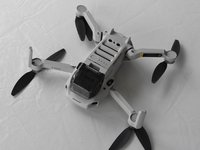
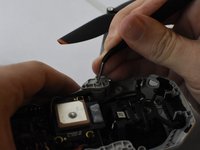
Unfold the wings of the drone.
-
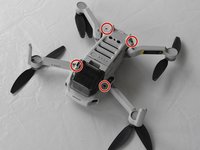
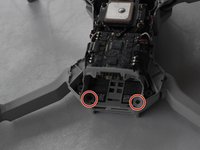
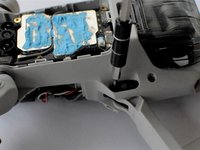
Place the drone upside down on a flat surface.
-
-












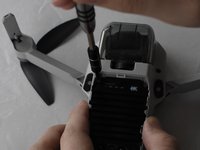
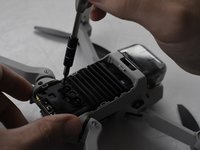


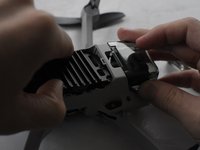
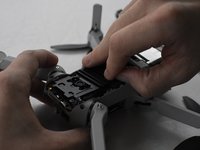


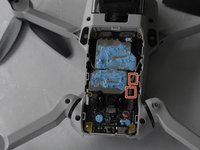
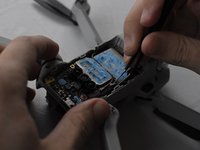


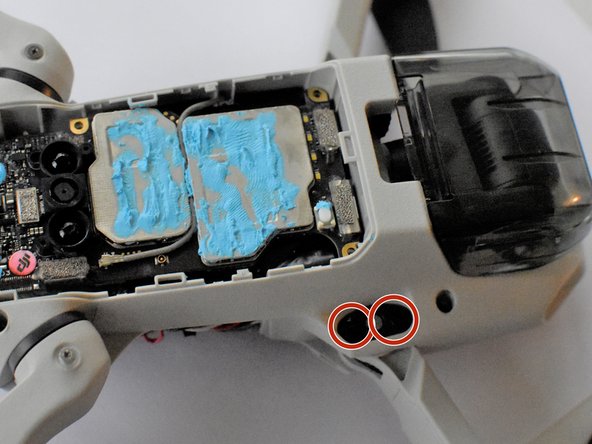
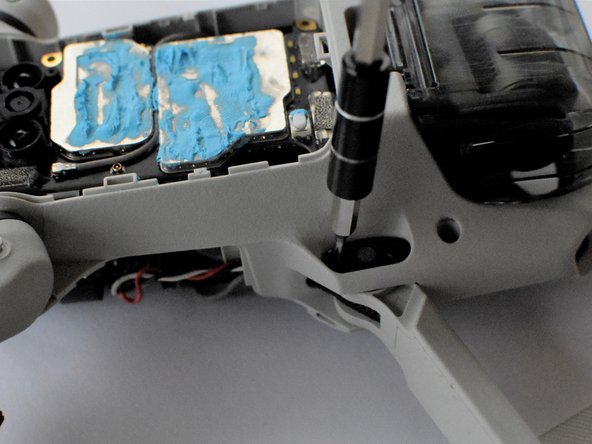



To reassemble your device, follow these instructions in reverse order.
Cancel: I did not complete this guide.
10 other people completed this guide.


Team

UMass Dartmouth, Team F-1, Gurgel Spring 2022 Member of UMass Dartmouth, Team F-1, Gurgel Spring 2022
UMASSD-GURGEL-S22SFG1
2 Members
20 Guides authored
4 Guide Comments
complete and comprehensive guide, Easy to follow.
Only two small points of critique,
On step 5 It says "Use a combination of the opening tool and your fingers to pry open the top panel of the drone along the seams."
This seemed almost impossible to do withcout damaging the plastic.
I then found a youtube video that showcased that you can unclip a few lips inside the drone, this made the cover come off much easyer.
The video also showed an easyer whay to put the pint removed in step 14 back in.
Apart form these two tips, the guide is practically perfect
The video is by: J T
Thanks that was just want i needed.
Great guide! Note that if you are replacing one of the rear arms of the drone, you can skip Steps 6 to 11. Since the rear arms don't contain any radio antennae (only the front arms do), there is no need to access/disconnect those grey coax cables or to remove bottom panel at all. (You might only risk messing up the thermal paste and cause heat issues in longer flights.)
So if you're replacing one of the rear arms, once you removed the top panel (Step 5) you can get soldering right away (Step 13).
Hope that's useful to someone. Great walkthrough though!
I need a new back right arm and motor! Where can I buy it? Thanks for rhenpost
