Introduction
The keycap is the part of the key that is visible and pressed when you want the specific character typed. This guide will show how to replace the keycaps for cleaning, replacement, or for more extensive repairs.
What you need
-
-
-
-
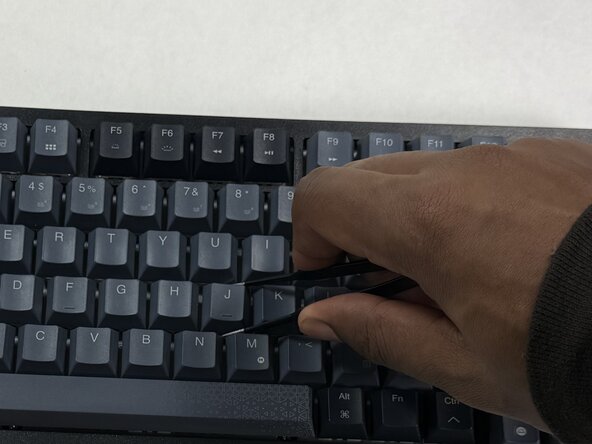
Use a keycap puller to grip the keycap and pull straight up from the keyboard.
-

 Ask FixBot


Conclusion
To reassemble your device, follow these instructions in reverse order. Take your e-waste to an R2 or e-Stewards certified recycler.

Team

UMass Dartmouth, Team 3-3, Shaddix Spring 2026 Member of UMass Dartmouth, Team 3-3, Shaddix Spring 2026
UMASSD-SHADDIX-S26S3G3
4 Members
5 Guides authored
