Blu Grand M Camera Replacement

What you need

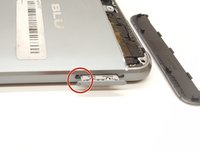
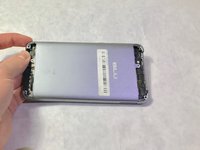
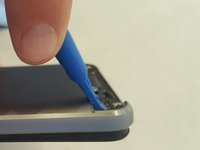
  1. Blu Grand M Camera Replacement, Battery: step 1, image 1 of 2 Blu Grand M Camera Replacement, Battery: step 1, image 2 of 2
    • Remove the two plastic plates with a plastic opening tool.

  2. Blu Grand M Camera Replacement: step 2, image 1 of 1
    • Using a Phillips #000 screwdriver, remove the 3mm screws. Be sure to do this for the top and bottom of the phone.

  3. Blu Grand M Camera Replacement: step 3, image 1 of 3 Blu Grand M Camera Replacement: step 3, image 2 of 3 Blu Grand M Camera Replacement: step 3, image 3 of 3
    • Remove SIM card tray with paperclip or SIM card tray removal tool.

    • Push down on the phone beside the camera and up on the backplate with your thumbs to remove the back plate. Remove adhesive if necessary.

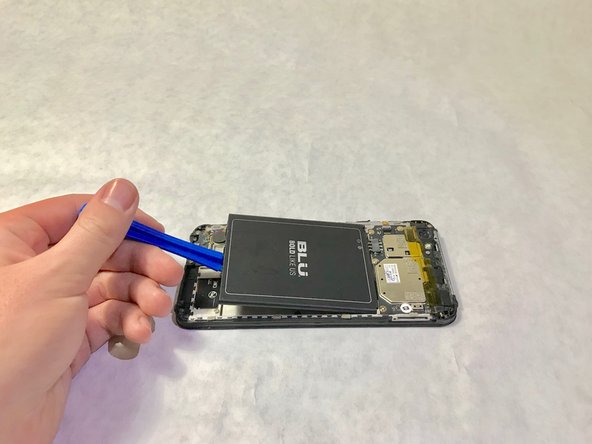
  4. Blu Grand M Camera Replacement: step 4, image 1 of 2 Blu Grand M Camera Replacement: step 4, image 2 of 2
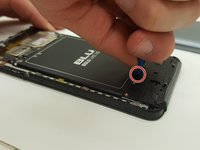
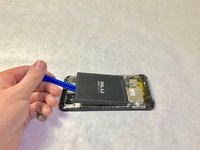
    • There is a patch of adhesive underneath the battery, which can make it difficult to remove.

    • Place the plastic opening tool in the highlighted indent, and push up on the battery to remove it.

  5. Blu Grand M Camera Replacement, Plastic Plate: step 5, image 1 of 2 Blu Grand M Camera Replacement, Plastic Plate: step 5, image 2 of 2
    Tool used on this step:
    Tweezers
    $4.99
    Buy
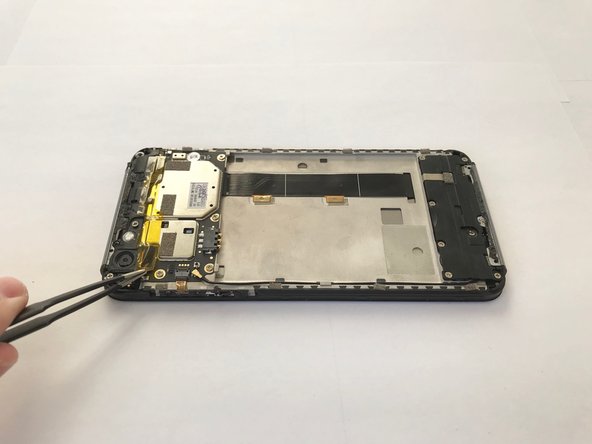
    • Remove the yellow plastic tape using a pair of tweezers.

  6. Blu Grand M Camera Replacement: step 6, image 1 of 3 Blu Grand M Camera Replacement: step 6, image 2 of 3 Blu Grand M Camera Replacement: step 6, image 3 of 3
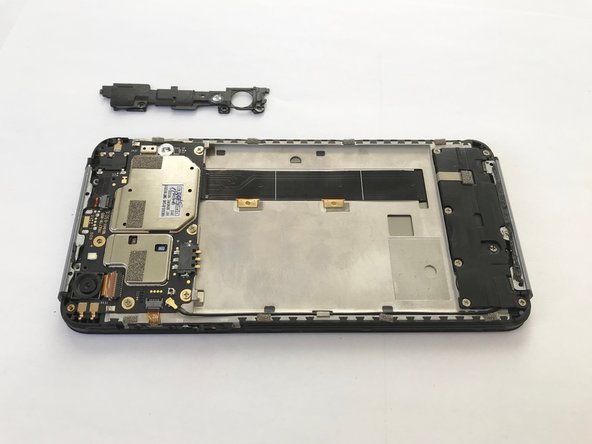
    • Use a Phillips #000 screwdriver to remove two black 4.0mm screws.

    • Use a Phillips #000 screwdriver to remove 2 silver 4.0mm screws

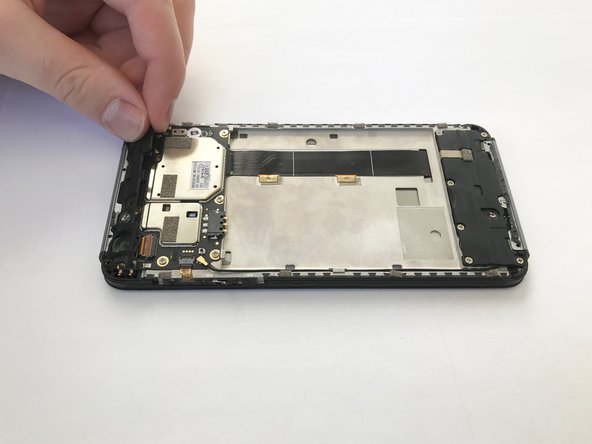
    • Remove the plastic cover along the top by tugging on it on the corner as shown.

  7. Blu Grand M Camera Replacement, Camera: step 7, image 1 of 2 Blu Grand M Camera Replacement, Camera: step 7, image 2 of 2
    • Use the plastic opening tool to lift the camera out.

Conclusion

To reassemble your device, follow these instructions in reverse order.

Kristen Gismondi

Member since: 11/12/14

100,432 Reputation

258 Guides authored

Team

iFixit Member of iFixit

Staff

123 Members

23,788 Guides authored

0 Guide Comments

Add Comment

View Statistics:

Past 24 Hours: 3

Past 7 Days: 4

Past 30 Days: 7

All Time: 209