Free Shipping on Domestic Orders $75+

BlackBerry Passport Camera Replacement

What you need

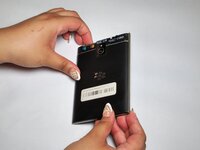
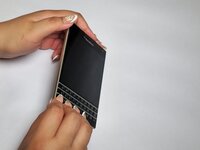
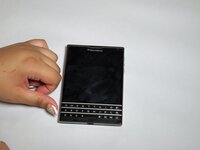
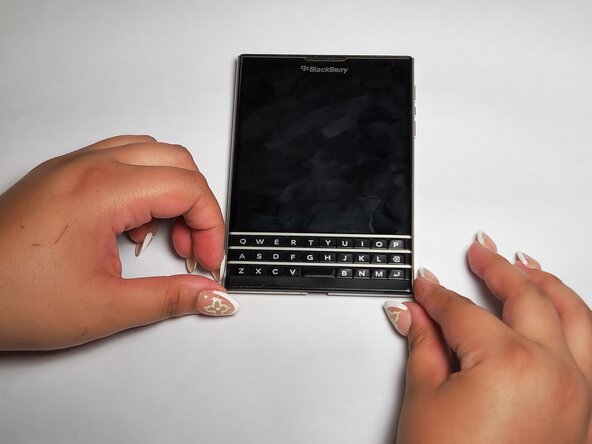
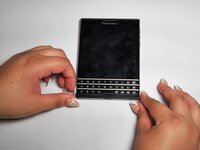
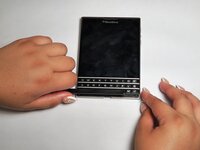
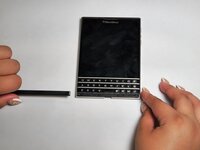
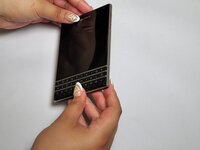
    1. BlackBerry Passport Camera Replacement, Motherboard: step 1, image 1 of 3 BlackBerry Passport Camera Replacement, Motherboard: step 1, image 2 of 3 BlackBerry Passport Camera Replacement, Motherboard: step 1, image 3 of 3
      • Flip the phone on its front.

      Ask FixBot
      Add Comment

    2. BlackBerry Passport Camera Replacement: step 2, image 1 of 2 BlackBerry Passport Camera Replacement: step 2, image 2 of 2
      • Remove the top SIM/microSD card cover by the notch.

      Ask FixBot
      Add Comment

    3. BlackBerry Passport Camera Replacement: step 3, image 1 of 1
      • Remove the top two 7 mm screws using a T4 Torx screwdriver.

      • Remove the bottom three 5 mm screws using a T4 Torx screwdriver.

      Ask FixBot
      Add Comment

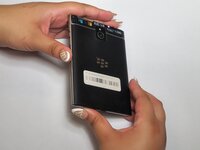
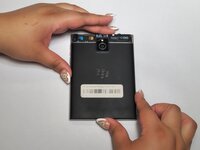
    4. BlackBerry Passport Camera Replacement: step 4, image 1 of 3 BlackBerry Passport Camera Replacement: step 4, image 2 of 3 BlackBerry Passport Camera Replacement: step 4, image 3 of 3
      • Flip the phone to its back.

      Ask FixBot

      Add Comment

    5. BlackBerry Passport Camera Replacement: step 5, image 1 of 3 BlackBerry Passport Camera Replacement: step 5, image 2 of 3 BlackBerry Passport Camera Replacement: step 5, image 3 of 3
      • Remove the cover located under the keyboard.

      Ask FixBot

      Add Comment

    6. BlackBerry Passport Camera Replacement: step 6, image 1 of 1
      • Remove the two 6 mm screws using the T4 Torx screwdriver.

      Ask FixBot
      Add Comment

    7. BlackBerry Passport Camera Replacement: step 7, image 1 of 3 BlackBerry Passport Camera Replacement: step 7, image 2 of 3 BlackBerry Passport Camera Replacement: step 7, image 3 of 3
      • Flip the phone on its front.

      Ask FixBot
      Add Comment

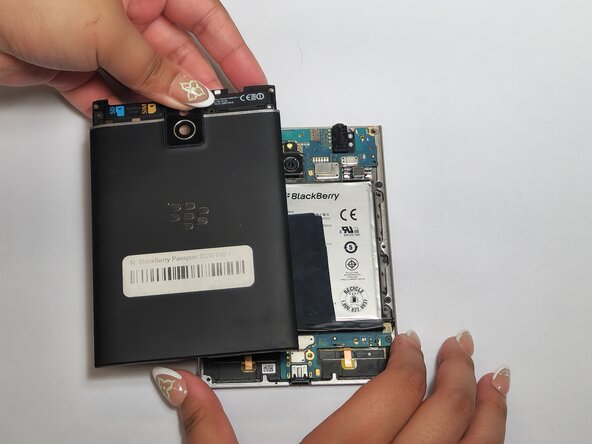
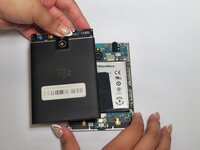
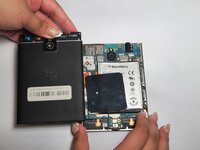
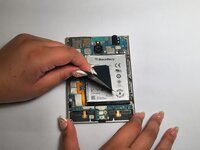
    8. BlackBerry Passport Camera Replacement: step 8, image 1 of 3 BlackBerry Passport Camera Replacement: step 8, image 2 of 3 BlackBerry Passport Camera Replacement: step 8, image 3 of 3
      • Remove the back cover.

      Ask FixBot
      Add Comment

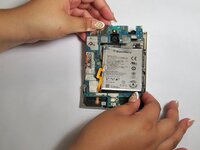
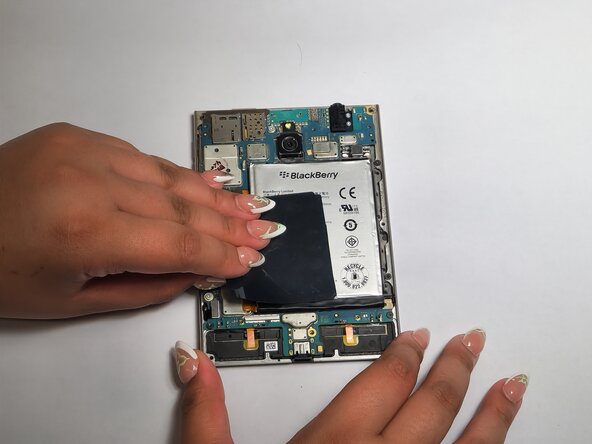
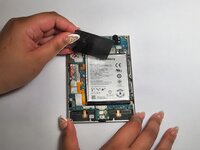
    9. BlackBerry Passport Camera Replacement: step 9, image 1 of 3 BlackBerry Passport Camera Replacement: step 9, image 2 of 3 BlackBerry Passport Camera Replacement: step 9, image 3 of 3
      • Remove the black tape from the battery and the motherboard.

      Ask FixBot
      Add Comment

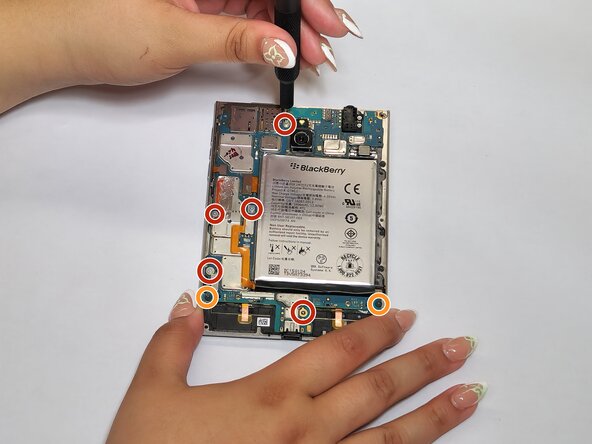
    10. BlackBerry Passport Camera Replacement: step 10, image 1 of 1
      • Remove the five 4 mm screws using a T4 Torx screwdriver.

      • Remove the two 3 mm screws using a T4 Torx screwdriver.

      Ask FixBot

      Add Comment

    11. BlackBerry Passport Camera Replacement: step 11, image 1 of 1
      • Disconnect the left four connectors.

      Ask FixBot

      Add Comment

    12. BlackBerry Passport Camera Replacement: step 12, image 1 of 3 BlackBerry Passport Camera Replacement: step 12, image 2 of 3 BlackBerry Passport Camera Replacement: step 12, image 3 of 3
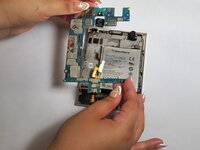
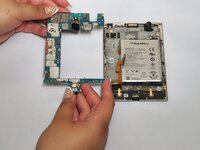
      • Remove the motherboard.

      Ask FixBot

      Add Comment

    1. BlackBerry Passport Camera Replacement, Camera: step 13, image 1 of 3 BlackBerry Passport Camera Replacement, Camera: step 13, image 2 of 3 BlackBerry Passport Camera Replacement, Camera: step 13, image 3 of 3
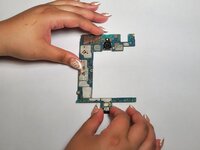
      • Flip the motherboard so the back of the board faces upwards.

      Ask FixBot

      Add Comment

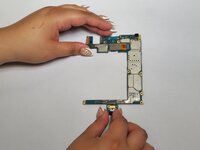
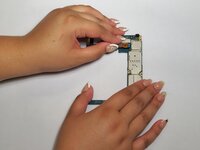
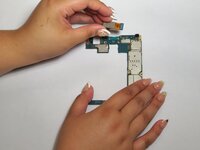
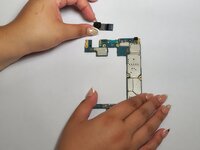
    2. BlackBerry Passport Camera Replacement: step 14, image 1 of 3 BlackBerry Passport Camera Replacement: step 14, image 2 of 3 BlackBerry Passport Camera Replacement: step 14, image 3 of 3
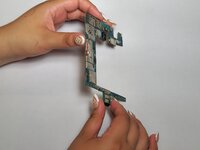
      • Remove the connection to the motherboard and remove the camera.

      Ask FixBot

      Add Comment

Conclusion

To reassemble your device, follow these instructions in reverse order.

Cancel: I did not complete this guide.

Kristen Gismondi

Member since: 11/12/14

108,217 Reputation

270 Guides authored

0 Guide Comments

Add Comment

View Statistics:

Past 24 Hours: 4

Past 7 Days: 12

Past 30 Days: 30

All Time: 253