Introduction
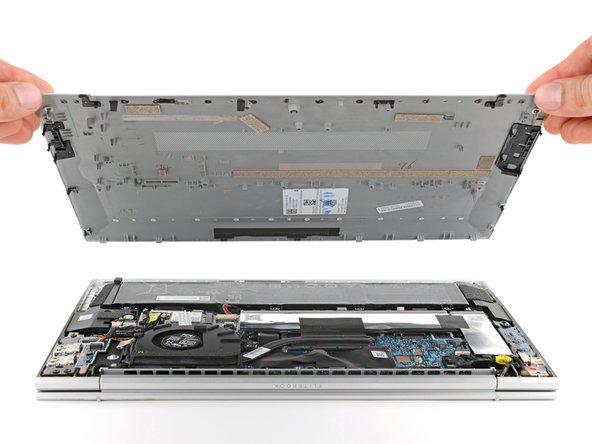
This guide shows how to disconnect the battery in your HP EliteBook 840 Aero G8 laptop. This should be done before all major repairs.
What you need
-
-
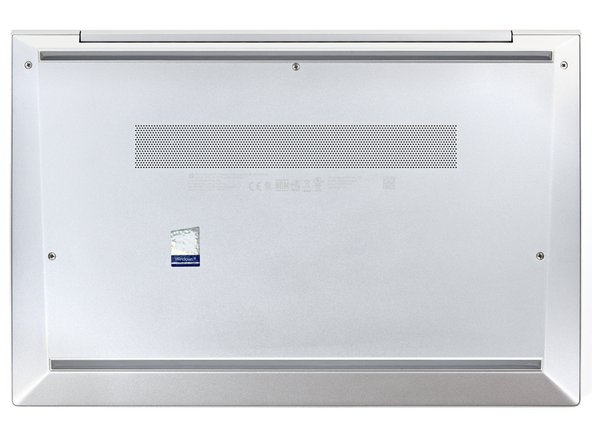
Use a Phillips screwdriver to fully loosen (but not remove) the five captive screws securing the bottom cover.
-
-
-
Position your laptop so the rear edge (with the screen hinge) is closest to you.
-
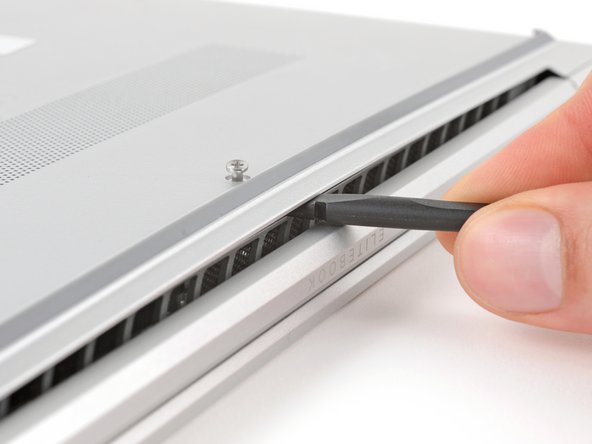
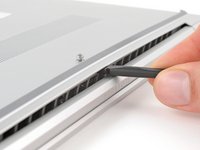
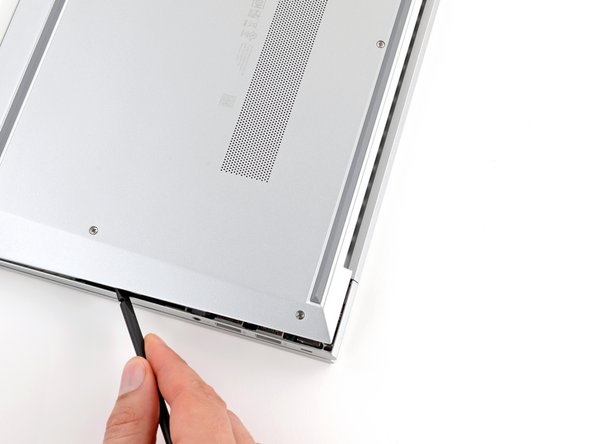
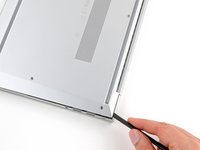
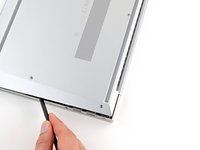
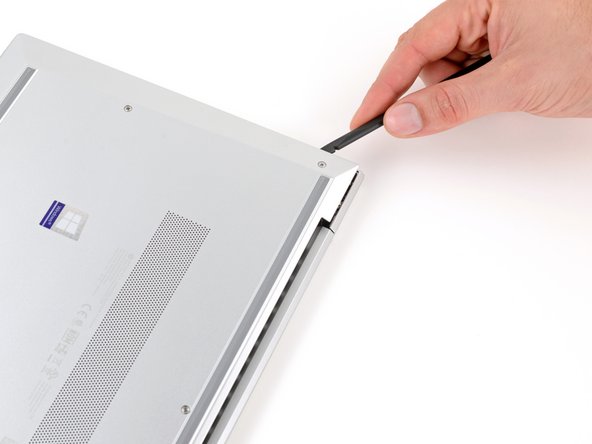
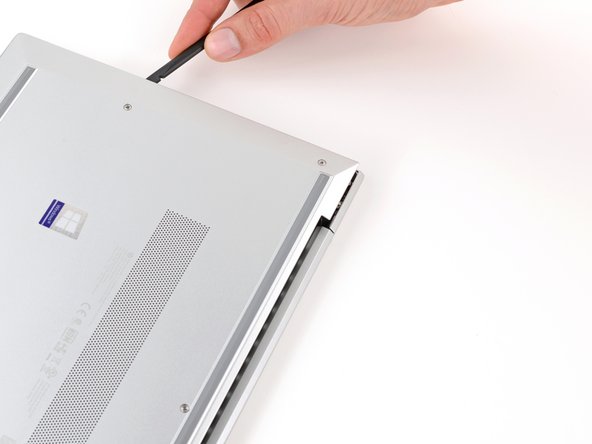
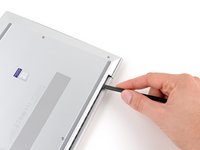
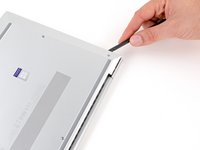
Insert the flat end of a spudger between the rear edge of the bottom cover and the frame, near the middle screw and ELITEBOOK text.
-
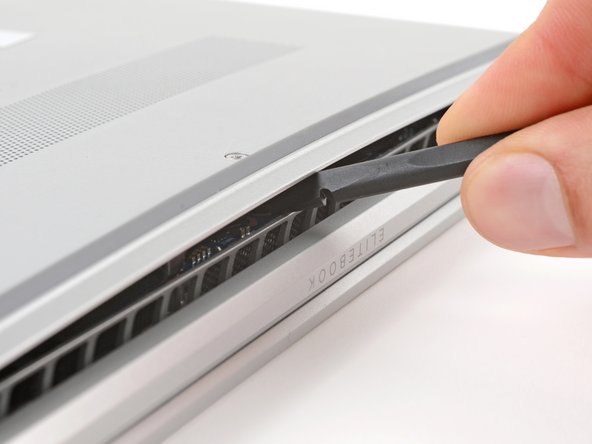
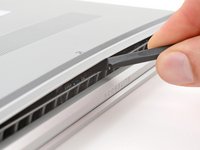
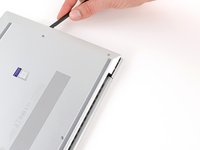
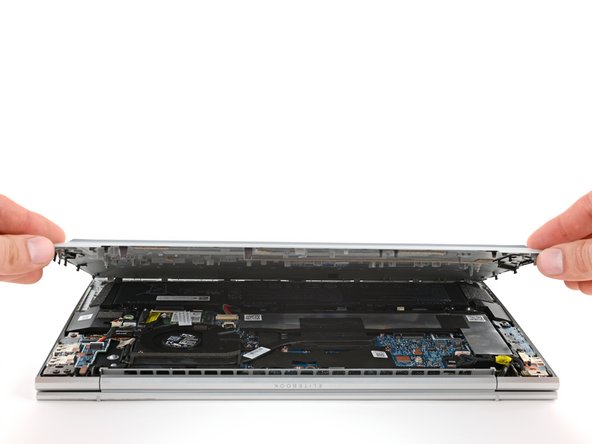
Use your spudger to pry up the cover to release the clip securing it.
-
Leave the spudger inserted under the bottom cover for the next step.
-
-
-
-
Position your laptop so the front edge (opposite the screen hinges) is closest to you.
-
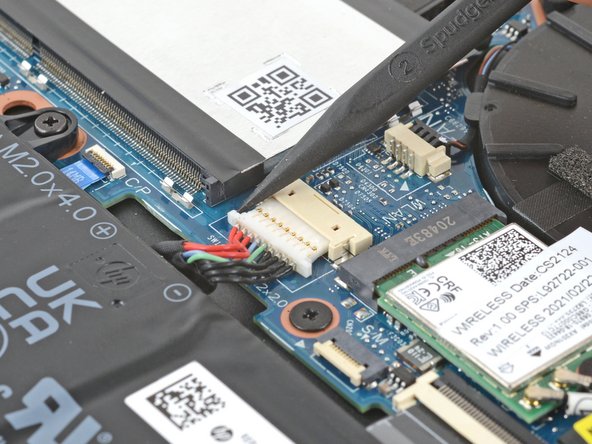
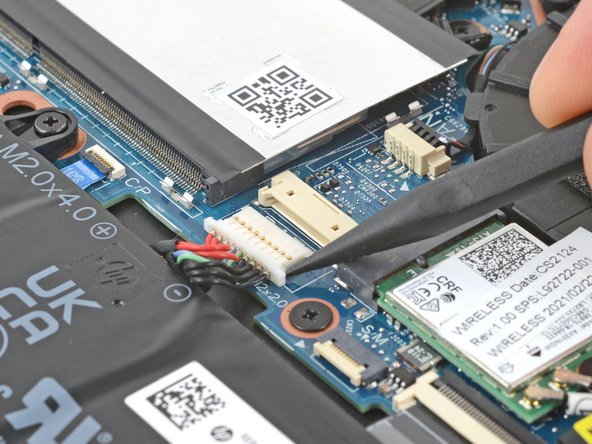
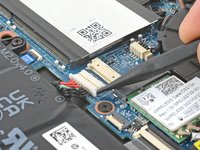
Use the point of a spudger or your fingernail to push on alternating sides of the battery's sliding connector to walk it completely out of its socket.
-