Free Shipping on Domestic Orders $75+

Backbone One Left Trigger Replacement

What you need

  1. Backbone One Left Trigger Replacement, Unfasten the screws: step 1, image 1 of 1
    • Use a Phillips screwdriver to remove the four 5.9 mm-long screws.

    Ask FixBot
  2. Backbone One Left Trigger Replacement, Rotate the upper cover: step 2, image 1 of 3 Backbone One Left Trigger Replacement, Rotate the upper cover: step 2, image 2 of 3 Backbone One Left Trigger Replacement, Rotate the upper cover: step 2, image 3 of 3
    • Lift up the upper part of the controller.

    • Swing over the upper cover and place it on the controller case.

    • Take care that the interconnecting cable has no tension.

    Ask FixBot
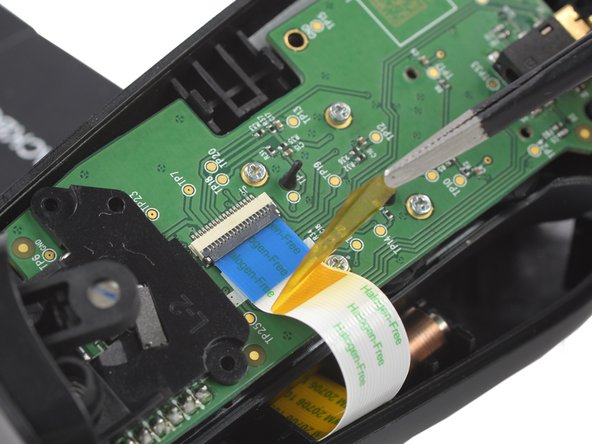
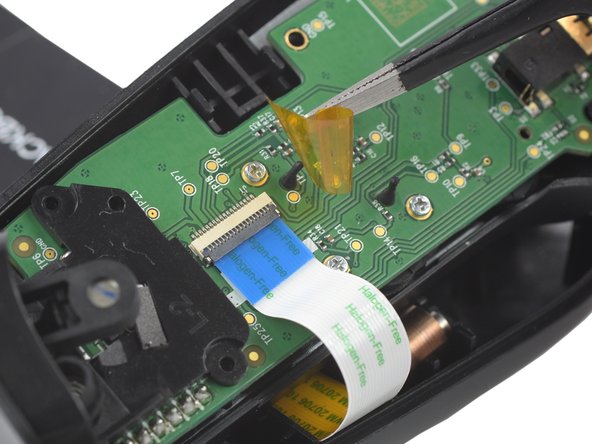
  3. Backbone One Left Trigger Replacement, Remove the protective tape: step 3, image 1 of 3 Backbone One Left Trigger Replacement, Remove the protective tape: step 3, image 2 of 3 Backbone One Left Trigger Replacement, Remove the protective tape: step 3, image 3 of 3
    Tool used on this step:
    Tweezers
    $4.99
    Buy
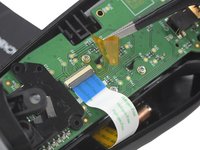
    • Use a pair of tweezers to remove the yellow protective tape which is placed over the interconnect cable connector.

    Ask FixBot
  4. Backbone One Left Trigger Replacement, Open the ZIF connector: step 4, image 1 of 2 Backbone One Left Trigger Replacement, Open the ZIF connector: step 4, image 2 of 2
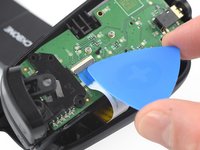
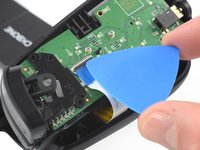
    • Use the tip of an opening pick to open the gray flap of the ZIF connector by pushing it upwards.

    Ask FixBot
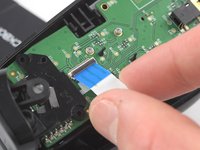
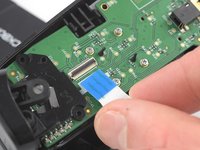
  5. Backbone One Left Trigger Replacement, Disconnect the interconnect cable: step 5, image 1 of 2 Backbone One Left Trigger Replacement, Disconnect the interconnect cable: step 5, image 2 of 2
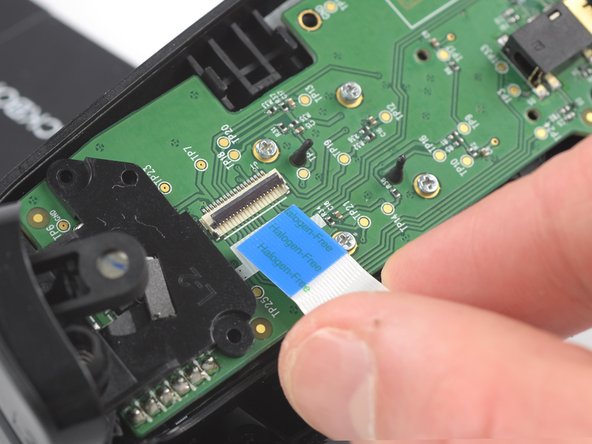
    • Use your fingers to disconnect the interconnect cable from its connector.

    Ask FixBot
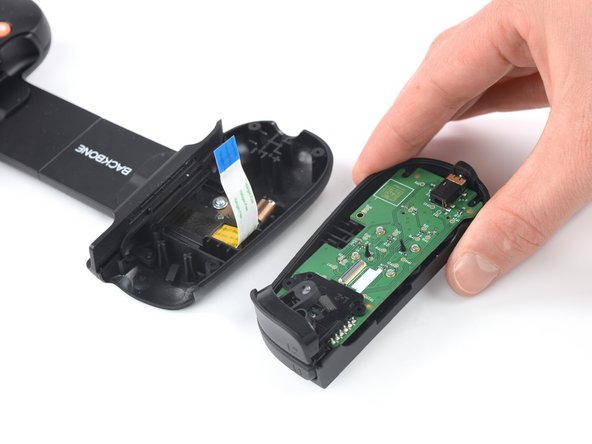
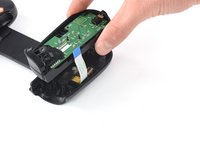
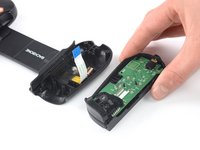
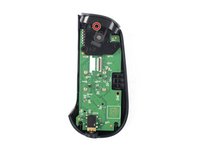
  6. Backbone One Left Trigger Replacement: step 6, image 1 of 2 Backbone One Left Trigger Replacement: step 6, image 2 of 2
    • Remove the upper half of the left controller assembly.

    Ask FixBot
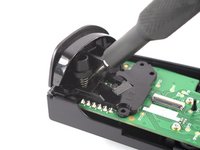
  7. Backbone One Left Trigger Replacement, Remove the screw: step 7, image 1 of 2 Backbone One Left Trigger Replacement, Remove the screw: step 7, image 2 of 2
    • Use a Phillips screwdriver to remove the 5.9 mm-long screw which is securing the trigger.

    • The screw is difficult to reach. Insert the screwdriver at an angle of 45 degrees.

    Ask FixBot
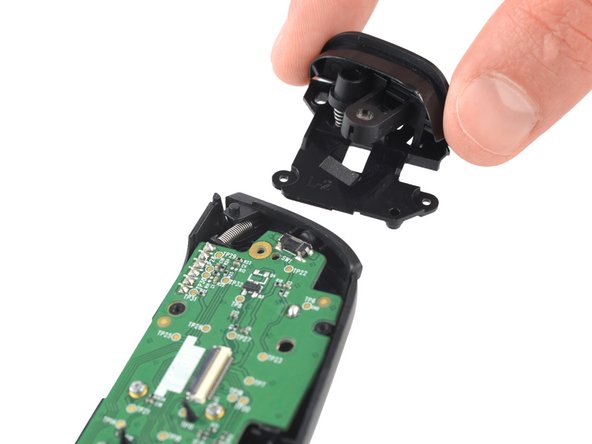
  8. Backbone One Left Trigger Replacement, Remove the trigger: step 8, image 1 of 2 Backbone One Left Trigger Replacement, Remove the trigger: step 8, image 2 of 2
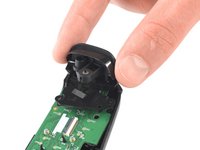
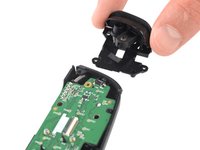
    • Remove the left trigger.

    Ask FixBot
Conclusion

To reassemble your device, follow these instructions in reverse order.

Repair didn’t go as planned? Ask our Answers community for help.

2 other people completed this guide.

Adriana Zwink

Member since: 12/18/19

66,950 Reputation

167 Guides authored

Team

iFixit Member of iFixit

Staff

122 Members

25,805 Guides authored

1 Guide Comment

Where can I buy the trigger

Zach - Reply Share

Add Comment

View Statistics:

Past 24 Hours: 6

Past 7 Days: 19

Past 30 Days: 103

All Time: 3,972