Audio-Technica AT-LP120-USB Anti-Skate Knob Spring Replacement

What you need

  1. Audio-Technica AT-LP120-USB Anti-Skate Knob Spring Replacement, Outer Shell: step 1, image 1 of 3 Audio-Technica AT-LP120-USB Anti-Skate Knob Spring Replacement, Outer Shell: step 1, image 2 of 3 Audio-Technica AT-LP120-USB Anti-Skate Knob Spring Replacement, Outer Shell: step 1, image 3 of 3
    • Remove the inner steel plate that spins on the turntable.

    • Carefully lift up the plate.

    • Place it near your device out of the way.

  2. Audio-Technica AT-LP120-USB Anti-Skate Knob Spring Replacement: step 2, image 1 of 1
    • Remove the power cord in the back of the device.

  3. Audio-Technica AT-LP120-USB Anti-Skate Knob Spring Replacement: step 3, image 1 of 1
    • Ensure that the Tone Arm clamp is in place.

  4. Audio-Technica AT-LP120-USB Anti-Skate Knob Spring Replacement: step 4, image 1 of 2 Audio-Technica AT-LP120-USB Anti-Skate Knob Spring Replacement: step 4, image 2 of 2
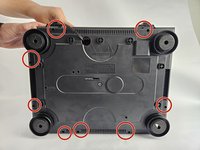
    • Use a Phillips #2 screwdriver to remove the eight 2 mm screws holding the back casing into place.

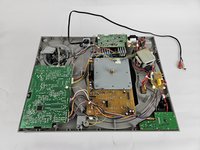
    • Carefully remove the back casing from the device to expose the interior.

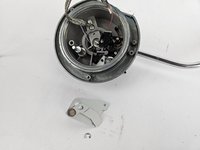
  5. Audio-Technica AT-LP120-USB Anti-Skate Knob Spring Replacement, Anti-Skate Knob Spring: step 5, image 1 of 3 Audio-Technica AT-LP120-USB Anti-Skate Knob Spring Replacement, Anti-Skate Knob Spring: step 5, image 2 of 3 Audio-Technica AT-LP120-USB Anti-Skate Knob Spring Replacement, Anti-Skate Knob Spring: step 5, image 3 of 3
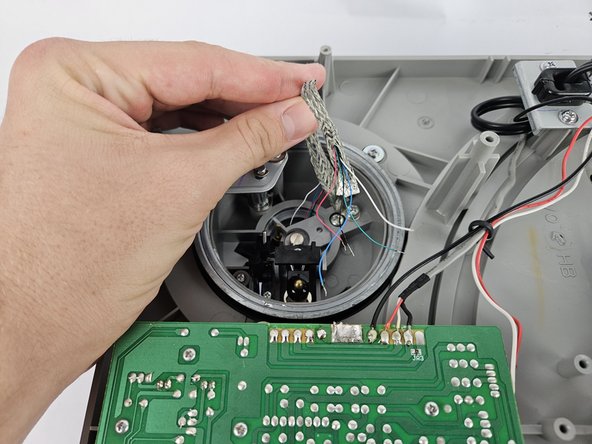
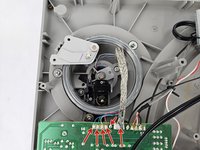
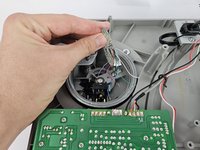
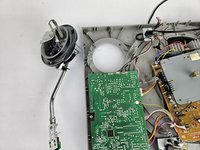
    • The Anti-Skate Knob is in the top left corner of the record player; this is what holds together the Tonearm.

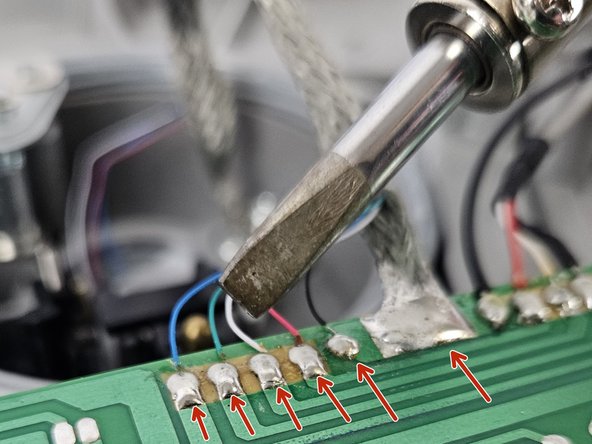
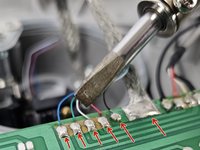
    • To remove this, you must desolder the five small connections and the large one next to it.

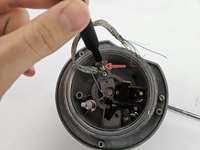
  6. Audio-Technica AT-LP120-USB Anti-Skate Knob Spring Replacement: step 6, image 1 of 2 Audio-Technica AT-LP120-USB Anti-Skate Knob Spring Replacement: step 6, image 2 of 2
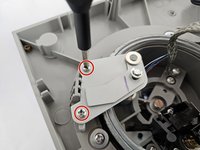
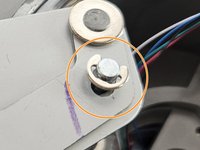
    • Use a Phillips #2 screwdriver to remove the two screws.

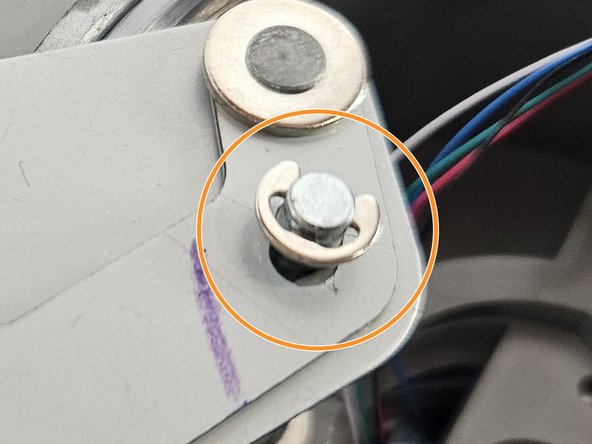
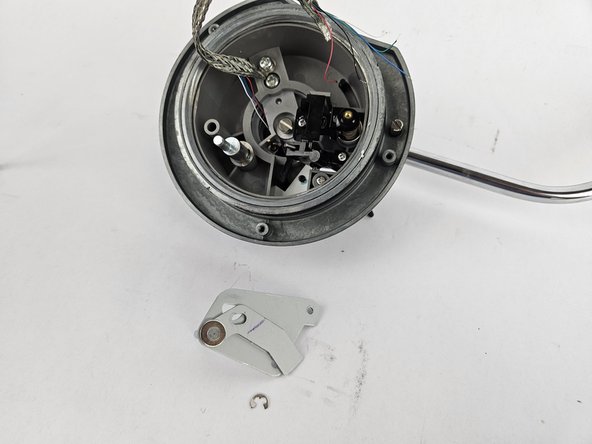
    • Using Snap Ring Pliers, pull up at the Snap Ring to remove it.

  7. Audio-Technica AT-LP120-USB Anti-Skate Knob Spring Replacement: step 7, image 1 of 2 Audio-Technica AT-LP120-USB Anti-Skate Knob Spring Replacement: step 7, image 2 of 2
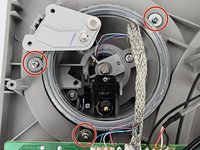
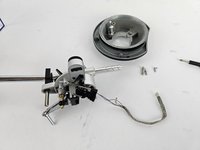
    • Remove the 2.5 mm screws using a Phillips #2 that connects the tonearm to the record player frame.

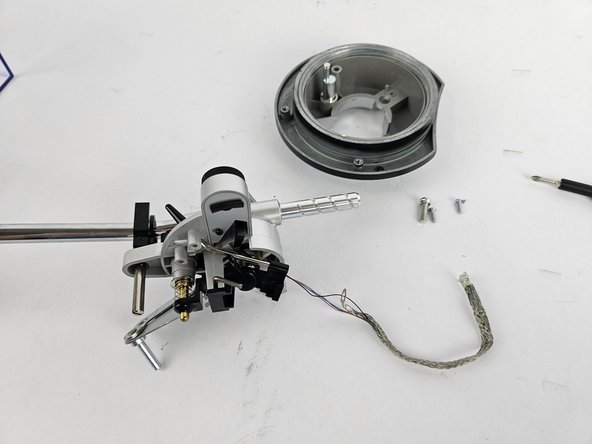
  8. Audio-Technica AT-LP120-USB Anti-Skate Knob Spring Replacement: step 8, image 1 of 3 Audio-Technica AT-LP120-USB Anti-Skate Knob Spring Replacement: step 8, image 2 of 3 Audio-Technica AT-LP120-USB Anti-Skate Knob Spring Replacement: step 8, image 3 of 3
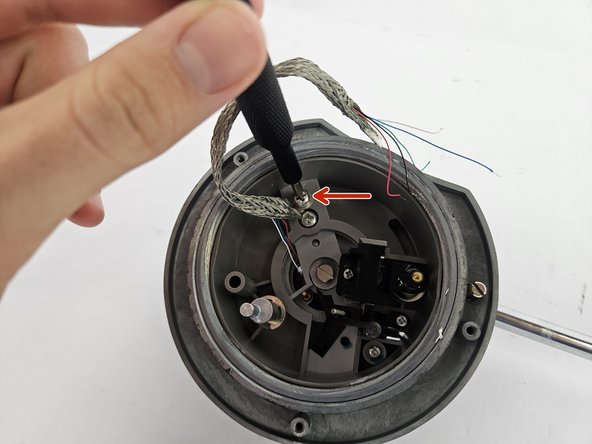
    • Unscrew the cable with the Phillips #2 screwdriver.

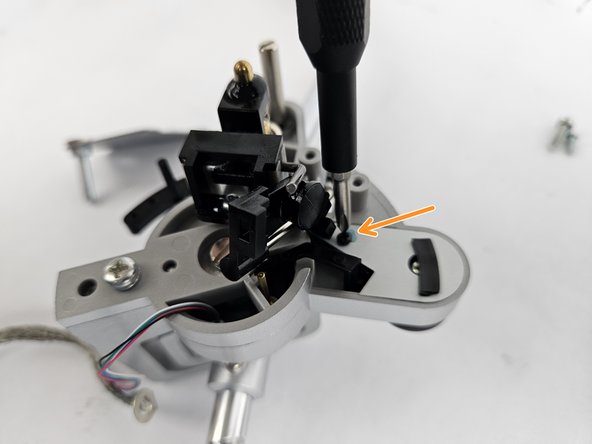
  9. Audio-Technica AT-LP120-USB Anti-Skate Knob Spring Replacement: step 9, image 1 of 3 Audio-Technica AT-LP120-USB Anti-Skate Knob Spring Replacement: step 9, image 2 of 3 Audio-Technica AT-LP120-USB Anti-Skate Knob Spring Replacement: step 9, image 3 of 3
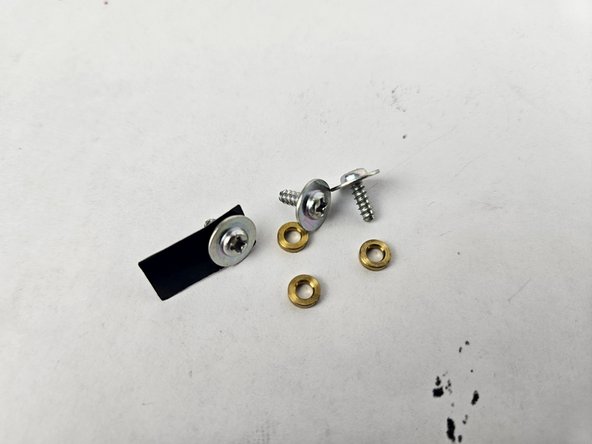
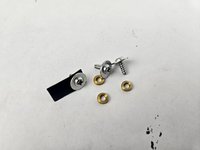
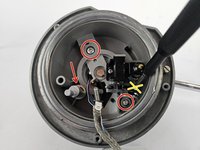
    • Use a Philips #2 screwdriver to remove the two 2.5 mm screws, and remove the Snap Ring by pulling up at it with Snap Ring Pliers which are being highlighted.

    • DO NOT unscrew the yellow X in the picture.

    • Remove the small 0.1 mm black screw with the Phillips #000 screwdriver.

  10. Audio-Technica AT-LP120-USB Anti-Skate Knob Spring Replacement: step 10, image 1 of 3 Audio-Technica AT-LP120-USB Anti-Skate Knob Spring Replacement: step 10, image 2 of 3 Audio-Technica AT-LP120-USB Anti-Skate Knob Spring Replacement: step 10, image 3 of 3
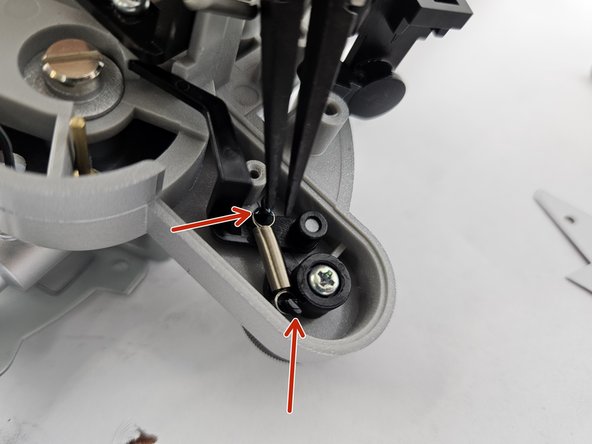
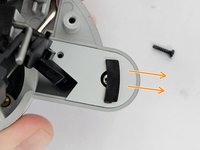
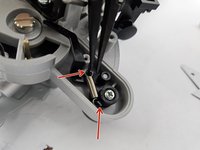
    • Pull off the cover to reveal the spring.

    • Using Tweezers, pull the spring out by pulling it off of the hooks on each end.

  11. Audio-Technica AT-LP120-USB Anti-Skate Knob Spring Replacement: step 11, image 1 of 1
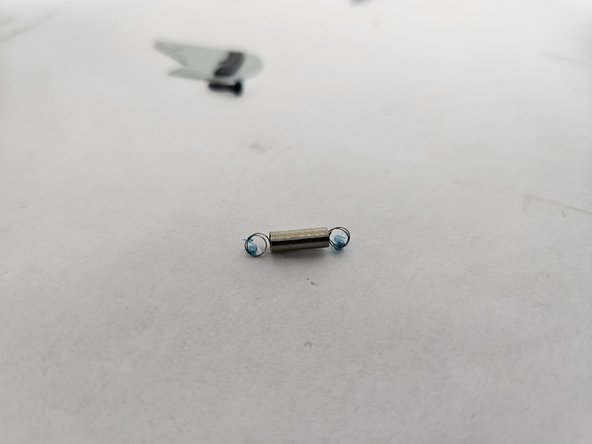
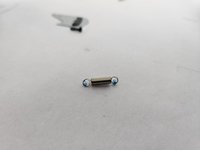
    • Now replace the old spring with your new one!

Conclusion

To reassemble your device, follow the above steps in reverse order.
Take your e-waste to an R2 or e-Stewards certified recycler.
Repair didn’t go as planned? Try some basic troubleshooting or ask our Answers community for help.

One other person completed this guide.

Ryan Barcelos

Member since: 10/31/24

345 Reputation

1 Guide authored

Team

Cuesta, Team 20-3, Krynen Fall 2024 Member of Cuesta, Team 20-3, Krynen Fall 2024

CUESTA-KRYNEN-F24S20G3

5 Members

6 Guides authored

1 Guide Comment

Hi

Where i can find to by antiscate spring?

Thanks

Flegma - Reply
Add Comment

View Statistics:

Past 24 Hours: 2

Past 7 Days: 13

Past 30 Days: 78

All Time: 702