Introduction
Are you experiencing muffled audio or connectivity issues? If so, follow this guide to change out the microphones in your Anker Soundcore Space One headphones.
A headphone microphone is a component of headphones that allows for hands-free communication. It usually consists of three main elements, which include the capsule, grille, and positioning of the microphones.
Before continuing with this guide, make sure to review the troubleshooting page about audio distortion. There could be countless other easy fixes that could be done to the device without replacing the microphones.
What you need
-
-
-
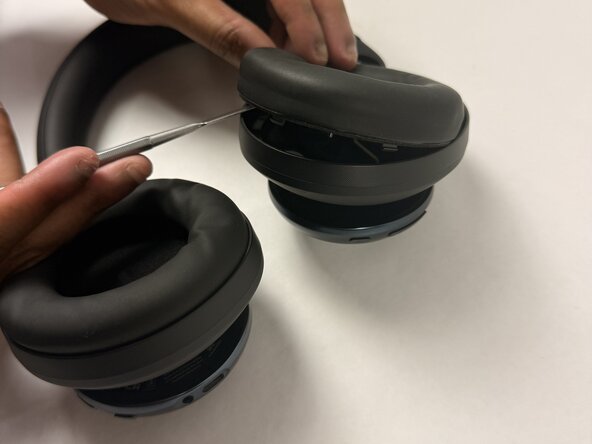
Insert a spudger (plastic or metal) between the ear pad and the driver housing (the driver housing is the outside plastic part of ear cup).
-
Pry around the ear pad in a circular path until it fully releases.
-
-
-
-
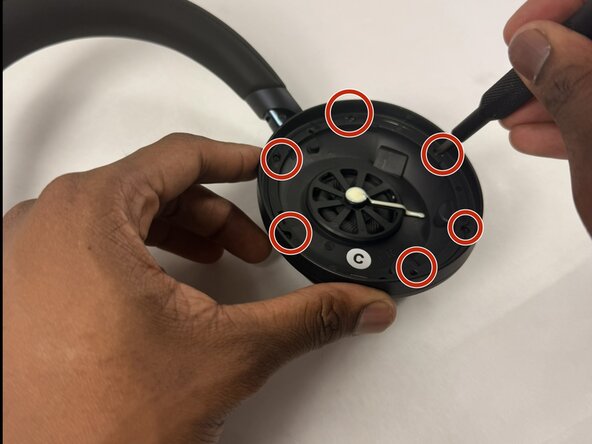
Position the inside of the driver housing facing up (without the ear pad).
-
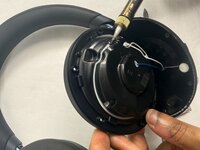
Unscrew the six 6.1 mm Phillips #00 screws from the driver housing.
-
-
-
-
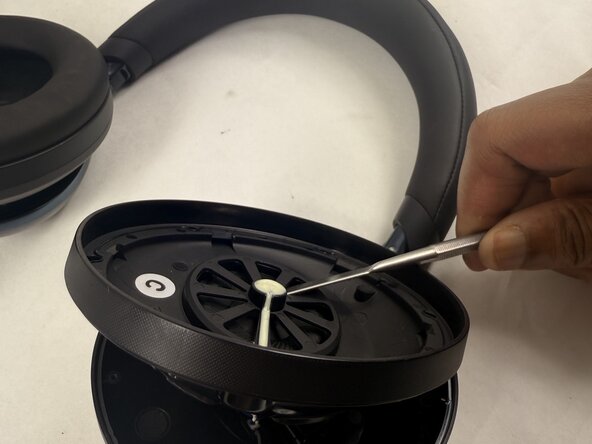
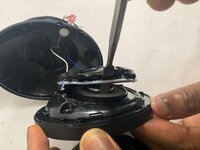
Pry around the interior plate of the driver housing with a spudger.
-
Carefully lift out the interior plate of the driver housing with a spudger to fully remove it.
-
-
-
Flip the popped-off plate component away from the ear cup.
-
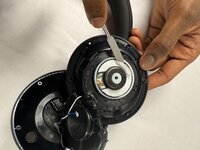
Use a soldering iron in a circular path along with the seam of the glue (white lining) to separate the two components that are glued together.
-
Pop off this component once it has detached from the glue (a spudger may be needed for this).
-
-
-
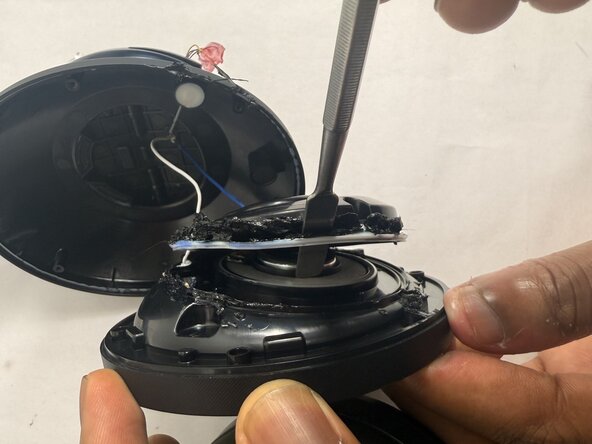
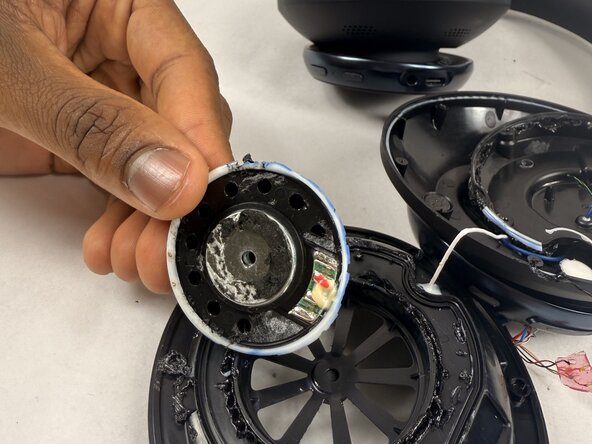
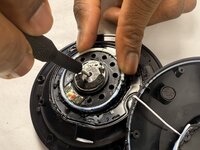
Insert a Phillips #00 screwdriver into the hole in the metal center of the actual driver.
-
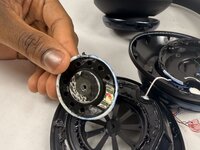
Pop off the driver component.
-
-
-
-
-
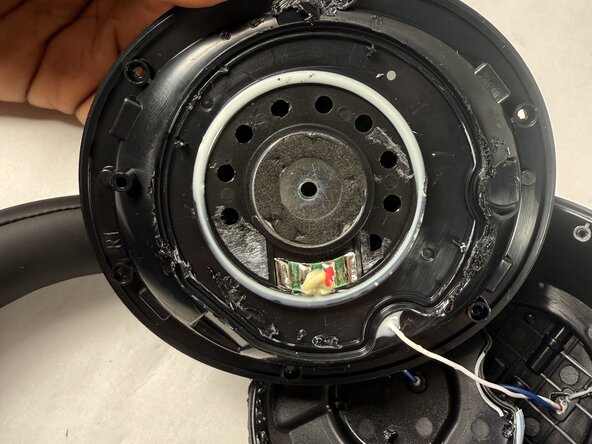
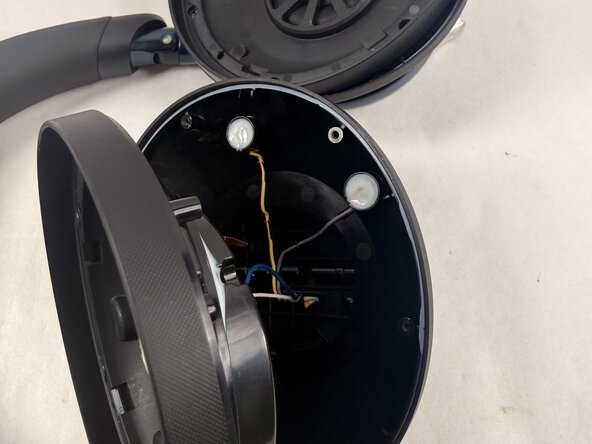
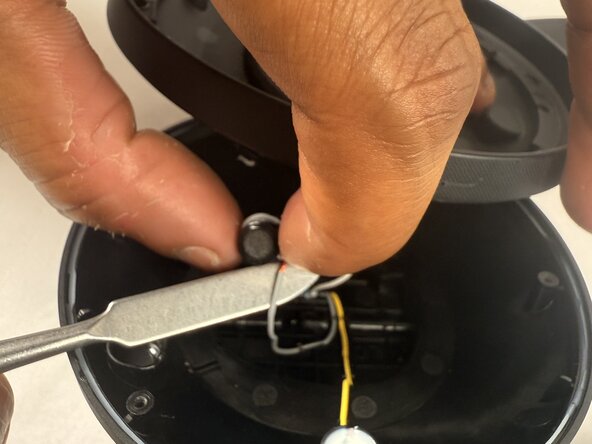
Locate the microphones by looking in the outside bowl area fit with wires and white spots.
-
-

 Ask FixBot








To reassemble your device, follow the above steps in reverse order.
Take your e-waste to an R2 or e-Stewards certified recycler.
Repair didn’t go as planned? Try some basic troubleshooting or ask our Answers community for help.

Team

UMass Dartmouth, Team 2-3, Botvin Spring 2025 Member of UMass Dartmouth, Team 2-3, Botvin Spring 2025
UMASSD-BOTVIN-S25S2G3
3 Members
48 Guides authored
