Introduction
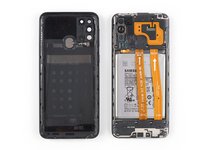
Prerequisite-only guide to remove the motherboard cover in your Samsung Galaxy M31.
What you need
-
-
Insert a SIM card eject tool, a SIM eject bit or a straightened paper clip into the hole on the SIM tray located at the left side of the phone.
-
Press firmly to eject the tray.
-
-
-
-
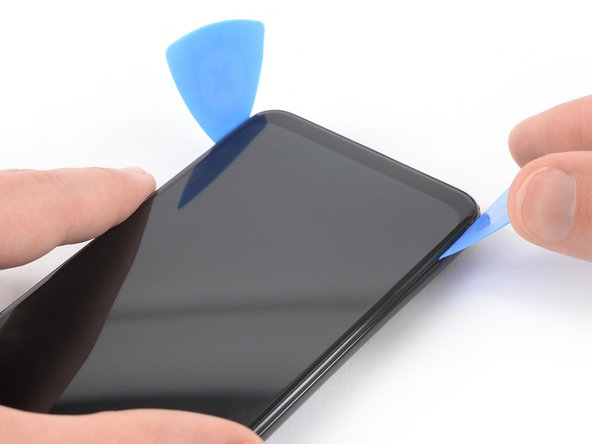
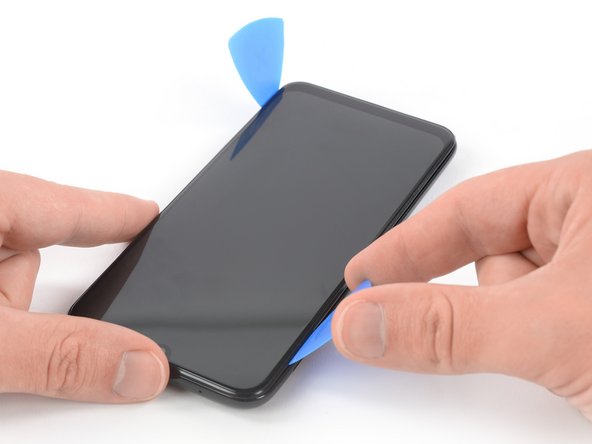
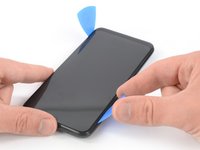
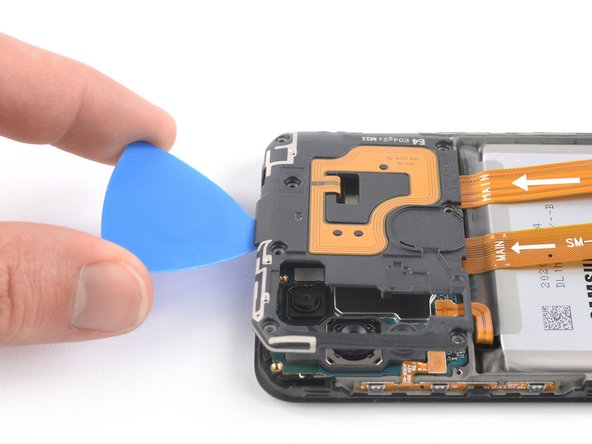
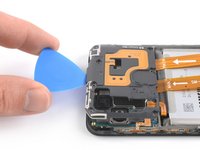
Insert the tip of an opening pick underneath the top edge of the motherboard cover.
-
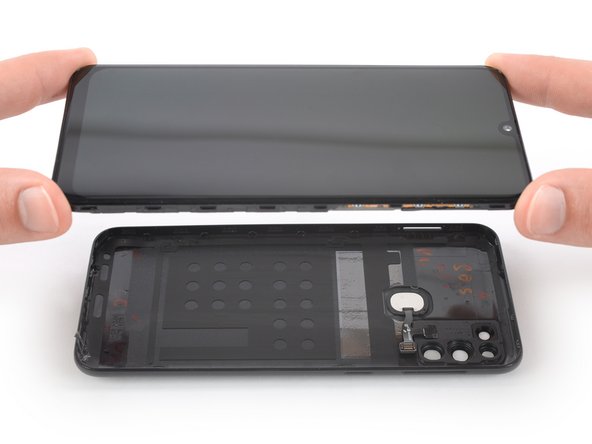
Use the opening pick to pry up the motherboard cover.
-
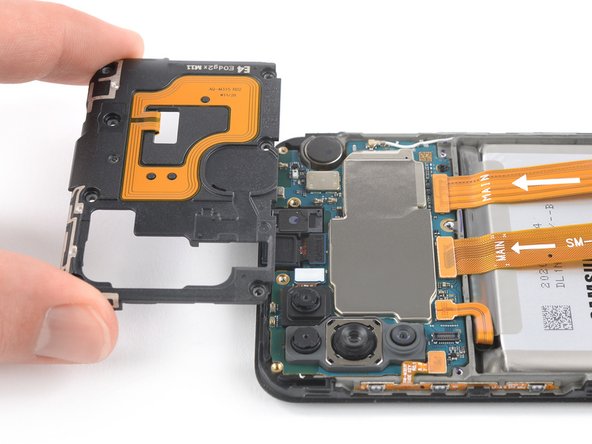
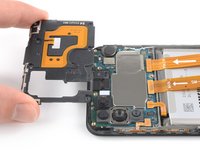
Remove the motherboard cover.
-












Conclusion
To reassemble your device, follow these instructions in reverse order.


