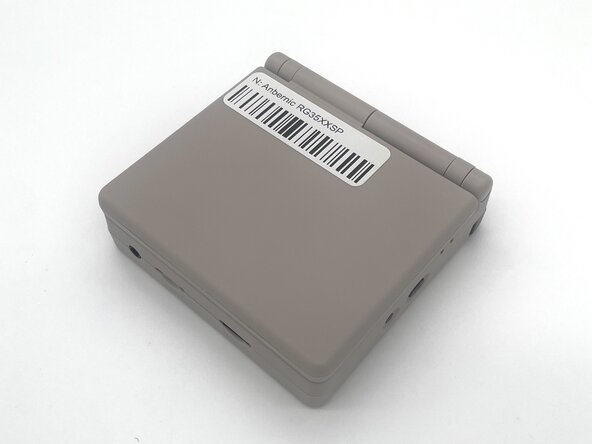
Anbernic RG35XXSP Speaker Replacement

What you need
  1. Anbernic RG35XXSP Speaker Replacement, Battery: step 1, image 1 of 3 Anbernic RG35XXSP Speaker Replacement, Battery: step 1, image 2 of 3 Anbernic RG35XXSP Speaker Replacement, Battery: step 1, image 3 of 3
    • Power the device off before starting the disassembly process.

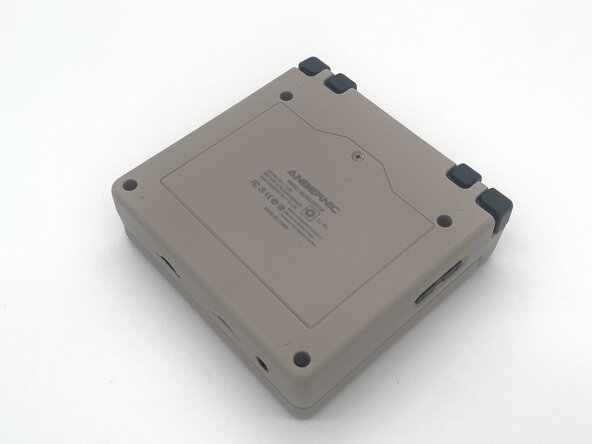
    • Close the device and turn it over so the bottom faces upward.

  2. Anbernic RG35XXSP Speaker Replacement: step 2, image 1 of 2 Anbernic RG35XXSP Speaker Replacement: step 2, image 2 of 2
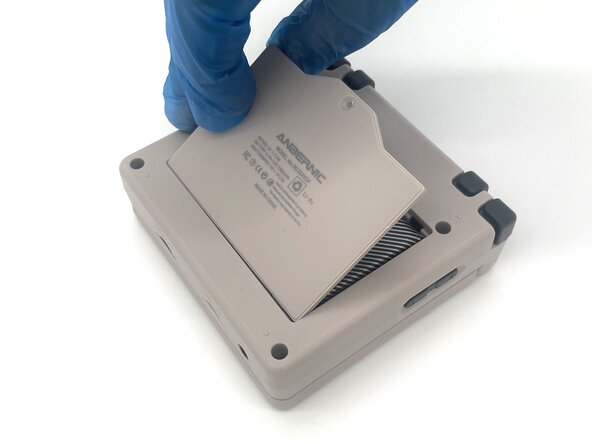
    • Use a Phillips #00 screwdriver to remove the single 5 mm screw securing the battery cover.

    • Lift the battery door and remove it.

  3. Anbernic RG35XXSP Speaker Replacement: step 3, image 1 of 2 Anbernic RG35XXSP Speaker Replacement: step 3, image 2 of 2
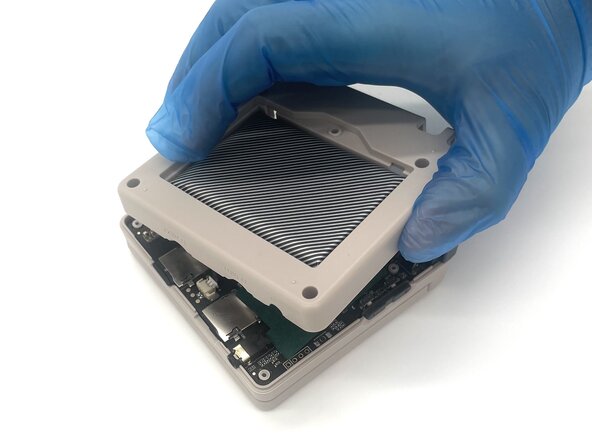
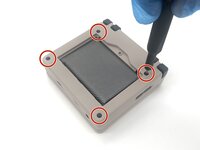
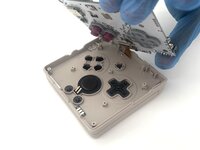
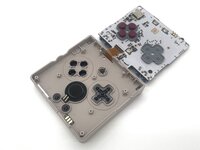
    • Use a T6 Torx screwdriver to remove the four 5 mm screws.

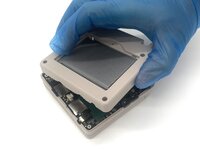
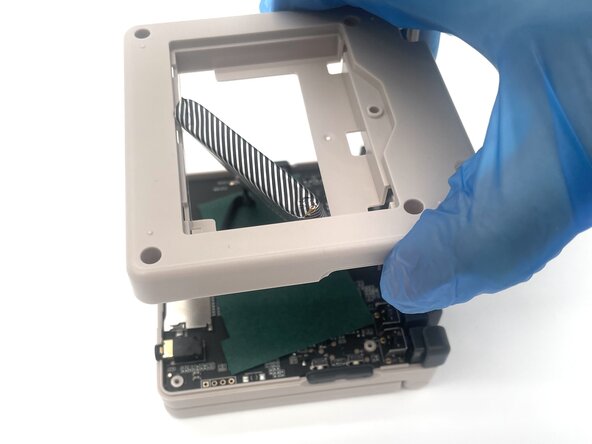
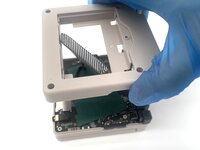
    • Lift the whole back case with the battery from the device.

    • Don't pull it away because the battery is connected to the board.

  4. Anbernic RG35XXSP Speaker Replacement: step 4, image 1 of 3 Anbernic RG35XXSP Speaker Replacement: step 4, image 2 of 3 Anbernic RG35XXSP Speaker Replacement: step 4, image 3 of 3
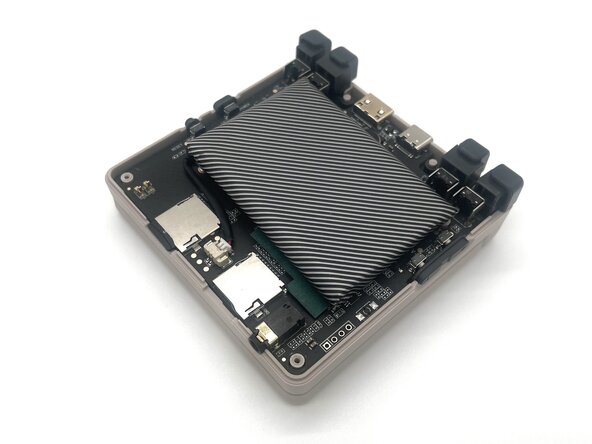
    • Remove the battery from the back compartment and fit it through the gap in the back case.

    • Put the plastic case aside for reassembly.

  5. Anbernic RG35XXSP Speaker Replacement: step 5, image 1 of 3 Anbernic RG35XXSP Speaker Replacement: step 5, image 2 of 3 Anbernic RG35XXSP Speaker Replacement: step 5, image 3 of 3
    • Pinch the sides of the battery connector and slide it from the socket to disconnect the battery cable.

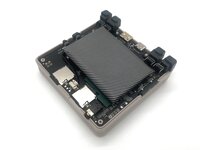
    • Remove the battery.

  6. Anbernic RG35XXSP Speaker Replacement, Speaker: step 6, image 1 of 2 Anbernic RG35XXSP Speaker Replacement, Speaker: step 6, image 2 of 2
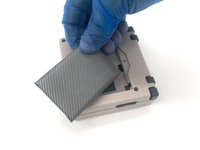
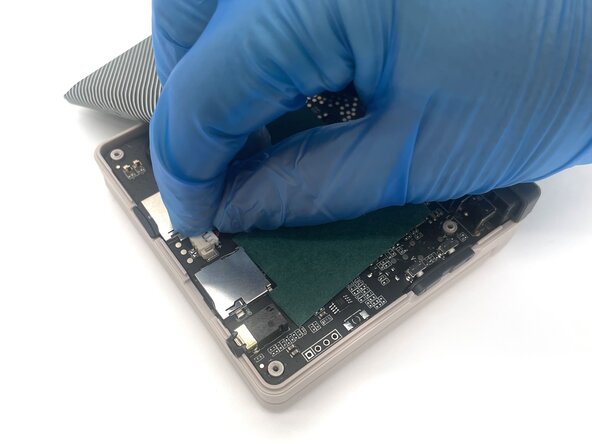
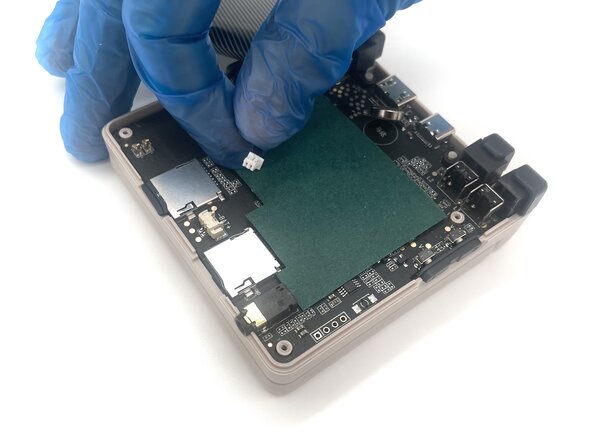
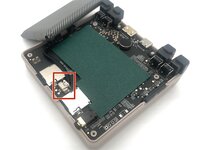
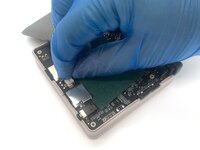
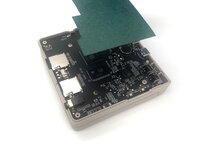
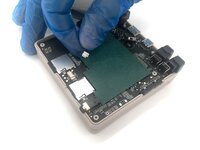
    • Lift up the green sheet of paper from the motherboard.

  7. Anbernic RG35XXSP Speaker Replacement: step 7, image 1 of 3 Anbernic RG35XXSP Speaker Replacement: step 7, image 2 of 3 Anbernic RG35XXSP Speaker Replacement: step 7, image 3 of 3
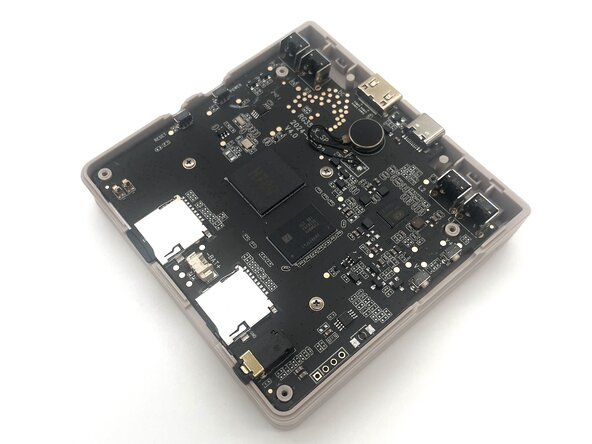
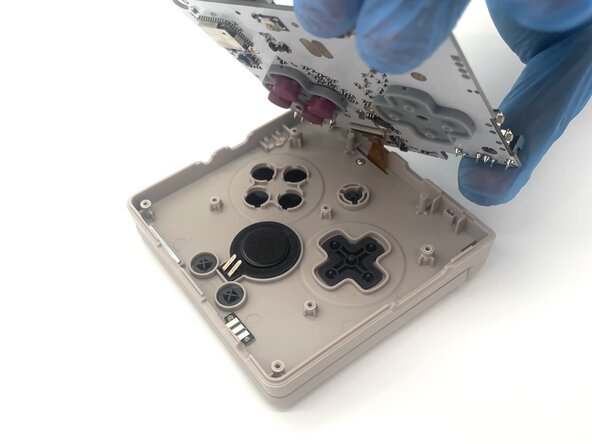
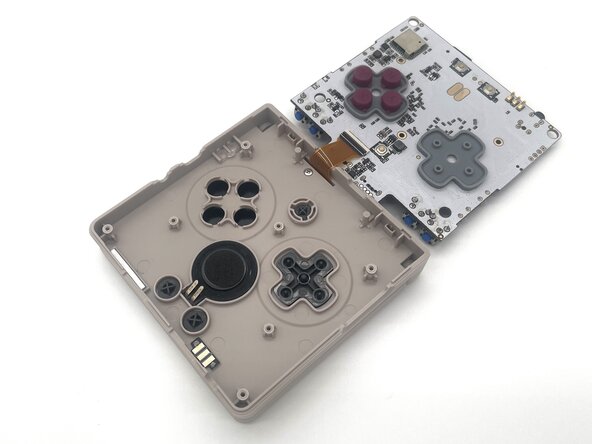
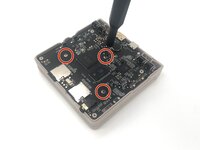
    • Use a Phillips #00 screwdriver to remove the three 5 mm screws that secure the motherboard.

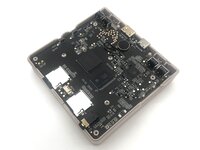
    • Lift up the motherboard from the main body and flip it to the other side to reveal the speaker.

  8. Anbernic RG35XXSP Speaker Replacement: step 8, image 1 of 1
    • Remove the speaker from the device.

Conclusion

To reassemble your device, follow these instructions in reverse order. Take your e-waste to an R2 or e-Stewards certified recycler.

3 other people completed this guide.

0 Guide Comments

Add Comment

View Statistics:

Past 24 Hours: 0

Past 7 Days: 11

Past 30 Days: 33

All Time: 230