Introduction
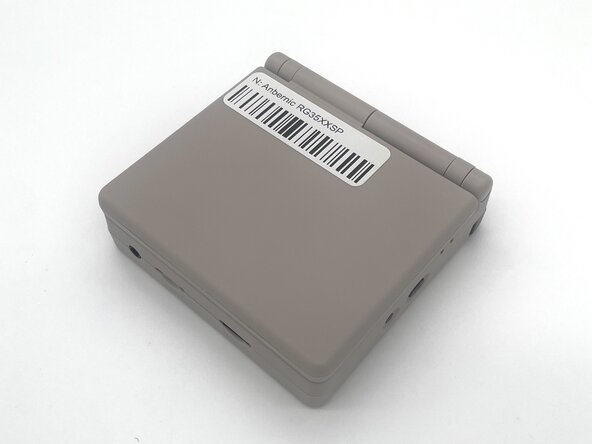
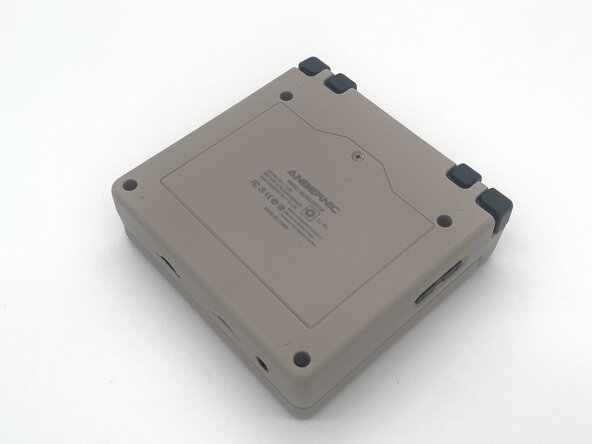
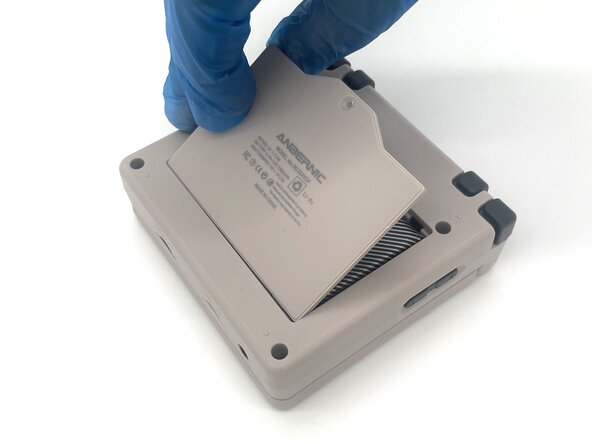
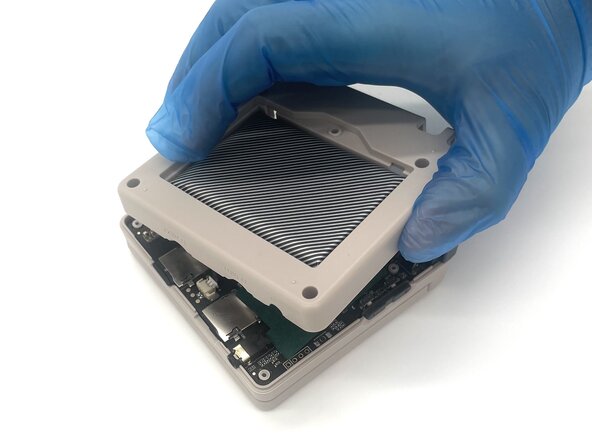
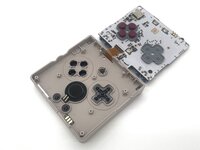
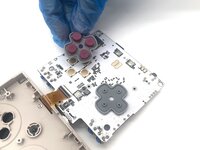
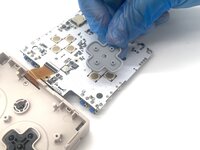
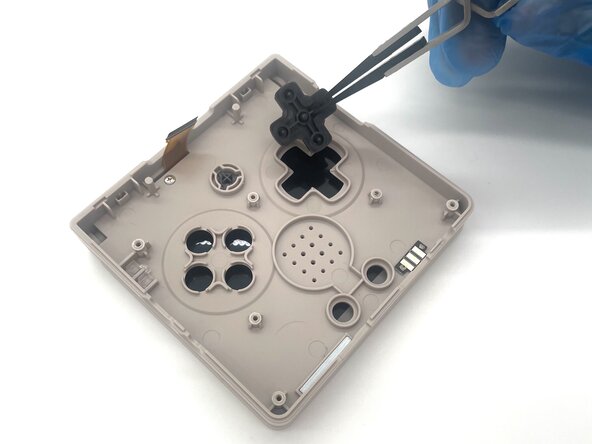
In this guide, we’ll show you how to safely replace the action buttons on your Anbernic RG35XXSP handheld console.
Over time, continuous use can wear out the buttons, causing them to become unresponsive. If your inputs are slow, inconsistent, or not working at all, it’s likely time to replace the action buttons. Installing new buttons can improve responsiveness and enhance your overall gaming experience.
Common Causes
- Delayed or inconsistent input during gameplay
- Buttons feel stuck, soft, or don’t spring back
- Some buttons no longer respond at all
- Physical wear or damage to the button caps
This guide walks you through each step of the replacement process, with helpful tips to ensure a smooth and effective repair.
Before you begin the repair, make sure to turn off the game and unplug from the charger.
What you need
-
-
-
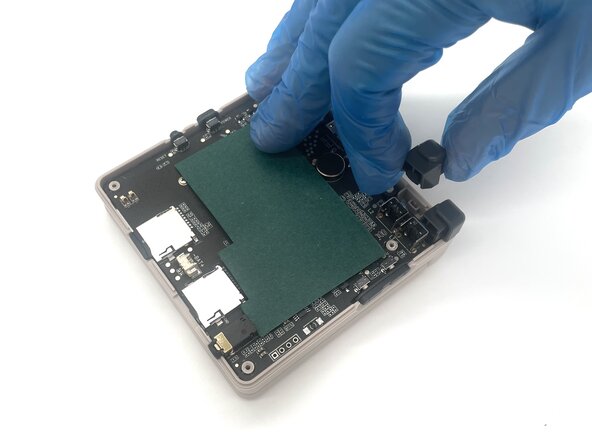
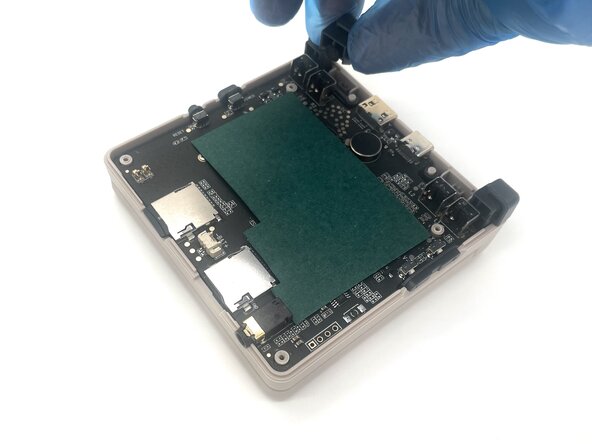
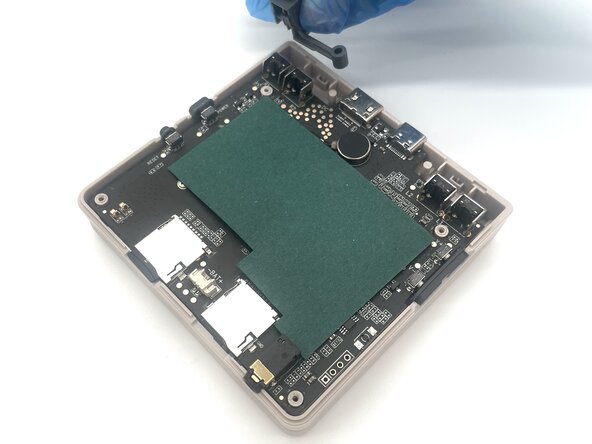
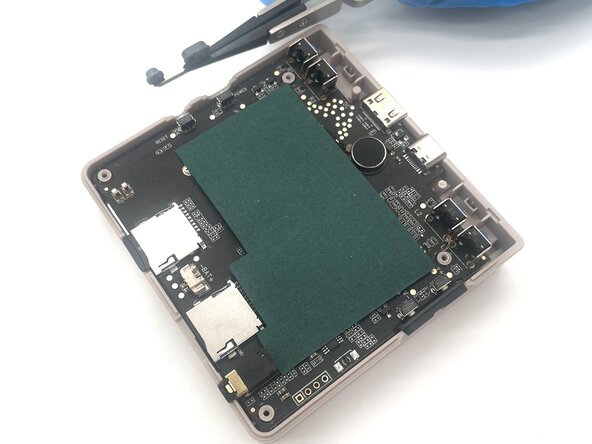
Pinch the R2 button and gently lift it to remove it.
-
Pinch the R1 button and gently lift it to remove it.
-





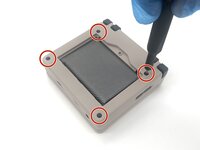
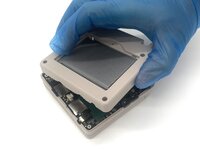

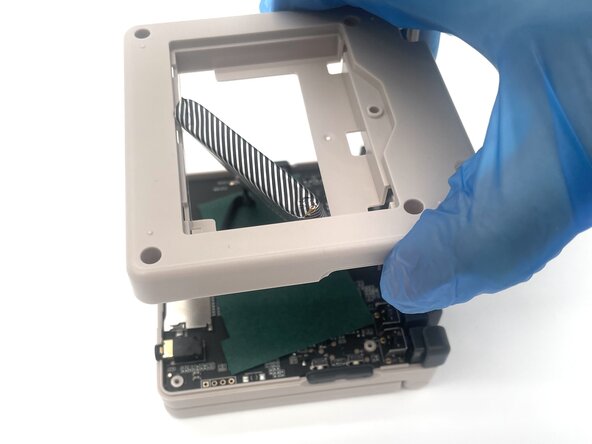
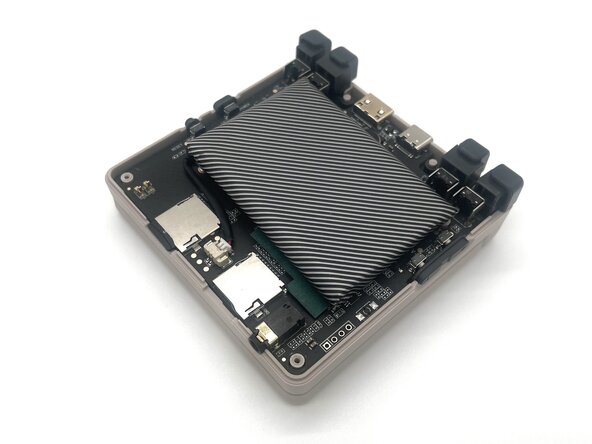
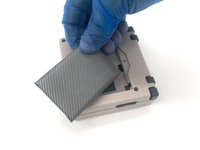
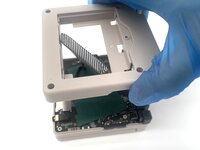
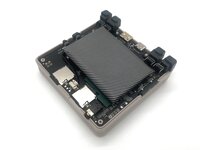

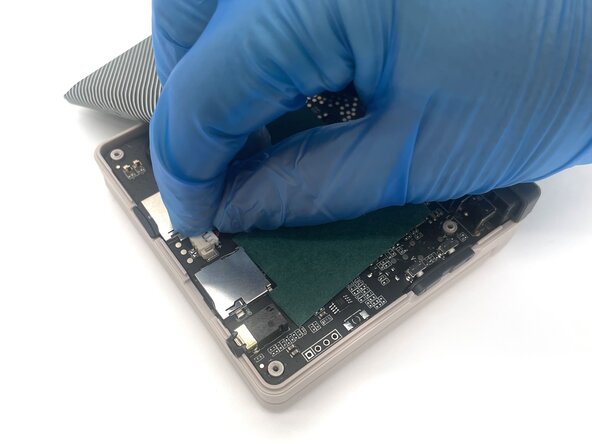
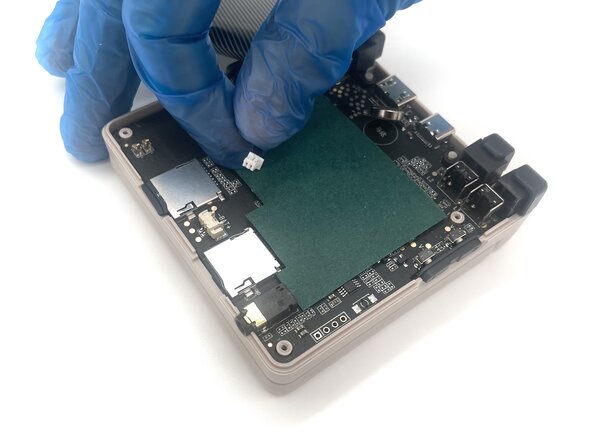
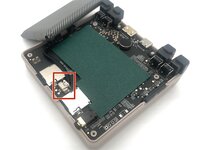
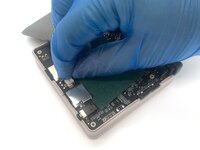
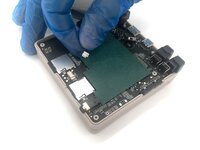


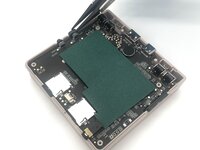
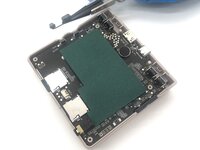

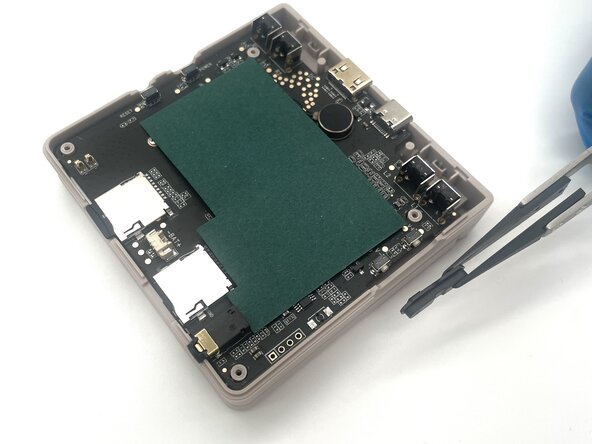
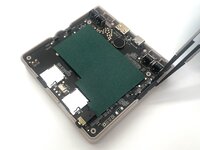

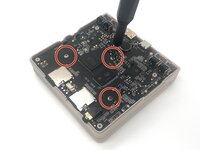
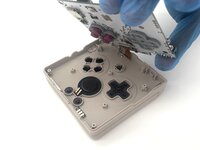

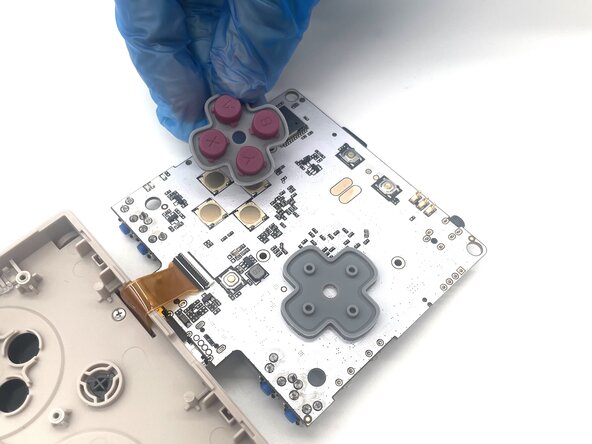
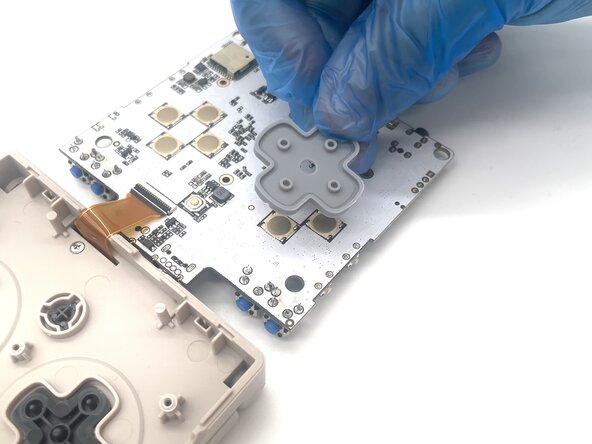

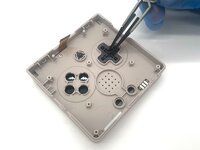
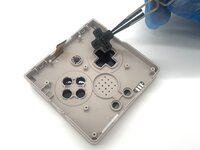
To reassemble your device, follow these instructions in reverse order. Take your e-waste to an R2 or e-Stewards certified recycler.
Cancel: I did not complete this guide.
3 other people completed this guide.


Team

University of North Texas, Team 1-2, Kilpatrick Spring 2025 Member of University of North Texas, Team 1-2, Kilpatrick Spring 2025
UNT-KILPATRICK-S25S1G2
4 Members
5 Guides authored
