
Amazon Fire Max 11 Micro SD Card Replacement

Anthony Martins and 2 other contributors
Last updated on Jun 28, 2024
Views: 1.3K
View statistics:
- Past 24 Hours:
- 2
- Past 7 Days:
- 23
- Past 30 Days:
- 103
- All Time:
- 1,273
Comments: 0
No one has left comments on this guide. Will you be first?
Go to guide commentsCompleted: 1 2
1 person has marked this guide "completed." Will you be next?
2 people have marked this guide "completed." Including you — great job!
Favorites: 0 1
No one has favorited (and subscribed to) this guide. Will you be the first?
1 person has favorited (and subscribed to) this guide — and that's you!
Better Introduction
Improve this guide by completing or revising its introduction.
Introduction
Go to step 1 ↓A micro SD card is important when storing information on your device. This guide will explain how to install a micro SD card into your Amazon Fire Max 11 or replace an existing one if it is faulty or slow.
What you need
Tools

-
-
-
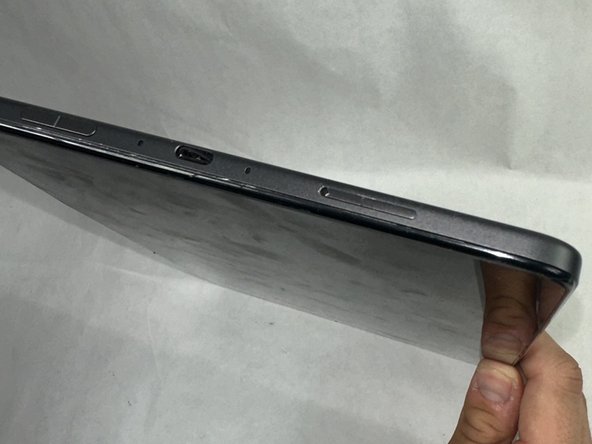
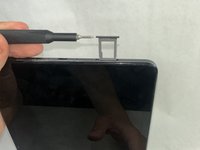
Press a SIM card tray pin (or a paper clip if you do not have the pin) into the hole in the side of the SIM card tray to eject the tray.
-
-

 Ask FixBot


To reassemble your device, follow these instructions in reverse order. Take your e-waste to an R2 or e-Stewards certified recycler.
Cancel: I did not complete this guide.
One other person completed this guide.

Team

UMass Dartmouth, Team 1-3, Konn Spring 2024 Member of UMass Dartmouth, Team 1-3, Konn Spring 2024
UMASSD-KONN-S24S1G3
4 Members
48 Guides authored
