
Alienware AW610M Side Button Replacement

Darby Brandt and 3 other contributors
Last updated on Dec 17, 2025
Views: 382
View statistics:
- Past 24 Hours:
- 1
- Past 7 Days:
- 15
- Past 30 Days:
- 81
- All Time:
- 382
Comments: 1
1 comment on steps.
Completed: 0 1
No one has marked this guide "completed." Will you be the first?
1 person has marked this guide "completed." It's you — great job!
Favorites: 0 1
No one has favorited (and subscribed to) this guide. Will you be the first?
1 person has favorited (and subscribed to) this guide — and that's you!
Introduction
Go to step 1 ↓The side buttons on the Alienware AW610M are responsible for providing short-cuts and in-game actions. After some time, the side buttons may stop working due to wear or build up of debris. Replacing the side buttons allows the mouse to be reliable and work at its best ability.
Before you start replacing the side buttons, make sure the mouse is turned off and unplugged. If you are unsure about the side button being the source of the problem, refer back to our troubleshooting page before you continue.
What you need
Tools


-
-
-
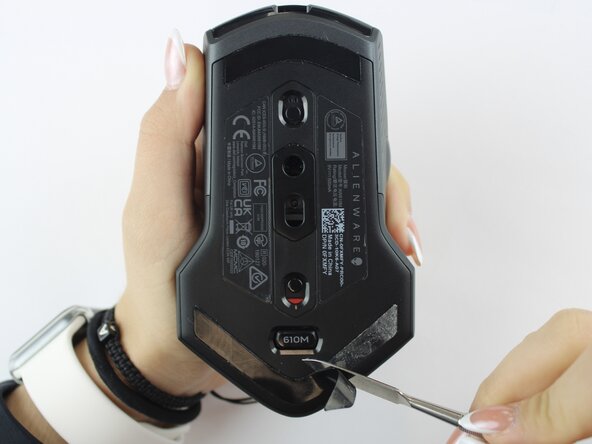
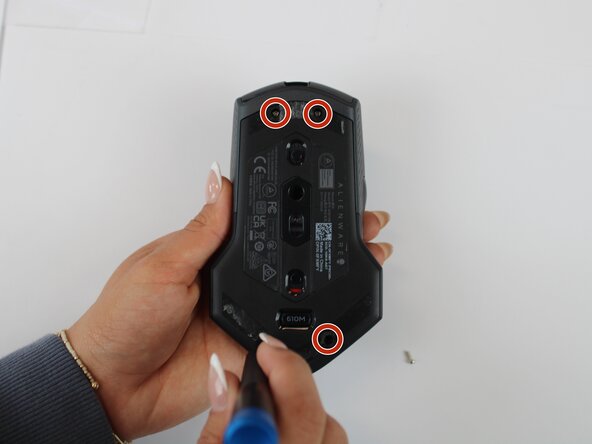
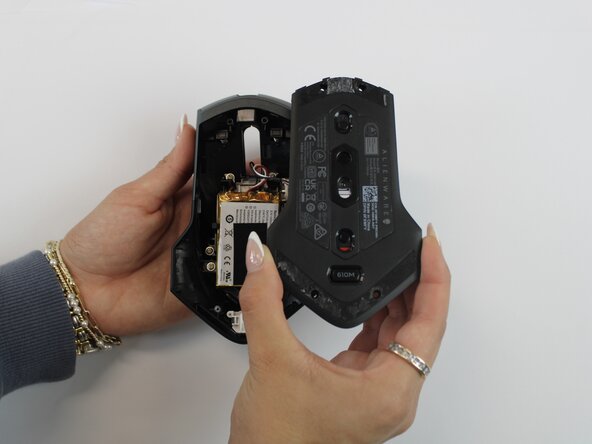
Using an opening tool, gently pry apart the two halves of the mouse case. Start at the seam and work your way around until the housing is separated.
-
-
-
-
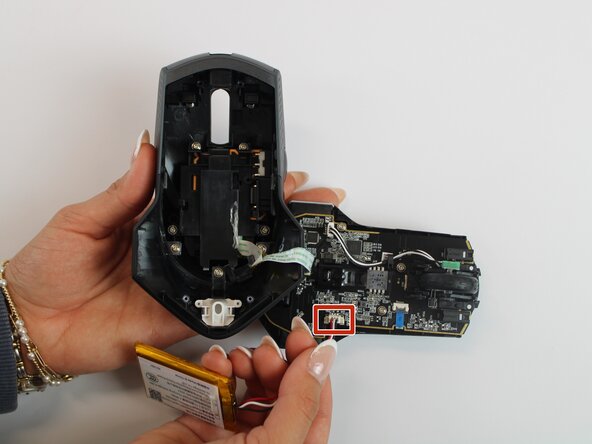
Remove the old battery from its spot. Lift the wire connector away from the mainboard to disconnect it.
-
-
-
-
Remove the single 5.4 mm screw using a Phillips #1 screwdriver.
-
Detach the cable connector, and remove the scroll wheel.
-
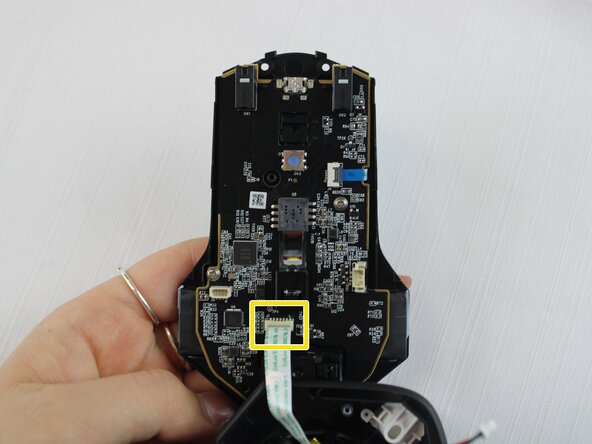
Gently detach the last connector using your fingers.
-
-
-
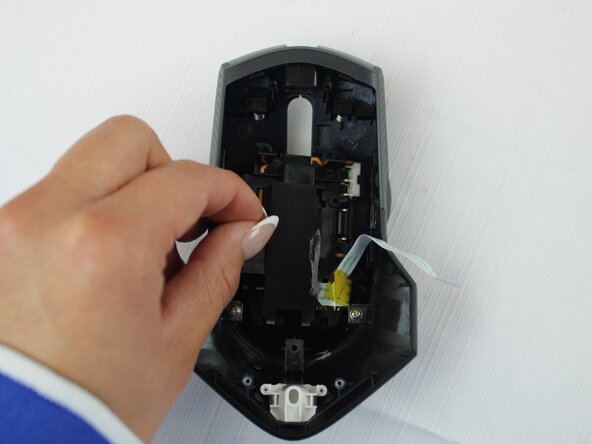
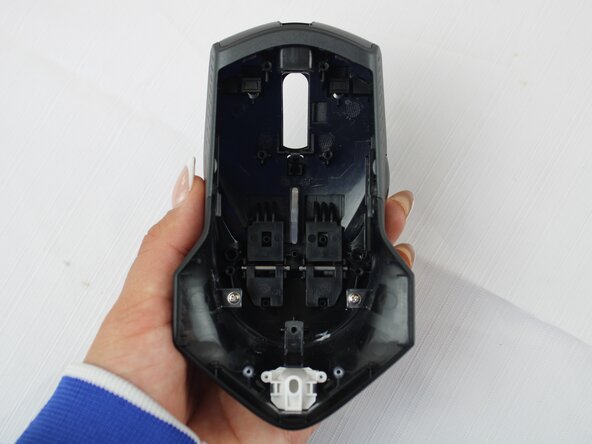
Turn the large shell casing so that the inside faces you.
-
Using a Phillips #1 screwdriver, remove six 5.4 mm screws.
-
-
-
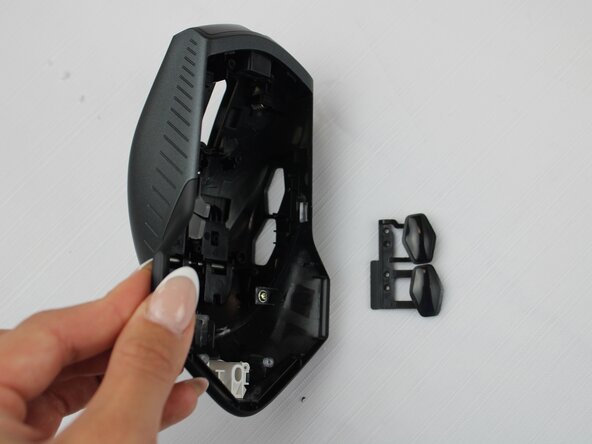
Using your fingers, disconnect the plastic tab in the middle of the large shell casing to access the side buttons.
-
-
-
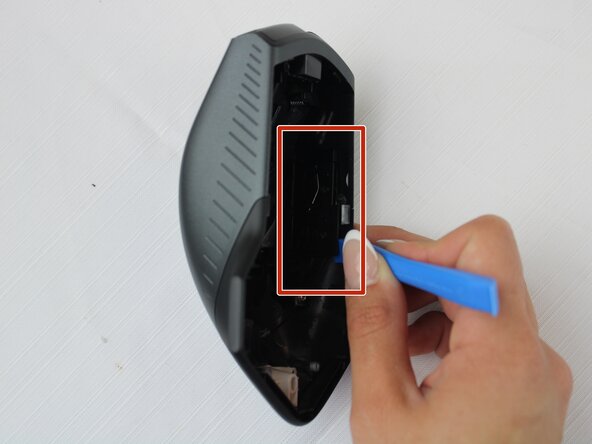
Remove the side button on the inner side of the wall using a plastic opening tool.
-
-


 Ask FixBot















To reassemble your device, follow these instructions in reverse order.

Team

Texas Tech, Team 46-4, Johansen Fall 2025 Member of Texas Tech, Team 46-4, Johansen Fall 2025
TTU-JOHANSEN-F25S46G4
4 Members
60 Guides authored
