Introduction
This page will guide you on the replacement of the battery on your 360fly 4K camera.
What you need
-
-
-
Flip the camera upside down and peel off the two plastic screw covers with the metal spudger to reveal the screws.
 Ask FixBot
-
-
-
Remove the two 5 mm screws from the bottom of the camera with a T4 screwdriver.
-
-
-
-
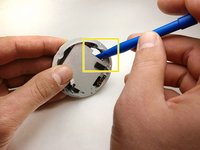
Gently pry the plastic ring from around the charging plate with the metal spudger.
-
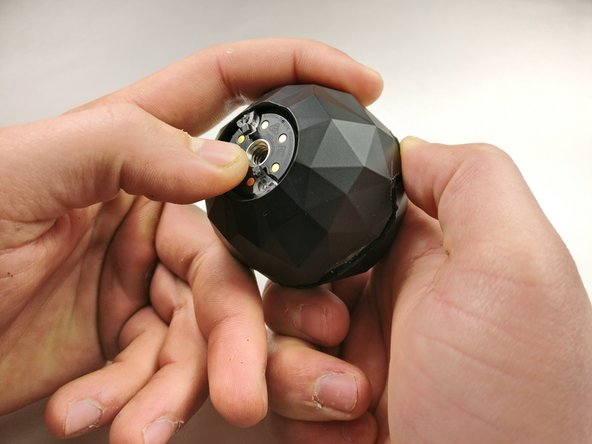
Remove the outside shell by pressing against the center of the charging plate and pulling the bottom shell away from the top shell.
-
-
-
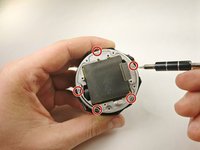
Remove the five 2 mm screws using a T4 screwdriver.
-
Pull off the charging plate assembly.
-
-
-
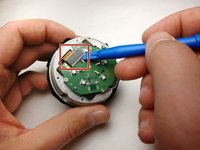
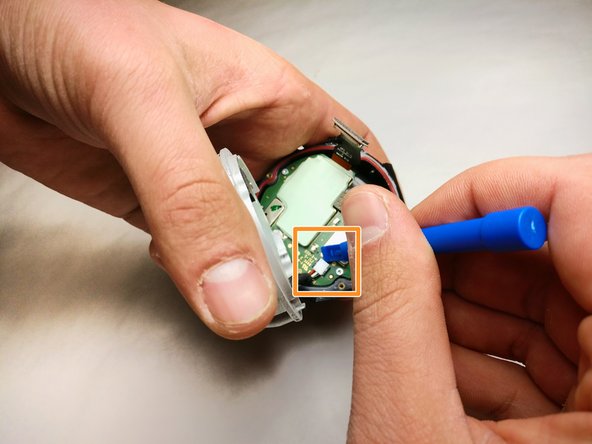
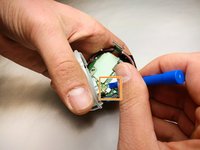
Gently pry the plug off the port on the circuit board with a plastic opening tool.
-
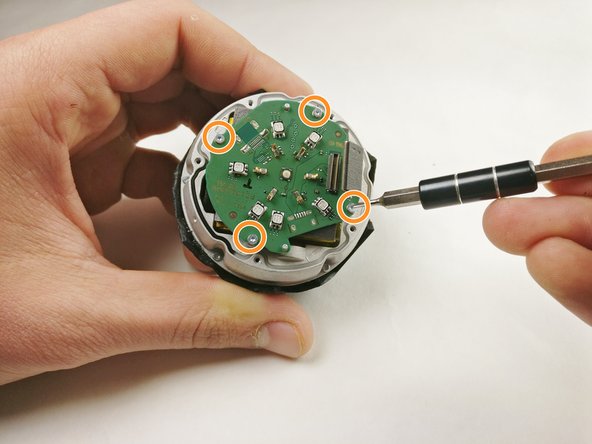
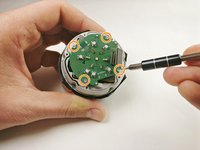
Remove the four 2 mm screws using a T4 screwdriver.
-
Remove the circuit board from the device.
-
-
-
Remove the five 4 mm screws around the battery assembly with a T4 screwdriver.
-
Lift the battery assembly and gently pry the plug out of its port on the board below with a plastic opening tool.
-
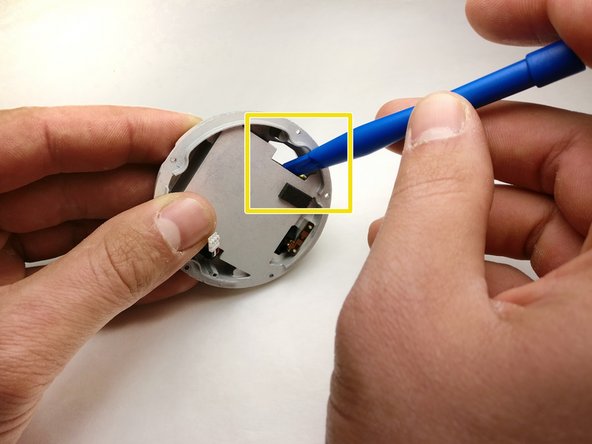
Press the battery from the back of the battery assembly to remove it with a plastic opening tool until the glue releases the battery.
-
-





To reassemble your device, follow these instructions in reverse order.
Cancel: I did not complete this guide.
2 other people completed this guide.

Team

IUPUI, Team S5-G3, Baechle Fall 2017 Member of IUPUI, Team S5-G3, Baechle Fall 2017
IUPUI-BAECHLE-F17S5G3
3 Members
36 Guides authored
5 Guide Comments
Wich one battery Can I use to replace It?
Where can i purchase a battery
I would like to purchase a 360 fly battery
