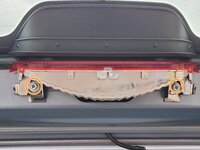
2006 Toyota Matrix Center Brake Light Bulb Replacement

What you need
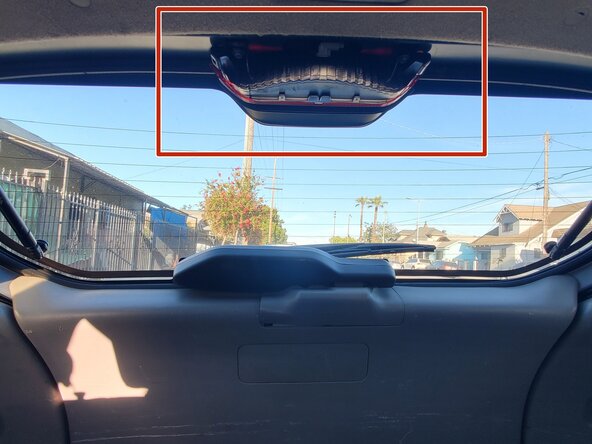
  1. 2006 Toyota Matrix Center Brake Light Bulb Replacement, Center brake light bulb: step 1, image 1 of 3 2006 Toyota Matrix Center Brake Light Bulb Replacement, Center brake light bulb: step 1, image 2 of 3 2006 Toyota Matrix Center Brake Light Bulb Replacement, Center brake light bulb: step 1, image 3 of 3
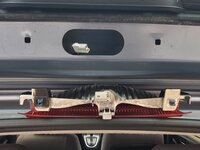
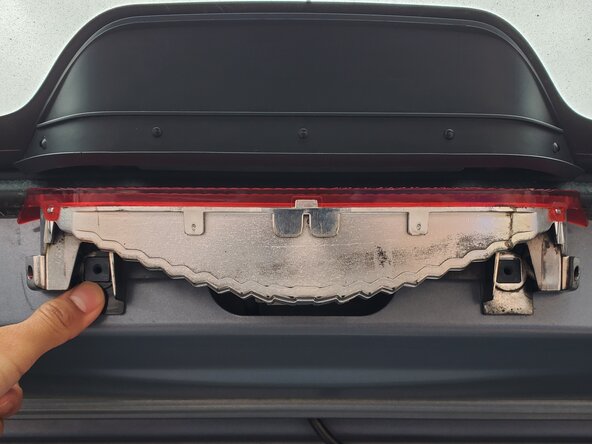
    • Open the trunk.

    • The brake light is located at the upper center of the inside of the trunk window.

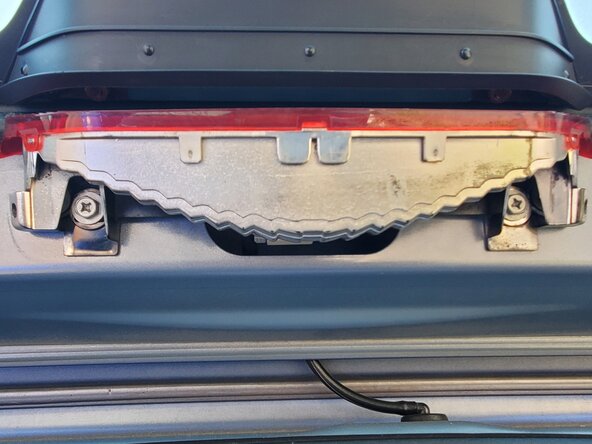
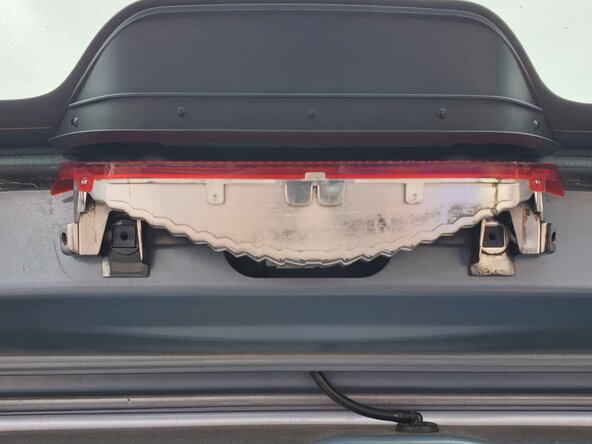
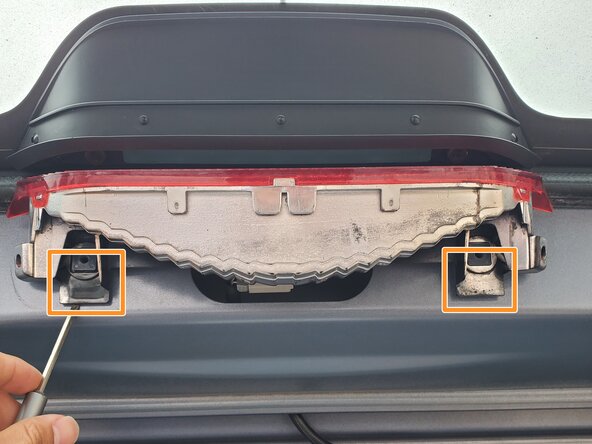
  2. 2006 Toyota Matrix Center Brake Light Bulb Replacement: step 2, image 1 of 3 2006 Toyota Matrix Center Brake Light Bulb Replacement: step 2, image 2 of 3 2006 Toyota Matrix Center Brake Light Bulb Replacement: step 2, image 3 of 3
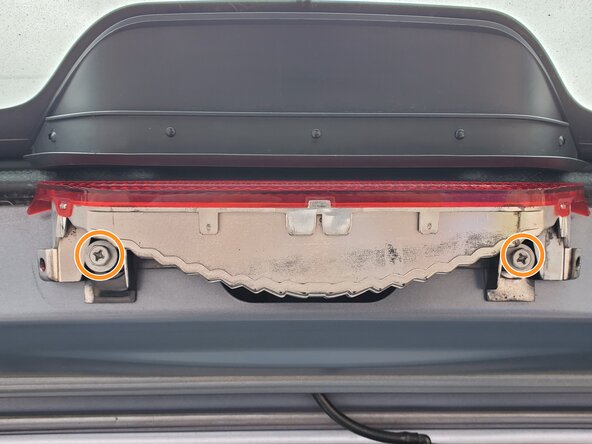
    • Use a Phillips screwdriver to remove two screws from the brake light mount.

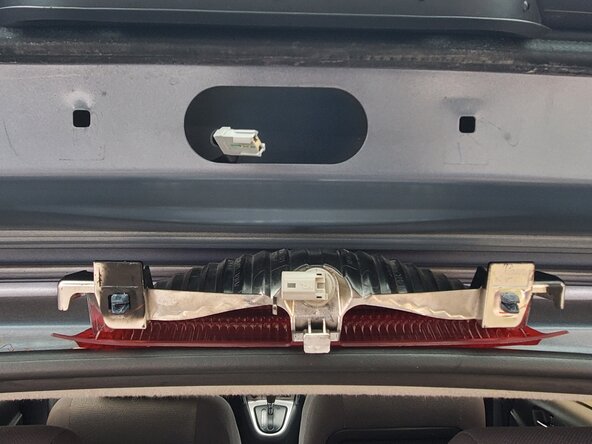
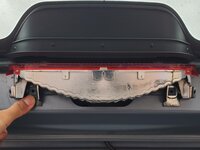
    • Use a flathead screwdriver to pry the brake light mount on both sides and push out the black plastic fasteners.

    • To prevent the brake light mount from falling, hold it in place while pushing out the plastic fasteners.

  3. 2006 Toyota Matrix Center Brake Light Bulb Replacement: step 3, image 1 of 3 2006 Toyota Matrix Center Brake Light Bulb Replacement: step 3, image 2 of 3 2006 Toyota Matrix Center Brake Light Bulb Replacement: step 3, image 3 of 3
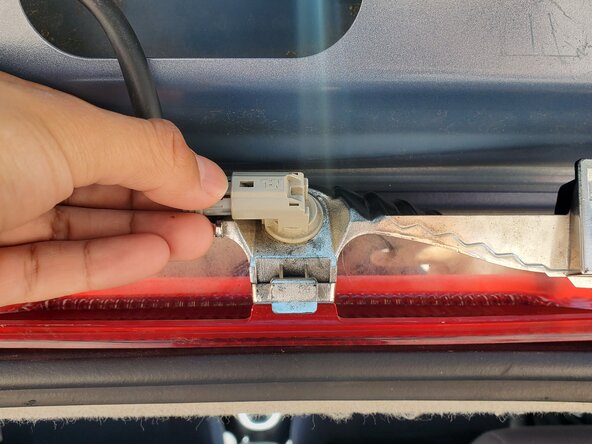
    • Hold the brake mount in place, carefully press down on the brake light cable connector, and remove it from the socket.

  4. 2006 Toyota Matrix Center Brake Light Bulb Replacement: step 4, image 1 of 3 2006 Toyota Matrix Center Brake Light Bulb Replacement: step 4, image 2 of 3 2006 Toyota Matrix Center Brake Light Bulb Replacement: step 4, image 3 of 3
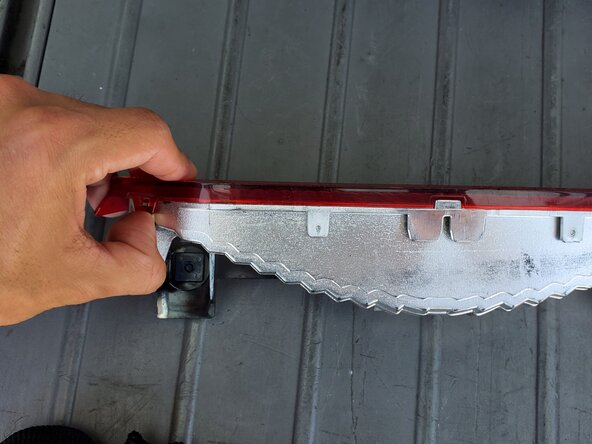
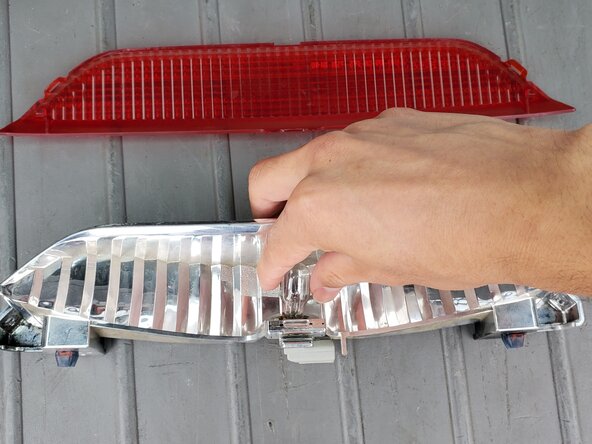
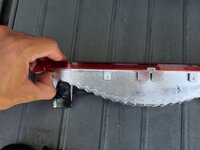
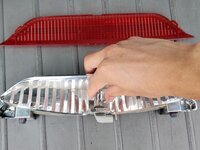
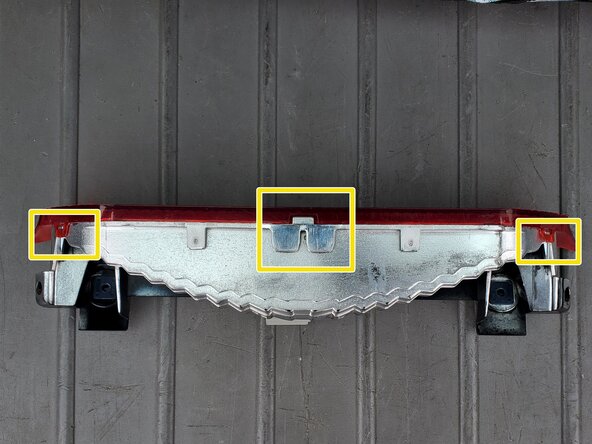
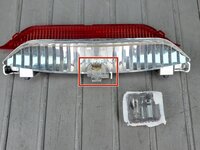
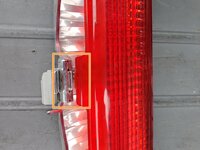
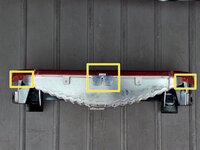
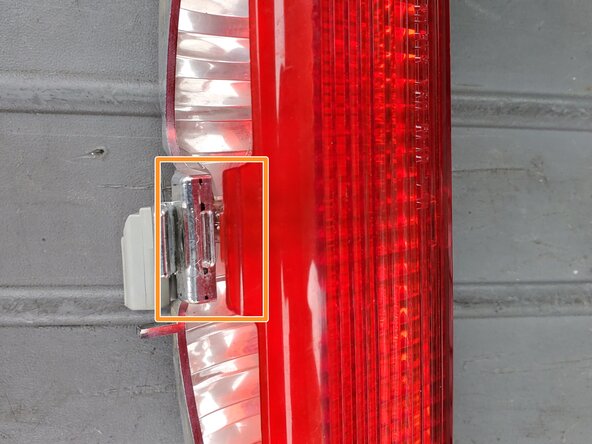
    • Unclip the red light cover from the mounting points on both the front-left and front-right sides.

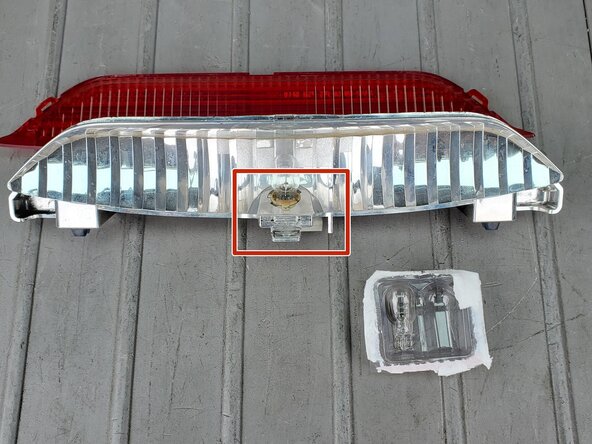
    • Gently wiggle and pull out the light bulb from its location.

  5. 2006 Toyota Matrix Center Brake Light Bulb Replacement: step 5, image 1 of 3 2006 Toyota Matrix Center Brake Light Bulb Replacement: step 5, image 2 of 3 2006 Toyota Matrix Center Brake Light Bulb Replacement: step 5, image 3 of 3
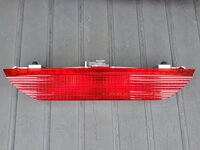
    • Insert the new light bulb, then carefully press down to secure the light bulb.

    • Insert the center clip of the red cover into the slot on the brake light mount.

    • Clip the lens front-side left and right clipping position into the mount's designated clipping locations.

  6. 2006 Toyota Matrix Center Brake Light Bulb Replacement: step 6, image 1 of 3 2006 Toyota Matrix Center Brake Light Bulb Replacement: step 6, image 2 of 3 2006 Toyota Matrix Center Brake Light Bulb Replacement: step 6, image 3 of 3
    • Reconnect the brake light mount to the cable attachment.

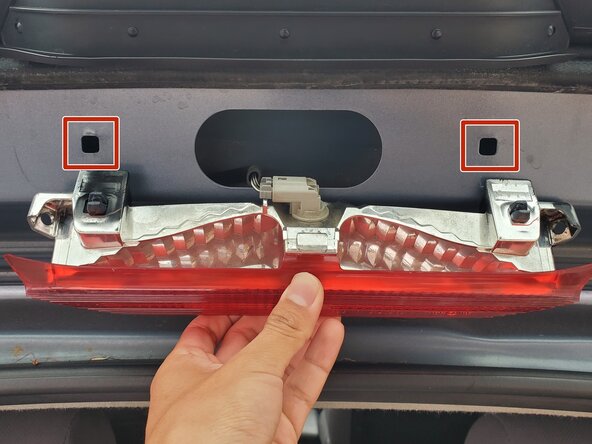
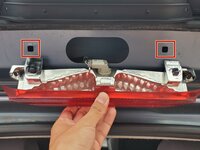
    • Push the mount's black plastic fasteners into the highlighted holes.

    • Use moderate force to push in the plastic fasteners

    • Replace the two Phillips screws into the brake light mount.

Conclusion

To reassemble your device, follow these instructions in reverse order. Take your e-waste to an R2 or e-Stewards certified recycler.

Ds.1234

Member since: 04/09/25

133 Reputation

1 Guide authored

0 Guide Comments

Add Comment

View Statistics:

Past 24 Hours: 0

Past 7 Days: 5

Past 30 Days: 21

All Time: 181