Battery

|
3 Answers 14 Score |
How do you turn mic on and off |
|
4 Answers 7 Score |
forgotten bios password lock |
|
3 Answers 1 Score |
Inspiron 1521 does not boot up |
|
1 Answer 0 Score |
How to wipe the laptop completely clean |
These are some common tools used to work on this device. You might not need every tool for every procedure.
Common tools used to work on this device. You might not need every tool for every procedure.
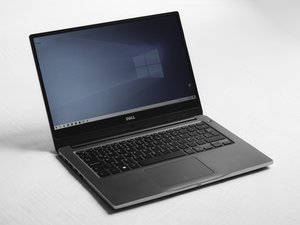
The Dell Inspiron 1521 was released in 2007 and shipped in eight different colors. This laptop comes equipped with a Dell MediaDirect button above the keyboard, media controls on the side, a TruLife Screen, a Wi-Fi Catcher, and an 8-in-1 card reader.
The Dell Inspiron 1521 was succeeded by the Inspiron 1525 in the January of 2008. The Dell Inspiron 1525 was 0.6 lbs. lighter, 0.2 inches thinner, and featured a HDMI port.
Although many of the Dell Inspiron models are similar in looks, you can verify that yours is the Dell Inspiron 1521 by locating the model number above the top left corner of the keyboard, or by turning the laptop on and accessing the system menu in the control panel to look at the laptop specifications. There should also be a product label on the back panel that shows the model number of the laptop.
Narrow down problems encountered with your Dell Inspiron 1521 laptop on our Troubleshooting Page.
CPSU-FORTE-F12S15G47
5 Members
108 Guides authored
Past 24 Hours: 2
Past 7 Days: 9
Past 30 Days: 48
All Time: 13,489